Meet Your Seller
WRIARICH DisplayPort Switch 4K 144Hz Splitter with Audio Extractor, Plug & Play, Display Port Switcher Box 1 in 2 Out, 4K@144Hz, 4K@120Hz, 4K@60Hz for PC Monitor Laptop
- Item #: 9SIVU39M4K8667
- Mfr. Part #: VSE4FG89WES
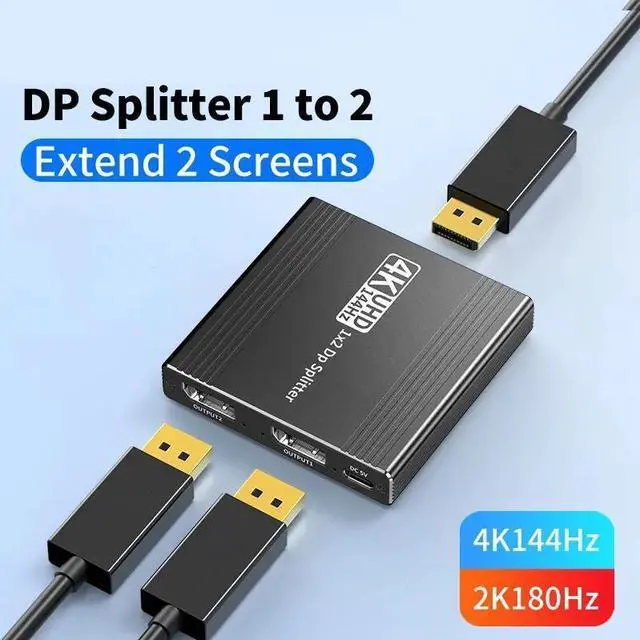
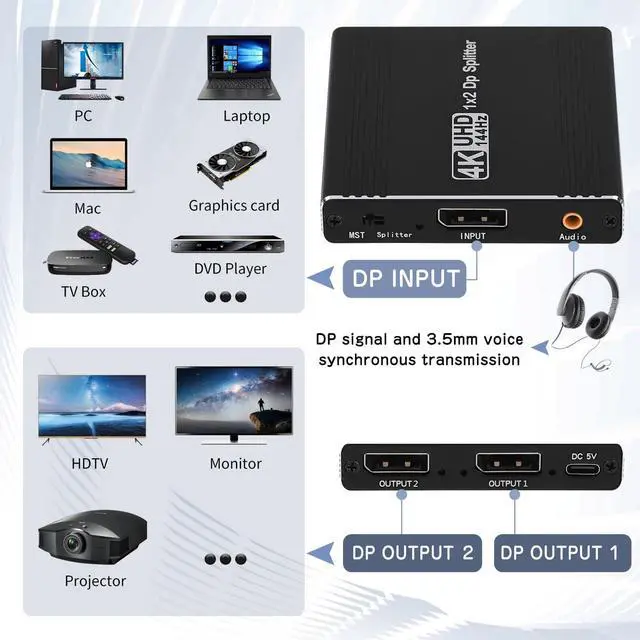
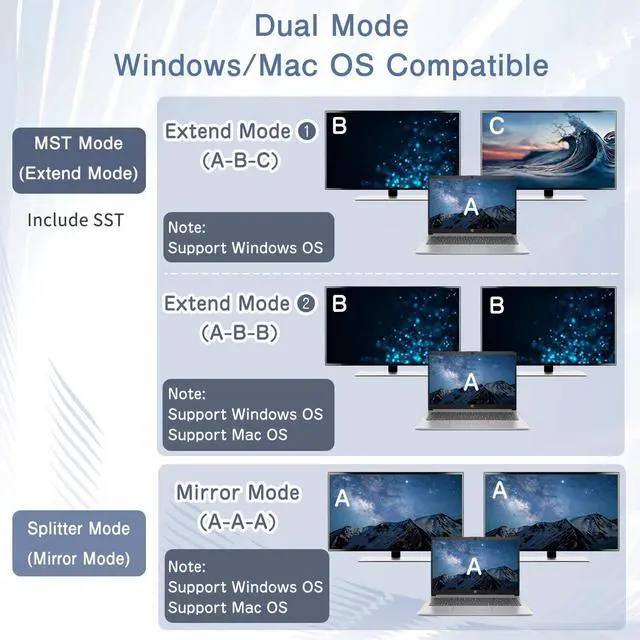
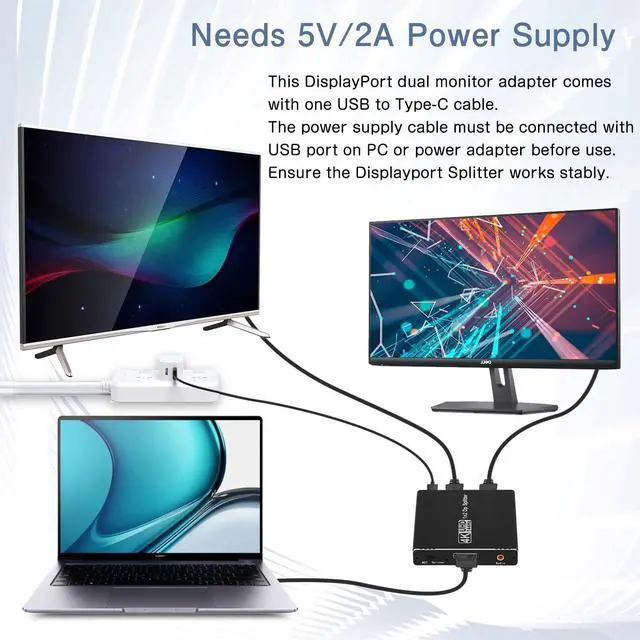
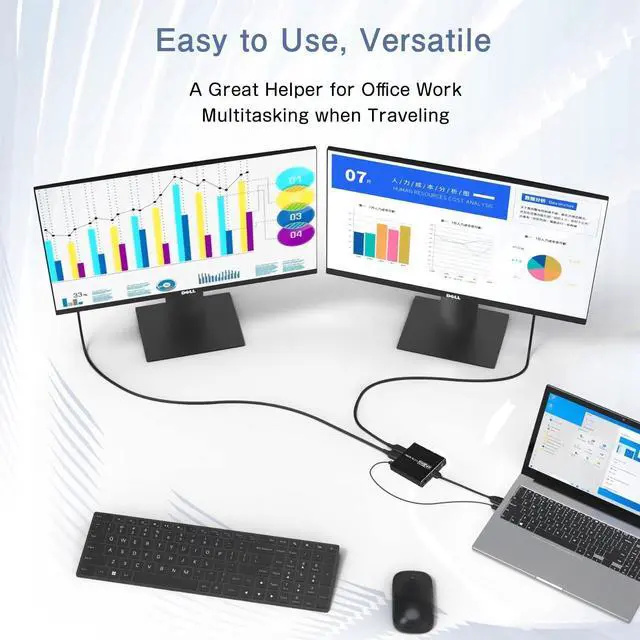
- DisplayPort to 2 DisplayPort Adapter: DisplayPort to Dual DisplayPort Splitter can output one DP signal to 2 DP displays at the same time, which can support the use of Expanded Mode and Mirroring Mode(AAA/ABB/ABC) to fulfill your need for more screen displays (can only unidirectionally transmit from one DP signal source to two DP displays). Mac OS only supports SST mode (AAA/ABB), it is not recommended to connect any docking station or hub (most docking stations and hubs do not support MST function)
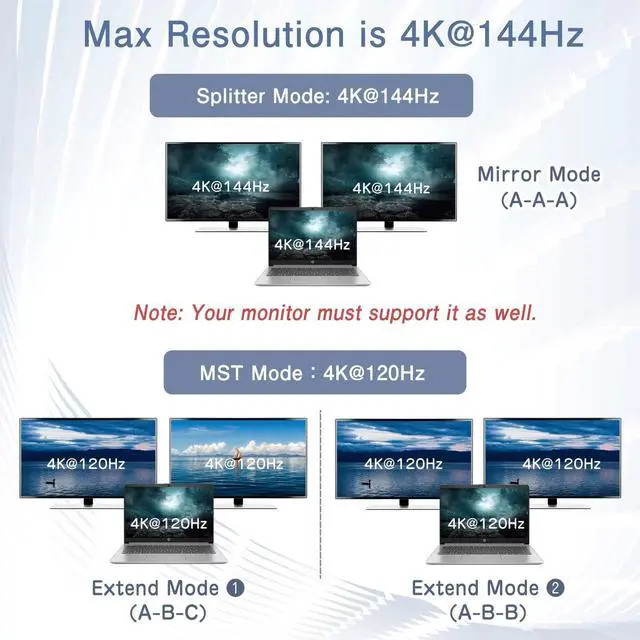
- 4K144Hz Ultra HD Visual Feast: The DisplayPort to Splitter 1 in 2 out extended display complies with the DP 1.4 standard, and both DisplayPort displays are capable of resolutions up to 4K@120Hz, for vivid images with even more amazing picture color and contrast. To transmit 4K144Hz video signals, please make sure all your devices and cables support 4K144Hz. Note: Some computers need to manually set the display settings interface to 4K144Hz resolution and set it to extended or mirrored mode
DisplayPort to 2
DisplayPort Adapter: DisplayPort to Dual DisplayPort Splitter can output one DP signal to 2 DP displays at the same time, which can support the use of Expanded Mode and Mirroring Mode(AAA/ABB/ABC) to fulfill your need for more screen displays (can only unidirectionally transmit from one DP signal source to two DP displays). Mac OS only supports SST mode (AAA/ABB), it is not recommended to connect any docking station or hub (most docking stations and hubs do not support MST function)
4K144Hz Ultra HD Visual Feast: The DisplayPort to Splitter 1 in 2 out extended display complies with the DP 1.4 standard, and both DisplayPort displays are capable of resolutions up to 4K@120Hz, for vivid images with even more amazing picture color and contrast. To transmit 4K144Hz video signals, please make sure all your devices and cables support 4K144Hz.
Note: Some computers need to manually set the display settings interface to 4K144Hz resolution and set it to extended or mirrored mode
Warranty & Returns
Warranty, Returns, And Additional Information
Warranty
- Please contact the Seller directly for warranty information. Warranty information may also be found on the Manufacturer's website.
- CONTACT
Return Policies
- Return for refund within: 30 days
- Return for replacement within: 30 days
- This item is covered by Seaside Shop Return Policy
Manufacturer Contact Info
- For a directory of all our manufacturers, please click below.
- Manufacturers Directory