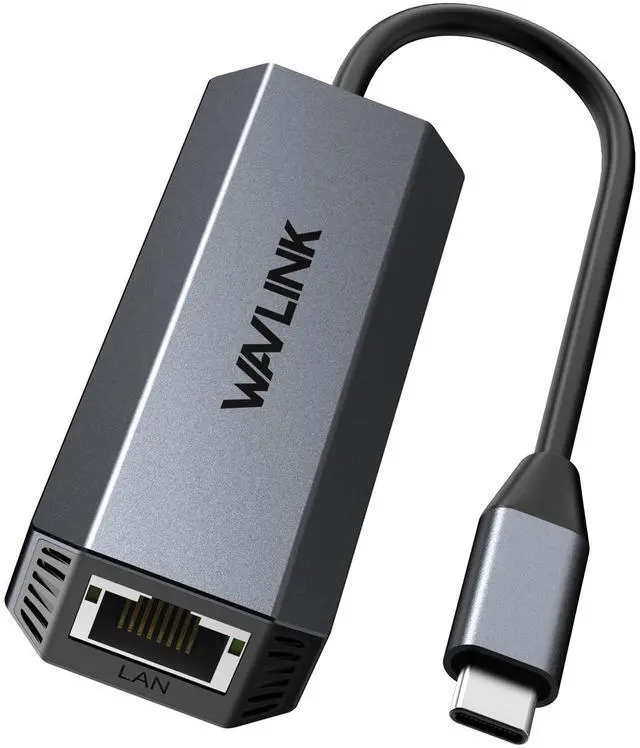
USB-C to 5GbE Ethernet Adapter
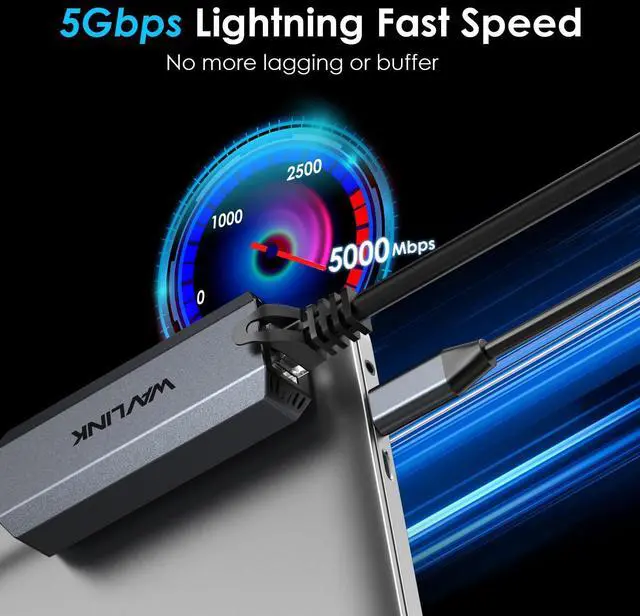
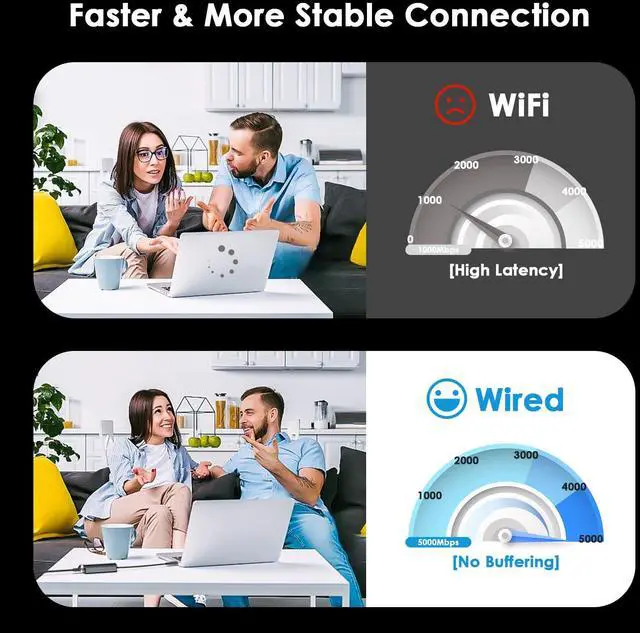
Upgrade USBC devices with a fast, reliable wired network connection using this USBC to 5GbE (5GBASET) Ethernet adapter. The RJ45 port supports speeds up to 5Gbps and is backward compatible with 2.5Gbps/1Gbps/100Mbps/10Mbps, making it ideal for high-speed LAN environments, large file transfers, and low-latency conferencing.
Key Performance Notes
- USB-C port matters: For best results, connect to a USB 3.2 Gen2 (10Gbps) or higher USBC/Thunderbolt port to reduce bottlenecks.
- Cabling matters: To reach 5GbE, use CAT6A (or higher) Ethernet cabling and 5GbE-capable network equipment; otherwise it auto-negotiates to the highest supported rate.
Compatibility
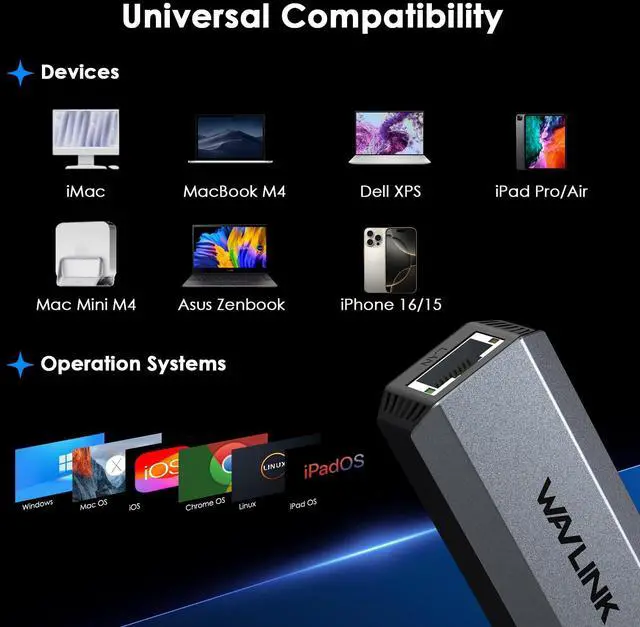
- Supported OS: Windows 10/11/8.x/7/Vista/XP, macOS 10.6+, iPadOS, Linux kernel 3.2+, up-to-date ChromeOS
- Driver note: Driver download/installation may be required on older OS/kernel versions
- Not compatible / not recommended: Nintendo Switch, most Android devices, TiVo Series 2, Wii, other nonPC/Mac platforms; not recommended for FreeBSD or pfSense
Physical
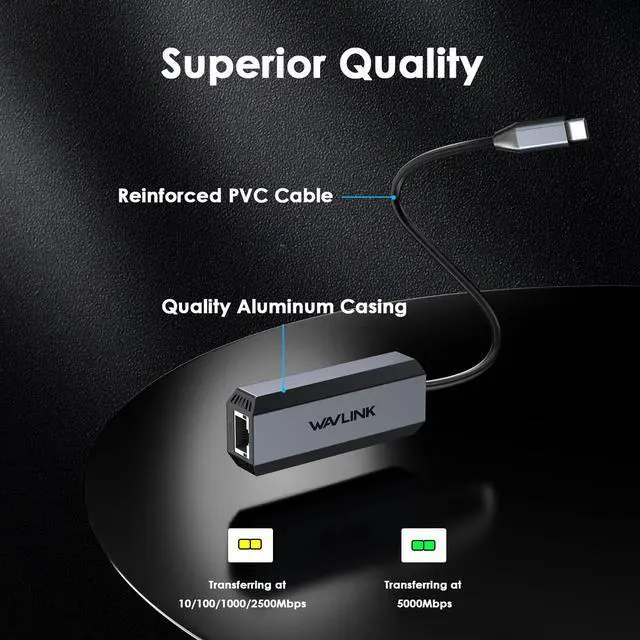
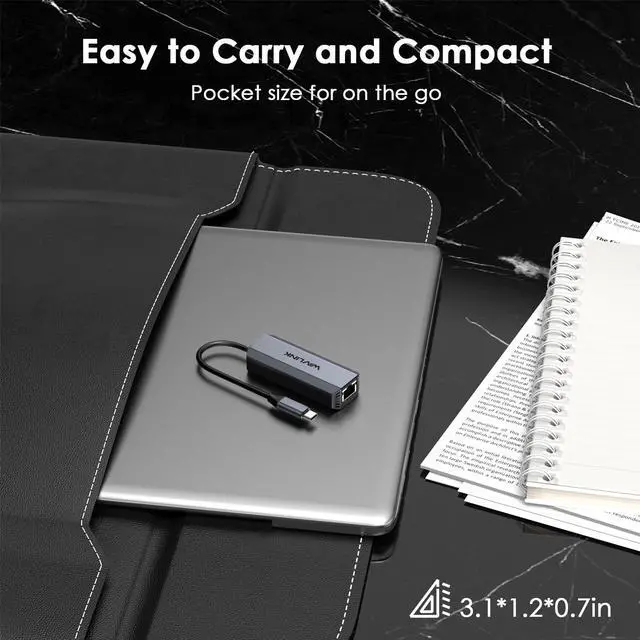
- Compact, travel-friendly form factor with heat-dissipation-focused metal housing design
- Approx. dimensions: 3 x 1 x 0.5 in; weight: ~46 g
FAQ
- Q: What do I need to actually get 5Gbps (5GbE) speed?
- A: Use a USB 3.2 Gen2 (10Gbps) or higher USBC/Thunderbolt port, a CAT6A+ Ethernet cable, and a 5GbE-capable router/switch; your internet/LAN must also support those speeds.
- Q: Will it work with 1Gbps or 2.5Gbps networks?
- A: Yes. It is backward compatible with 10/100/1000/2500Mbps and will auto-negotiate to the highest available speed.
- Q: Does it work with iPadOS?
- A: Yes, it supports iPadOS for adding an RJ45 wired connection via USBC.
- Q: Do I need to install a driver?
- A: Some older OS or Linux kernel versions may require driver download/installation; up-to-date systems are more likely to work plug-and-play.
- Q: Is it compatible with Nintendo Switch or Android phones?
- A: Nothis adapter is not compatible with Nintendo Switch and most Android devices.