Step1. Self-Testing Before Work
Make sure the device is accurately calibrated before use.
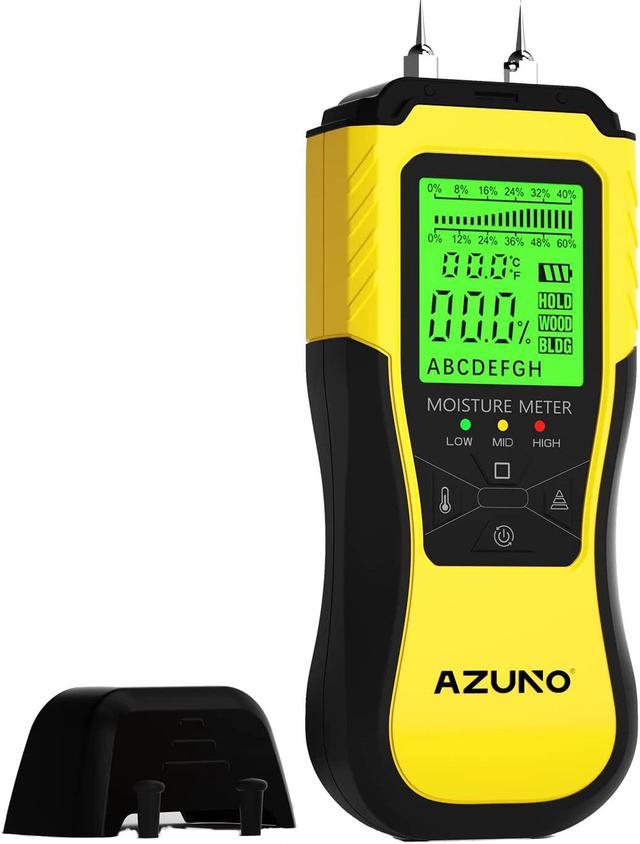
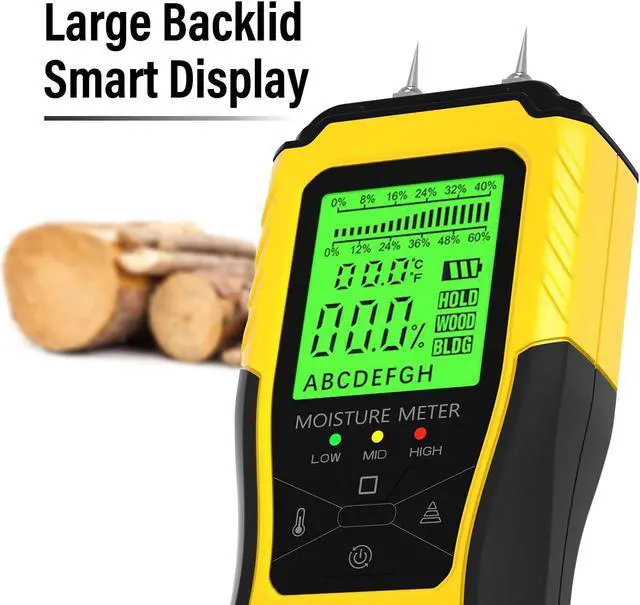
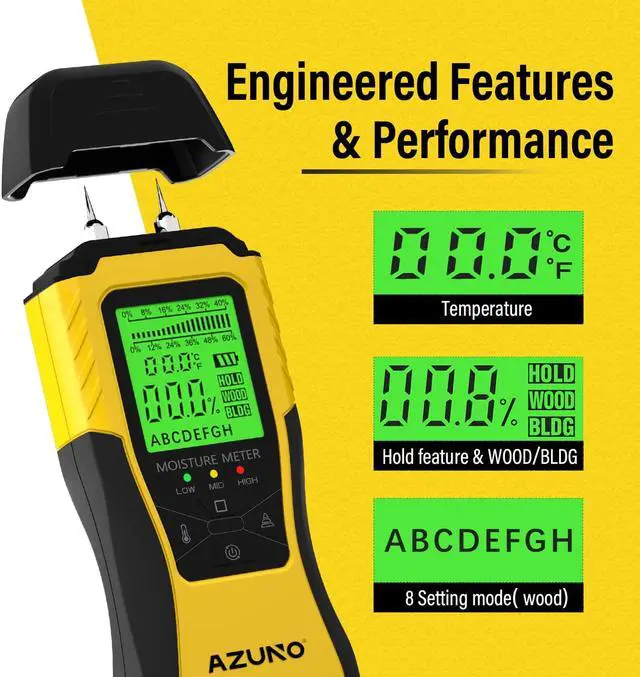
The backlight screen make it easy to read
Step 2. Select Working Mode
Select Wood Mode or Building Mode.
A "Wood Type Quick-Search Index Table" is printed on back of the device, help adjust setup quick-and-easy.
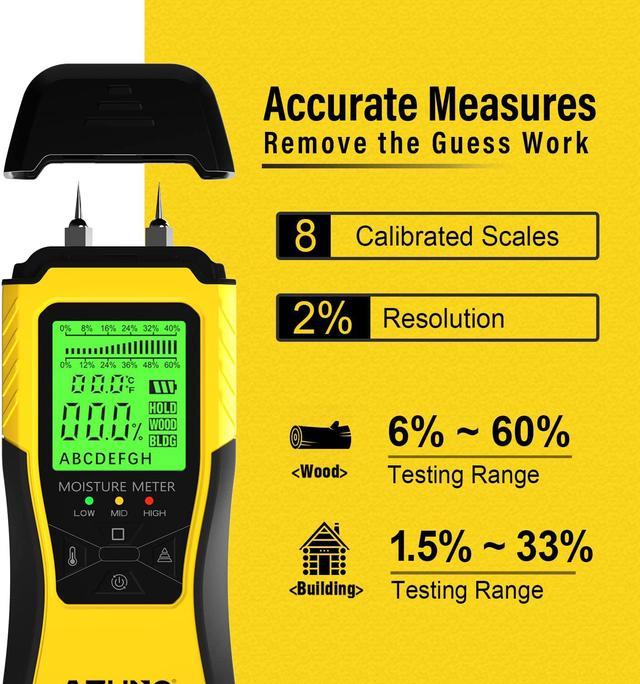
Wood Mode comes with 8 calibrated scales, measure different wood types.
Composite wood should select Building mode.
Step 3. Stick to the Wall or Wood
Penetrate into the testing surface and make sure the pin reach deep enough. Hold for a second to get stable reading.
Step 4. Read Numbers
Click " ?" to freeze reading so you have enough time to remember or take note . Click again to resume.
Click " " to measure environment temperature. Switch between °C /°F
Smart backlight LCD display will auto off in 3 minutes to save battery.
Wood or Building Mode
Switch between wood mode and Building mode. Composite wood should select building mode.
Ergonomic Matte Designed Grip
Side cover is made by anti-slip material in ergonomic shape, providing a comfort firm grip.
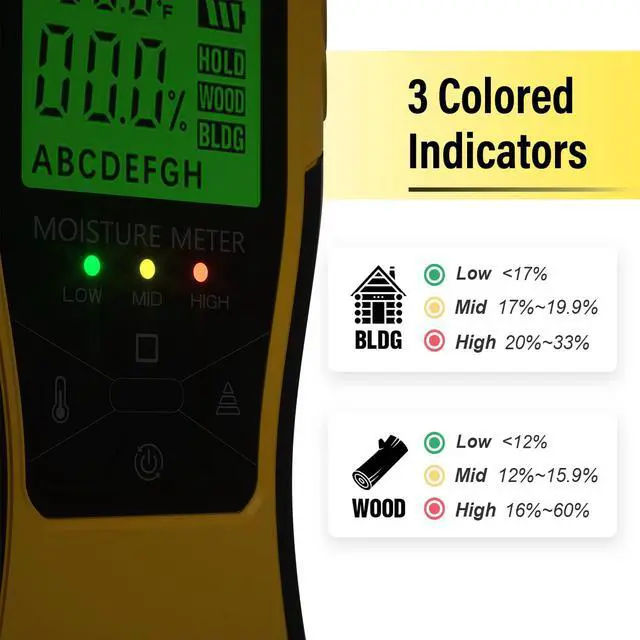
3 Colored Indicators
Device comes with Three color LED indicators. Convenient for users to easy identify moisture level. Integrated with temperature function in both °C /°F scale. Power auto off in 3 minutes to save battery.
Spare Parts
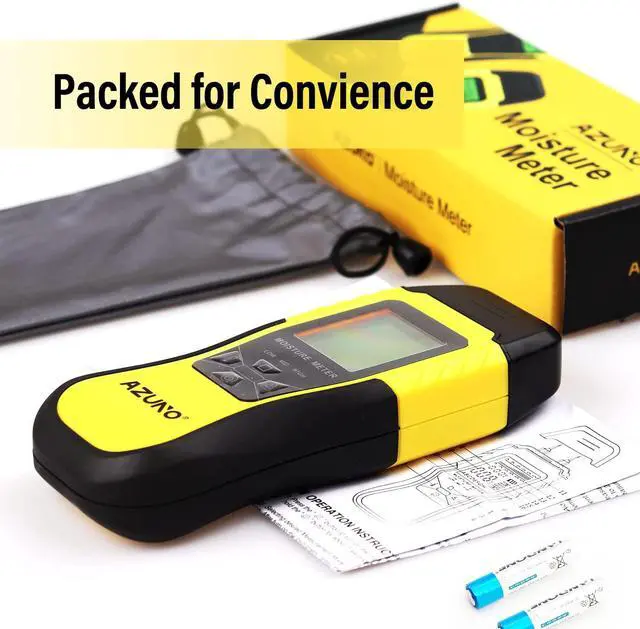
Package comes with a water resistant pouch, two batteries and detail user manual . Compact and fits easily in one hand.