All Categories
Built for How Business Buys.
All Categories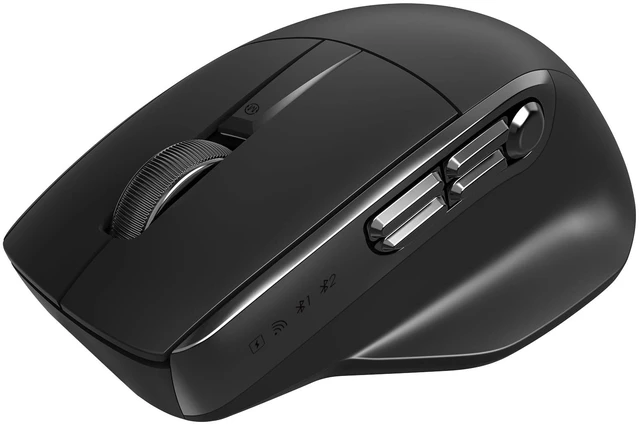


 BTM012-Black | 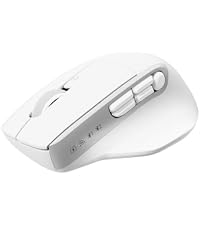 BTM012-White | 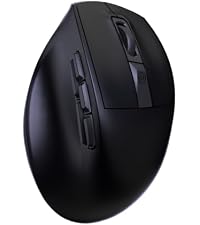 BTM660-Black | 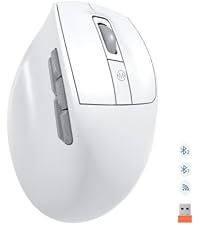 BTM660-White | 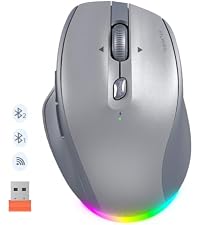 BTM007-Gray | 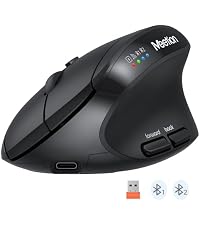 BTM008-Black | 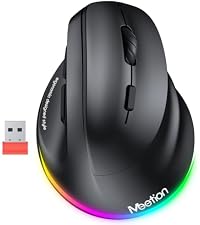 BTM010-Black | |
|---|---|---|---|---|---|---|---|
Customer Reviews | — | — | — | — | — | — | — |
Price | — | — | — | — | — | — | — |
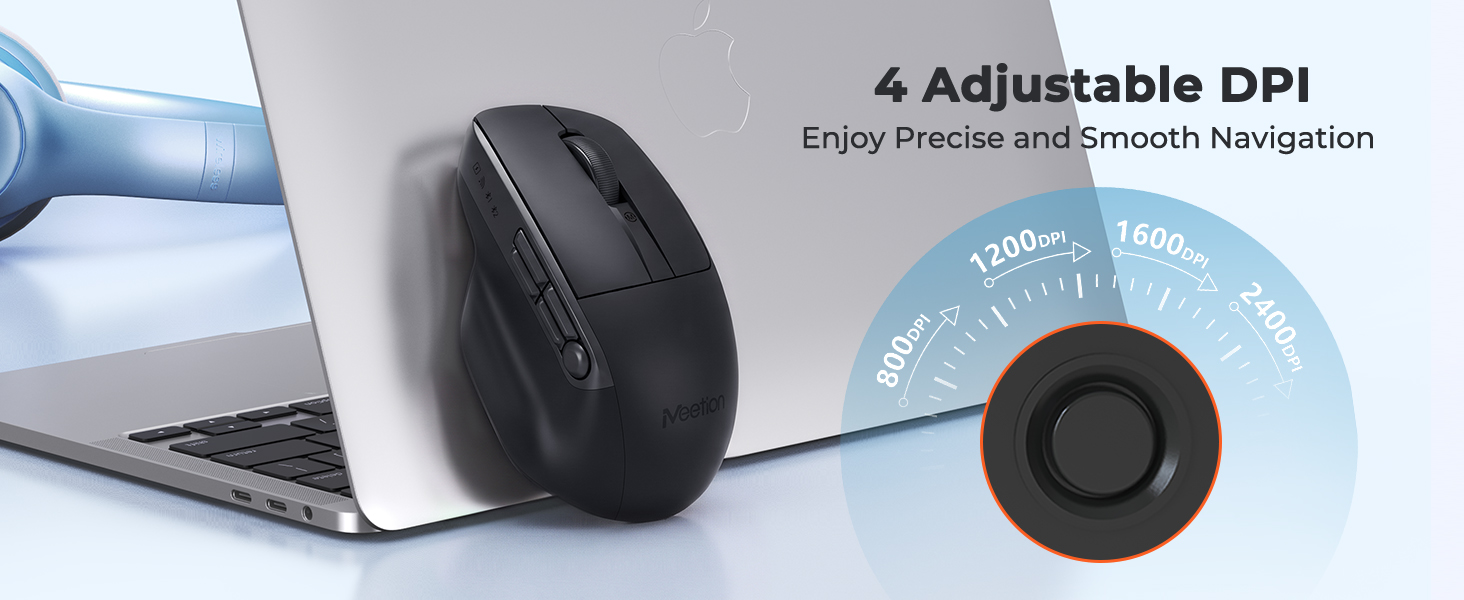
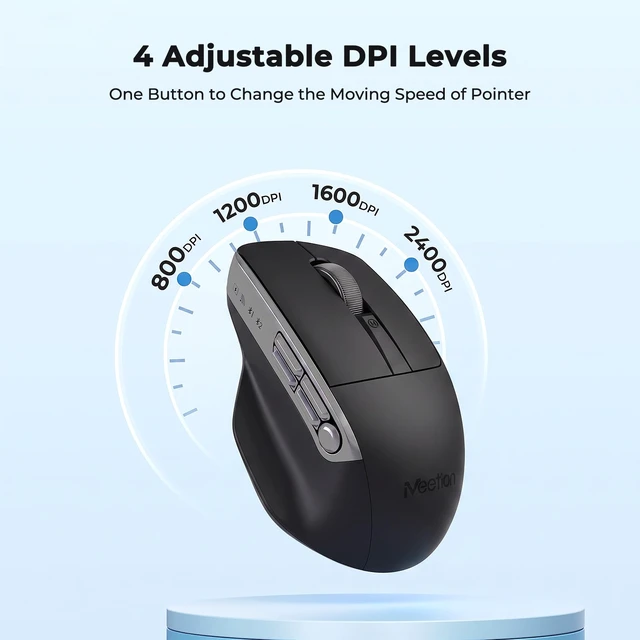
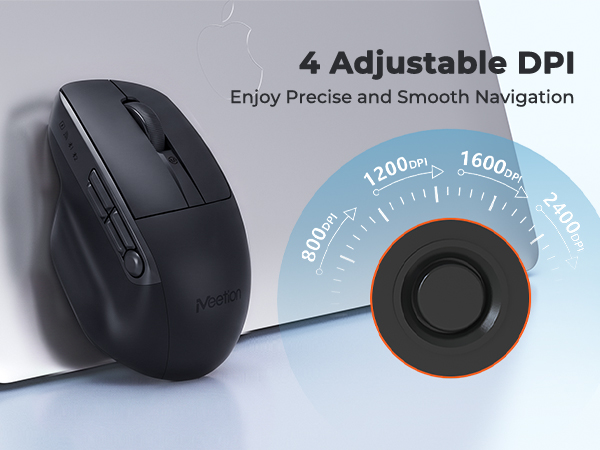
DPI | 800-1200-1600-2400 | 800-1200-1600-2400 | 800-1200-1600-2400 | 800-1200-1600-2400 | 800-1200-1600-2400 | 800-1200-1600-2400 | 1200-1600-2400-3200 |
Connectivity | Bluetooth+2.4G | Bluetooth+2.4G | Bluetooth+2.4G | Bluetooth+2.4G | Bluetooth+2.4G | Bluetooth+2.4G | Bluetooth+2.4G |
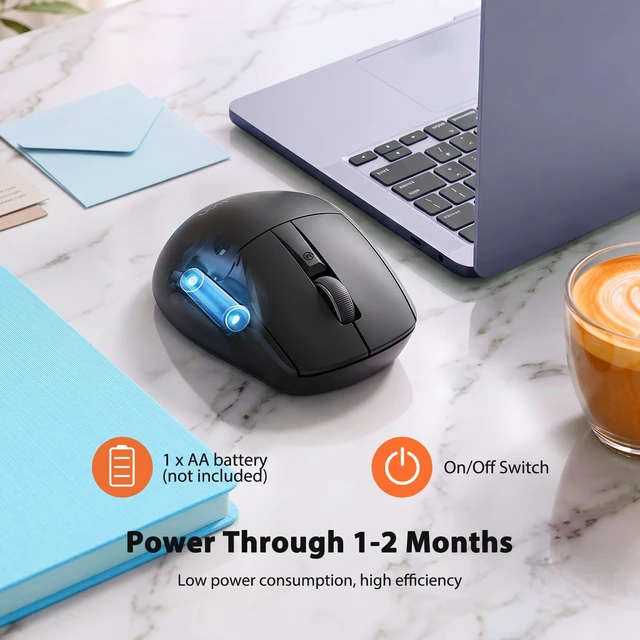
Battery | 1*AA Battery | 1*AA Battery | Rechargeable(700mAh) | Rechargeable(700mAh) | Rechargeable(700mAh) | Rechargeable(500mAh) | Rechargeable(700mAh) |
Wireless | ? | ? | ? | ? | ? | ? | ? |
RGB | ? | ? | ? | ? | ? | ? | ? |
Vertical Mouse | ? | ? | ? | ? | ? | ? | ? |
Silent Click | ? | ? | ? | ? | ? | ? | ? |
Multi Device | ? | ? | ? | ? | ? | ? | ? |
4 Way Tilt Wheel | ? | ? | ? | ? | ? | ? | ? |
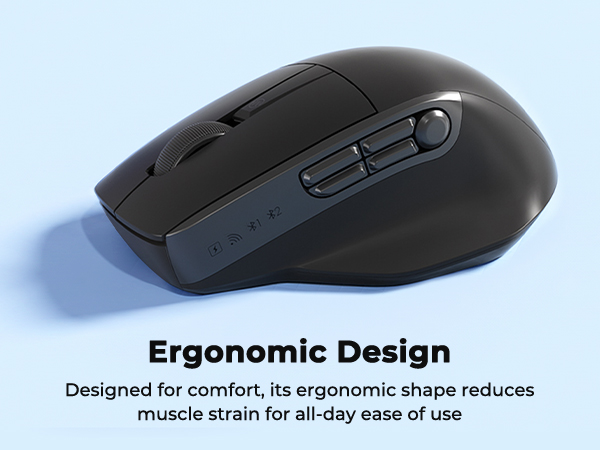
Is the BTM012 an ergonomic mouse?
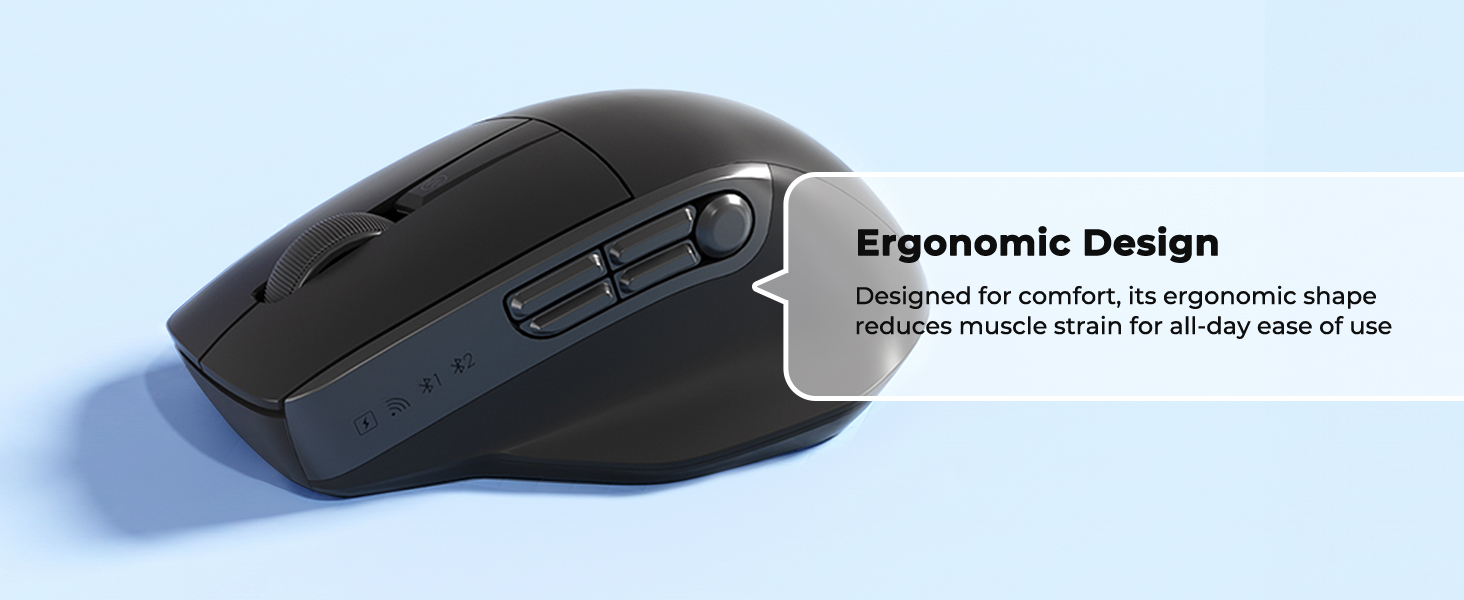
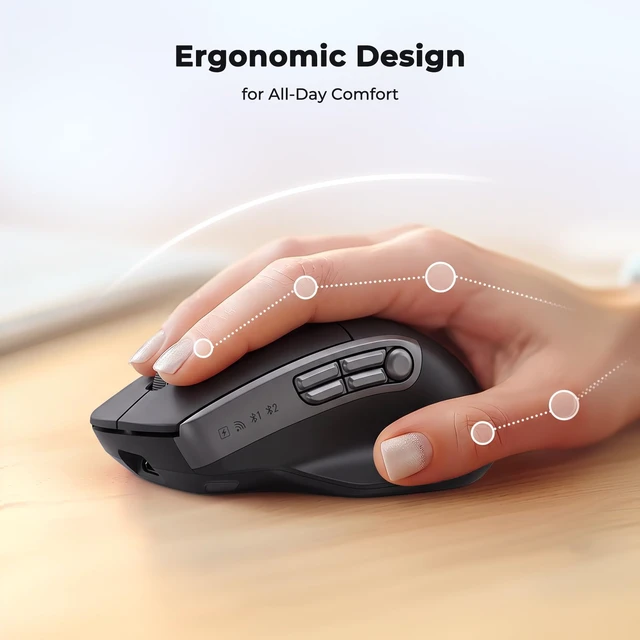
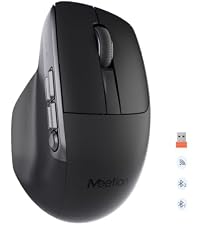
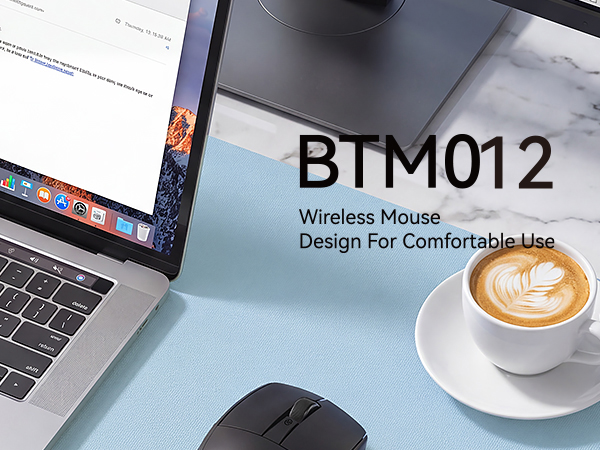
The BTM012 features a gently contoured shape with added palm support for a comfortable grip during everyday use. It has a more traditional mouse angle rather than the steeply angled shape of a vertical ergonomic mouse.
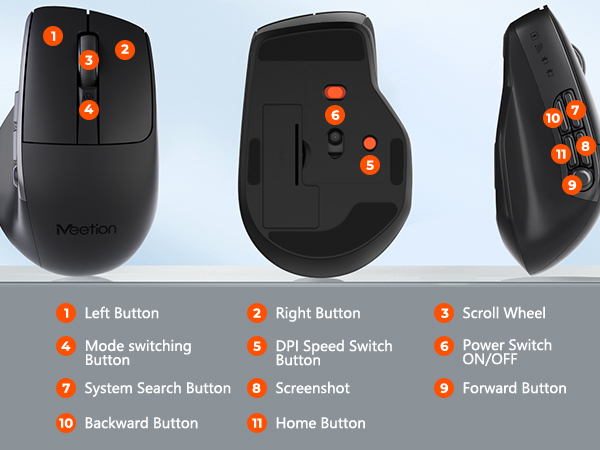
What are the five side buttons used for?
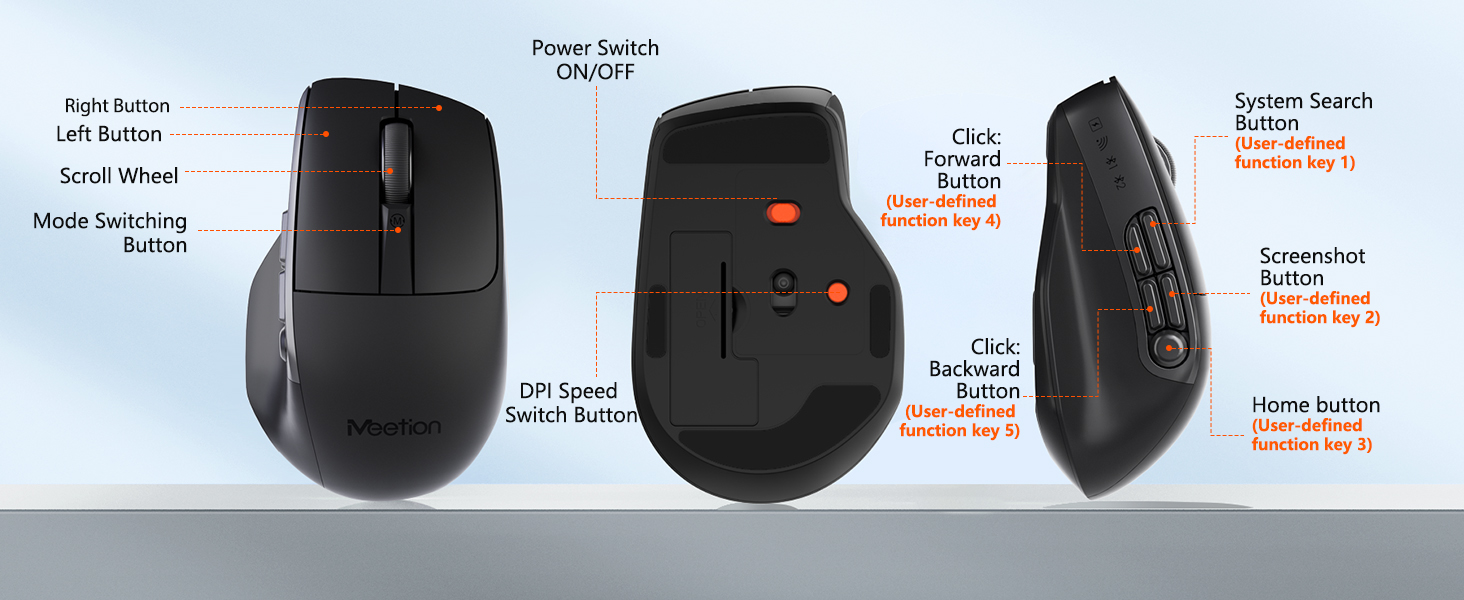
The five side buttons provide convenient access to commonly used controls and productivity functions. Selected button functions can also be customized on compatible Windows computers.
How can I customize the buttons on the BTM012?
Button customization is available for compatible Window PC.Visit MEETION official website, search BTM012, download and install the matching driver. Customization is unsupported on macOS, yet the mouse can operate normally with compatible Mac devices.
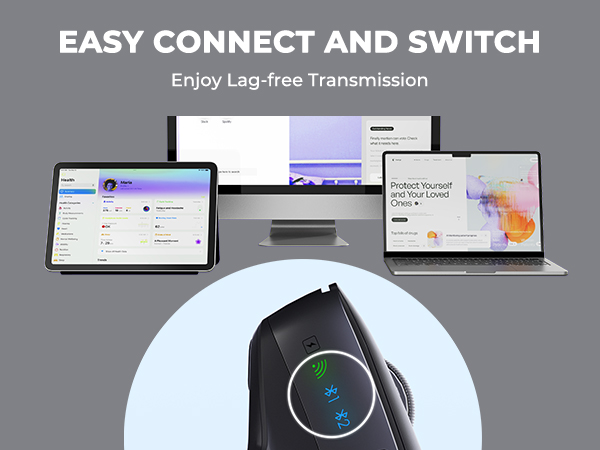
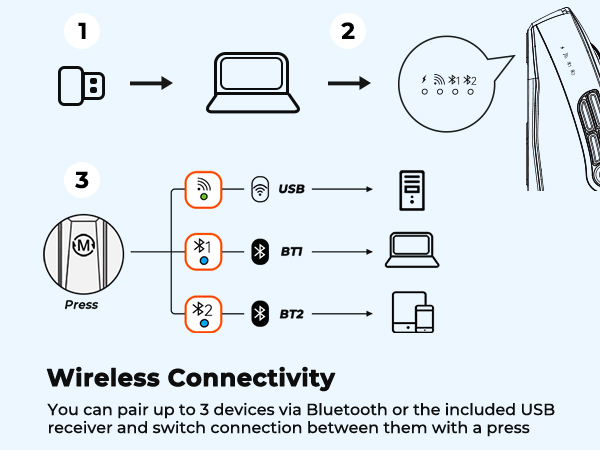
How does the BTM012 connect to my computer?
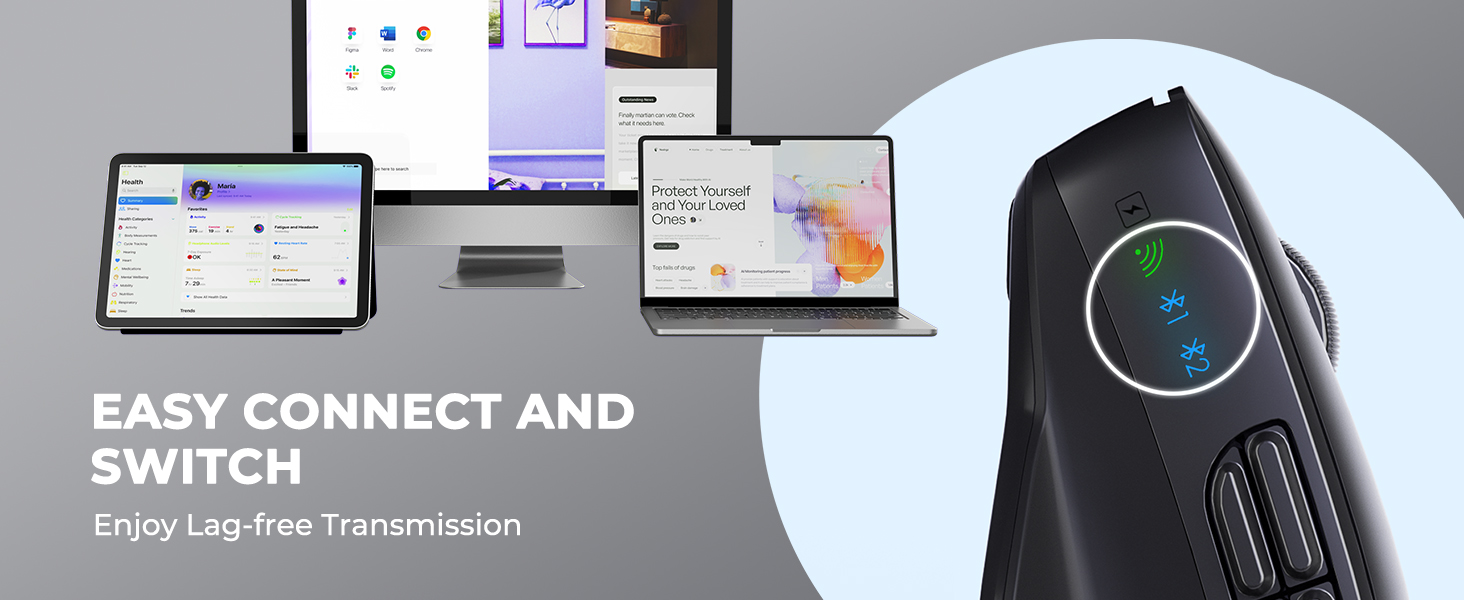
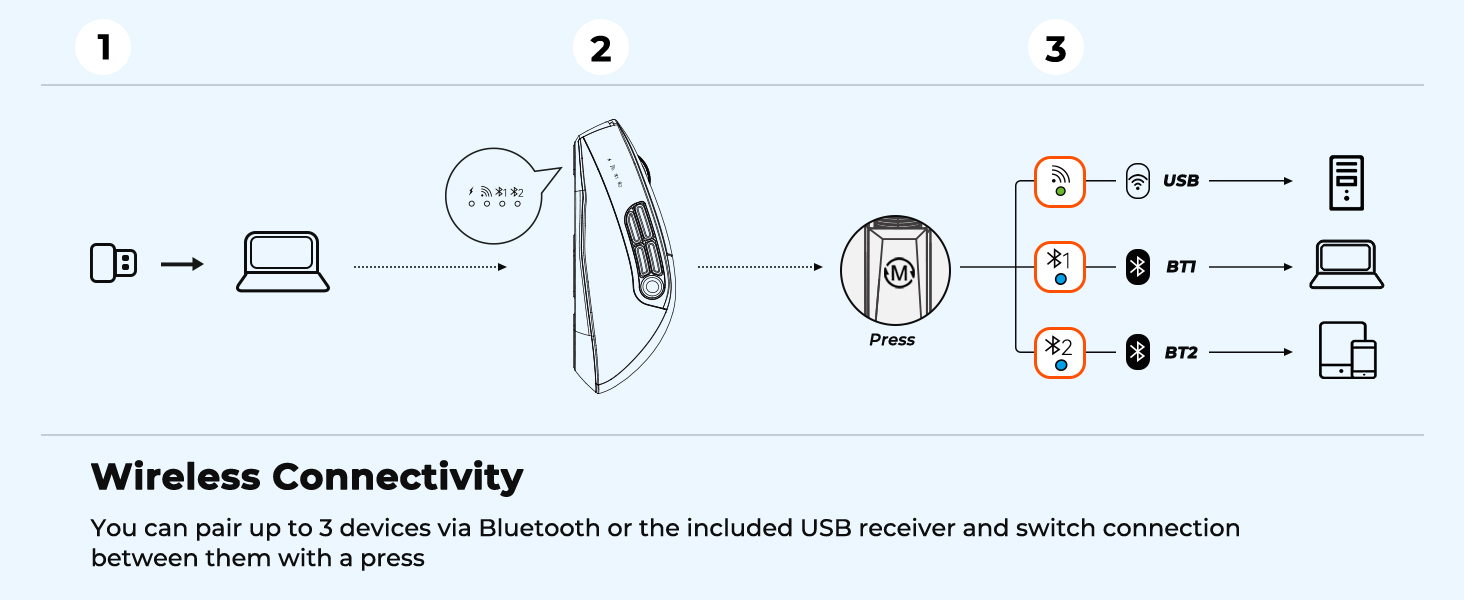
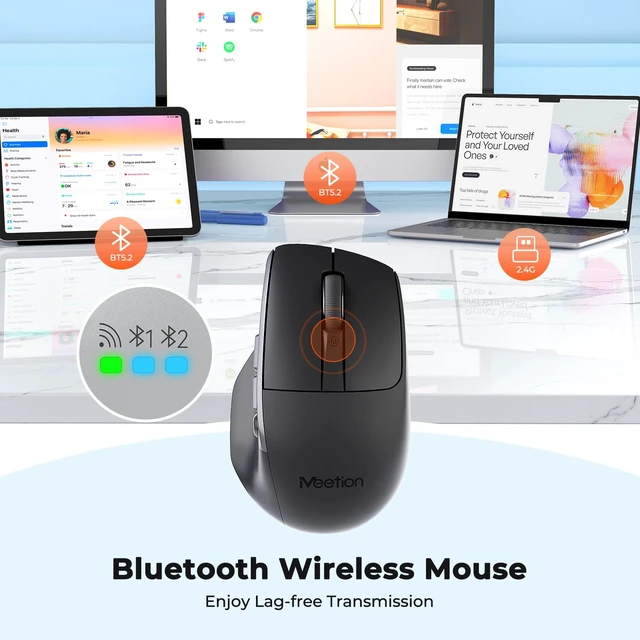
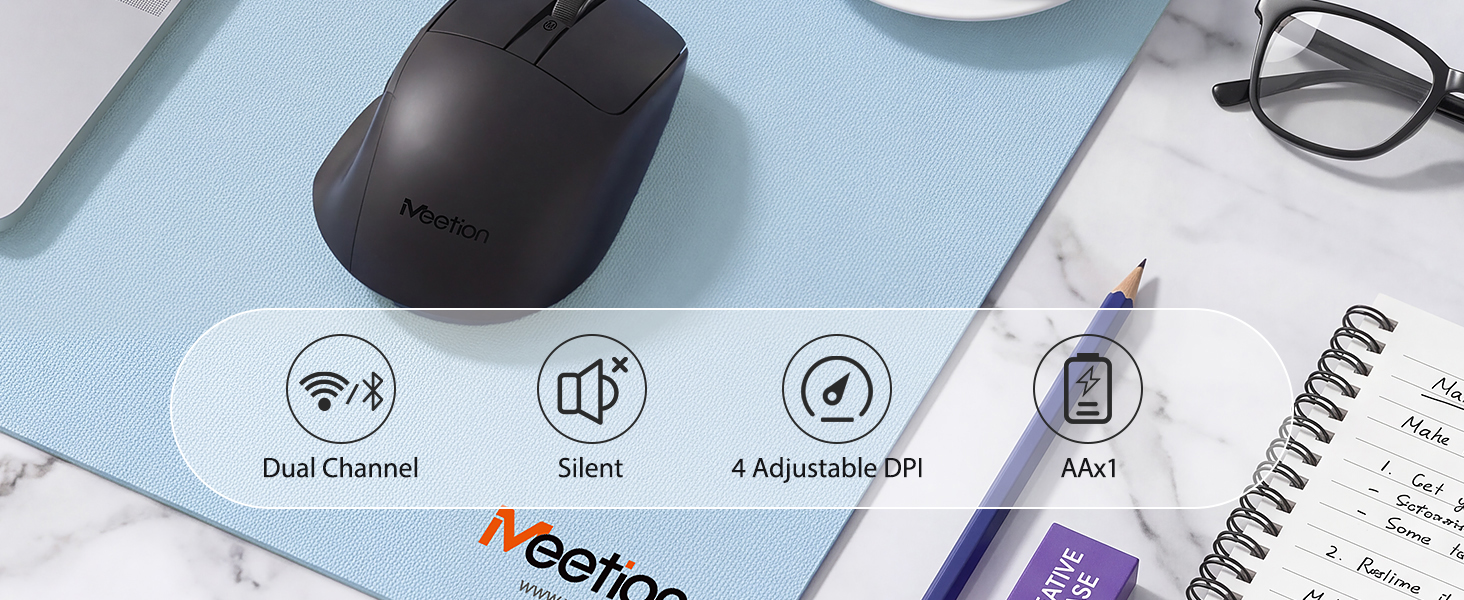
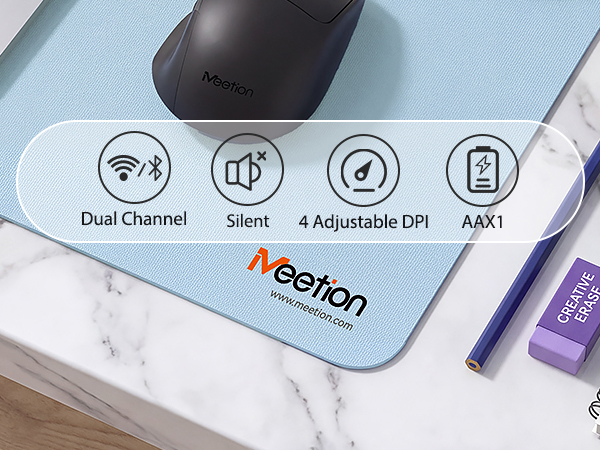
The BTM012 supports dual-mode wireless connectivity through Bluetooth or the included 2.4GHz USB receiver. Use the dedicated mode button to switch between connection modes.
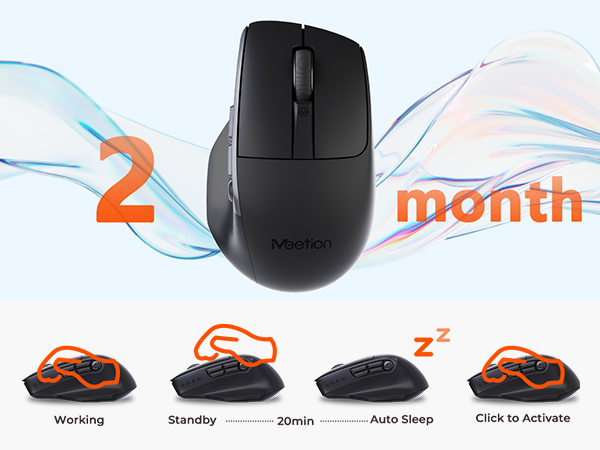
Is the BTM012 rechargeable?
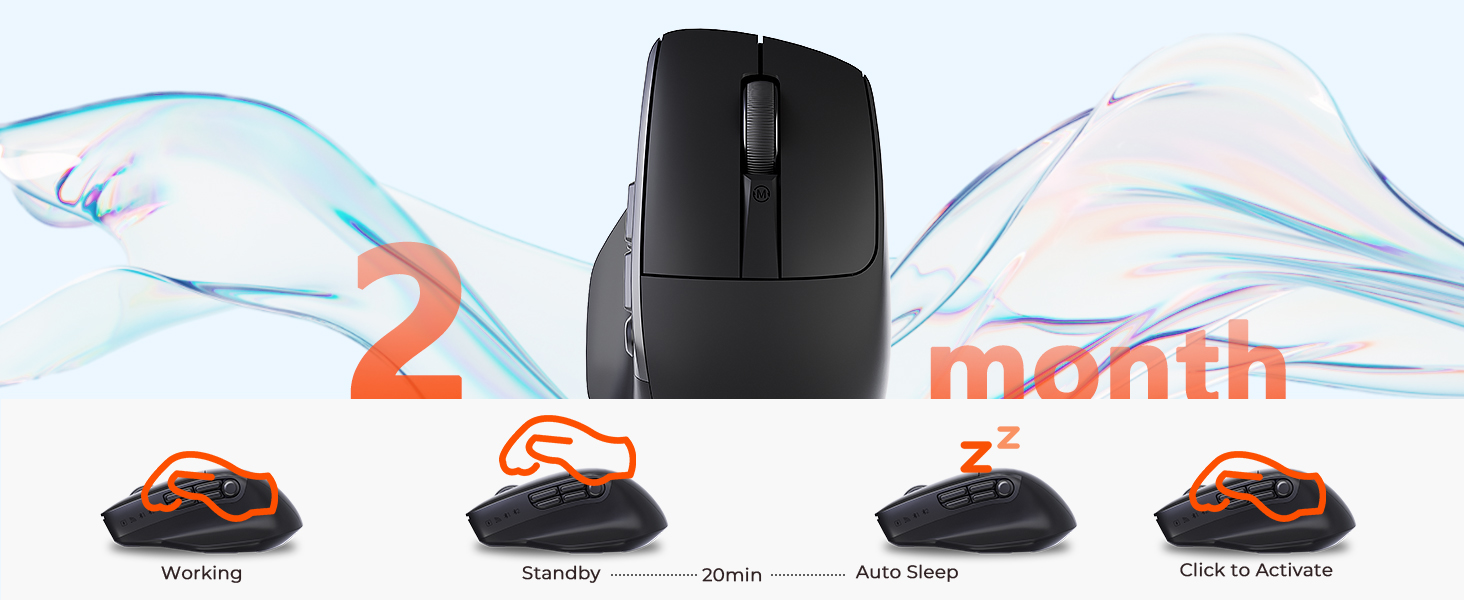
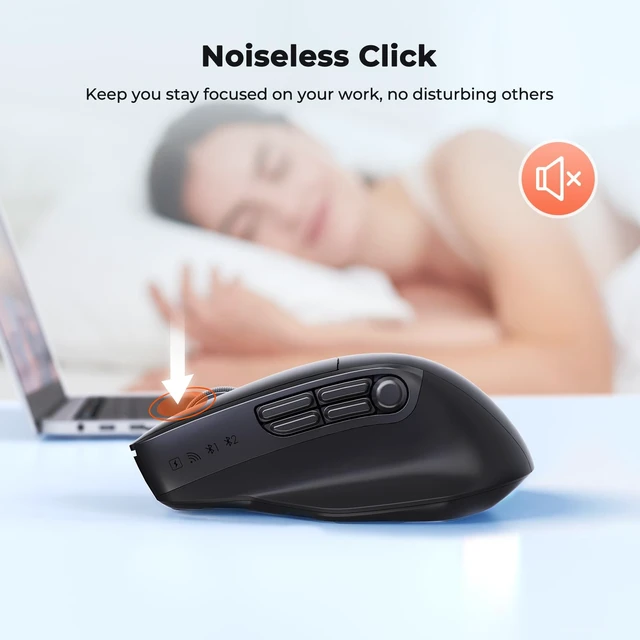
No. The BTM012 is powered by a replaceable battery and does not require charging. It also features quiet buttons and adjustable 800–2400 DPI for everyday work and browsing.


MEETION is a play on the concept of "meeting". All the products we develop revolve around this theme.
In terms of investment in the scientific research of new products, we never hold back. We have dedicated quality control for every single product, every detail in the production process is precise and controlled. Our product and intellectual property rights are top priorities.

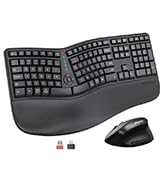
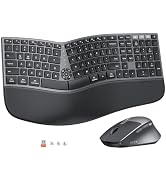
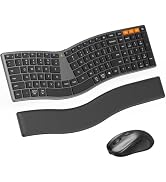
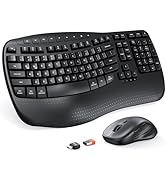
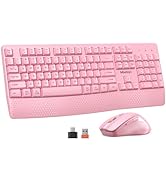
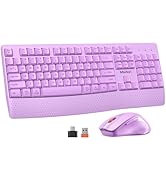
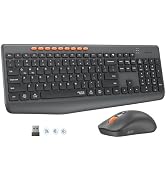
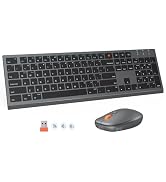
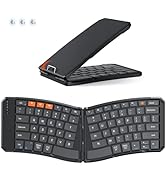
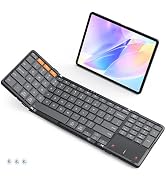
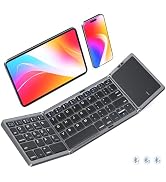
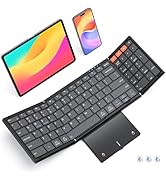
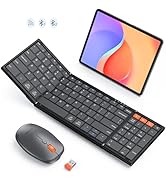
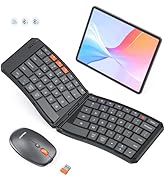
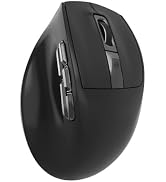
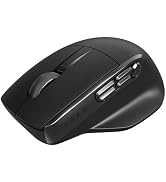
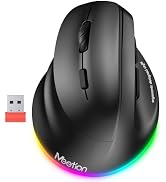
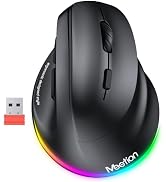
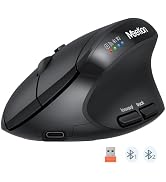
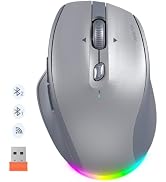
BTM012-Black | BTM012-White | BTM660-Black | BTM660-White | BTM007-Gray | BTM008-Black | BTM010-Black |
|---|---|---|---|---|---|---|
| Customer Reviews | ||||||
| — | — | — | — | — | — | — |
| Price | ||||||
| — | — | — | — | — | — | — |
| DPI | ||||||
| 800-1200-1600-2400 | 800-1200-1600-2400 | 800-1200-1600-2400 | 800-1200-1600-2400 | 800-1200-1600-2400 | 800-1200-1600-2400 | 1200-1600-2400-3200 |
| Connectivity | ||||||
| Bluetooth+2.4G | Bluetooth+2.4G | Bluetooth+2.4G | Bluetooth+2.4G | Bluetooth+2.4G | Bluetooth+2.4G | Bluetooth+2.4G |
| Battery | ||||||
| 1*AA Battery | 1*AA Battery | Rechargeable(700mAh) | Rechargeable(700mAh) | Rechargeable(700mAh) | Rechargeable(500mAh) | Rechargeable(700mAh) |
| Wireless | ||||||
| ? | ? | ? | ? | ? | ? | ? |
| RGB | ||||||
| ? | ? | ? | ? | ? | ? | ? |
| Vertical Mouse | ||||||
| ? | ? | ? | ? | ? | ? | ? |
| Silent Click | ||||||
| ? | ? | ? | ? | ? | ? | ? |
| Multi Device | ||||||
| ? | ? | ? | ? | ? | ? | ? |
| 4 Way Tilt Wheel | ||||||
| ? | ? | ? | ? | ? | ? | ? |
Is the BTM012 an ergonomic mouse?
The BTM012 features a gently contoured shape with added palm support for a comfortable grip during everyday use. It has a more traditional mouse angle rather than the steeply angled shape of a vertical ergonomic mouse.
What are the five side buttons used for?
The five side buttons provide convenient access to commonly used controls and productivity functions. Selected button functions can also be customized on compatible Windows computers.
How can I customize the buttons on the BTM012?
Button customization is available for compatible Window PC.Visit MEETION official website, search BTM012, download and install the matching driver. Customization is unsupported on macOS, yet the mouse can operate normally with compatible Mac devices.
How does the BTM012 connect to my computer?
The BTM012 supports dual-mode wireless connectivity through Bluetooth or the included 2.4GHz USB receiver. Use the dedicated mode button to switch between connection modes.
Is the BTM012 rechargeable?
No. The BTM012 is powered by a replaceable battery and does not require charging. It also features quiet buttons and adjustable 800–2400 DPI for everyday work and browsing.
MEETION is a play on the concept of "meeting". All the products we develop revolve around this theme.
In terms of investment in the scientific research of new products, we never hold back. We have dedicated quality control for every single product, every detail in the production process is precise and controlled. Our product and intellectual property rights are top priorities.