• $15.99
  • Free 30-day Returns
  • Ships from United States.

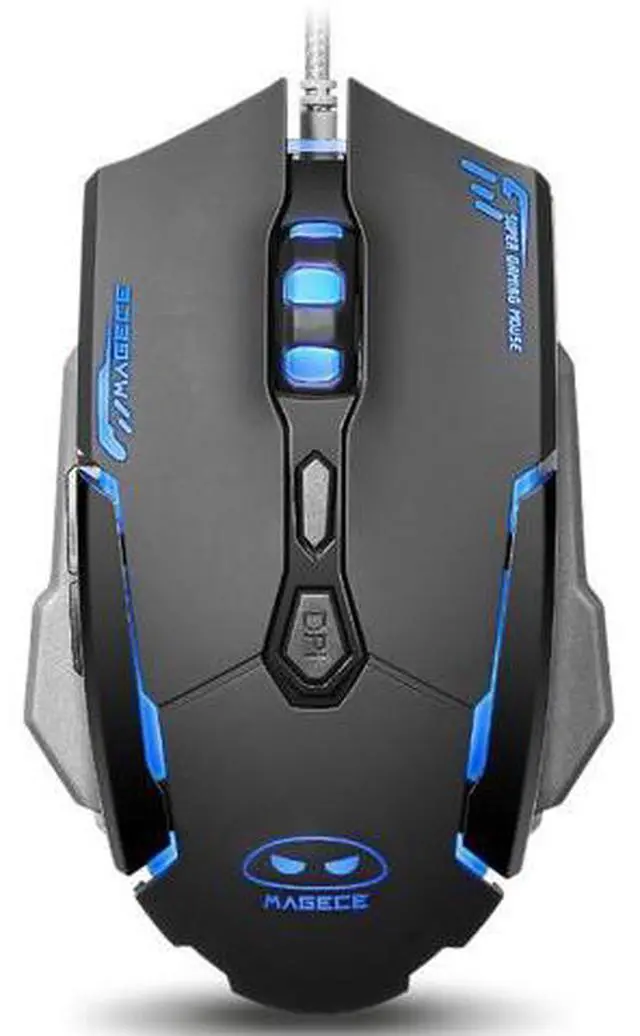
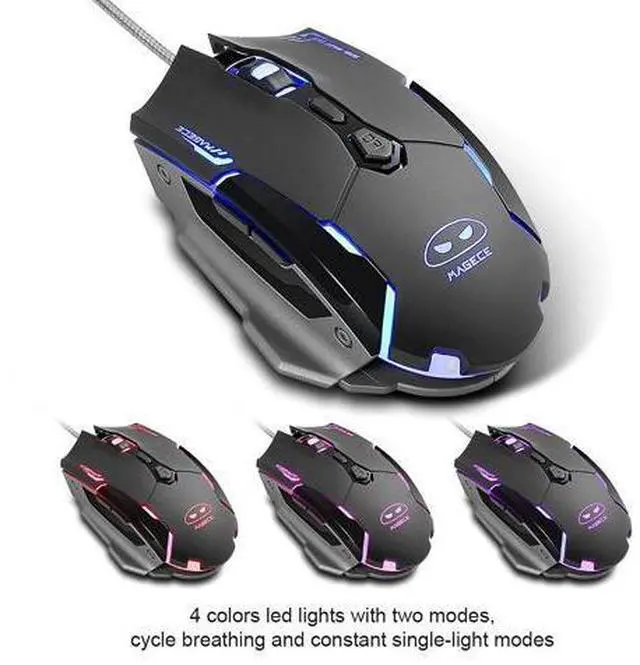
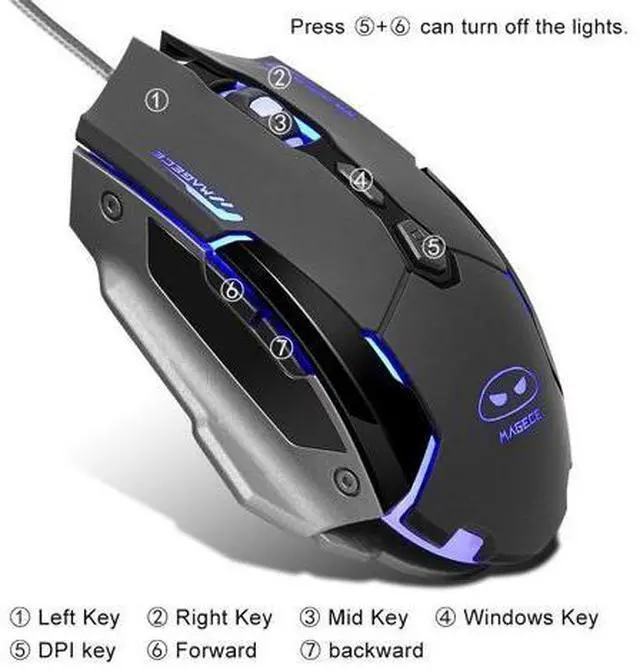
    Younux 2.4G Rechargeable Wired Mouse, Portable Ultra-Thin Noiseless Mouse for Notebook, PC, Laptop, Computer, MacBook

    • Item #: 9SIV37KBG50294
    • Mfr. Part #: 92914
    • Silent Click: Slim ergonomic design can free your hand even working long time. Quieter and easier to click that let you focus on your work without disturbing others beside you.
    • 2.4GHz Wired Connection, Plug & Play: 2.4GHz wired technology provides powerful and reliable connection, working distance up to 10M/33ft in open space. Really plug & play design, no drivers need to be installed.
    • Portable Design: Lightweight, slim design make it easy to put in your laptop bag or pockets. Automatic sleep mode and wake-up mode are equiped in our Anivia mouse to save power, can be easily activated by clicking any buttons.
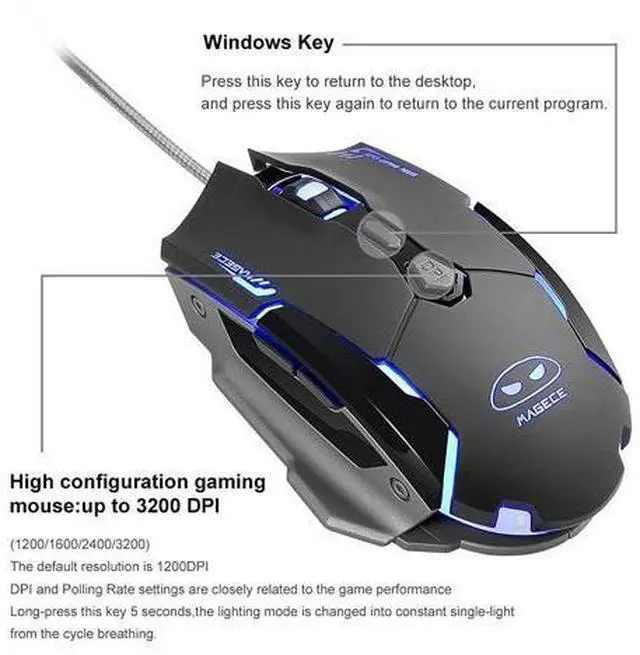
    • High-precision Optical Tracking: Our Younux wired mouse has 3-level DPI settings (800DPI-1200DPI-1600DPI). Freely control the speed of your optical mouse to make your operation more precise.
    +
    +
    Overview
    Specs
    Reviews
    Product description
    Specification

    Product size: 107mm*60mm*26mm

    Product weight: 63g±5g

    Gross weight: about 100g

    Wireless: Yes

    Connection mode: USB interface

    Plug and play operation: Yes

    Working voltage and current: 3.7V <15MA

    Support system: XP, Windows7/8/10 Vista MAC-OSX Linux and above.


    What is in the package:

    1 x Younux Wired Mouse

    1 x Product Instructions

    1 x Packing Box


    Frequently asked questions:

    1. Turn on the power switch and don't see the red light?

    Because when the power is turned. After connecting with the USB receiver, you will see the light on for a long time.

    2. Plug in USB, no mouse connection?

    First, check whether the USB receiver is fully plugged into the computer and connected, and then check whether the power switch is turned on. If it still fails, please turn off the power switch, re-insert the USB receiver and turn on the power again.

    Special tiip: plug in the USB receiver first, then turn on the power.

    3. Mouse movement speed is not ideal?

    You need to adjust the DPI button at the bottom of the mouse, which has three gears of 800DPI-1200DIP-1600DPI.

    4. Movement break in use?

    Is due to low battery power, the need to charge the mouse battery.

    Warranty & Returns

    Warranty, Returns, And Additional Information

    Warranty

    • Please contact the Seller directly for warranty information. Warranty information may also be found on the Manufacturer's website.
    • CONTACT

    Return Policies

    Manufacturer Contact Info

    LOADING...