


Meet Your Seller

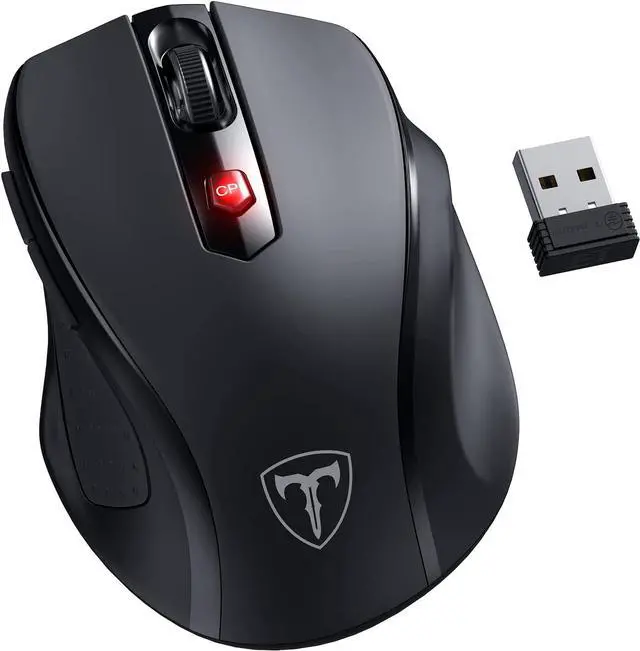


Wireless Mouse, D-09 Computer Mouse USB Cordless Mice for Laptop, Ergo Grips, Lightspeed 5-Level 2400 DPI, 16 Months Battery, Portable for PC Mac Chromebook, 6 Button, Stormy Black
- Item #: 9SIV36AKBM9850
- Mfr. Part #: AS-GTBGQ7061
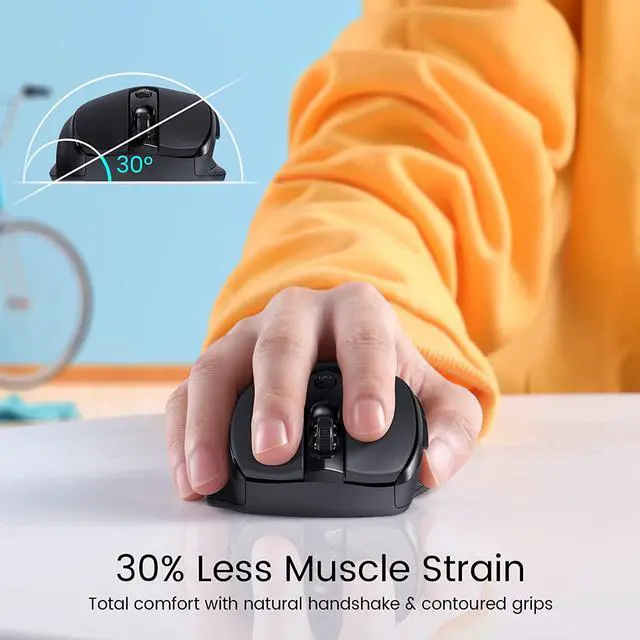
- Less Muscle Strain Ergonomics:Advanced ergonomic computer mouse provides total comfort with 30° ergonomic handshake angel, contoured grips and premium matte finish
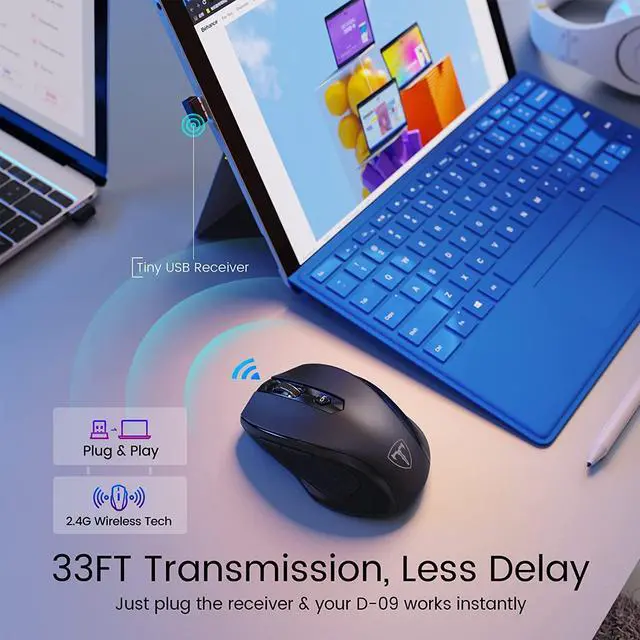
- Faster Wireless Transmission Speed: 33FT 2.4G wireless connection reduces all the interference and delays. Just plug the USB receiver into pc or laptop and your D-09 works instantly.
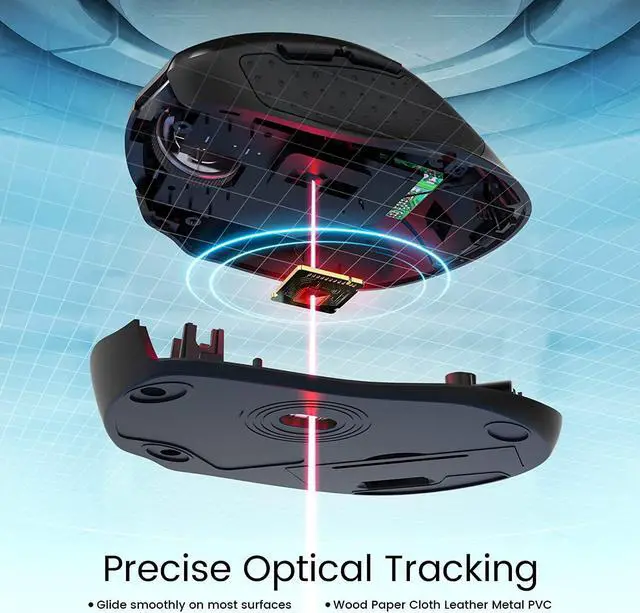
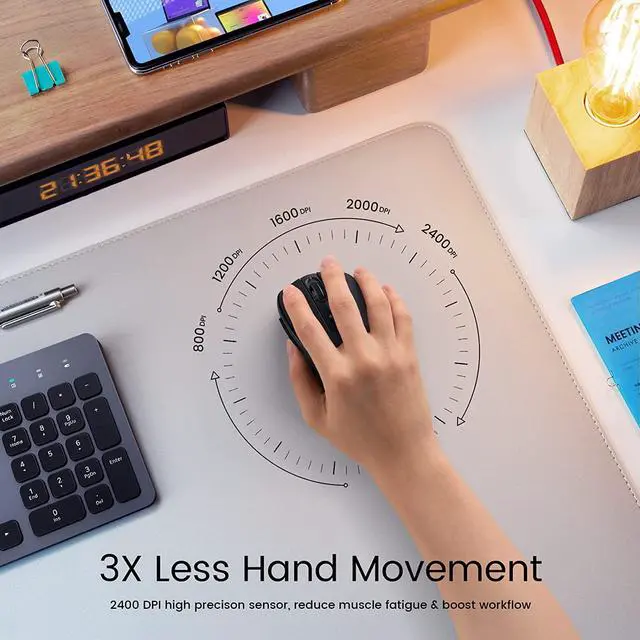
- 3X Less Hand Movement:800-2400 DPI high precision sensor reduces muscle fatigue and boost your workflow. Cursor moves 3X faster than basic computer wireless mouse.
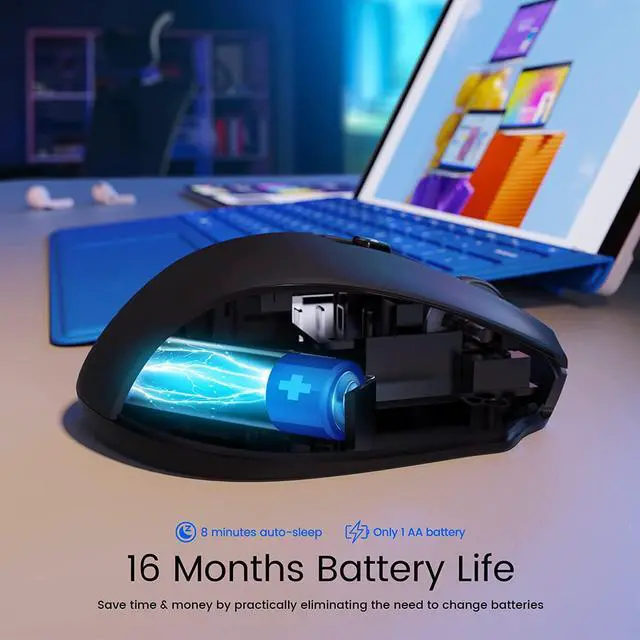
- 1 AA Battery, 2X Longer:Only 1 AA battery lasts up to 16 months. It enters sleep mode after you leave for 8 minutes. D-09 wireless computer mouse saves time and money by practically reducing the need to change batteries.
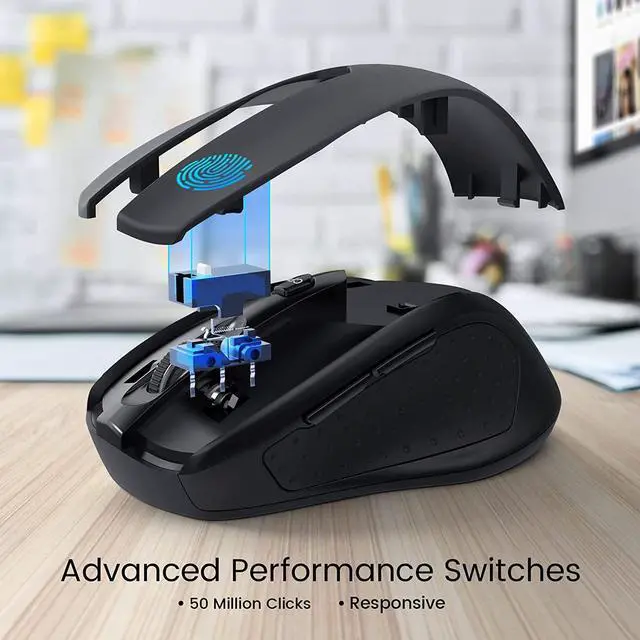
- Highly-Intergraded Body:Durable 50 Million clicks. Portable for travel use. Work with Windows laptop/MacBook/Chromebook/PC; Fast & easy 18 months replacement, please do not hesitate to let HOTWEEMS know.
+
+
Overview
Specs
Reviews
TWO VERSION SHIPPED RANDOMLY ,only difference is with logo or no
Rubber coating for left/right button
Anti-slip massage grips
Slip in your pocket or toss in your bag
Note:
Compatible with Mac OS system
MacBook need a standard USB-A port
Side buttons unavailable for Mac OS
Work Wherever Life Takes You
Office
Work From Home
Coffee Shop
Livestream
Gameplay
On the Go
FAQ
Compatible with the MacBook Pro/Air 2021?
No. This need a USB-A port. 2021 MacBook Pro/Aire only has Thunderbolt(USB-C ) ports. Check your MacBook ports first.
Compatible with Chromebook?
Yes. Chromebook has USB-A ports.
Acer/Lenovo Thinkpad work on?
Yes.
Come with Batteries?
No.
Can I get a unifying USB dongle? Where is the USB dongle?
No. One USB receiver pairing one wireless mouse in case of interfere. The receiver for storage snaps into a small holder on the bottom of the mouse.
Left or right hand use?
Right handed ergonomic mouse.
Is it a bluetooth mouse?
No. It is a 2.4GHz wireless mouse with a tiny USB receiver.
Silent?
Left right audible click, other buttons slight click.
Programmable?
No. It has default forward button and backward button available for chromebook, unavailable for MacBook.
Warranty & Returns
Warranty, Returns, And Additional Information
Warranty
- Please contact the Seller directly for warranty information. Warranty information may also be found on the Manufacturer's website.
- CONTACT
Return Policies
- Return for refund within: 30 days
- Return for replacement within: 30 days
- This item is covered by Electronics World Return Policy
Manufacturer Contact Info
- For a directory of all our manufacturers, please click below.
- Manufacturers Directory
LOADING...