• $30.99
  • Free 30-day Returns
  • Ships from China.

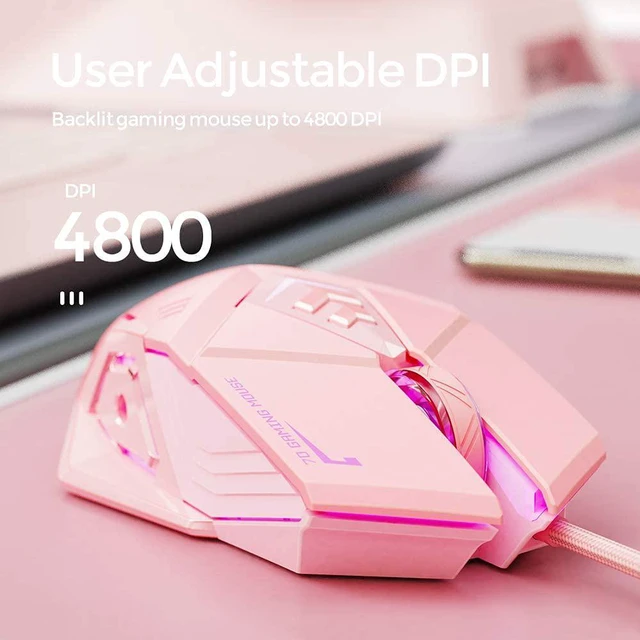
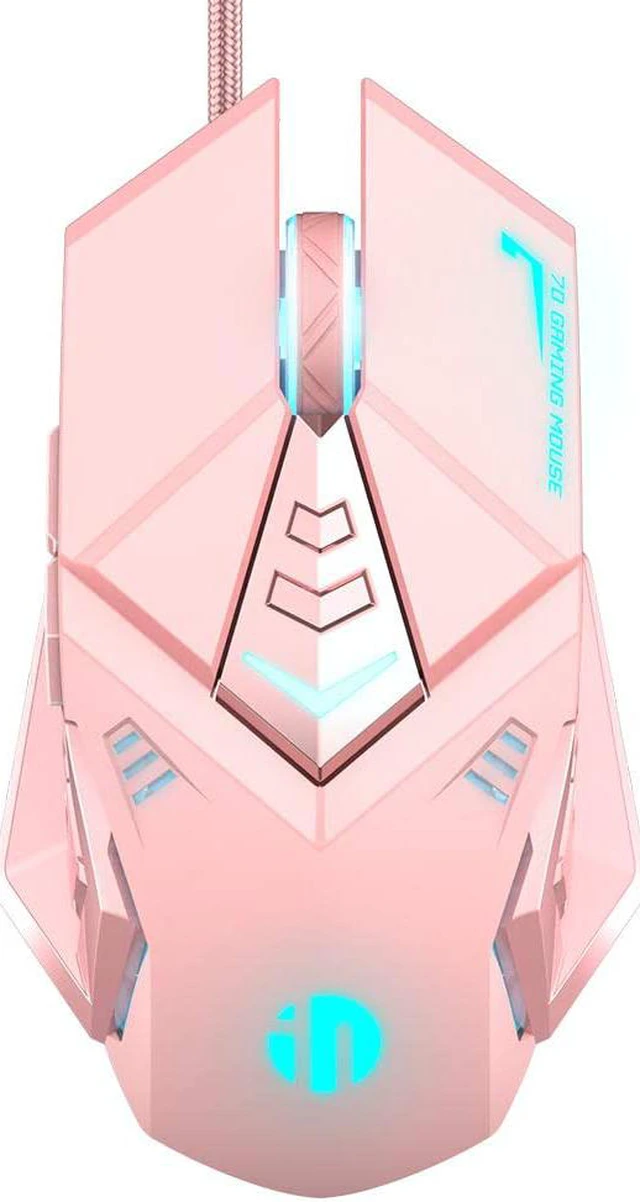
    Pink Gaming Mouse. USB Optical Wired Mouse. RGB Backlight. 4 Levels Adjustable DPI up to 4800. Silent Click, Ergonomic and 7 programmable Buttons Design. PC Gaming Mice for Windows System.

    • Item #: 9SIV36AKE32063
    • Mfr. Part #: ID-RGBMouse202-1
    • High-precision 4,800 DPI Optical SensorProvide dynamic sensitivity adjustment by a dedicated DPI button (Reprogrammable), for games and creative work, without any driver, plug and play directly.
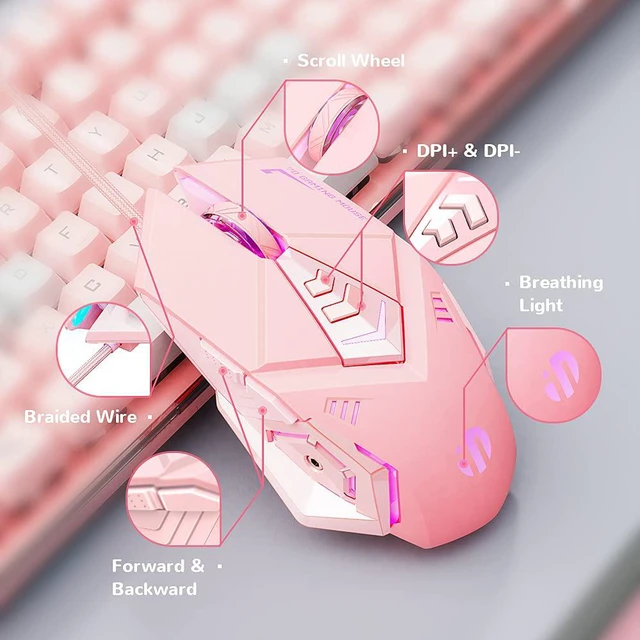
    • Ergonomic DesignThis fashionable pink wired gaming mouse has an ergonomic design. This mouse is suitable for palm. The rubber-frosted texture made of skin-friendly material provides a perfect feel for you. The sturdy buttons can bear the test of 3 million times, provide you with the most comfortable experience, and get rid of your fatigue.
    • 7 Programmable ButtonsMacro editing support, this USB wired gaming mouse is equipped with 7 programmable buttons: left, right, forward, backward, DPI+, DPI-, and scroll wheel. Customize mouse button as a commonly used shortcut key combination on the keyboard, which can satisfy your needs of different work software and games, you can switch between work or games quickly.
    +
    +
    Overview
    Specs
    Reviews
    Inphic Gaming Mouse Wired, Programmable Ergonomic Game USB Computer Mice RGB Gamer Desktop Laptop PC Gaming Mouse, 7 Buttons for Windows 7/8/10/XP Vista Linux


    Features:

    DPI adjustable: 4 DPI levels available from 1000-4800

    7-key macro definition

    Plug and play, no additional software installation required

    RGB backlight, the light can be turned off

    Mute buttons, perfect for home office

    Ergonomic comfort design provides a comfortable claw-grip design, long-term use without fatigue.

    Note: The lights cycle gose between four colors, pink, purple, blue, and red. Set your mouse to pulse a single color: wait for your mouse to cycle to the desired color, then press the DPl- button and one of the side arrow buttons simultaneously.(Press this combo again to turn the lights off, then once more to reset it back to the color cyclemode.)

    Warranty & Returns

    Warranty, Returns, And Additional Information

    Warranty

    • Please contact the Seller directly for warranty information. Warranty information may also be found on the Manufacturer's website.
    • CONTACT

    Return Policies

    Manufacturer Contact Info

    LOADING...