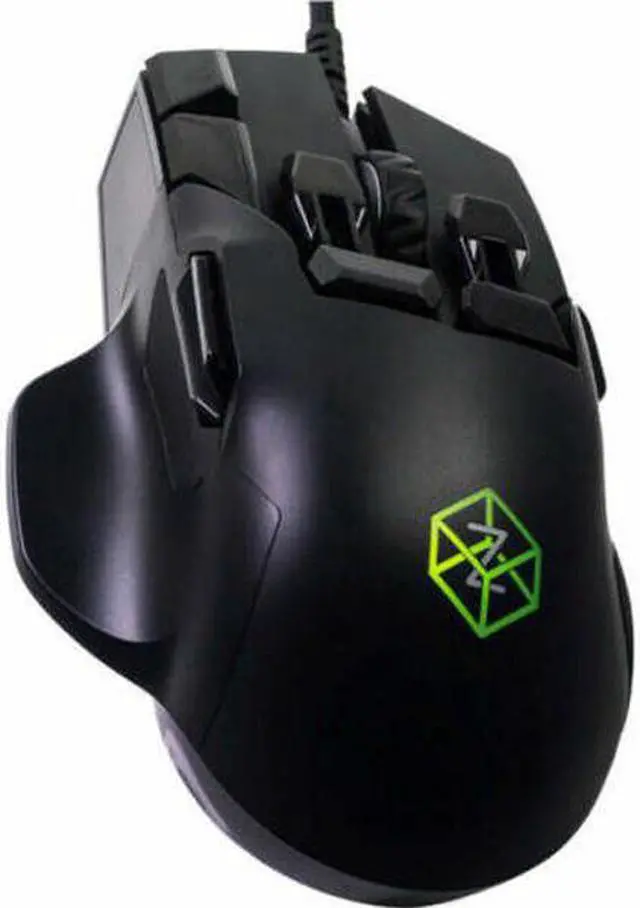
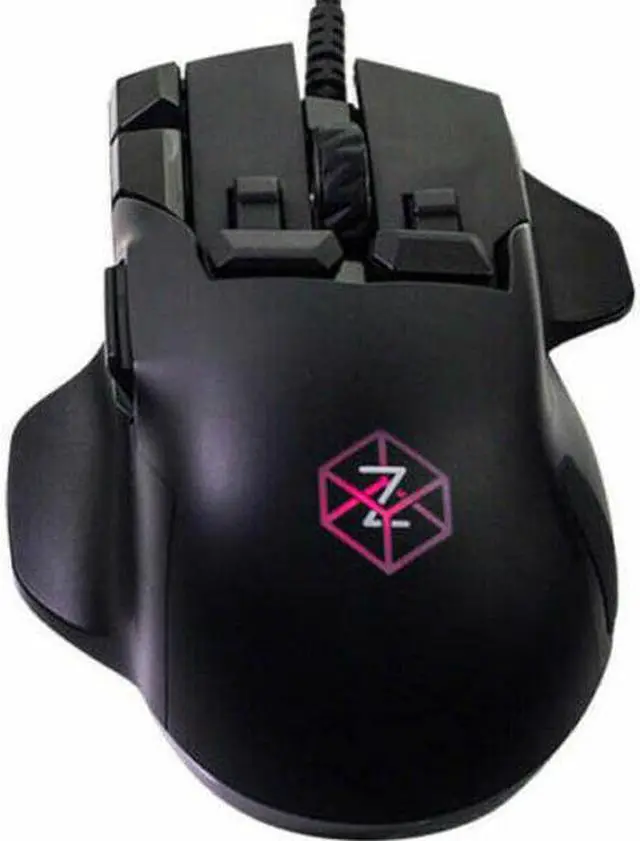
Lean the mouse, and your character leans, press harder on a button and unleash a stronger attack. Jump in a plane, spaceship or helicopter and with The Z's gyroscope technology instantly switch from mouse to analog joystick control. With The Z's ergonomic design you can customize button placements to give lightning fast access to 18 button actions while barely moving your fingers. The buttons sense how hard you press, providing tactile vibration feedback, so you know when you've made a 'deeper click'. When playing FPSs, Third Person Shooters, MMOs / RPGs, MOBAs or games with driving or flying, The Z's precision, speed, and intuitive control will bring more realism to your game and give you the edge.
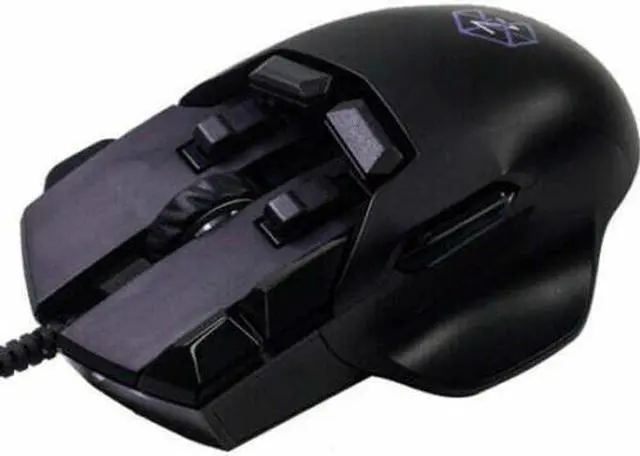
It's time to Play Different. Special Features The Z is a fully featured mouse with a high-performance optical sensor and ergonomics that will give you the edge, whether you are a serious gamer or a professional user. It has many new features including; gyro, accelerometer, touch sensitive buttons, tactile feedback and OLED display. Ergonomics and Design The main mouse buttons are flat, creating a stable platform so you do not nudge the mouse while clicking. The Z can be customized so it fits your hand perfectly. You can choose the fingertip and the trigger button caps to suit the size of your hand and your grip style.
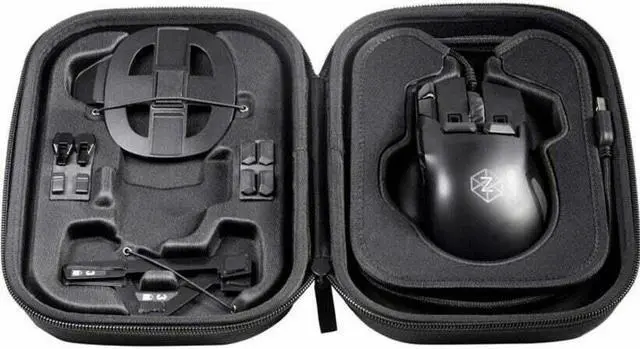
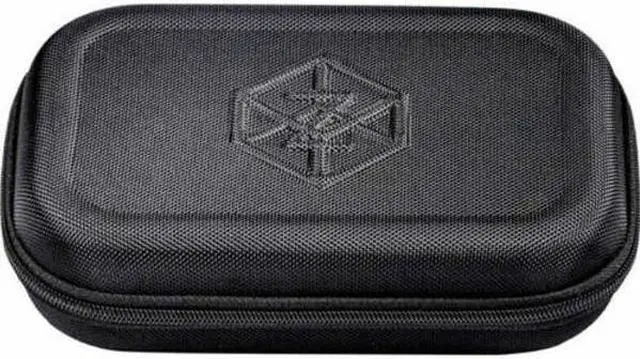
Included in your case you'll see the alternative caps ready for customization. Mouse Trigger Buttons The trigger buttons under the index and middle fingers can be operated in two ways. Each button can be pressed down by slightly straightening the finger. It's so easy that you can use the buttons for actions you use frequently. In one natural movement curl your finger back and pull back on the buttons like a trigger for additional actions. The height of the buttons can be changed by selecting between taller or shorter button caps. For even finer adjustment, the button caps can be reversed so the contact point can be moved backwards or forwards.
Fingertip Buttons The fingertip buttons can be configured to make reaching them easy. If you prefer to move your finger as little as possible, choose the larger button cap. If you prefer something smaller, the smaller button cap option can be inserted instead. Through testing, the team suggested making alternative finger caps to give the user the choice on how these buttons feel. The smaller button cap has a raised portion, and the button cap can be inserted with the raised portion at the front or at the back. Try it for yourself and see what you prefer.
To get it sitting perfectly for your hand we have allowed for further adjustment, slide the button cap forward or backward in its slot. Deep Click The Z senses how hard you push the main left and right click buttons, the left and right fingertip buttons, and also the middle wheel button. This feature gives gamers the opportunity to perform what normally is a keystroke in-game. Typically in FPS games, the zoom feature when performing a sniper shot requires a keyboard action. With the Z you can link this action to a deep click.
Use The Z Driver Configurator to setup this pressure-sensing capability to perform additional actions as you press harder.