Quickview
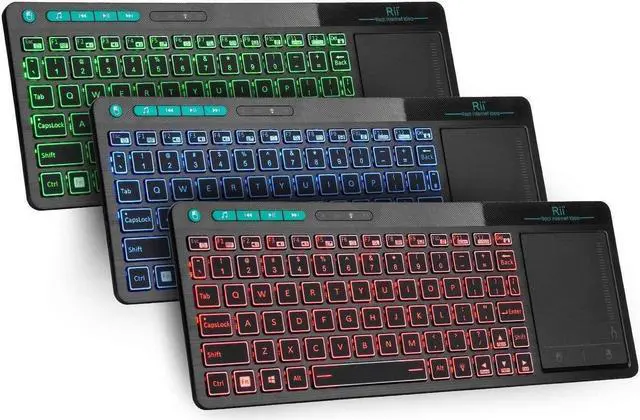
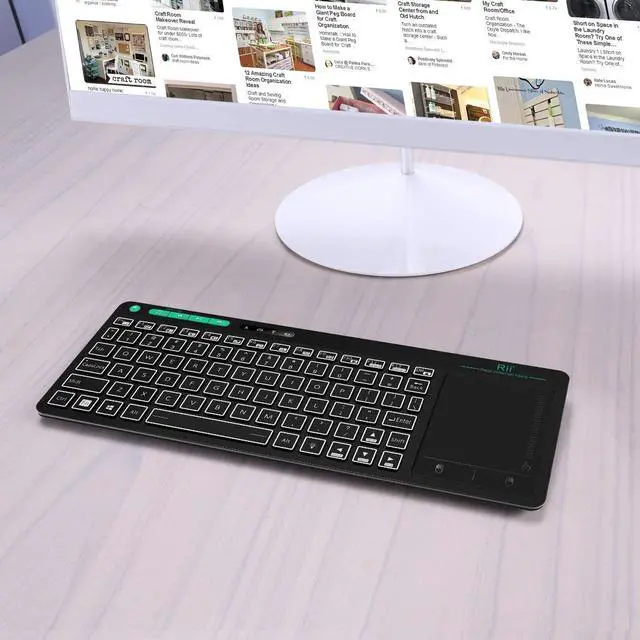
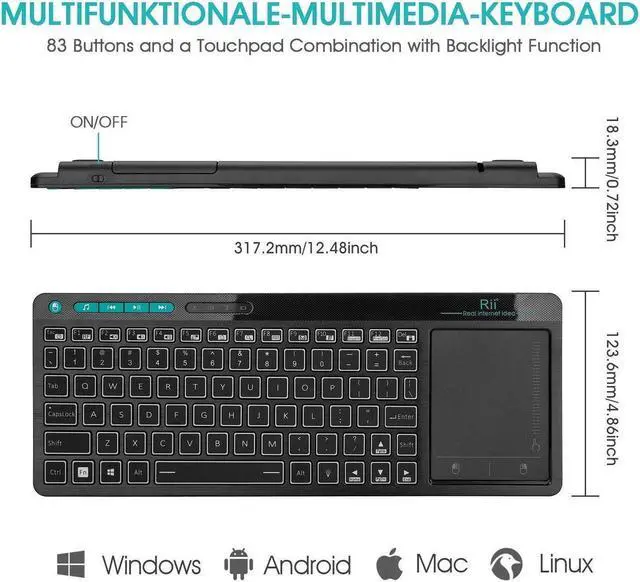
Wireless Touch Keyboard, 3-Colors Backlight Keyboard, First
Multi-Touch Big Size Trackpad, Rechargeable keyboard for Android TV
BOX, SmartTV, Xbox, RaspberryPi, PC, Tablet, HTPC, Android, Windows, MacS.
Product Operation
USB Receiver Location
The USB Receiver locates the back bottom.
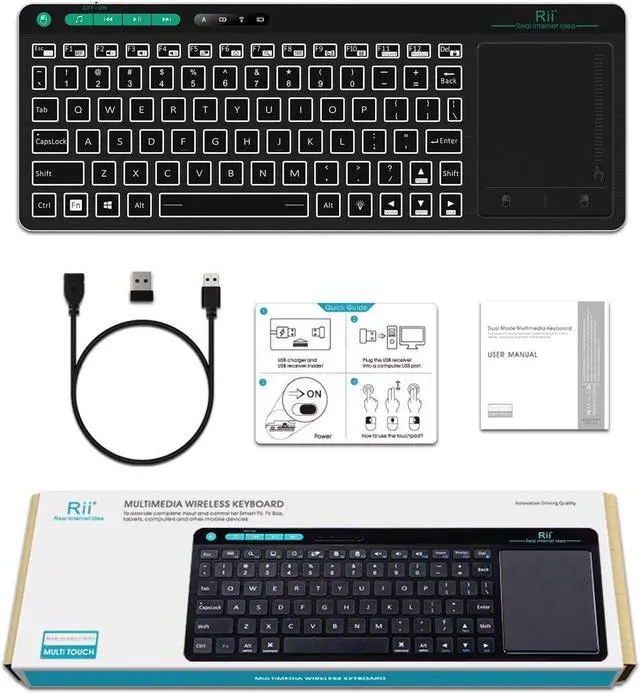
Open the back case, you will find the USB receiver and the Recharge
Cable together.
3-Colors Backlight Control
1. The Bulb button at the rigth bottom side as the Backlight control button
2.
Backlight colors: Red, Green, Blue.
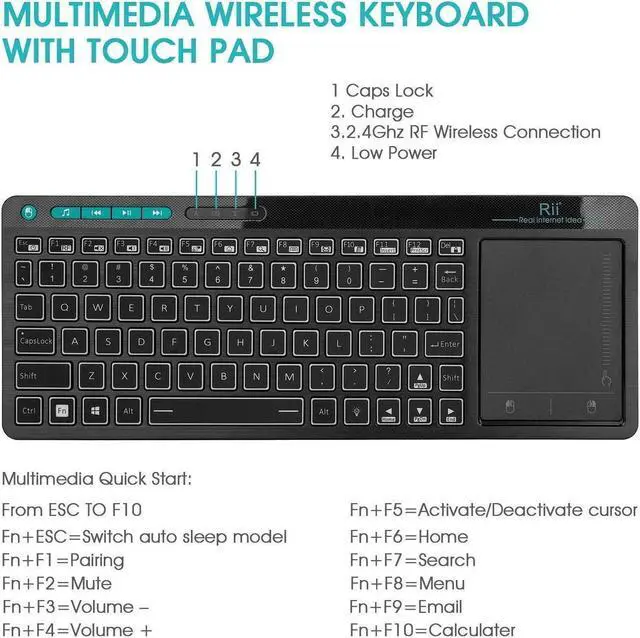
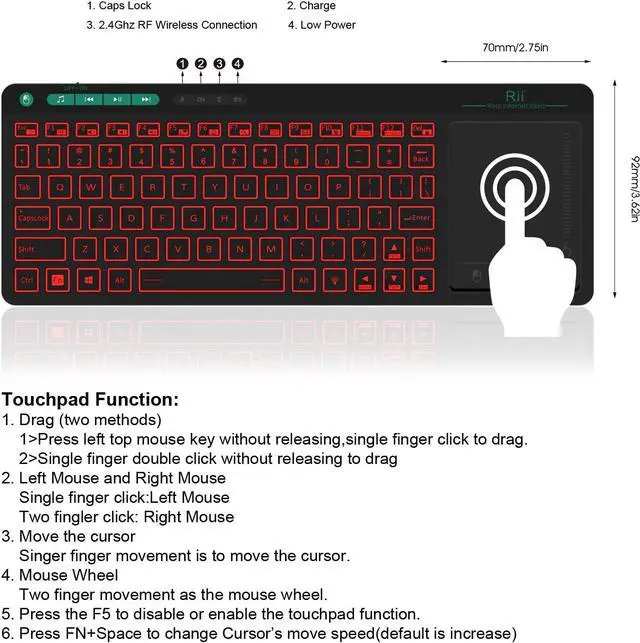
Trackpad Operation
1.
Single finger click: Left Mouse
2.
Two fingles click: Right Mouse
3.
Two fingles slid: Zoom in/out
Rechargeable Wireless Keyboard
Built-in Rechargeable keyboard. Once recharge last about 2 weeks.
Repair Method
When the indicator LED always flash, you could try to repair as the following two steps,
1. Press the ESC button and turn on the keyboard at the same time
2. Insert the USB dongle into your main device's USB port and the White
LED will flash 3-5s, then off, that means the repair success.
WarmTips
1. When you use the wireless keyboard on Fire TV, you need an OTG cable.
2. The Samsung newest smart TV doesn’t support all the functions of the standard keyboard and mouse.
3. When you press ‘a’ but appear ‘aaaaaa’ or the keyboard has very short connection distance, because the signal is interfered.
4.
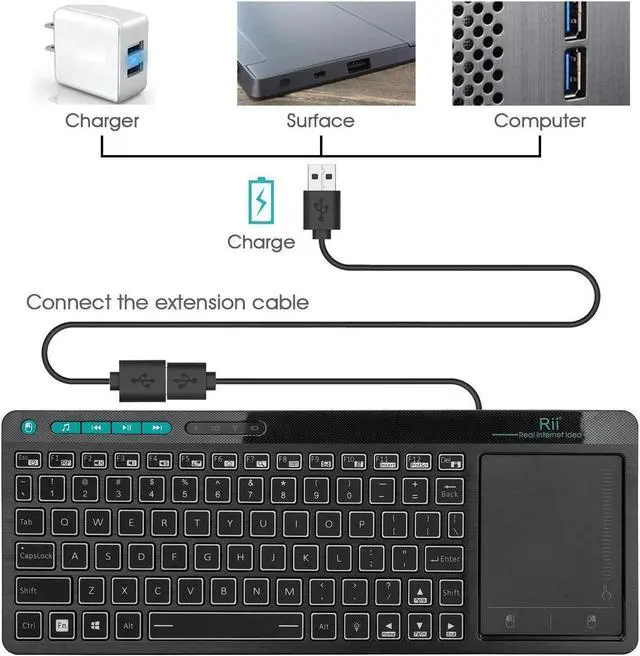
Here is the solution: taking out of the extension cable in the package to connect your TV and the USB receiver.
5. If the signal indicator flashes fast, it means the keyboard lost connection with USB receiver. Please repair it according to repair steps in user Manual.



 All Categories