• $49.99
  • Free 30-day Returns
  • Ships from China.

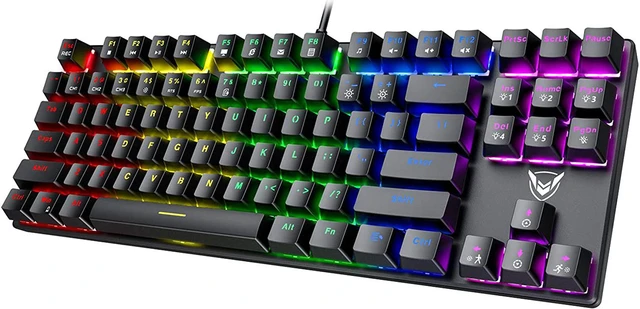
    Mechanical Gaming Keyboard, RGB LED Rainbow Backlit 60% keyboard with Blue Equivalent Switches, 27 LED Lighting Modes, 100% Anti-Ghosting Tenkeyless Keyboard for Windows PC/MAC Games

    • Item #: 9SIV36AKE31513
    • Mfr. Part #: EL-GKEYB101
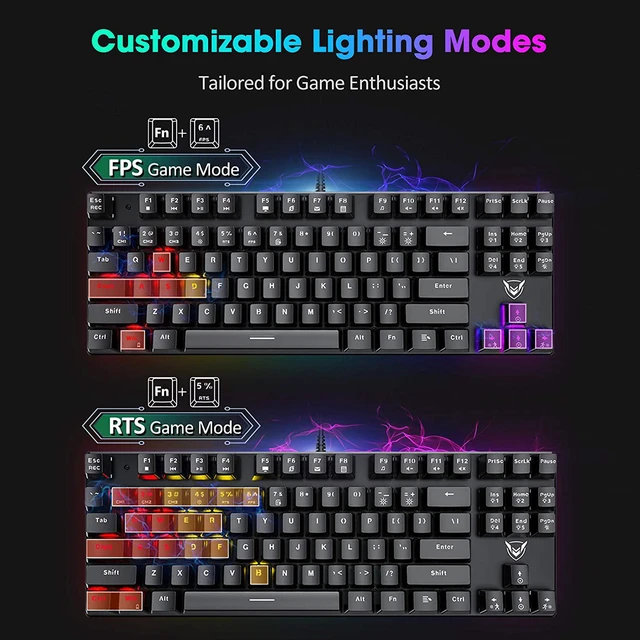
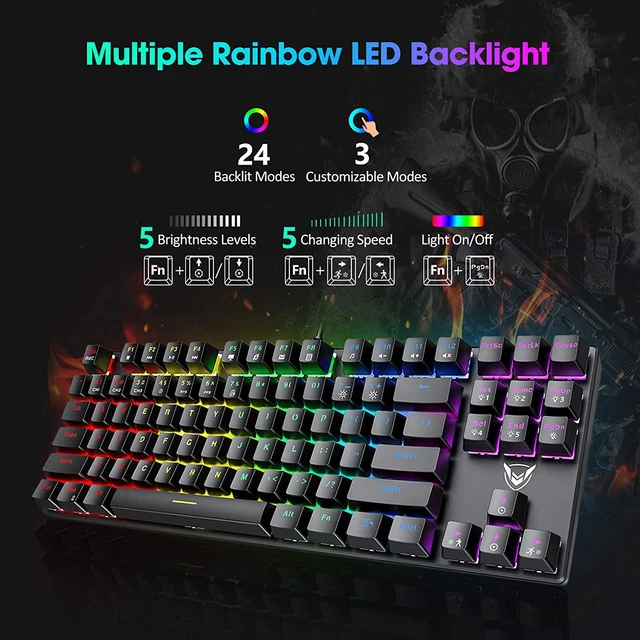
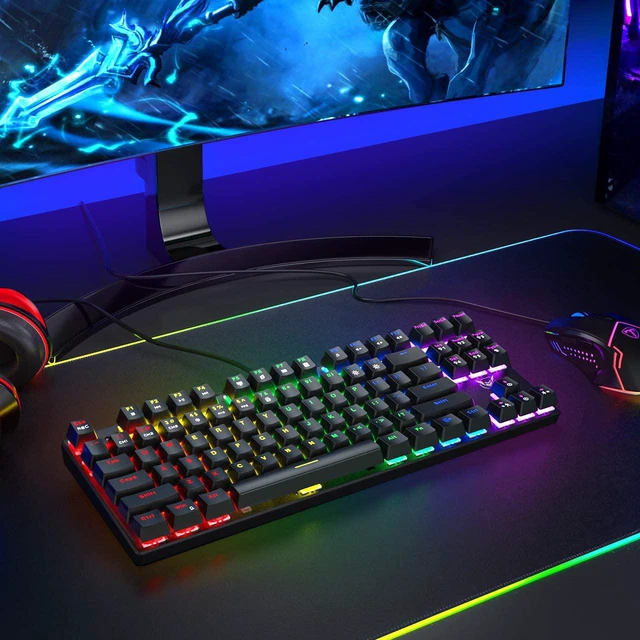
    • 27 Rainbow LED Backlit Modes:Pictek backlit keyboard is equipped with double-shot injection molded keycaps, which offers crystal clear uniform backlight and ensures lettering that doesn't scratch off. Features rainbow color, multiple lighting modes, 5 backlight brightness levels, 5 breathing speed, 2 special backlit desgined for RTS and FPS games, extending better gaming experience for gamers. The keys are NOT rgb but each zone is a different color red, yellow, green, blue, purple you cannot change them.
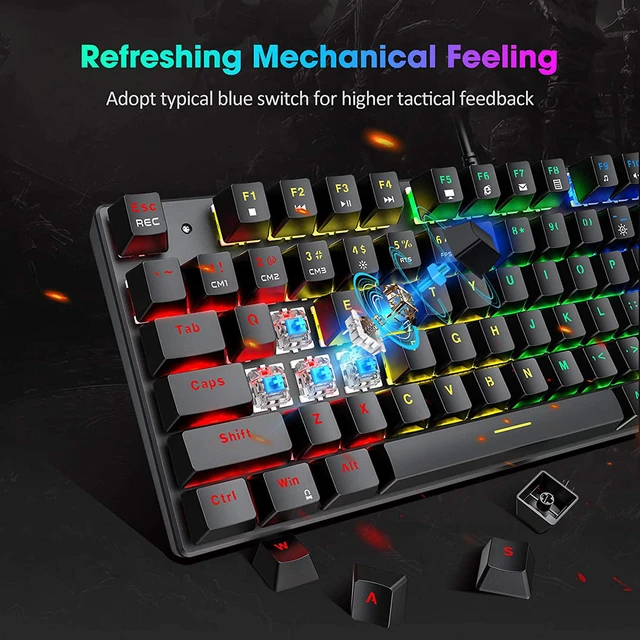
    • Blue Equivalent Switches for Quicker Click Response:Adopted professional equivalent switches, which offers quicker and springier response, crisp click sound for spring typing enjoyment, precise tactile feedback for ultimate gaming performance. Comes with keycap puller for easy keycaps cleaning.
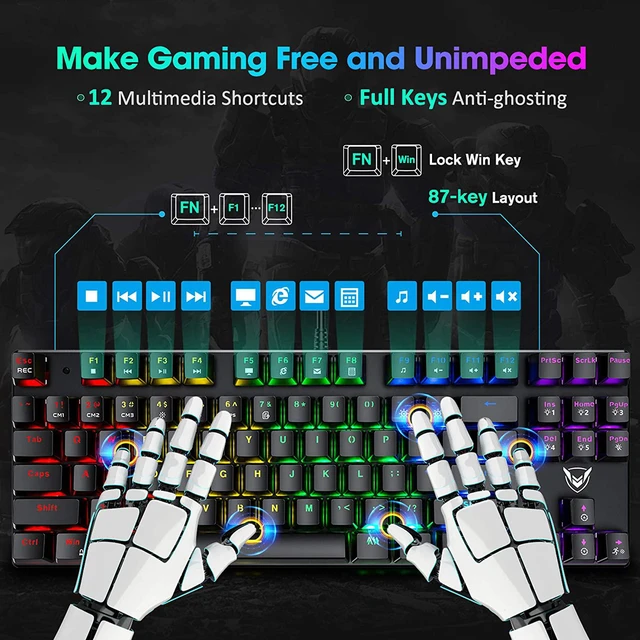
    • Full Keys Anti-ghosting & 12 Multimedia Keys:All 87 keys are conflict-free is more friendly to user, ensuring smooth gaming experience.
    +
    +
    Overview
    Specs
    Reviews
    Included Keycap Puller

    PICTEK 87-key Mechanical gaming keyboard comes with a keycap puller to help clean the keyboard easier.


    Ergonomic Design

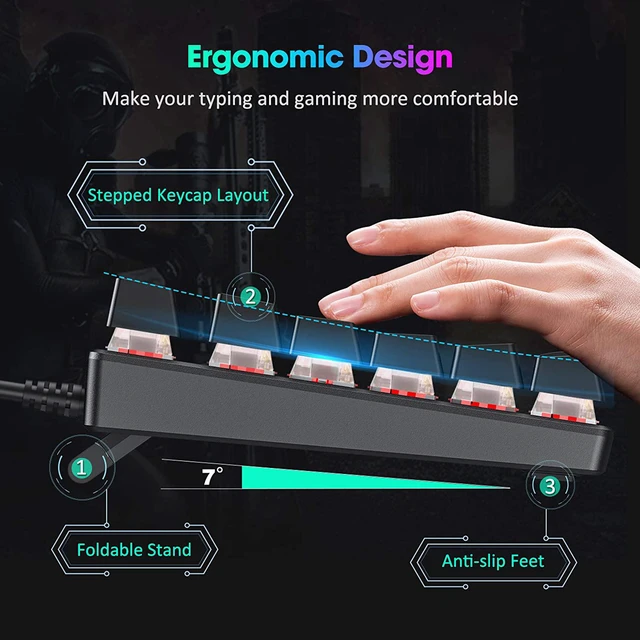
    With keycaps leaning backward and forward design to make the typing more comfortable, the fold-out legs allows you to choose the best typing height.


    Fading Resistant Keycaps

    PICTEK keyboard adopts advanced craft to make sure the letter will not fade, enabling a long service life.


    Splash Resistant

    Splash resistant helps to solve your worry about accident water or tea splash, three hydrophobic holes in the back of the keyboard to accelerate water stream.


    12 Multimedia Function Keys

    12 Multimedia function keys to enhance efficiency during working on sheet, wps and playing.


    Lock the Win Key

    Pressing the Win and Fn, you will be able to lock the page to help you focus on the game, avoiding page losing.


    27 Types Lighting modes Instruction

    Fn+Ins: Switch 4 lighting modes————Fn+1: Customized Backlight Mode 1
    Fn+Home: Switch 4 lighting modes————Fn+2: Customized Backlight Mode 2
    Fn+PgUp: Switch 4 lighting modes————Fn+3: Customized Backlight Mode 3
    Fn+Del: Switch 4 lighting modes————Fn+4: Backlight Fully Mode
    Fn+End: Switch 4 lighting modes————Fn+5: RTS Gaming Backlight Mode
    Fn+PgDn: Backlight On/Off————Fn+6: FPS Gaming Backlight Mode
    Fn+7: Office Backlight Mode


    How to customize your own lighting mode?


    1.Press Fn+1 to enter into customized lighting mode. 2.Press FN+ESC to activate the editing function, and then you can choose your desired lighting mode and press the corresponding buttons to light up, and finally press FN+ESC to save the setting.


    Notes: The Multimedia function is not available for Mac OS.

    Warranty & Returns

    Warranty, Returns, And Additional Information

    Warranty

    • Please contact the Seller directly for warranty information. Warranty information may also be found on the Manufacturer's website.
    • CONTACT

    Return Policies

    Manufacturer Contact Info

    LOADING...