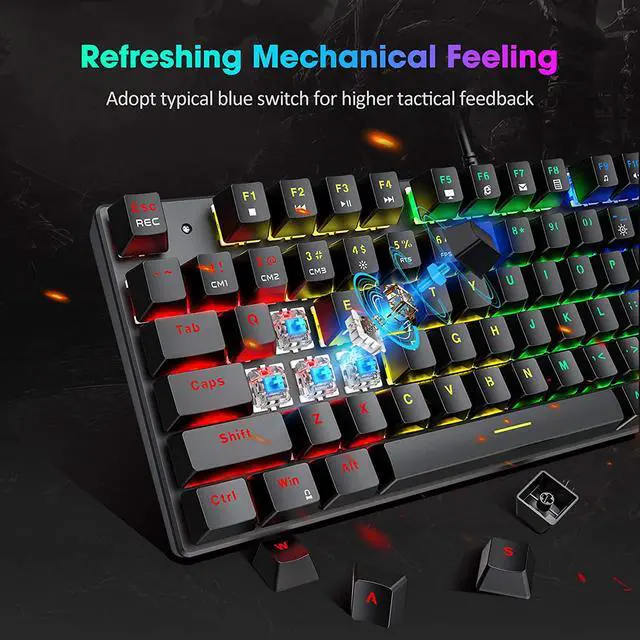
Included Keycap Puller
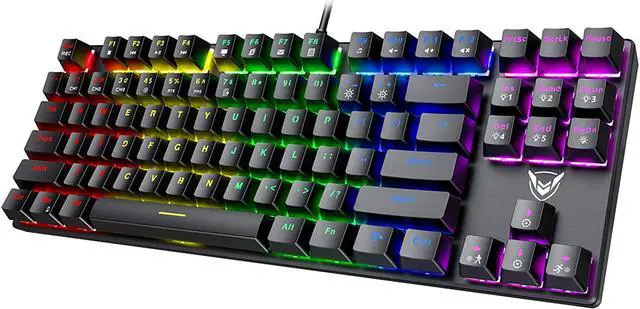
87-key Mechanical gaming keyboard comes with a keycap puller to help clean the keyboard easier. Ergonomic Design
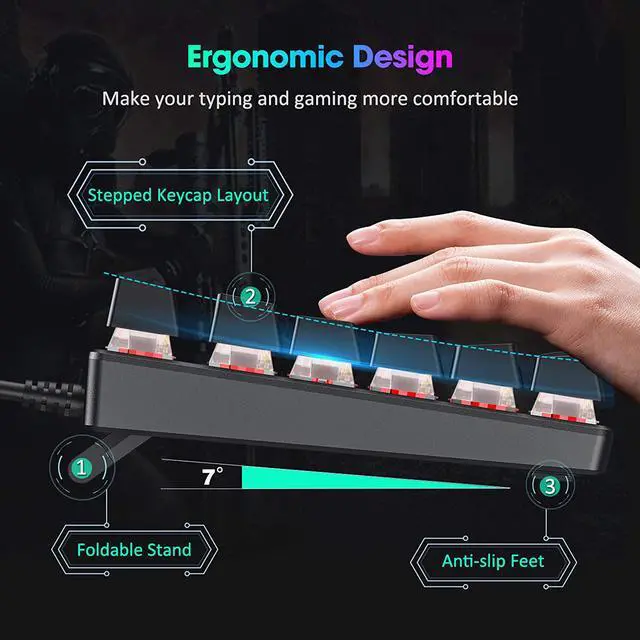
With keycaps leaning backward and forward design to make the typing more comfortable, the fold-out legs allows you to choose the best typing height. Fading Resistant Keycaps
keyboard adopts advanced craft to make sure the letter will not fade, enabling a long service life. Splash Resistant
Splash resistant helps to solve your worry about accident water or tea splash, three hydrophobic holes in the back of the keyboard to accelerate water stream. 12 Multimedia Function Keys
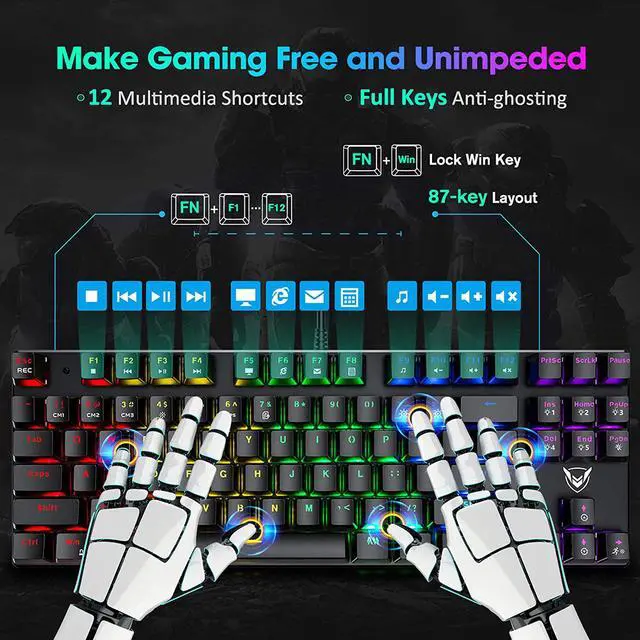
12 Multimedia function keys to enhance efficiency during working on sheet, wps and playing. Lock the Win Key
Pressing the Win and Fn, you will be able to lock the page to help you focus on the game, avoiding page losing. 27 Types Lighting modes Instruction
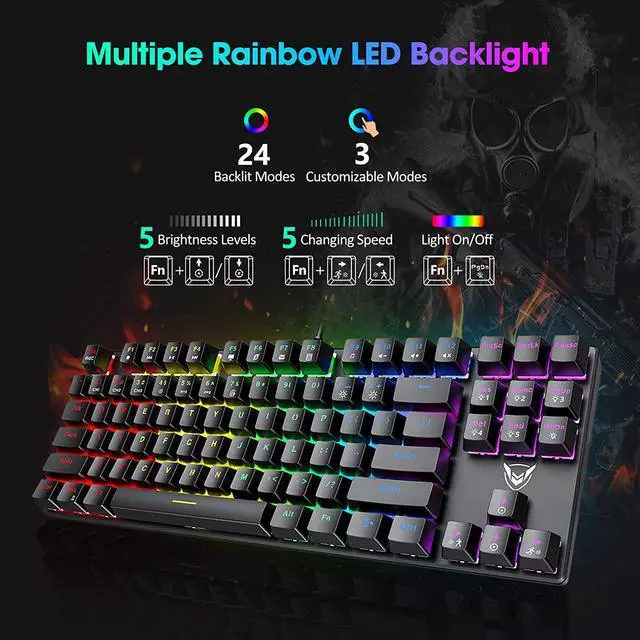
Fn+Ins: Switch
4 lighting modes————Fn+1: Customized Backlight Mode 1
Fn+Home: Switch
4 lighting modes————Fn+2: Customized Backlight Mode 2
Fn+PgUp: Switch
4 lighting modes————Fn+3: Customized Backlight Mode 3
Fn+Del: Switch
4 lighting modes————Fn+4: Backlight
Fully Mode Fn+End: Switch
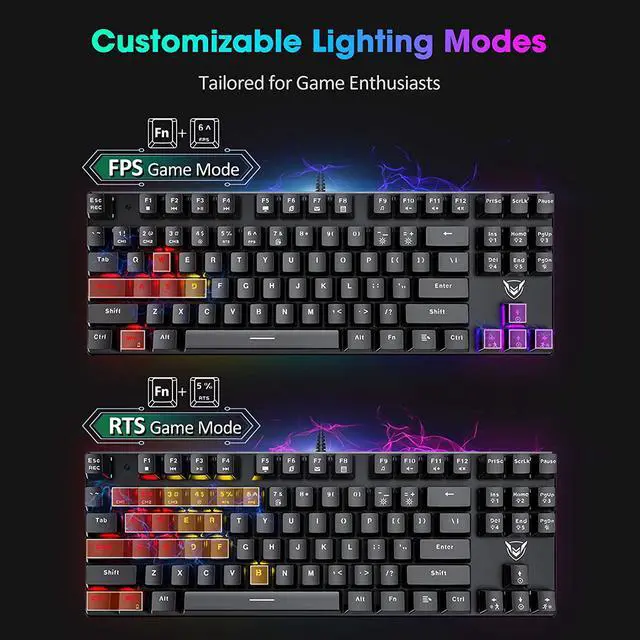
4 lighting modes————Fn+5: RTS
Gaming Backlight Mode Fn+PgDn: Backlight
On/Off————Fn+6: FPS
Gaming Backlight Mode Fn+7: Office Backlight Mode How to customize your own lighting mode?
1. Press Fn+1 to enter into customized lighting mode. 2. Press FN+ESC to activate the editing function, and then you can choose your desired lighting mode and press the corresponding buttons to light up, and finally press FN+ESC to save the setting.
Notes: The Multimedia function is not available for Mac OS



 All Categories