• $44.99
  • Free 30-day Returns
  • Ships from China.

    Wireless 60% Mechanical Keyboard 61 Keys Rainbow Backlit Gaming Keyboard Bluetooth 5.0/Type-C Wired Programmable Computer Keyboard with Red Switch for Multi-Devices PC Mac Laptop

    • Item #: 9SIV36AKE33435
    • Mfr. Part #: KE-KBDWSGF588-W
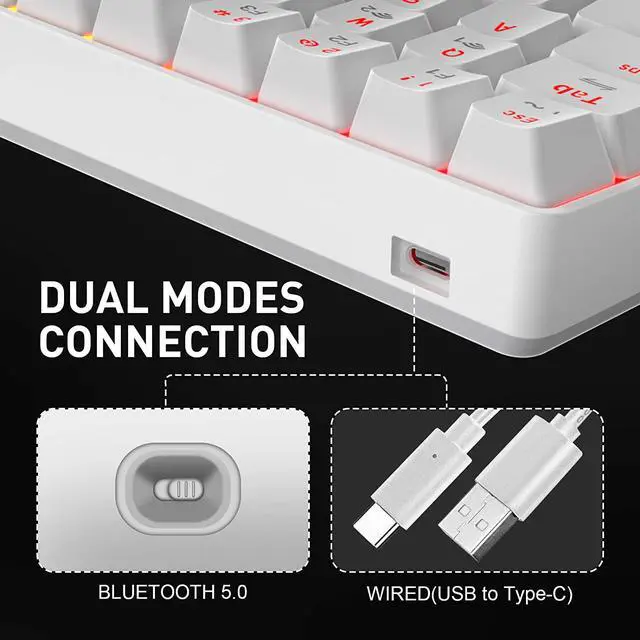
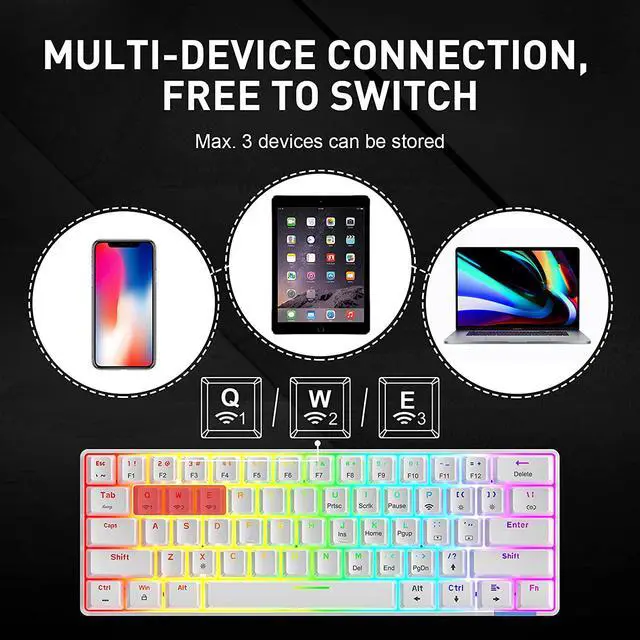
    • Dual Mode Connection:The mechanical keyboard connection supports dual modes: bluetooth 5.0 wireless connection & wired Type-C connection by simply pressing the ON / OFF button (on the back of the keyboard). Connecting 3 different devices at the same time in wireless mode, easily switchable with FN + Q/W/E.(all key anti-ghosting under wired mode, and 6 key anti-ghosting under wireless mode).
    • Long-lasting Wireless Keyboard:61 Keys compact keyboard is with red switches, response faster. With 1900mAh battery support for 12 hours of continuous use. Under wireless mode, the tkl keyboard has smart two-level power saving function, it will enter first level when no use for 3min, and after 30min to sleep mode, make power be used effectively.
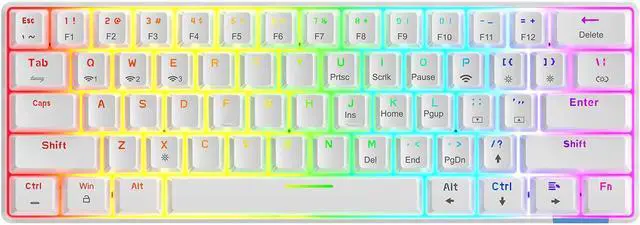
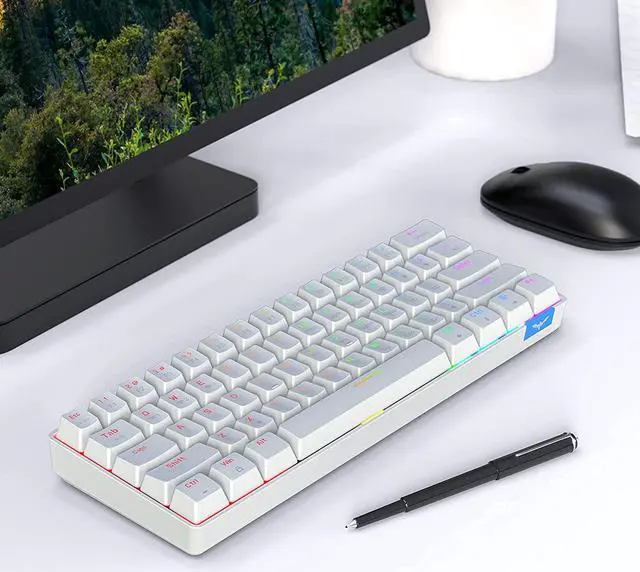
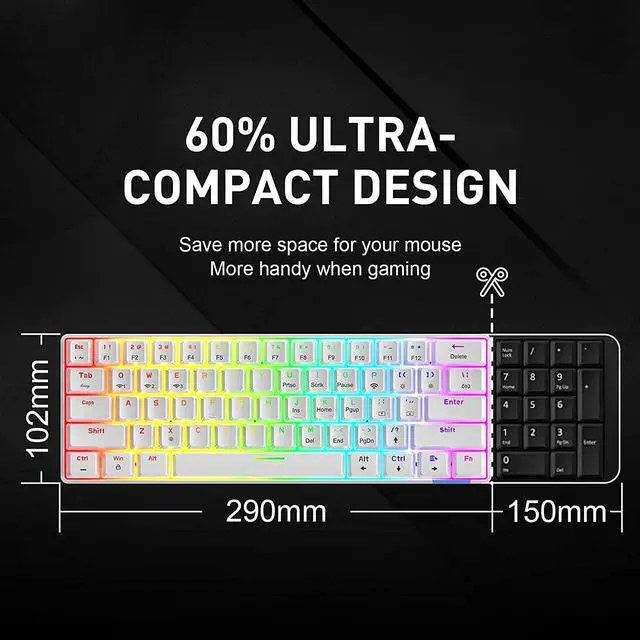
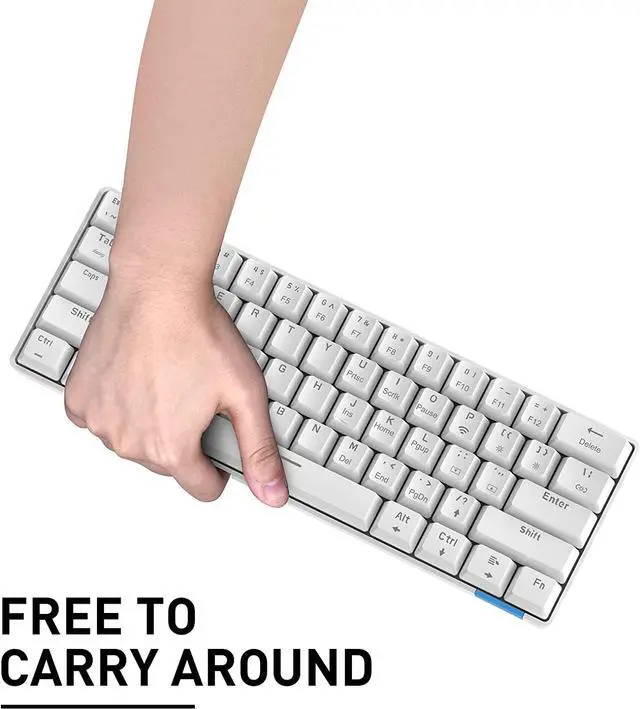
    • Compact 61 Keys Layout:The laptop pc keyboard is in 60% compact design, a perfect size, to provide more space to your desktop and mouse movement. Being with wireless connection mode and Attaching with detachable type-c cable that make it convenient to carry.
    +
    +
    Overview
    Specs
    Reviews
    Havit 60% Mechanical Gaming Keyboard, Wired and Wireless Keybaord, 61 Keys Compact Mini Keyboard

    Two Connection Modes:

    Wired Mode: mechanical keyboard is come with a detachable type-C data line, used for wired connection and charging.

    Bluetooth Mode: bluetooth can reach 10m effective range, connecting 3 devices at the same time and gaming keyboard is with smart power-saving function.


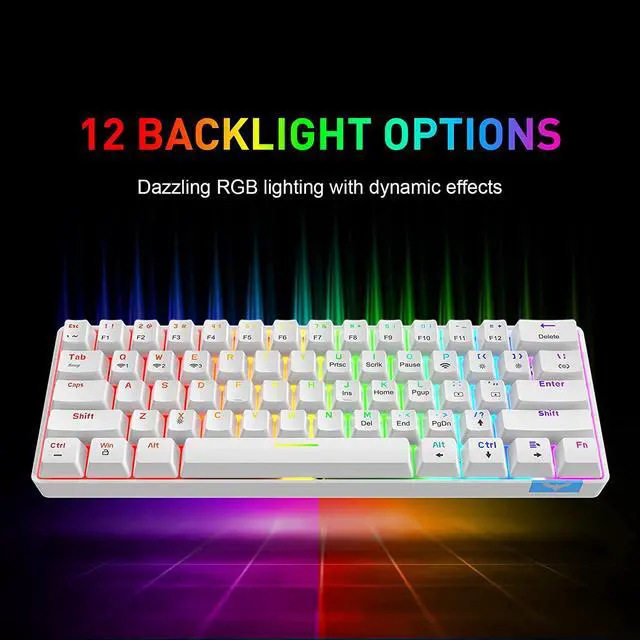
    12 kinds of backlit modes

    The mechanical keyboard supports 12 different backlit. Press FN +\ to switch between the different modes. The 12 modes display one after another as the following by each press of FN+\. And press FN+X to turn off/on the light anywhen.

    At each mode, you could press Fn+[ or ] to adjust the brightness with 5 levels, and press Fn+” or ; to adjust the speed with 5 levels.


    Bluetooth Connection

    1. Open the back switch to “ON”, press “FN+Tab” to switch wireless mode;

    2. Press Q/W/E to choose one bluetooth, when the selection is successful, the backlit of the key will flash multiple time;(if the key with no flash, it is wired mode)

    3. Search and connect the “Havit KB255” on your computer/phone/tablet, the key will stop flashing and finish when connecting successfully.


    Other Function

    -FN+Ctrl(left): the composite function is converted to the main key function(the arrow key can not be converted uniformly)

    -FN+Shift(Right)(press 3sec): all four of the direction key are functional.

    Warranty & Returns

    Warranty, Returns, And Additional Information

    Warranty

    • Please contact the Seller directly for warranty information. Warranty information may also be found on the Manufacturer's website.
    • CONTACT

    Return Policies

    Manufacturer Contact Info

    LOADING...