


Meet Your Seller

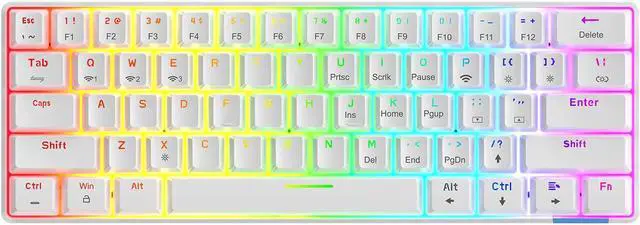


Wireless 60% Mechanical Keyboard 61 Keys Rainbow Backlit Gaming Keyboard Bluetooth 5.0/Type-C Wired Programmable Computer Keyboard with Red Switch for Multi-Devices PC Mac Laptop
- Item #: 9SIV36AKE33435
- Mfr. Part #: KE-KBDWSGF588-W
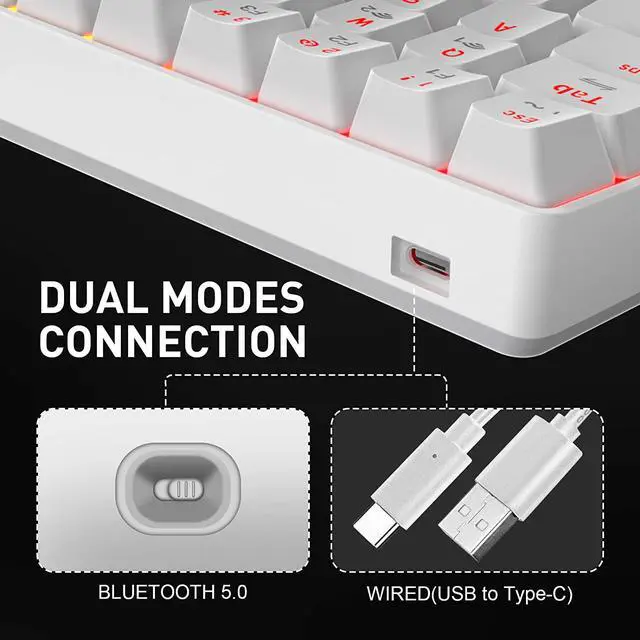
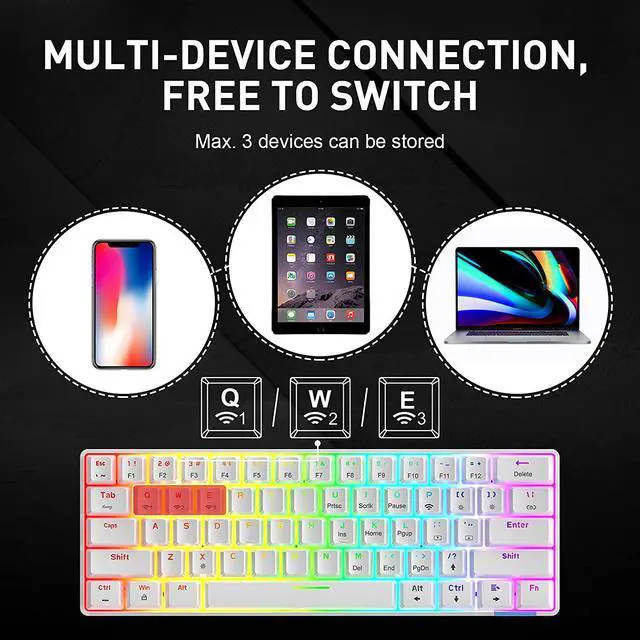
- Dual Mode Connection:The mechanical keyboard connection supports dual modes: bluetooth 5.0 wireless connection & wired Type-C connection by simply pressing the ON / OFF button (on the back of the keyboard). Connecting 3 different devices at the same time in wireless mode, easily switchable with FN + Q/W/E.(all key anti-ghosting under wired mode, and 6 key anti-ghosting under wireless mode).
- Long-lasting Wireless Keyboard:61 Keys compact keyboard is with red switches, response faster. With 1900mAh battery support for 12 hours of continuous use. Under wireless mode, the tkl keyboard has smart two-level power saving function, it will enter first level when no use for 3min, and after 30min to sleep mode, make power be used effectively.
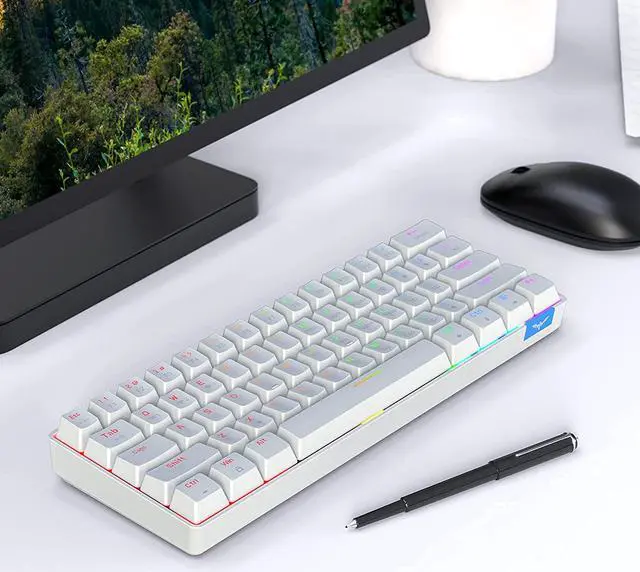
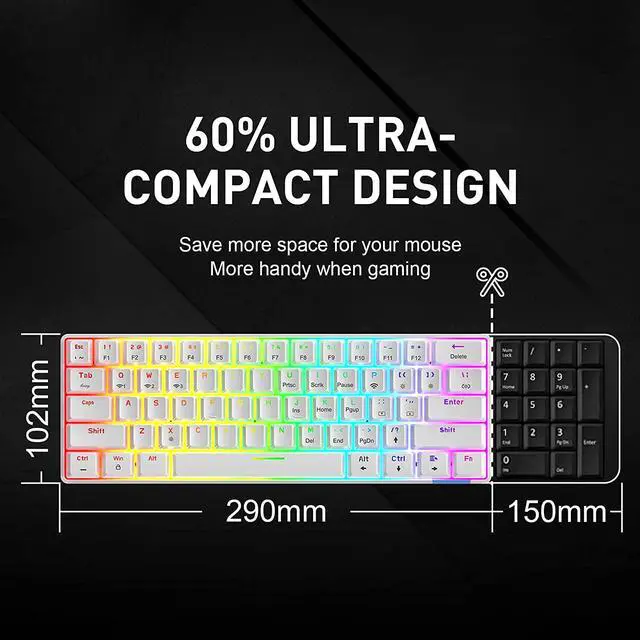
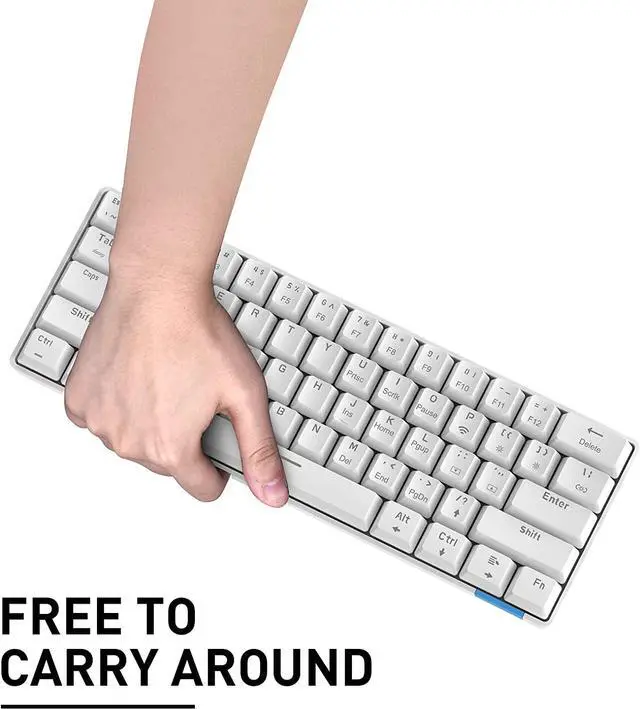
- Compact 61 Keys Layout:The laptop pc keyboard is in 60% compact design, a perfect size, to provide more space to your desktop and mouse movement. Being with wireless connection mode and Attaching with detachable type-c cable that make it convenient to carry.
+
+
Overview
Specs
Reviews
Havit 60% Mechanical Gaming Keyboard, Wired and Wireless Keybaord, 61 Keys Compact Mini Keyboard
Two Connection Modes:
Wired Mode: mechanical keyboard is come with a detachable type-C data line, used for wired connection and charging.
Bluetooth Mode: bluetooth can reach 10m effective range, connecting 3 devices at the same time and gaming keyboard is with smart power-saving function.
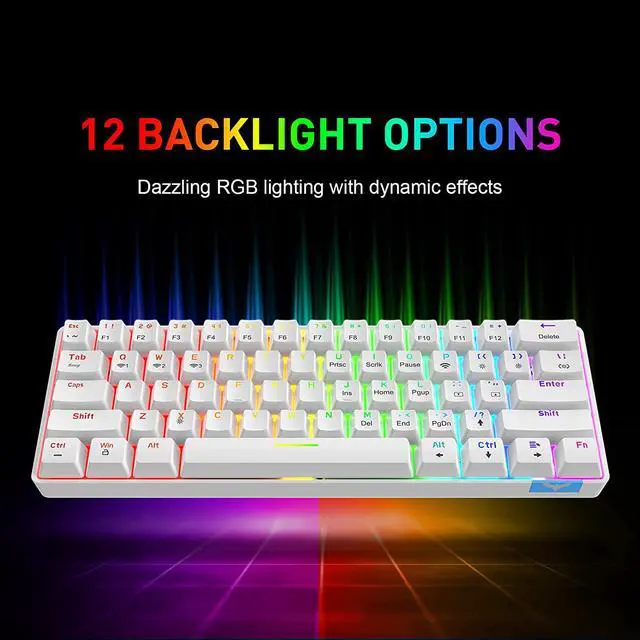
12 kinds of backlit modes
The mechanical keyboard supports 12 different backlit. Press FN +\ to switch between the different modes. The 12 modes display one after another as the following by each press of FN+\. And press FN+X to turn off/on the light anywhen.
At each mode, you could press Fn+[ or ] to adjust the brightness with 5 levels, and press Fn+” or ; to adjust the speed with 5 levels.
Bluetooth Connection
1. Open the back switch to “ON”, press “FN+Tab” to switch wireless mode;
2. Press Q/W/E to choose one bluetooth, when the selection is successful, the backlit of the key will flash multiple time;(if the key with no flash, it is wired mode)
3. Search and connect the “Havit KB255” on your computer/phone/tablet, the key will stop flashing and finish when connecting successfully.
Other Function
-FN+Ctrl(left): the composite function is converted to the main key function(the arrow key can not be converted uniformly)
-FN+Shift(Right)(press 3sec): all four of the direction key are functional.
Warranty & Returns
Warranty, Returns, And Additional Information
Warranty
- Please contact the Seller directly for warranty information. Warranty information may also be found on the Manufacturer's website.
- CONTACT
Return Policies
- Return for refund within: 30 days
- Return for replacement within: 30 days
- This item is covered by Electronics World Return Policy
Manufacturer Contact Info
- For a directory of all our manufacturers, please click below.
- Manufacturers Directory
LOADING...