• $49.99
  • Free 30-day Returns
  • Ships from China.

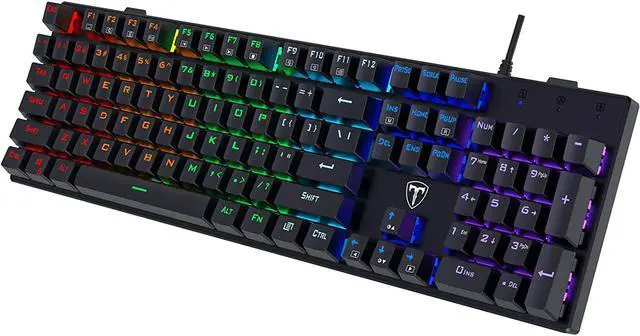
    Mechanical Gaming Keyboard Full Size, LED Rainbow Backlit Ultra-Slim Wired Keyboard with Blue Switches104 Keys, Full-Key Rollover, Ergonomic Water-Resistant Computer PC Keyboard for Windows Mac

    • Item #: 9SIV36AKE33788
    • Mfr. Part #: KE-KASB5468
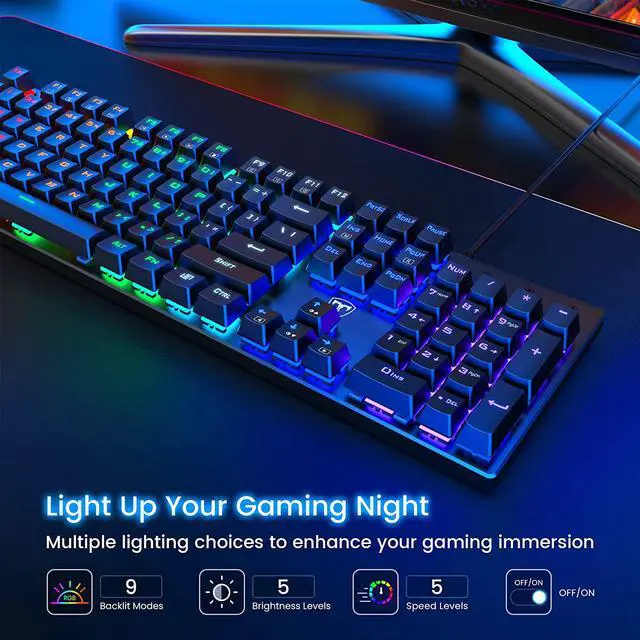
    • Rainbow LED Backlit Mechanical Keyboard: The wired gaming keyboard has 9 adjustable lighting modes and 5 speed/brightness adjustments, allowing you to create your own gaming atmosphere according to your preferences. In addition, you can easily adjust the backlight speed and backlight direction. These all will give you more enjoyable when you gaming or typing at night.
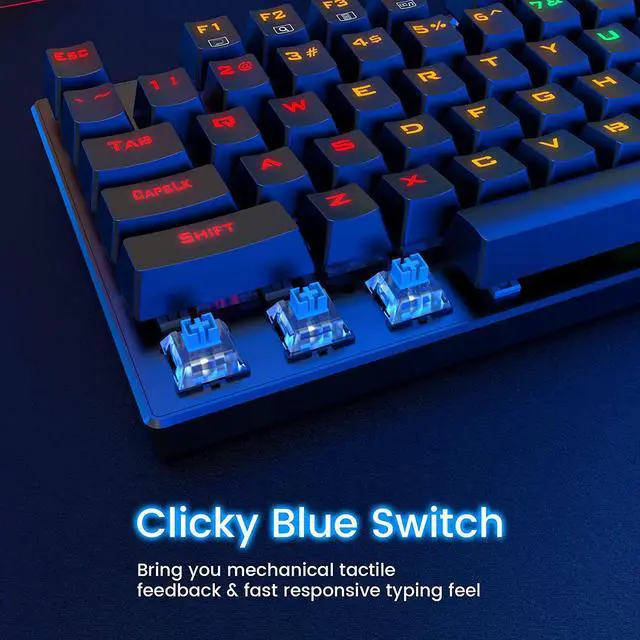
    • Comfortable Typing Experience: Adopted with classic blue switches, featuring 4.0±0.2mm keystroke distance and 60±15g actuation force, the pc keyboard offers you high accuracy and quicker response with enjoyable click sound when gaming. The stepped layout and foldable kickstands can also provide you with an ergonomic angle for more comfortable typing.
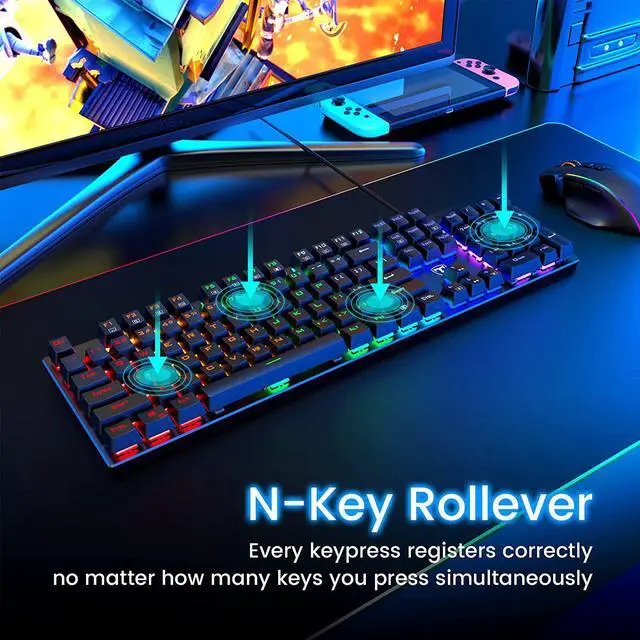
    • Full-Size104 Keys Standard Keyboard: The 100% layout 104 keys ergonomic keyboards allow full keys to work simultaneously during intense gaming. Win lock function frees your worry about mistyping when gaming.
    +
    +
    Overview
    Specs
    Reviews
    Foldable Holders

    To improve your posture, the wired gaming keyboard comes with 2 foldable holders, which you can fold up when in use.


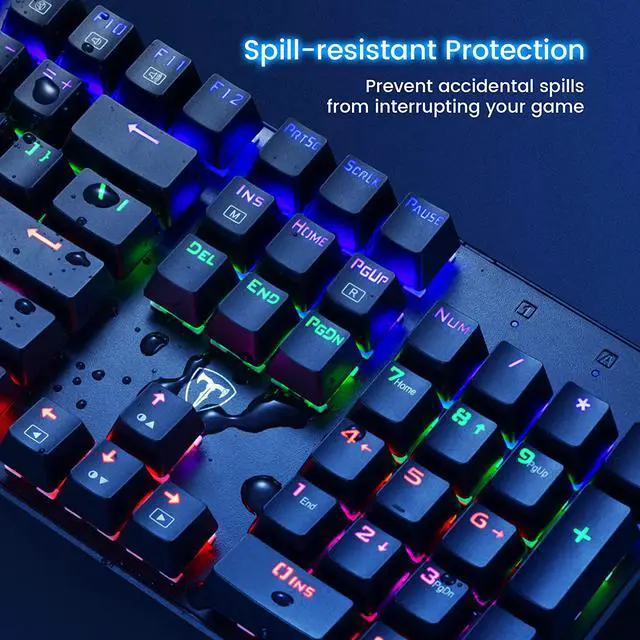
    Splash-proof Design

    Drain holes at the back of the keyboard allow water to flow away quickly to prevent damage to the internal parts of the keyboard.


    Specifications:

    Size: 43 x 12 x 2.5cm

    Switch Type: Blue Switch

    Cable Length: 1.6m / 5.9ft


    Package Includes

    Keyboard x 1

    User Manual x 1

    Keycap Puller x 1


    NOTE:

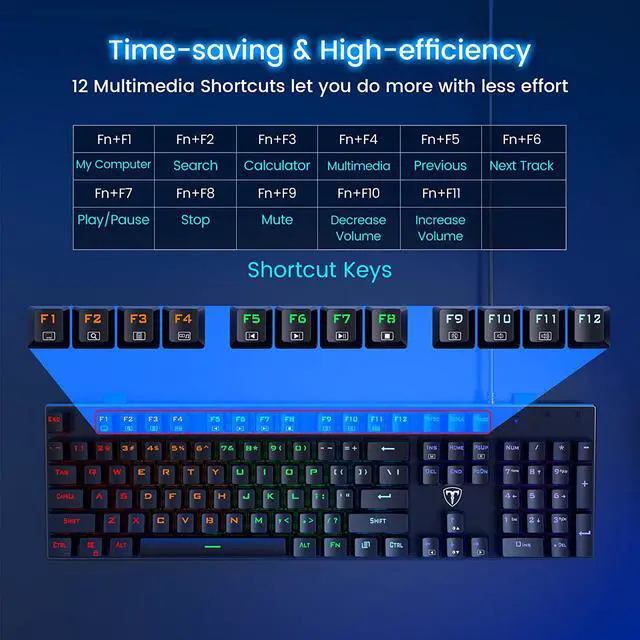
    1. The keyboard multimedia function cannot be used in Mac OS.

    2. Press FN+Win to lock the Win key, press again to unlock.

    3.Take out the keyboard, insert the keyboard USB port into the computer, wait for the driver to install automatically, then you can start using it. If you encounter problems during use, you can check the user manual or contact our technical support, we will help you solve the problem as soon as possible.

    Warranty & Returns

    Warranty, Returns, And Additional Information

    Warranty

    • Please contact the Seller directly for warranty information. Warranty information may also be found on the Manufacturer's website.
    • CONTACT

    Return Policies

    Manufacturer Contact Info

    LOADING...