Keyboard Specfication:
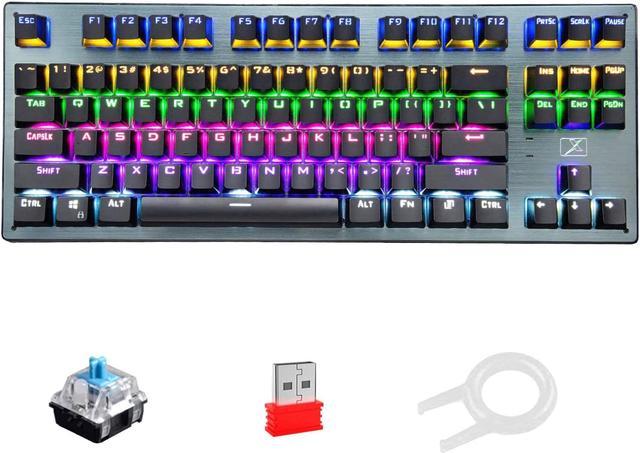
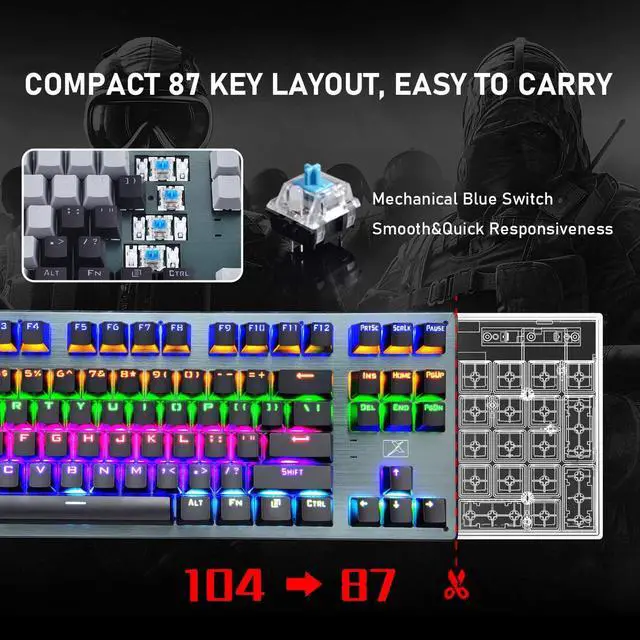
Mechanical Switch:Blue Switch
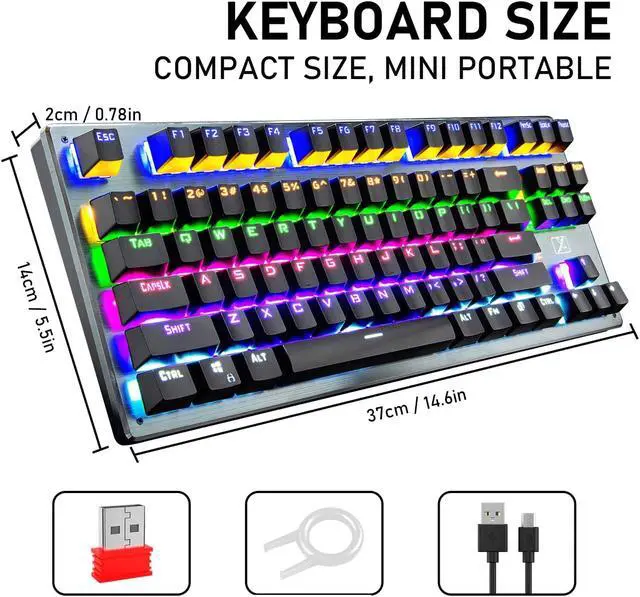
Key Layout: 87 Key
Battery Capacity: 3300mAh
Interface Type: Type-C
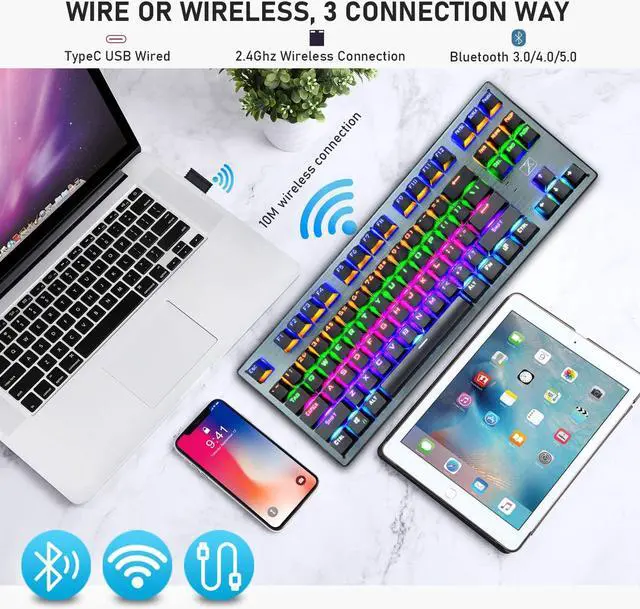
Connection Method: Wired by USB cable; Wireless by 2.4Ghz Nano USB receiver or Bluetooth 3.0/4.0/5.0
USB Cable Length: 1.6m
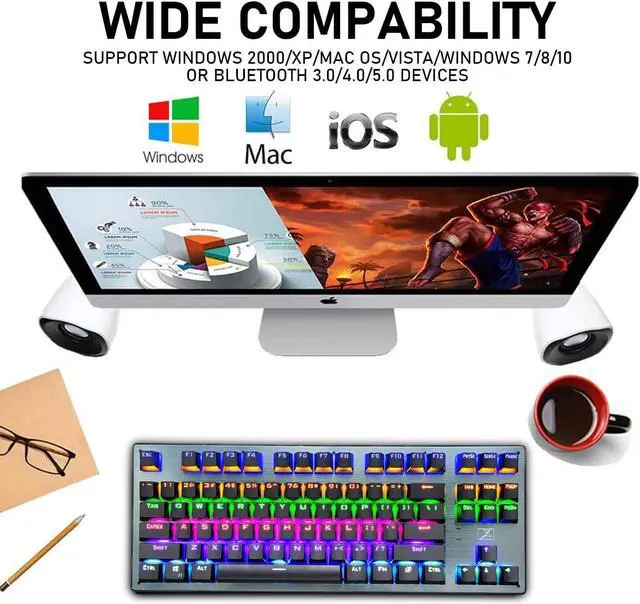
Compatible System: Windows 2000/XP/Mac OS/vISTA/wINDOWS7/8/10, or any device which support Bluetooth 3.0/4.0/5.0
The way to use it in different connection:
Press FN+1/2/3 to start Bluetooth Connection: Power on the keyboard, long press FN+1, the indicator light will be green and flashes quickly, and will stay green light if the device is connected successfully; if long press FN+2, the indicator light will be yellow; if long press FN+3, the indicator light will be cyan.
Press FN+4 to start 2.4 Ghz Wireless Connection: Power on the keyboard, place the keyboard near the USB receiver, long press FN+4, the indicator light will be red and flashes quickly, then plug the USB receiver into your computer USB port, the indicator light will stay red if the keyboard is connected successfully.
Press FN+5 to start wired connection: Power on the keyboard, use the type-C USB cable to connect it with your computer, long press FN+5, the indicator light will be white and flashes quickly, and will stay white light if the keyboard is connected successfully.
Mini Portable 87Key Mechanical Gaming Keyboard, wired or wireless, whatever you need, you can always find the best way to use it
The way to adjust the RGB Backlight:
FN+Ins= Switch the backlight mode; FN+?/?"= Increase/Decrease the backlight brightness; FN+?/?" = Slow Down/Speed Up the changing or breathing speed of backlight; FN+Page up=Reback to always light on backlight
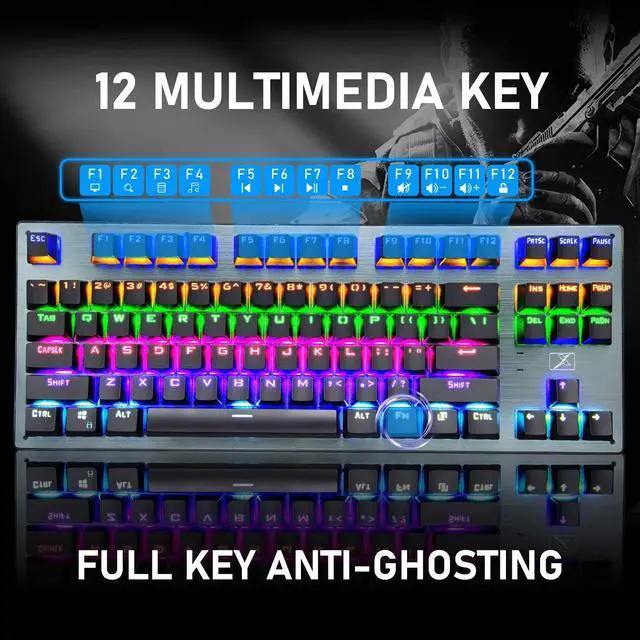
Multi-media Key Combinations Function:
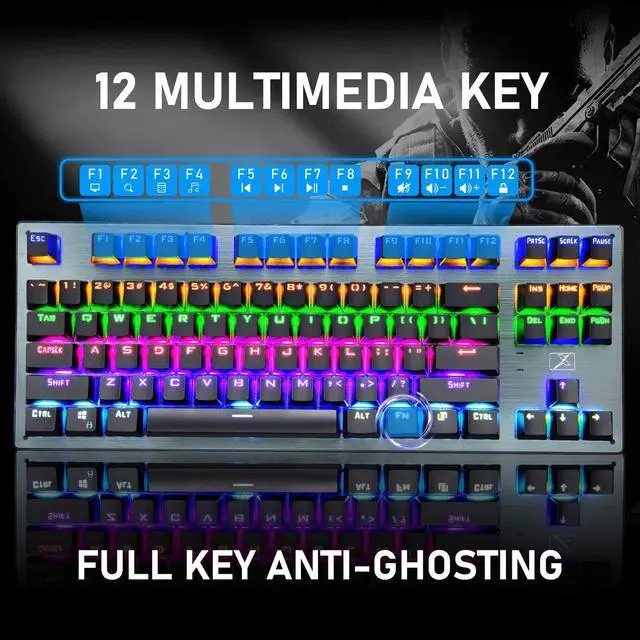
FN+F1= My Computer; FN+F2= Search; FN+F3= Caculator; FN+F4= CD/Music Play; FN+F5= Previous Song; FN+F6= Next Song; FN+F7= Play/ Pause; FN+F8= Stop; FN+F9= Mute; FN+F10= Volume -; FN+F11= Volume +; FN+F12= Lock /Unlock Full Key; FN+WIN= Lock/ Unlock WIN Key
Note:
1 Before the initial use of wireless product, using the attached USB cable to fully charge the keyboard is recommended, pls remember to plug the USB cable correctly to your computer USB port or use DC-5V charger to charge it.
2 The keyboard will auto turn off the backlight if no use in 2-3minutes in wireless mode, press any key can wake it up.
3 When using it in wireless mode, if the backlight become dim or the keyboard cannot work properly, the keyboard will be low battery.



 All Categories