• $74.99
  • Free 30-day Returns
  • Ships from China.

    Mechanical Keyboard, Wired Compact PC Keyboard with Number Pad Red Switch Mechanical Gaming Keyboard 89 Keys for Computer/Laptop (Black)

    • Item #: 9SIV36AKE30994
    • Mfr. Part #: AD-UOPC4951
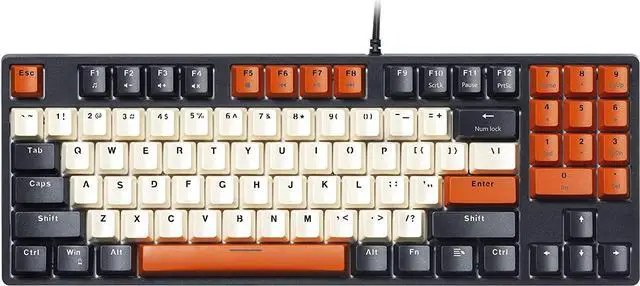
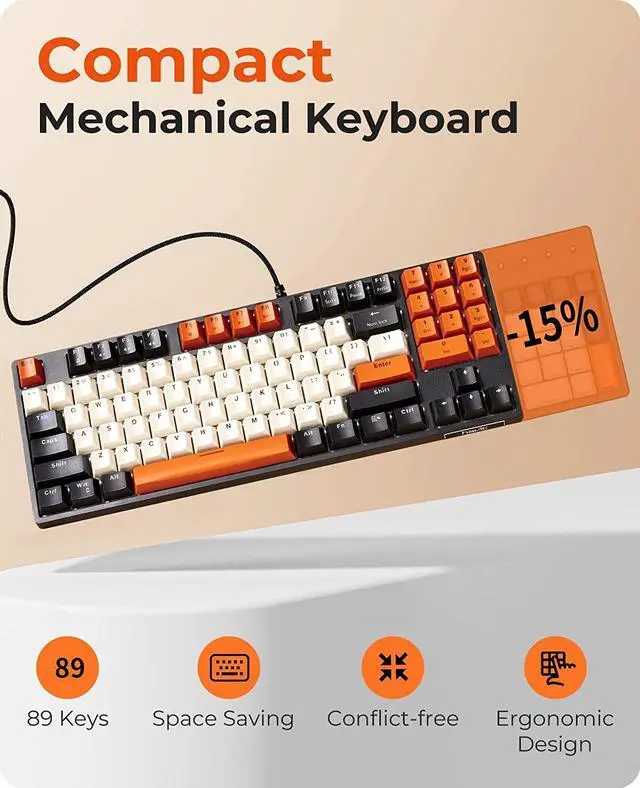
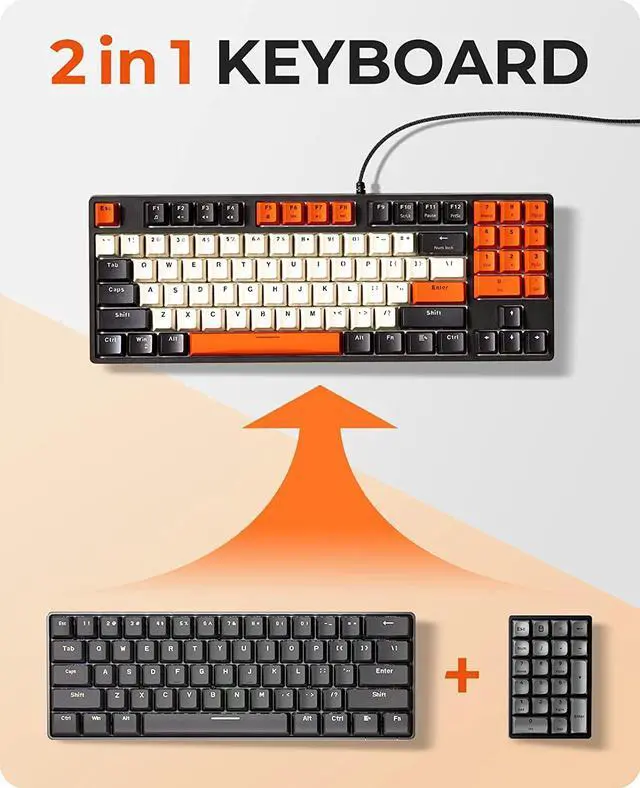
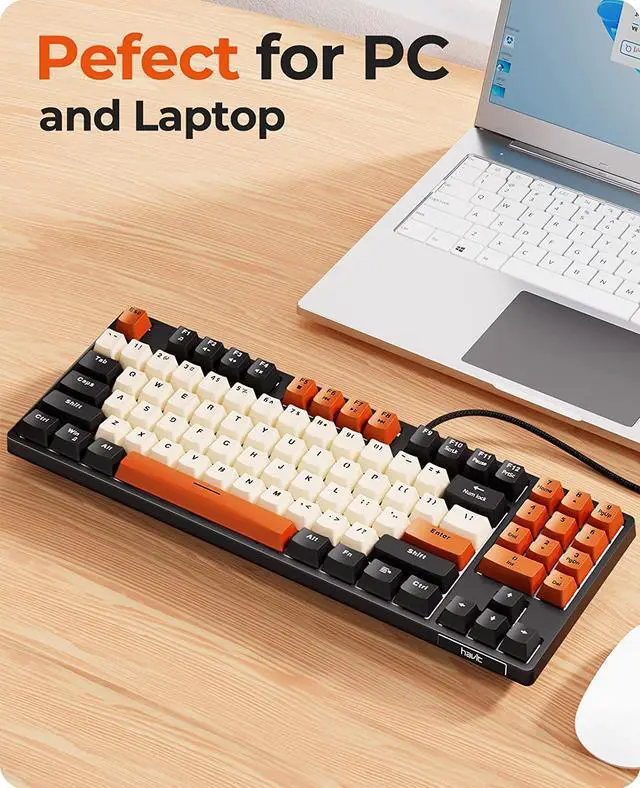
    • Compact Keyboard with Numpad:Unlike bulky full-sized layout, this 85% keyboard saves more desk space but keep the numkeys which is essential. Press Fn+Backspace to lock/unlock the numkeys (Note: The numpad lights up ONLY when it's unlocked, the rest of the keys don't have lighting)
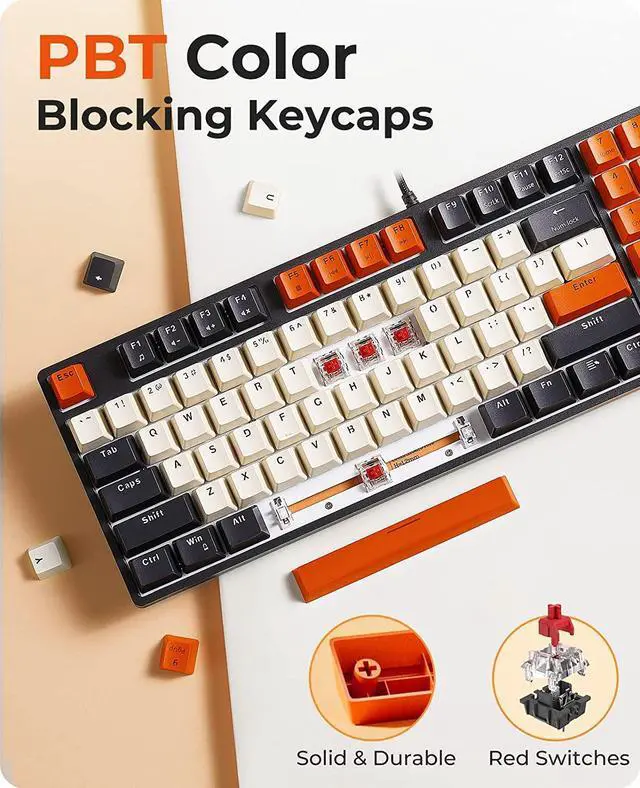
    • Colorful PBT Keycaps: Constructed from unique and high-quality durable PBT keycaps, Havit mechanical keyboard has excellent touch experience and long serving time. Colorful keycaps can bring a more pleasant mood during games or work, decorate your space and enhance your life.
    • Red Switches Keyboard for Different Needs:Perfect for office typing or playing games. Havit HV-KB487L wired keyboard frees up your desk during work, after working sessions, you can enjoy the keyboard for gaming, or bring it with you as the size is compact and easy to carry out.
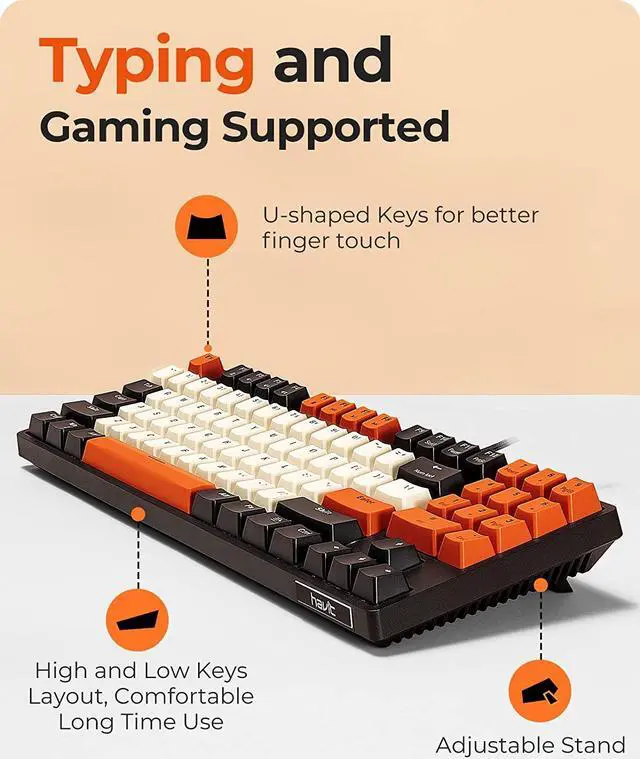
    • Ergonomic Comfort:The design of this mechanical gaming keyboard is based on ergonomics, the two keyboard kickstands provide comfortable angle
    +
    +
    Overview
    Specs
    Reviews
    Mechanical Keyboard Wired 89 Keys Gaming Keyboard Red Switch Keyboard with PBT Keycaps for PC Gamer Computer Laptop

    89 Keys Mechanical Keyboard

    Compact and Convenient

    Saves space on the premise of preserving commonly used number keys


    PBT Mechanical Keyboard Red Switches

    PBT material keycaps are stable, clear and not easy to fall off. Red switches keyboard is easier to click and well meet the needs of gaming and typing.


    Ergonomic Keyboard With Multi-function Keys

    8 Multimedia Keys Fn+1~F8 Function Keys Fn+F10~F12, Shift + 0~9


    Num Lock Key


    The keys backlight keeps being on when the number pad is working, and the backlight is off when the number pad is unworking.

    1.Press FN+Num Lock to turn on the Num Lock (the key's backlight is on), and the number pad lights on and is functional.

    2.Press FN+Num Lock once again to turn off the Num Lock (the key's backlight is off), and the number pad lights off and has no function, but the keys of HOEM, PGUP, PGDN, END and DEL are functional.

    (It means number pad and functional keys can not be used at the same time, you should press Fn+Num Lock key to change them.)

    Warranty & Returns

    Warranty, Returns, And Additional Information

    Warranty

    • Please contact the Seller directly for warranty information. Warranty information may also be found on the Manufacturer's website.
    • CONTACT

    Return Policies

    Manufacturer Contact Info

    LOADING...