Product description By IBT Ergonomic Comfort Mac Keys & Software Ultra-Fast & Reliable Custom Keyboard with Mac/PC Software, Advanced Function, RGB Backlit and RGB Side Panel 1 SOCD/DKS/MDS 2 EPOMAKER 3.0 Driver 3 Adjustable Backlight 4 Vibrant Side Light Switch Specs, RGB Control, Knob &
Details
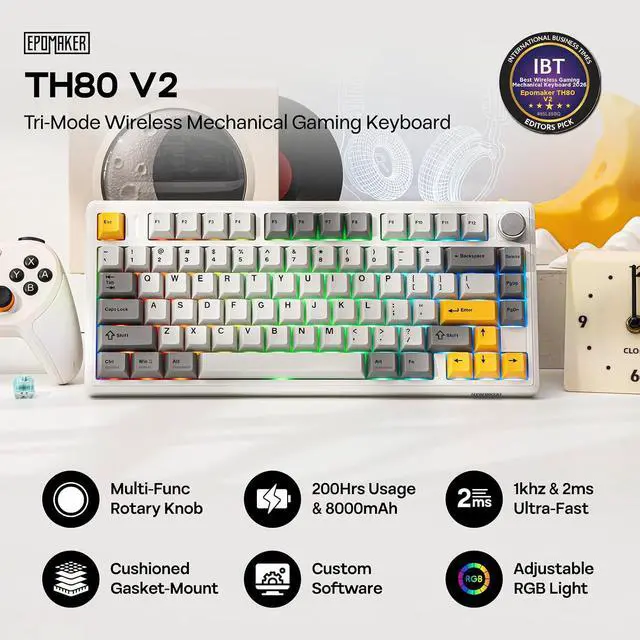
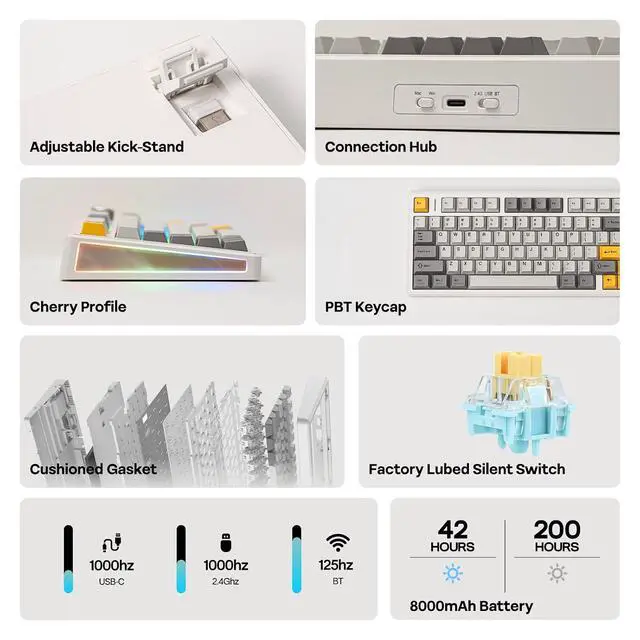
, Connection Tips, Size & Weight Facotry Pre-Lubed Custom Switch & Hot-Swappable Creamy & Thocky, Smooth & Responsive Enjoy our TH80 V2 custom keyboard that packs the custom-tailored typing right out of box. Its crafted sound-optimizing structure rids the pinning and rattles and heightens the deep, satisfying thock.
Creamy Jade Switch: 45/50gf, 2.0 / 3.6 mm, linear switch with creamy sound and responsive feedback.
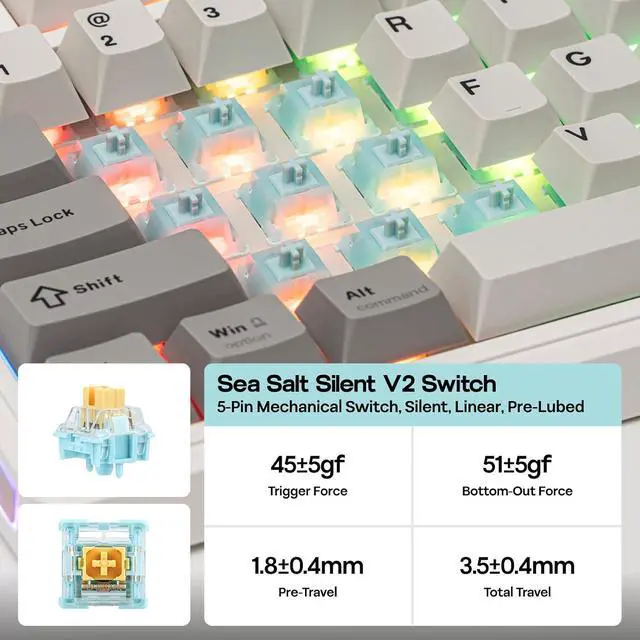
Sea Salt Silent V2 Switch: 45/51gf, 1.8 / 3.5 mm, Linear silent switch with muffer.
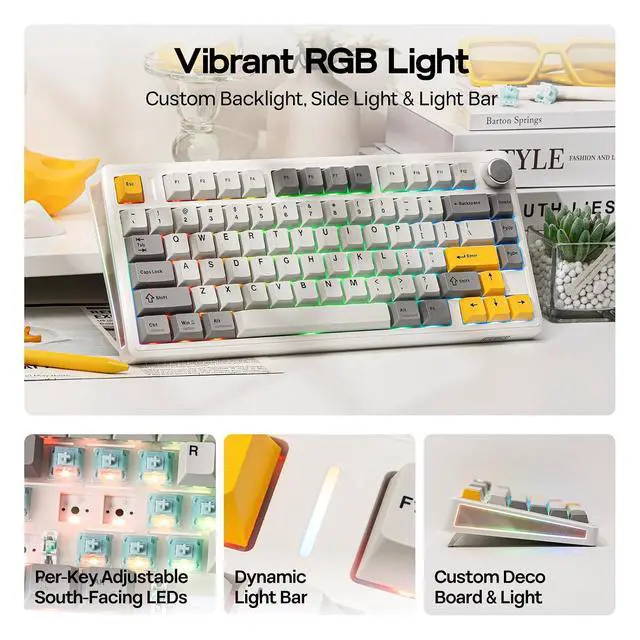
Tips: Sea Salt Silent V2 for quiet work in noise-sensitive environment, Creamy Jade for thocky sound and creamy feel. Click to play video Your Gaming Setup, from Drab to Dazzling Dynamic RGB Side and Backlit With specially customized RGB décor side-plate and per-key south-facing LEDs, the TH80 V2 backlit keyboard comes with dozens of dynamic and static backlights adjustable in speed, brightness, hue and saturation.
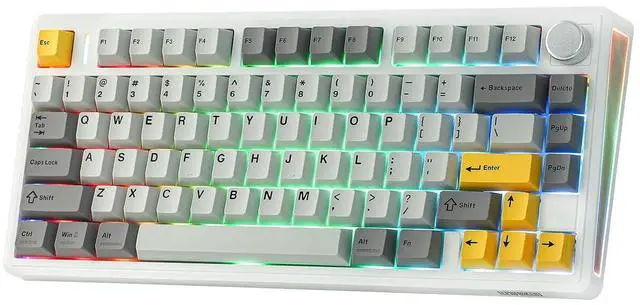
Fn + Backspace: Light On/Off FN + Backlight Speed/Brightness ±; Fn + | DelChange Backlight Effects/Color FN+[]Adjust Light Bar, FN+R_Shift/? Adjust Side Light Swappable Switch, Changeable Keycaps, Custom Knob Personalization Features Creamy linear, clarky clicky or responsive tactile, whichever you prefer, the TH80 V2 mechanical keyboard is easy to customize with a simple pull-and-push. The double-shot keycaps, in rich colors that stay clean and clear after months of use, is thick and nice to touch thanks to its PBT material.
Rotary Knob: Default setting is volume adjustment (turn up/down for volume and press to mute/unmute). Function can be customized in software for zoom in/out, brightness up/down or mouse wheel up/down. 2.4G hz Wireless/BT/USB Wired Triple Mode, Triple Convenience Immerse in continuous gaming sessions with no debuff from low-battery nor interruptions from charging, and relish in the versatile compatibility of TH80 V2 keyboard that connect to up to 5 devices simultaneously.
1st Time Pairing: 1). Toggle mode switch to BT or 2.4G. 2). Pressing FN+Q/W/E or FN+R until the flash quicken from slow to rapid. 3). Connect on PC or plug dongle to PC.
Connect to Paired Devices: 1). Toggle mode switch to BT or 2.4G. 2). Tap FN+Q/W/E or FN+R once. US QWERTY ANSI Layout 75% Layout with 79 Keys + 1 Knob With 79 Keys and 1 rotary knob, the TH80 V2 75% keyboard cuts the bulk for more mouse swiping rooms without sacrificing the function keys you use daily. The 2cm low front height, ergonomic cherry profile keycap, and the adjustable kickstand, let you go on hours without the dreaded hand fatigue.
Keyboard Length: 32.4 cm.
Width: 14cm.
Weight: 0.9 kg Keyboard Height from
ESC side: 3.4 cm.
Height from CTRL side: 2cm.
Maximum Height (Including Keycaps): 4.4 cm.
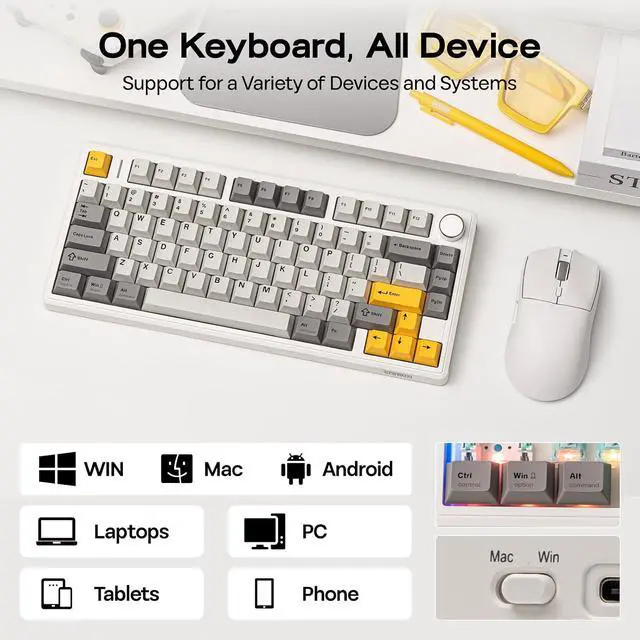
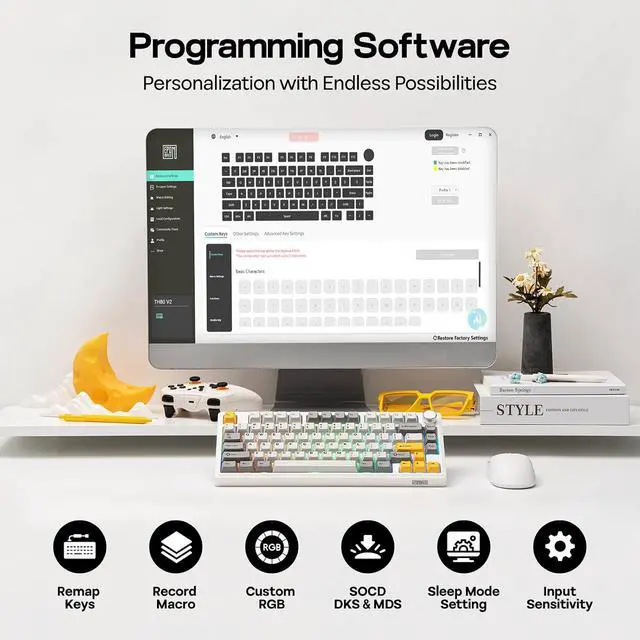
Typing Angles: 6, 8, and 10.5 degrees. Click to play video What is upgraded on TH80V2, from its predecessor EPOMAKER TH80? What is the use of TH80V2 gaming keyboard's advanced function such as SOCD, DKS and MDS? Is TH80V2 keyboard good for macOS? Why the WIN and Alt (option and command) swapped places? Why WIN key stopped working? Is the 5-layer padded design noise-cancelling? What is the noise level of TH80V2? Which switch is quieter? Can I programme keys on my EPOMAKER TH80 V2 keyboard? Does the software work on Mac devices? Click to play video