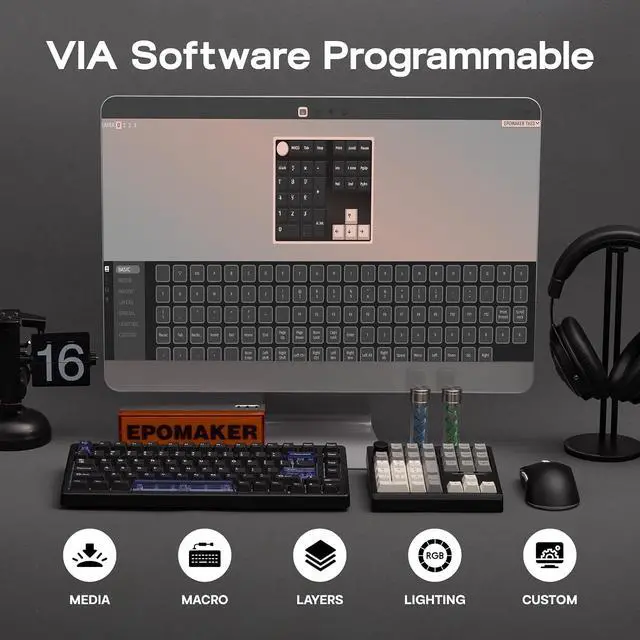
Product description Click to play video Click to play video VIA Programmable How to Use VIA 1. Get JSON from EPOMAKER official website (search for TH33 JSON). 2. Plug TH33 to your computer and connect in wired mode. 3. Visit usevia. app and Enable "Show Design Page" in "Setting" page. 4. Load the downloaded JSON with "Load Draft Definition" in "Design" page, then start programming in "Configure" page.
TH33 JSON: bit. ly/th33json; Remap Layout, Record Macros, Set up
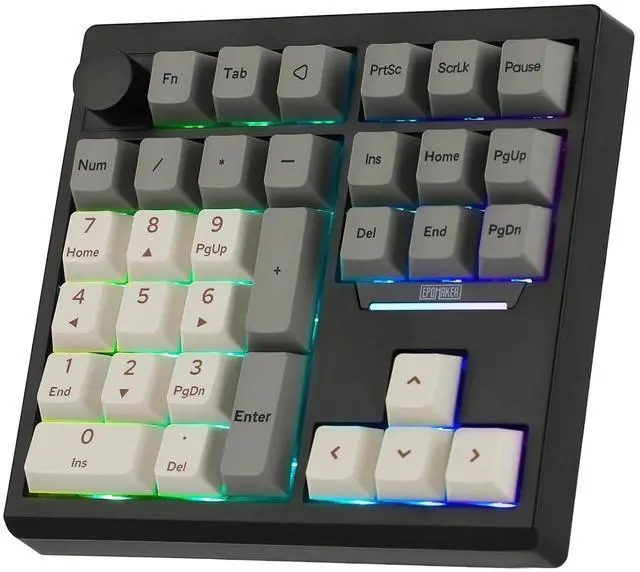
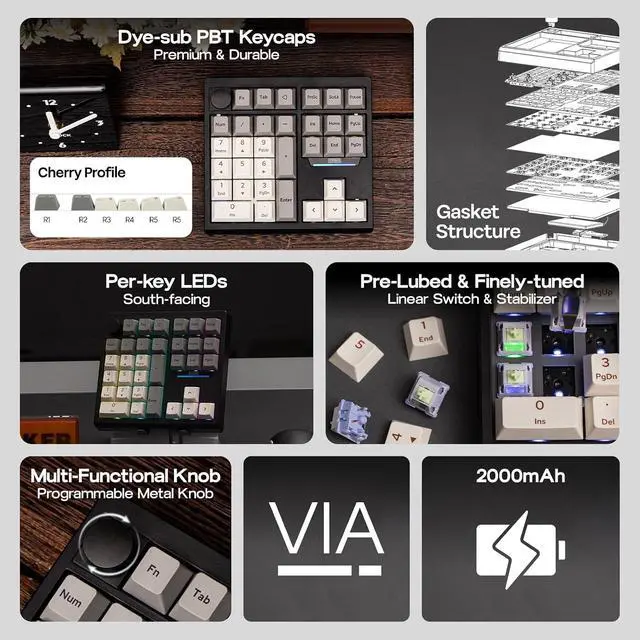
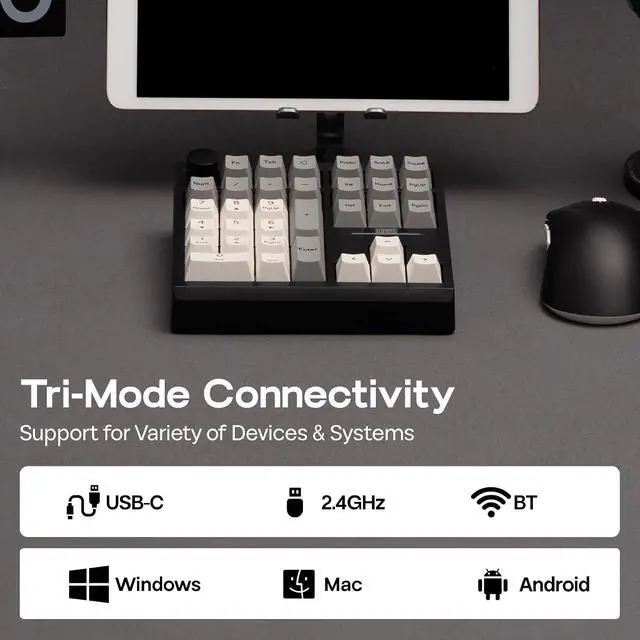
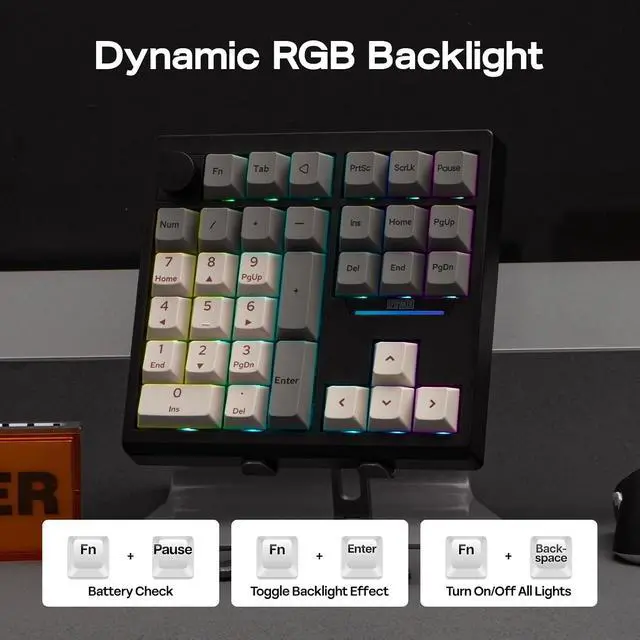
RGB and more on: usevia. app/test 30% Compact Layout Pre-Lubed Linear Switch PBT Keycap Tri-Mode Large Capacity Battery N-Key Rollover Gasket Structure Multi-Functional Knob Enjoy effortless volume control and personalized functionality with the TH33 metal knob. Customize its actions via VIA software to match your workflow. Crafted for quality, the knob provides smooth, precise adjustments and adds a sophisticated touch to your numpad, elevating your overall experience. Convenient Triple Connectivity Experience ultimate flexibility with the TH33's triple connectivity (wired, BT, 2.4GH z wireless). Select your preferred mode to optimize your setup and maximize productivity. 16.8 Million RGB Backlight The TH33's RGB backlight offers 16.8 million colors to create a visual feast uniquely yours. The backlight effect can be adjusted with the shortcut keys "FN+Enter" and the VIA software. Match your lighting to your style and scene with pinpoint accuracy, making desktop interactions more engaging.
Battery Check: FN+Pause (Only in wireless mode) Turn off/on
RGB backlight: FN+Backspace
Switch lighting effects: FN+Enter Click to play video What's in the package? 1* TH33 Wireless Mechanical Keyboard 1* USB A-to-C Cable & 1* 2.4G hz Wireless Receiver (Stored on keyboard) 1* 2-in-1 Switch-and-Keycap Puller & 2* Extra Switches & 1*Backspace Keycap 1* Multilingual Manual & 1* Product Card Click to play video



 All Categories