• $53.99
  • Free 30-day Returns
  • Limit 1 per customer.
    Ships from United States.
    Sold by Ceelys Store

    Shipped by Ceelys Store

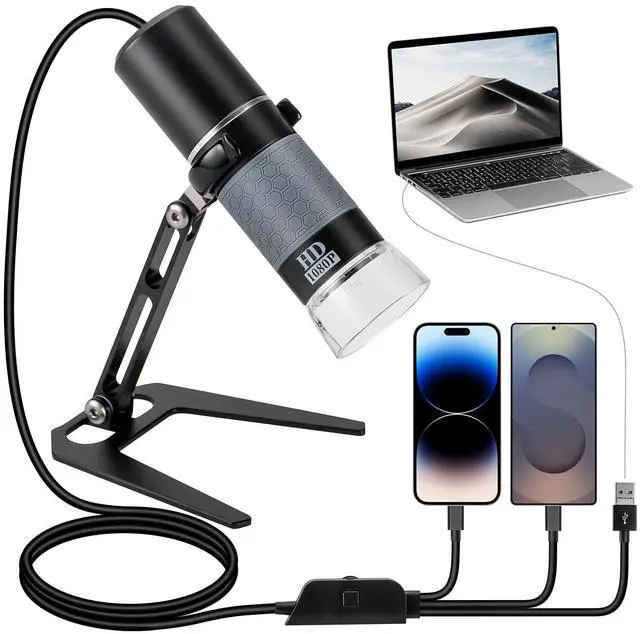
    1080P USB Digital Microscope with Metal Stand, 50X-1000X Handheld Microscope Camera with 8 LED Lights Compatible with iPhone/Android/Windows/Mac

    • Item #: 9SIVTX0M2B4007
    • Mfr. Part #: 506849304311
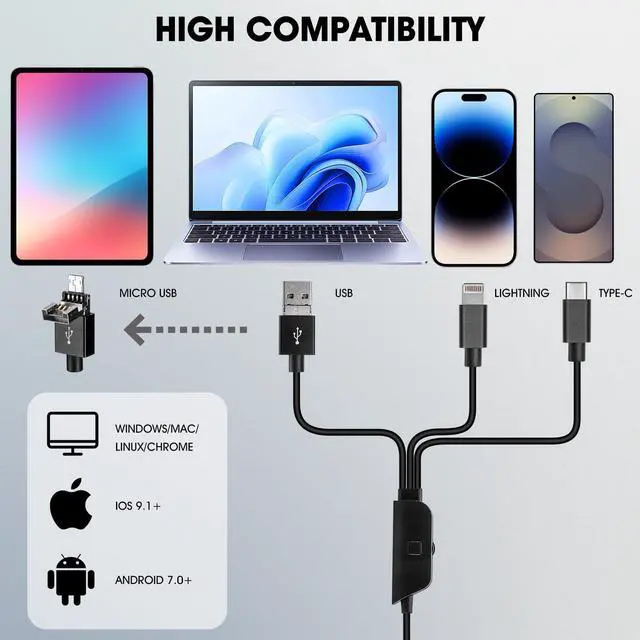
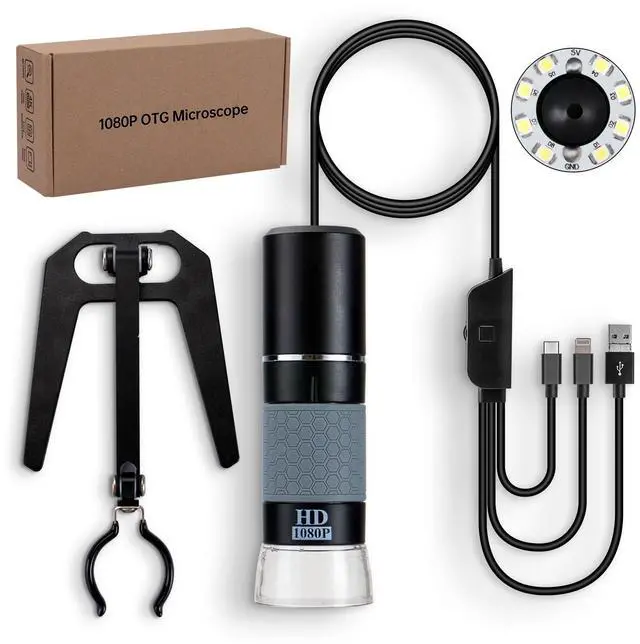
    • 4-IN-1 Universal Compatibility: Newest designed 4-in-1 USB cable, compatible with USB Type-C, Lightning, Micro-USB, and USB-A. That means the microscope works with almost all device (with OTG function). Please ensure the OTG function is activated before using the OTG microscope
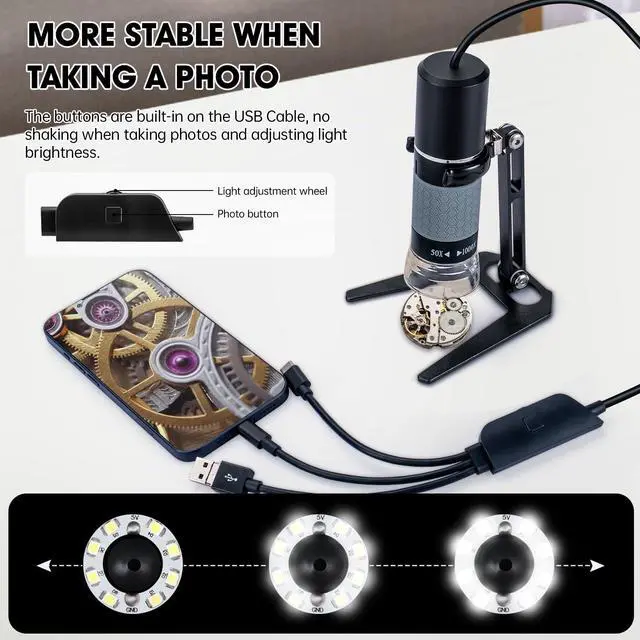
    • Simple, Efficient, and Highly Stable Design: There's no button on the microscope machine itself, all buttons (camera & brightness control) are built-in the USB cable. No worry about blurry image when using the button to capture a picture or adjusting the light brightness
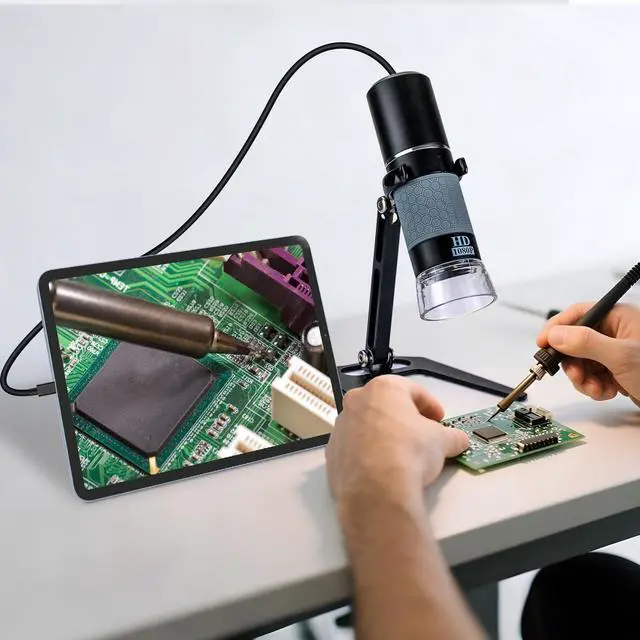
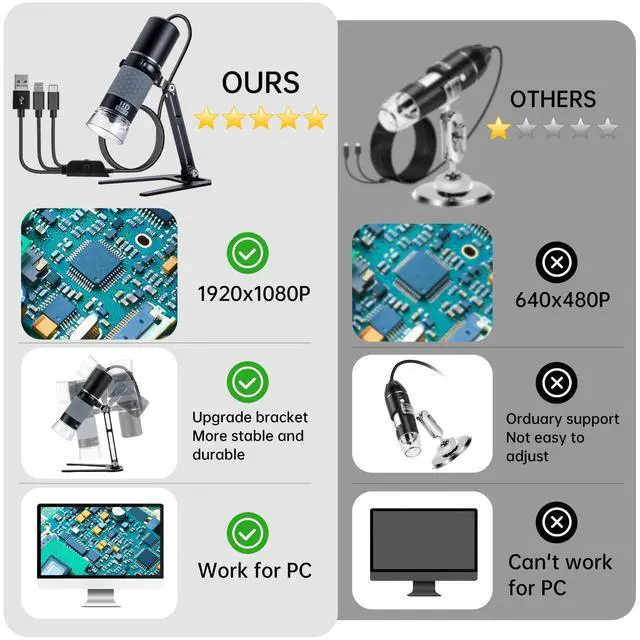
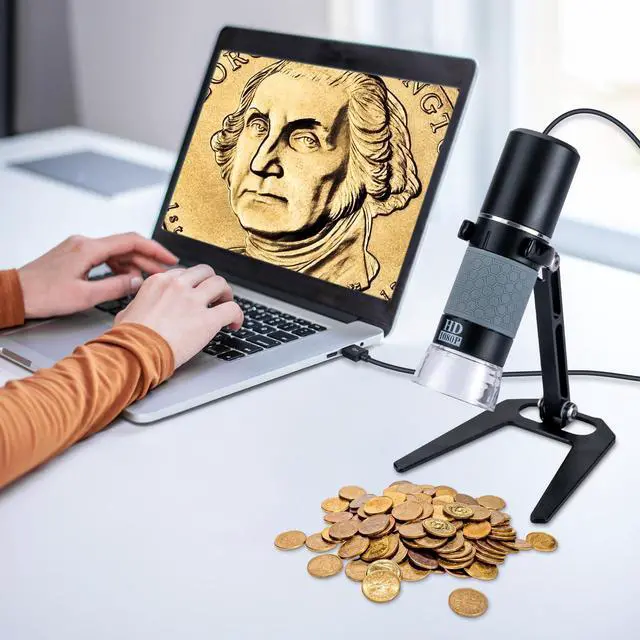
    • HD 1080P Microscopic World: With its high-resolution sensor, the microscope ensures sharp, smooth, and true-to-color imaging, eliminating blur and noise. It supports real-time viewing and recording for teaching, research, or industrial inspection. Discover the unseen in breathtaking 1080P clarity and experience the microscopic world like never before
    • Built-in 8 LED Lights: The built-in LED cold light source provides adjustable, even illumination
    +
    +
    Overview
    Specs
    Reviews

    Digital Microscope 1080P

    PACKAGE

    1. USB MICROSCOPE 4-IN-1

    2. Metal Stand

    3. User Manual

    FAQ

    Q1: Why doesnt the App display images?

    A1: Please check the LED light, if its not on, try to reconnect the device. Make sure the OTG function is enabled on your device.

    Q2: Why is the image very blurry when viewing?

    A2: 1, make sure the dust cover is removed; 2, adjust the microscope to the best viewing distance by rotating the focus wheel.

    Q3: What causes the black spots on the screen and how to remove it?

    A3: It could be dust contaminating the lens. Try tapping the microscope lightly to remove the dust.

    Q4: Why is the microscope displaying images with lag?

    A4: Please ensure your phone battery is above 30% when using the microscope.

    Warranty & Returns

    Warranty, Returns, And Additional Information

    Warranty

    • Please contact the Seller directly for warranty information. Warranty information may also be found on the Manufacturer's website.
    • CONTACT

    Return Policies

    Manufacturer Contact Info

    LOADING...