


Meet Your Seller

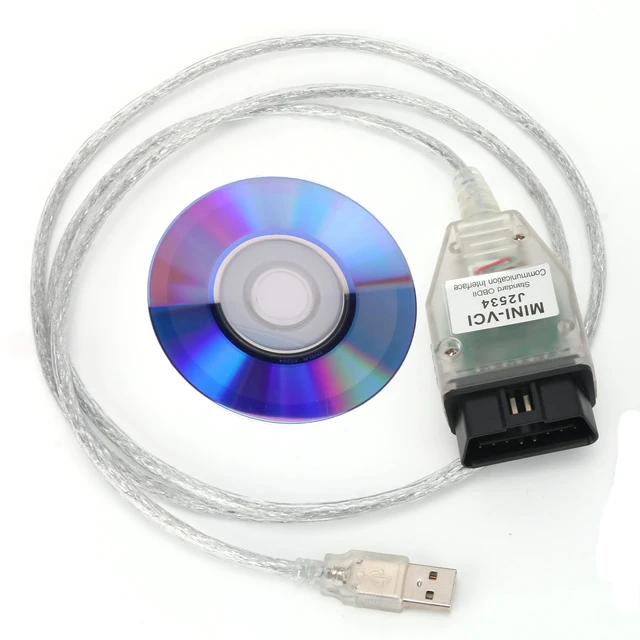
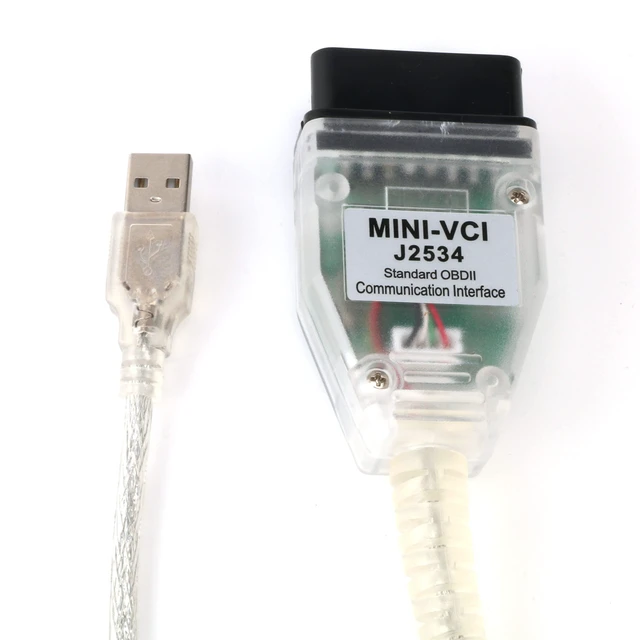
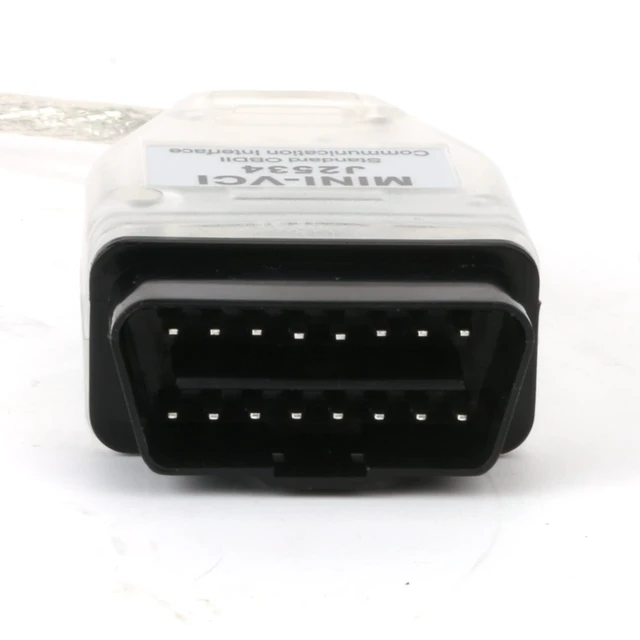
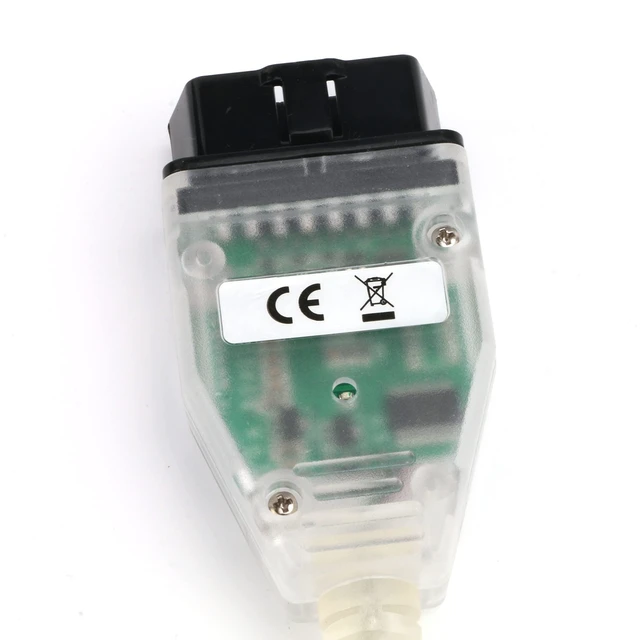


Mini Vci J2534 Diagnostic Programming Cable USB to OBD2 16pin Adapter TIS Techstream Software Communication Protocols for Toyota Since 1996 Win7 32 bit FTDI FT232RQ V1.4.0
- Item #: 9SIVUX4M8P1872
- Mfr. Part #: 644139956883
- J2534 programming and diagnostic cable designed for Techstream software communication with compatible vehicle systems.
- USB-to-OBD2 16-pin connection supports communication between a personal computer and the vehicle interface.
- Supports Win7 32-bit systems for software-based vehicle diagnostic and programming functions.
- The USB cable uses an FTDI FT232RQ chip on the PCB board for the listed interface configuration.
- Firmware version V1.4.0 is installed for the specified cable and communication setup.
- The cable is identified by model number Mini Vci J2534 for easy product matching and selection.
- Do not connect the device to the Internet or perform updates, as the source notes this may damage the device.
+
+
Overview
Specs
Reviews
Product Description:
Mini Vci J2534 USB programming and diagnostic cable for connecting a personal computer to a vehicle through an OBD2 16-pin interface. It is designed for TIS Techstream communication and vehicle diagnostic or programming applications.
Core Selling Points:
Supports vehicle communication, diagnostic, and programming functions through a USB connection. The cable features an FTDI FT232RQ chip on the PCB and firmware version V1.4.0. Its J2534 interface is intended for use with compatible vehicle applications.
Technical Specifications:
Model: Mini Vci J2534. Connector type: USB. Cable type: USB. Vehicle interface: OBD2 16-pin. Compatible device: Personal computer. Supported system: Win7 32-bit only. Firmware version: V1.4.0. PCB chip: FTDI FT232RQ. Package dimensions: 5.59 x 5.28 x 1.22 inches. Package weight: 3.53 ounces.
Before Purchase:
Confirm that your computer uses Win7 32-bit before purchase. Verify that the intended vehicle application supports the Mini Vci J2534 interface and an OBD2 16-pin connection. Do not connect the device to the internet or perform updates, as the source notes that this may damage the device.
Warranty & Returns
Warranty, Returns, And Additional Information
Warranty
- Please contact the Seller directly for warranty information. Warranty information may also be found on the Manufacturer's website.
- CONTACT
Return Policies
- Return for refund within: 30 days
- Return for replacement within: 30 days
- This item is covered by GeekSpace Return Policy
Manufacturer Contact Info
- For a directory of all our manufacturers, please click below.
- Manufacturers Directory
LOADING...