


 All Categories
Built for How Business Buys.
All Categories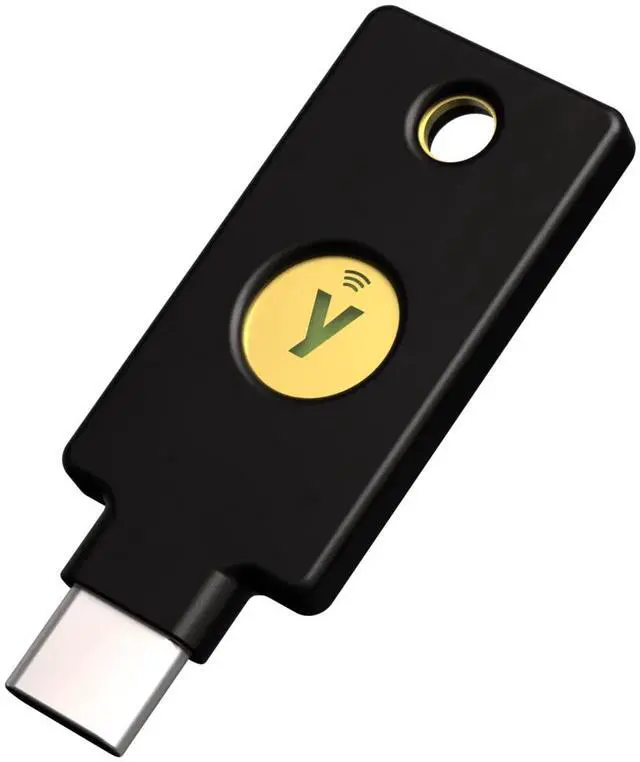


/0df-0858-00002/1.png)

USB-C, Near Field Communication (NFC)
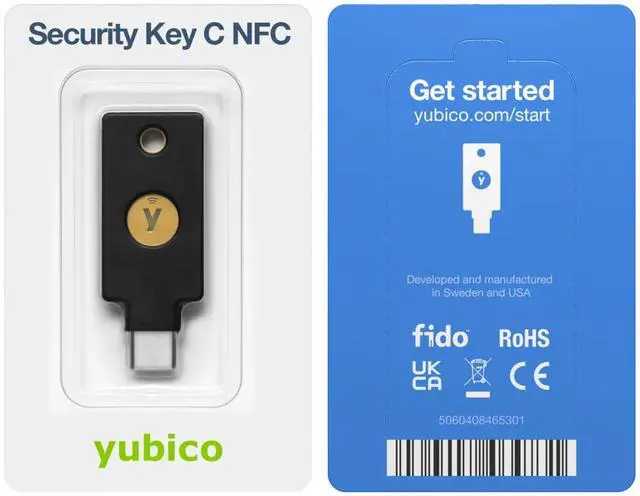
Keep your online accounts safe from hackers with the Security Key by Yubico. Trustworthy and easy-to-use, it's your key to a safer digital world.


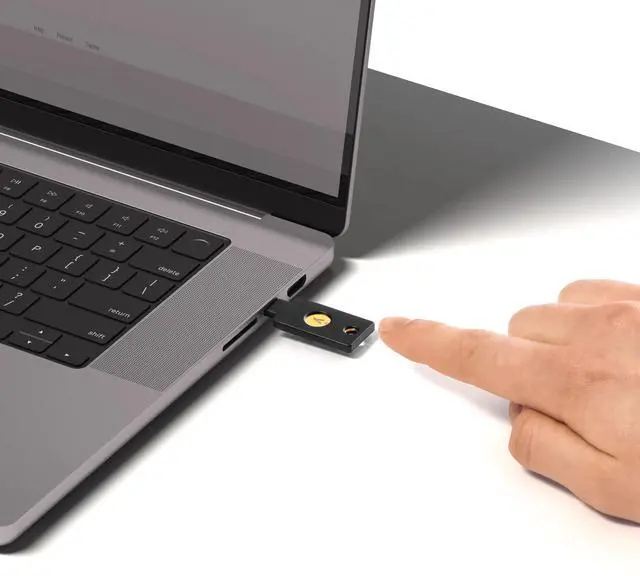
The Security Key C NFC fits easily on your keychain, making it convenient to carry and use wherever you go, ensuring secure access to your accounts at all times. Simply plug in via USB-C or tap on your NFC-enabled device to authenticate.
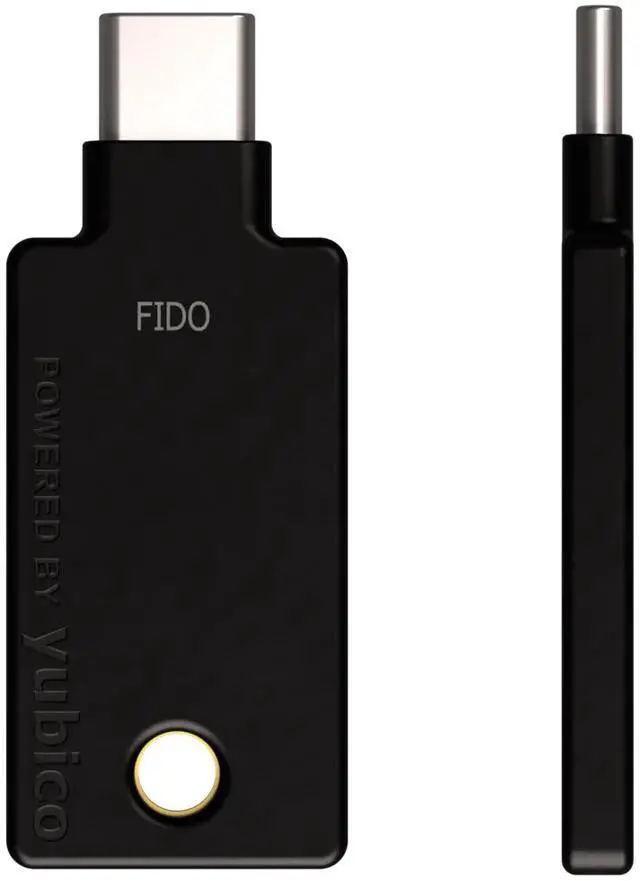
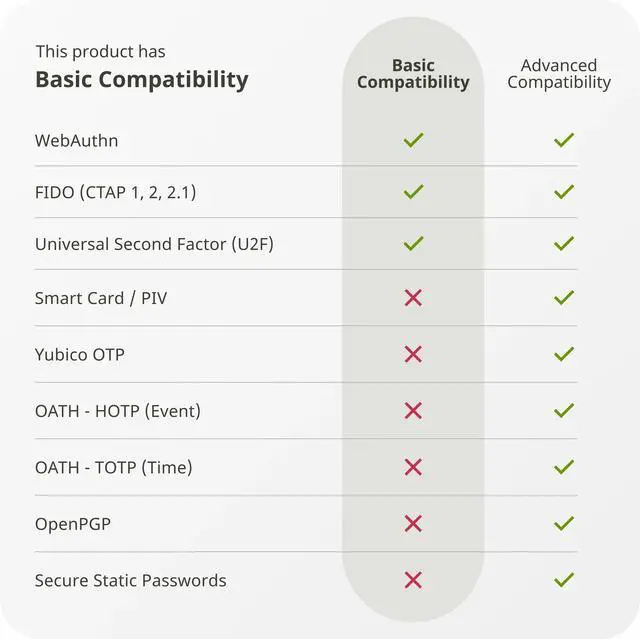
Security Key Series is the more affordable security key supporting only FIDO2/WebAuthn (hardware bound passkey) and FIDO U2F authentication protocols.
Provides tap-and-go authentication on NFC-enabled Android & iOS devices.
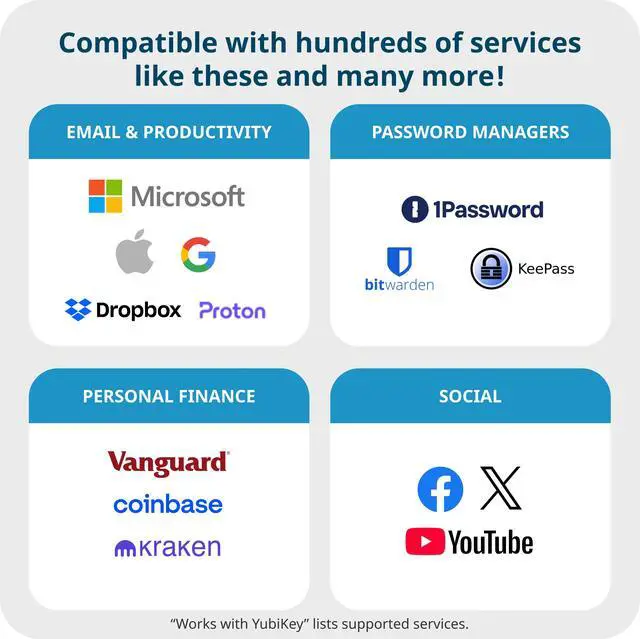
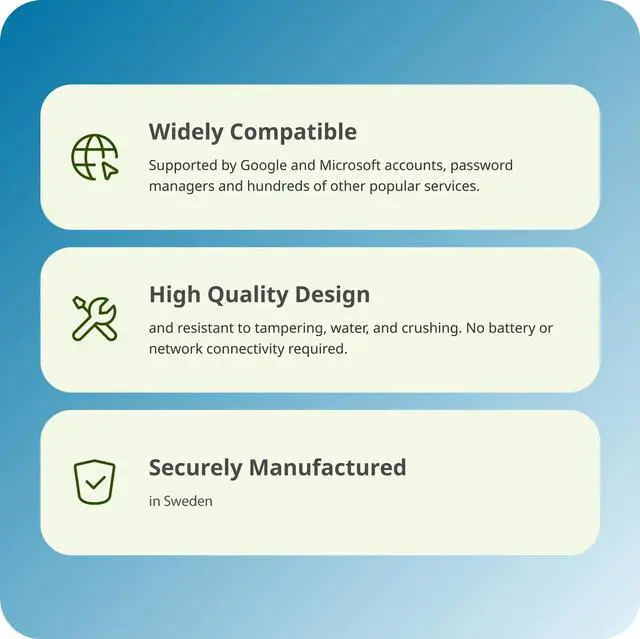
Supported by Google and Microsoft accounts, password managers and hundreds of other popular services. It works with Windows, macOS, ChromeOS and Linux.
Our "Works With YubiKey" catalog on https://www.yubico.com/works-with-yubikey/catalog/?sort=popular lists compatible services.
/0df-0858-00002/4a1.jpg)
/0df-0858-00002/4a2.jpg)
/0df-0858-00002/4a3.jpg)
/0df-0858-00002/4a4.jpg)

High quality design and resistant to tampering, water, and crushing. No batteries or network connectivity required, offering dependable authentication without any downtime. Manufactured in Sweden. Programmed in the USA.

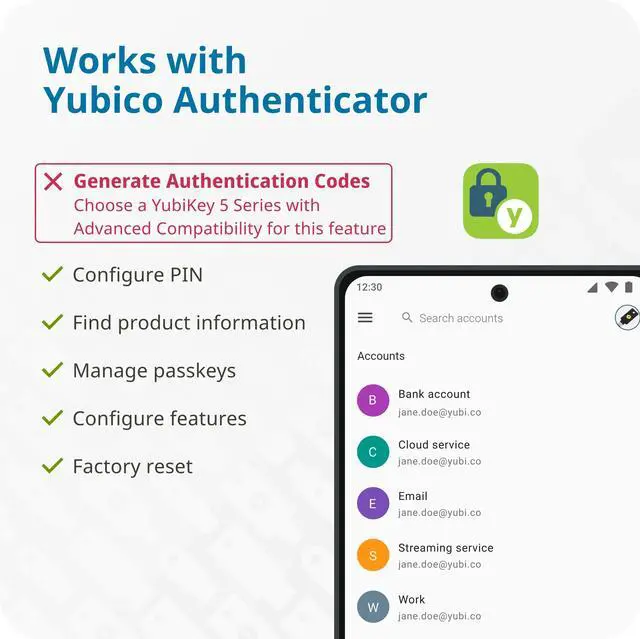
Manage passkeys, FIDO2 PIN on desktop version - Upgrade to the YubiKey 5 Series (Sold separately) for use of OATH and PIV credentials with the Yubico Authenticator App.
/0df-0858-00002/7a1.jpg)
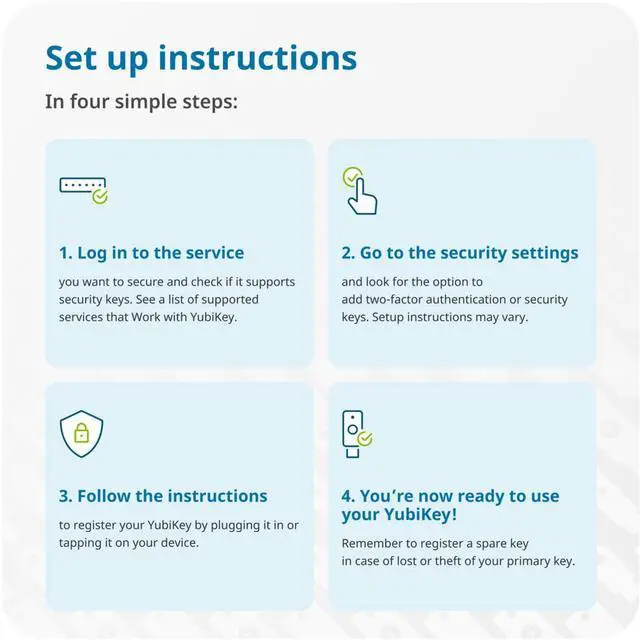
you want to secure and check if it supports security keys. See a list of supported services that Work with YubiKey.
/0df-0858-00002/7a2.jpg)
and look for the option to add two-factor authentication or security keys. Setup instructions may vary.
/0df-0858-00002/7a3.jpg)
to register your YubiKey by plugging it in or tapping it on your device.
/0df-0858-00002/7a4.jpg)
Remember to register a spare key in case of lost or theft of your primary key.

