Features
-Supports offline clone, no drivers needed, and easy installation
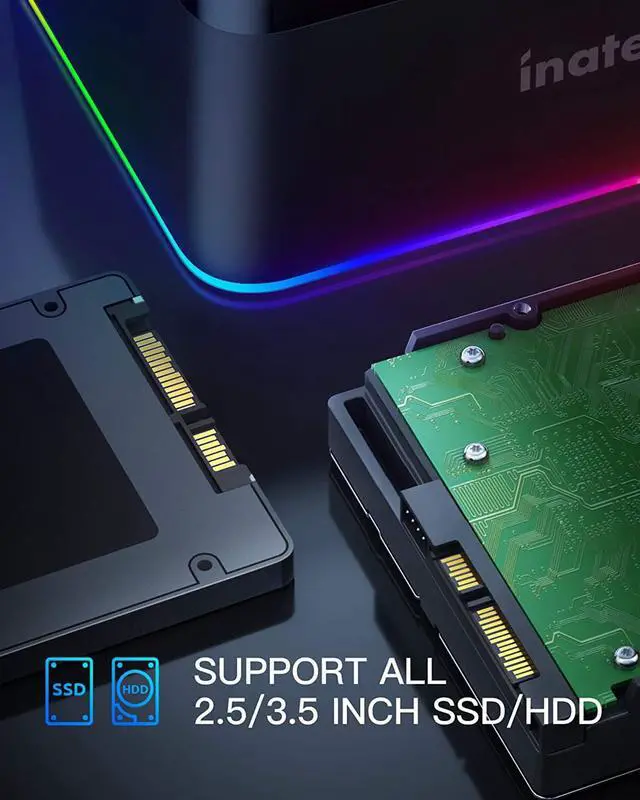
-Supports 2 hard drives; Supports 2.5" & 3.5" SATA (SATA I/ II/ III) HDD and SSD
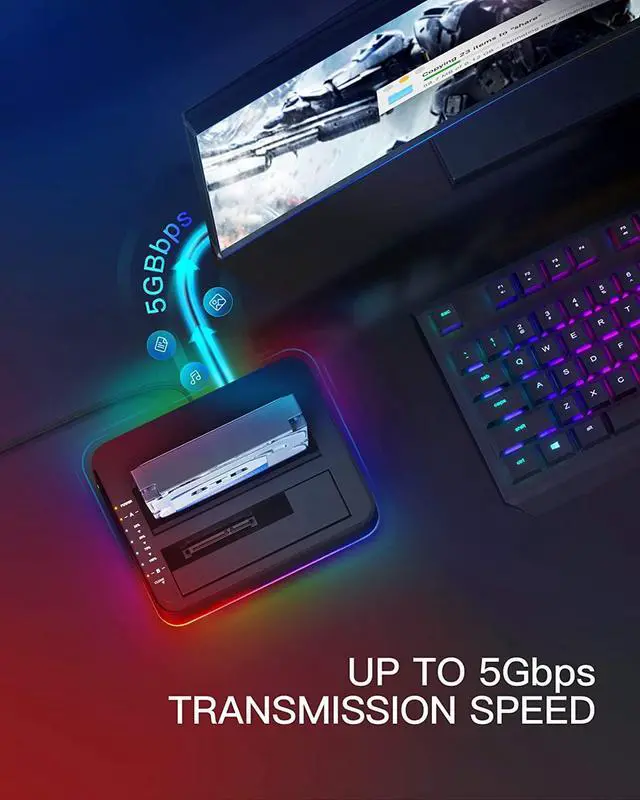
- Equipped with USB3.0; Support SATA III (5 Gbps) and UASP for optimal performance
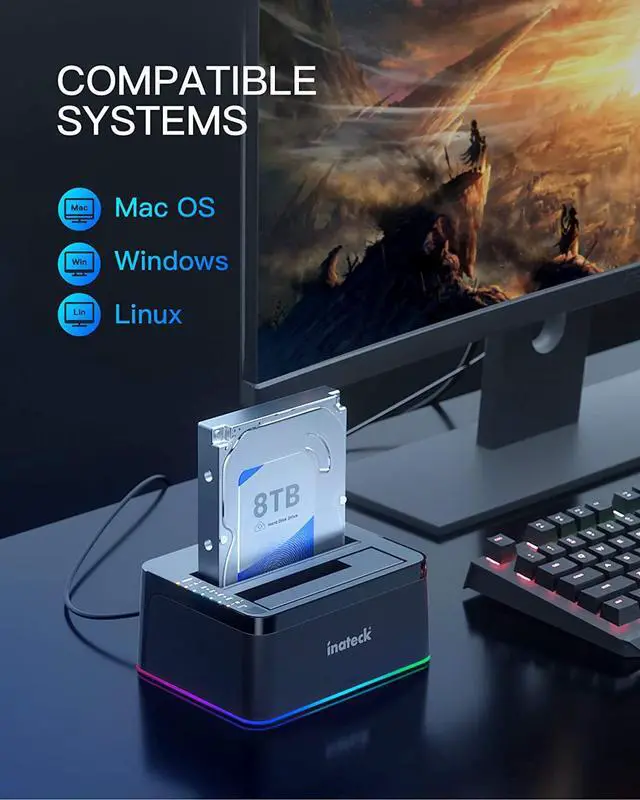
- Compatible Systems: Windows Vista/ 7/ 8, Mac OS 9.1/10.8.4 or above
- Entering sleep mode without operation in 30 minutes
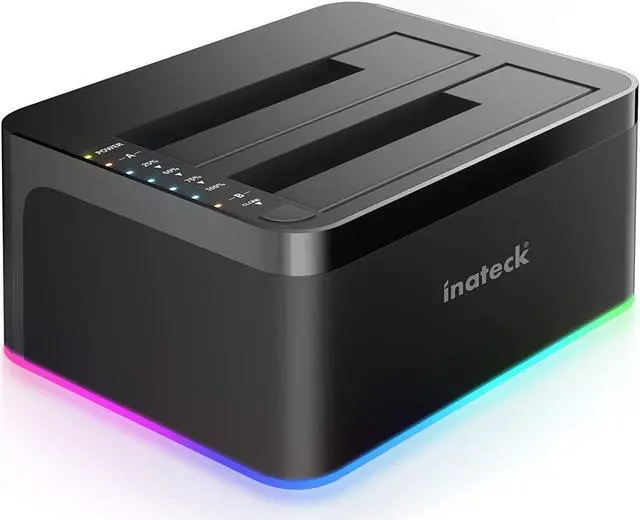
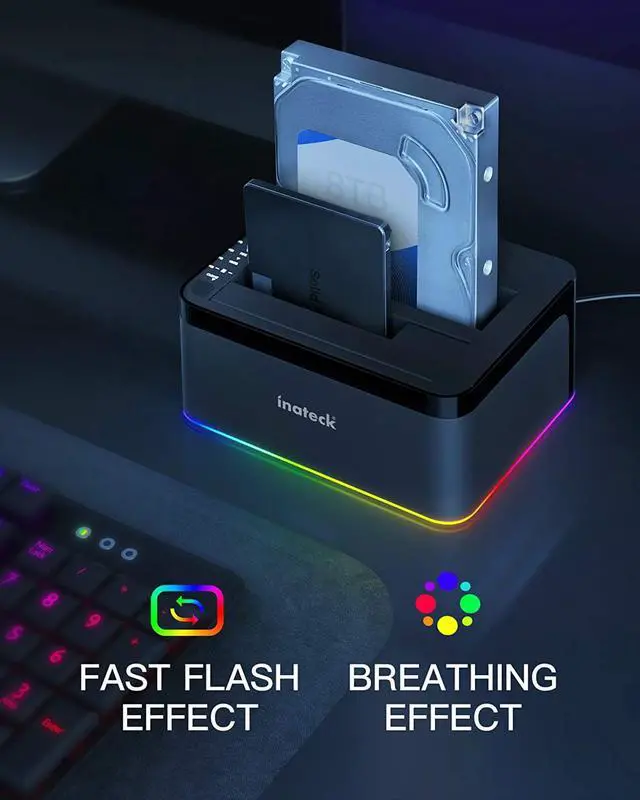
RGB Function Available
The docking station is equipped with an RGB LED that can accurately display the working status.
The LED will flash quickly when the docking station is working, and display a breathing mode when the hard drive enters sleeping mode or gets removed.
Support UASP and SATA 5Gbps Available
The UASP Transfer Protocol only can accelerate read and write speed of SSD hard disk.
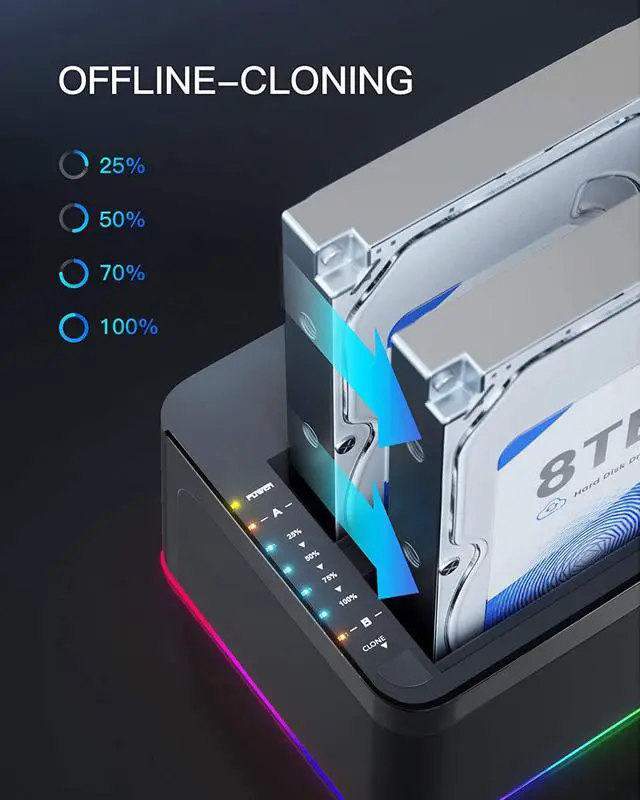
HDD/SSD Offline Cloning
Press and hold the offline-clone button for 3 seconds, the LED indicator that marks 100% clone progress will light up.
Quickly press the button again, and an offline clone starts
4 LED indicators will flash and be on one by one to mark 25%-50%-75%-100% cloning progress.When the offline clone is 100% completed, 4 LED lights will stay on until the device is turned off.
Attention
- The target disk must be larger than the source disk.
- Please backup files in the target hard drive before cloning. Any files in the target hard drive will be overwritten when the offline clone works.
- Please make sure that there aren't any bad sectors on the drives in use, as to avoid data transfer errors, overheating and damage to the station.
- When one drive is working in the docking station, please do not remove the other one or insert a new one until it's finished in case of data loss. Please power off the docking station before removing.



 All Categories