Intelligent Chip
JMS561U adopted to ensure stable, fast and safe data operation. It also has auto sleep function to conserve energy and prevent overheating.
OTG Functionality
Don't have enough storage on your phone? and do not want to delete some preciously videos or picture? No problem! Wavlink's new ST342U supports OTG functionality! Easy transfer precious memory to external HDD/SSD.
Easy of Use
No driver needed, plug and play. Easy to set up and disassemble in seconds, tool-free.
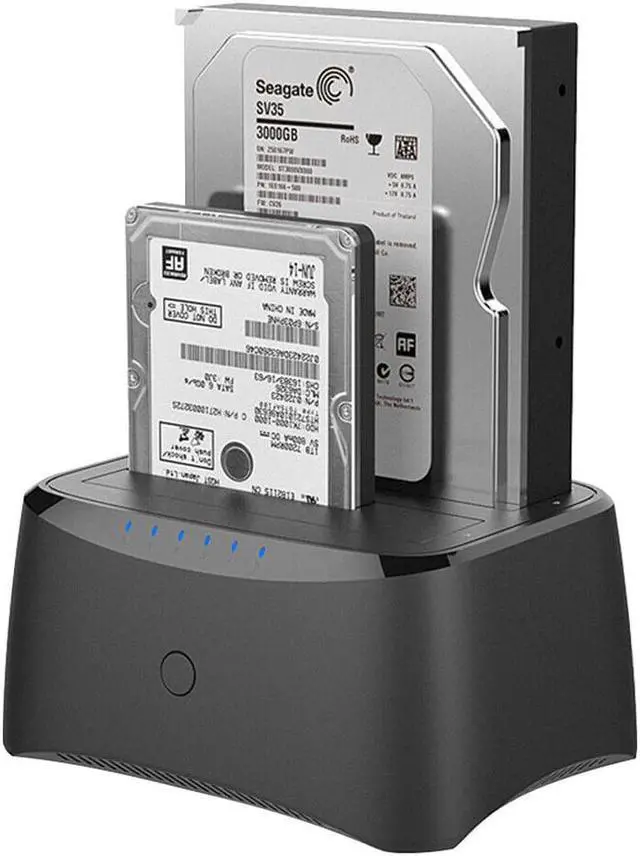
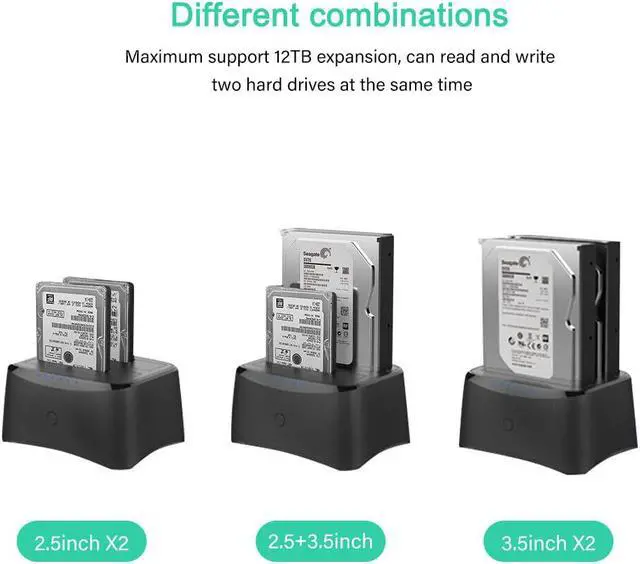
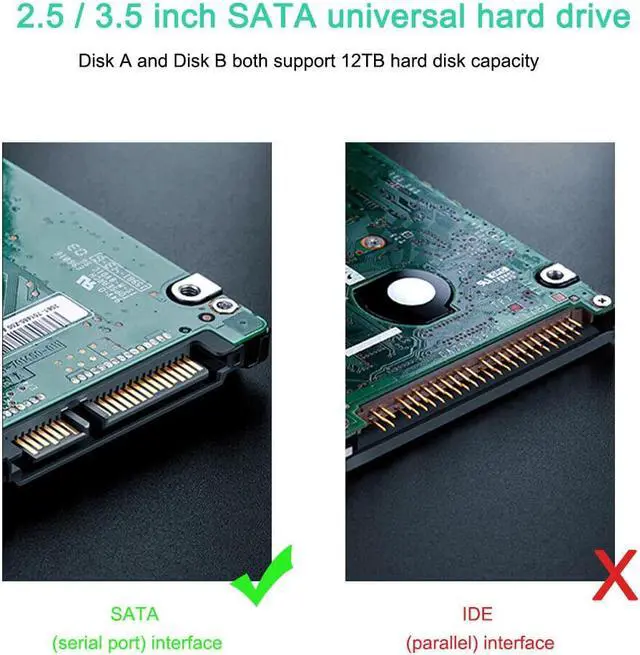
Support all SATA I/II/III 2.5 and 3.5 external SSD HDD drives, maximum support 2 X 16TB.
Universal Compatibility
This Wavlink Dual Bay Docking Station supports Windows XP/Vista/7/8/8.1/10 with the latest Service, Packs Mac OS X 10.4.8 (or later) and Linux.
Offline Cloning
Offline data copy between two hard drives with no computer involved. A competent assistant for data backup. Tool-free, no driver needed. Hot-swappable, plug and play!
Excellent Heat Dissipation
Ventilation holes design to prevent overheating and substantially improve its performance and extend its service life.
Offline Clone without a computer(-Make sure that the USB cable is disconnected from your computer.)
Attention:
- The target disk must be larger than the source disk.
- Please backup files in the target hard drive (HDD2)before cloning. Any files in target hard drive will be overwritten when offline cloning occurs.
- To avoid data transfer errors, overheating and damage to the device please make sure that there are no faulty driver cells.
- To avoid data loss, do not remove or insert drives when one drive is working in the docking station. Please power off the dock before removing.
- Overheating and damage to the device please make sure that there are no faulty driver cells.
Smart Indicators indicate transfer progress
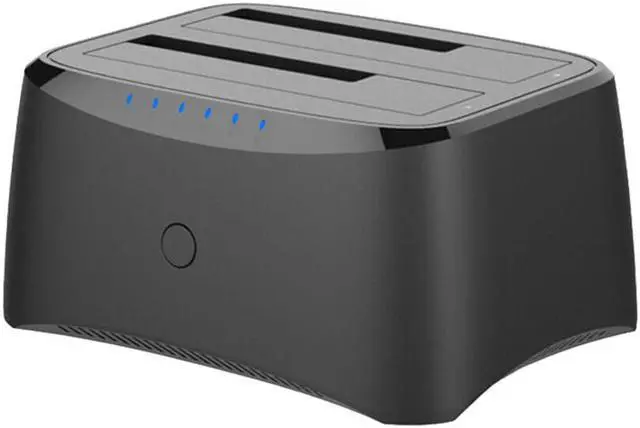
Press and hold the offline-clone button for 3 seconds, the LED indicator that marks 100% clone progress will light up. Quickly press the button again, then offline clone starts. One by one 4 LED indicators will flash and be on 25%-50%-75%-100%. When the offline clone is 100% completed, 4 LED lights will stay on until the device is turned off.