Chip RTL9210B & Tool-Free & Overheating Protection
Chip RTL9210B is one of the newest chip
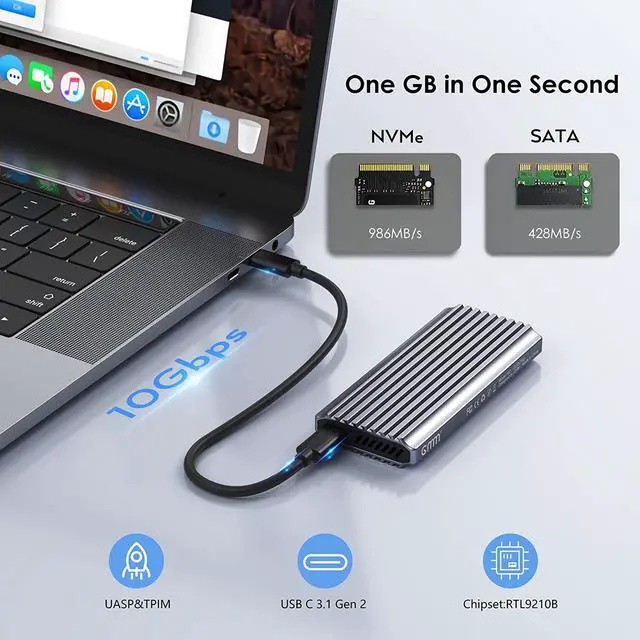
USB C 3.1 Gen 2 10Gbps to M.2 NVME SSD
USB C 3.1 Gen 2 6Gbps to M.2 SATA SSD
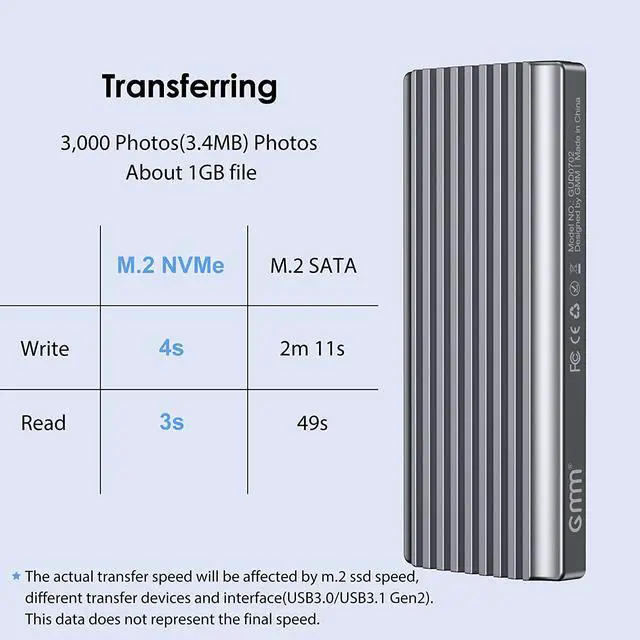
Backup and save files faster than ever before through USB A 2.0/3.0 , with read and write speeds of over 900 MBps/600MBps, when connected to a Thunderbolt 3 or USB 3.1 Gen 2 port.
Tool-Free Design
USB C to M.2 NVMe SATA (NGFF) Enclosure's tool-free design allows the quick installation of an M.2 NVMe or M.2 SATA SSD in just a couple of seconds. You don't need any screwdriver or installation tool.
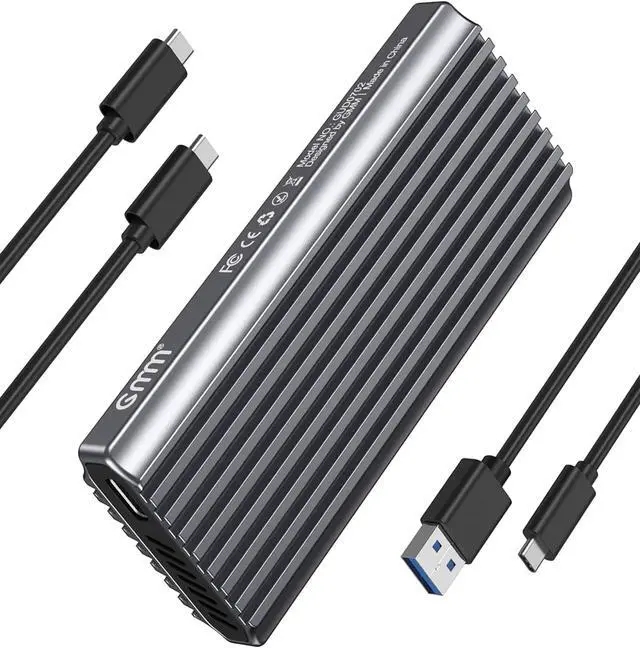
GMM NVMe SSD Enclosure
RTL9210B Chips
Support UASP / Trim
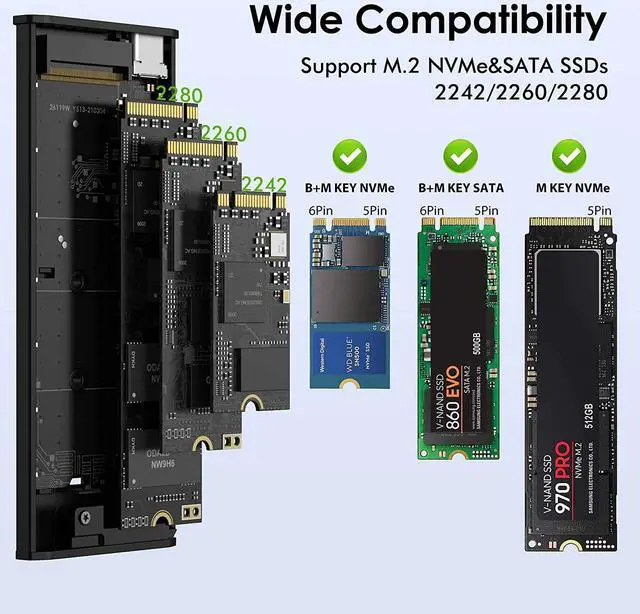
Compatible with M.2 2242/2260/2280 SSD
Plug and play, no drivers required
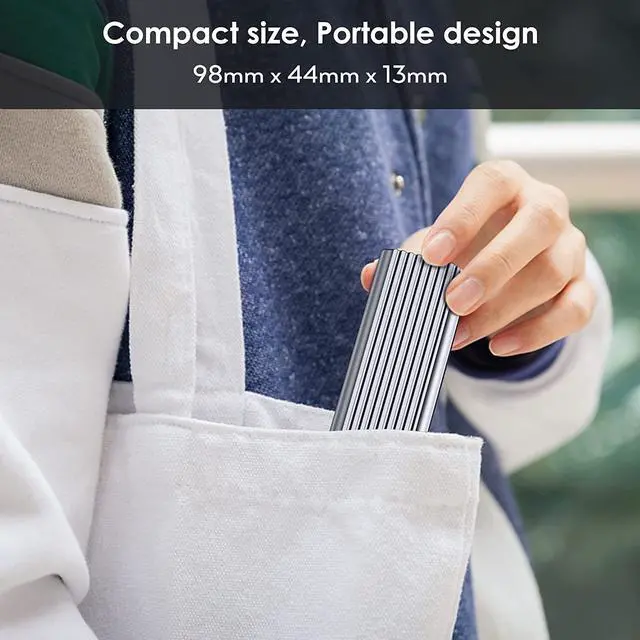
Premium Aluminum exterior with portable design
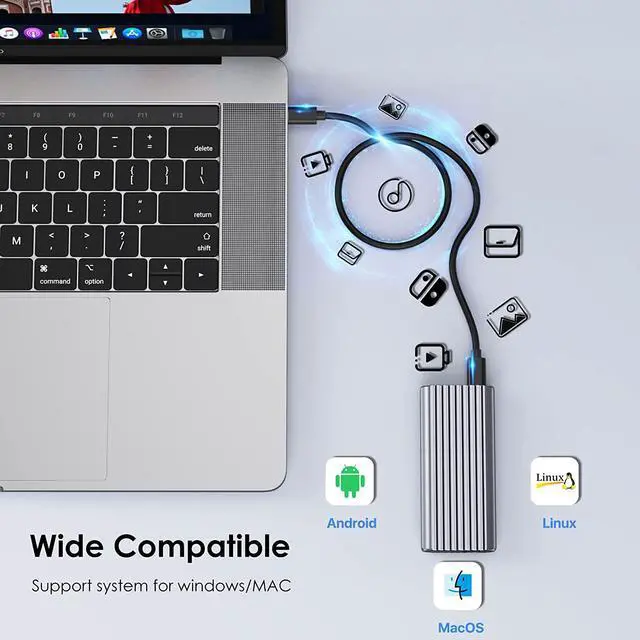
Compatible Operating System Environments: Windows, Mac OS 9.0 and higher
Attention: NVMe and SATA SSDs are not included.
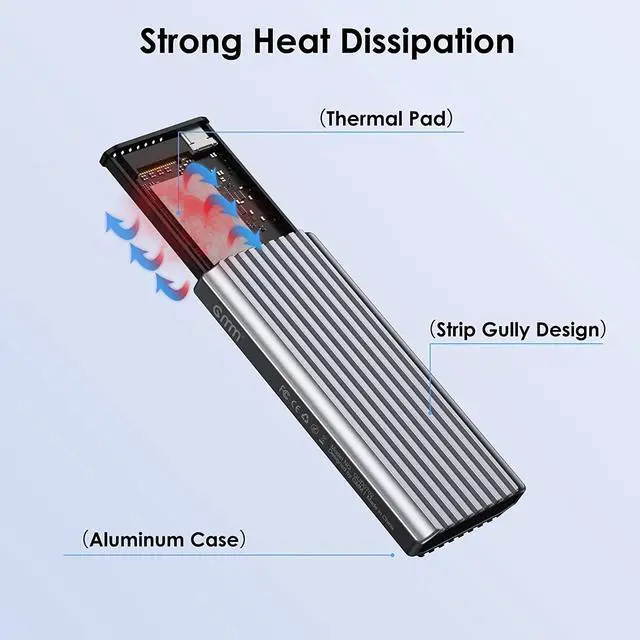
Overheating Protection
If your ssd overheating when transfer large of data, enclosure will run the overheating protection auto and change to read-only mode, otherwise stop transfering or down the speed. Avoiding your ssd damaged due to overheating and improving the life of your SSD. Make sure your file won't lose.
Installation of M.2 SSD Enclosure
Overheating Protection
Excellent heat dissipation, reduced power consumption. The thermal pad avoid the overheating when making large files transactions and impro the life of your SSD. Make sure your file won't lose.
USB 3.1 gen 2
GMM SSD enclosure supports NVMe or SATA protocol, NVMe can reach up to 10gbps bandwidth. Our SSD enclosure make your life easy and save your time.
Chip RTL9210B, Dual Protocol
The chip RTL9210B is much better than the JMS583 and other chip, with more powerful temperature control to ensure that SSD does not get too hot and cause disconnection problems. RTL9210B also supports dual protocols, including NVMe and SATA.
Warm Note - If you computer can't recognize the SSD enclosure. Please Following Steps
For new SSD, You need to go into the disk management and initialize the SSD firstly, then it could be detected and used normally. Please finish disk initialization according to the following steps.
How to start disk management?
Right click "Computer" - "Manage" - "Disk Management". Find your unallocated disk, right click "Unallocated", and choose "New Simple Volume Wizard".
How to start disk management (in windows 10)?
Click Start -> Run -> type compmgmt.msc -> click OK. Alternatively, right-click on the My Computer icon and select 'Manage'. In the console tree, click Disk Management.
Regarding "Format" issue:
If you want to work on both Mac and Windos OS, please choose EXFAT fromat.
FAQ:
It is normal for M.2 SSD to increase in temperature during continuous running due to it's small size, so please do not worry about it.
If the enclosure disconnect with your device, please check is there any loose between M.2 SSD and enclosure. Our return policy will make sure your user experience.
If the transfer speed is much obviously lower than nomal, please cheack your format of M.2 SSD and your connecter interface. Make sure they are USB C 3.1 Gen2 or Thunderbolt 3 interface, so the speed will be up to 1,000 MB/S
Please note the transfer speed will be affected by many factors.
About Thunderbolt 3, this M.2 SSD Enclosure is compatible with Thunderbolt 3 interface, but it only can be up to 10Gbps speed.
If your ssd is belong to Mac or Macbook series, please be careful they are not M or B+M Key SSD, they cann't be inserted into this Enclosure.
When you have any dissatisfaction or problems with the product, please get assistance from us immediately.