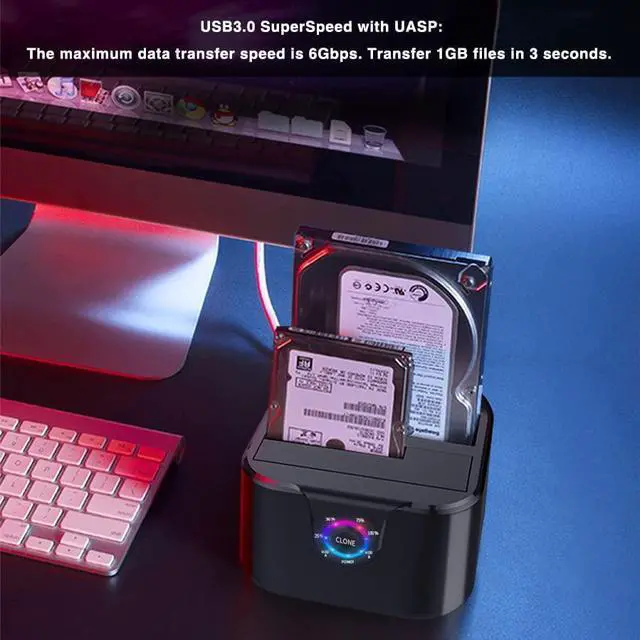
for 2.5 / 3.5 inch HDD SSD
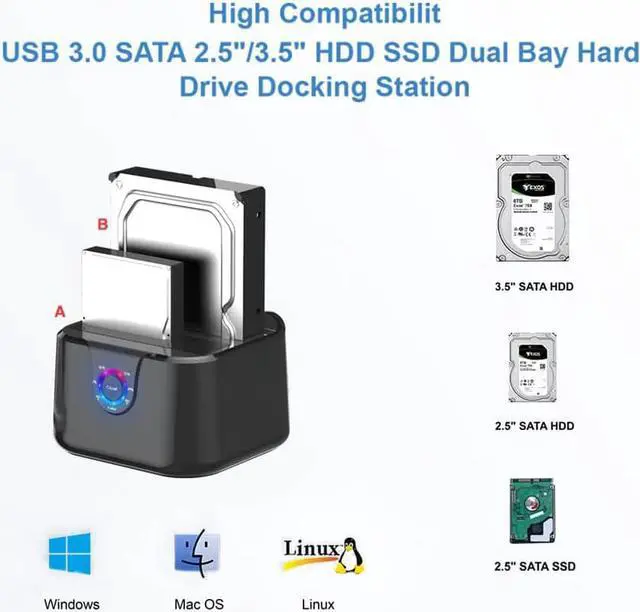
Widely Compatibility:GODO two-slot hard drive dokcking station supports all 2.5''/ 3.5'' SATA I/ II / III HDD SSD drives (up to 2 x 12TB).The product is compatible with almost all kinds of 2.5 and 3.5 HDDs and SSDs on the market. Compatible with Windows, Mac OS, Linux and Android.
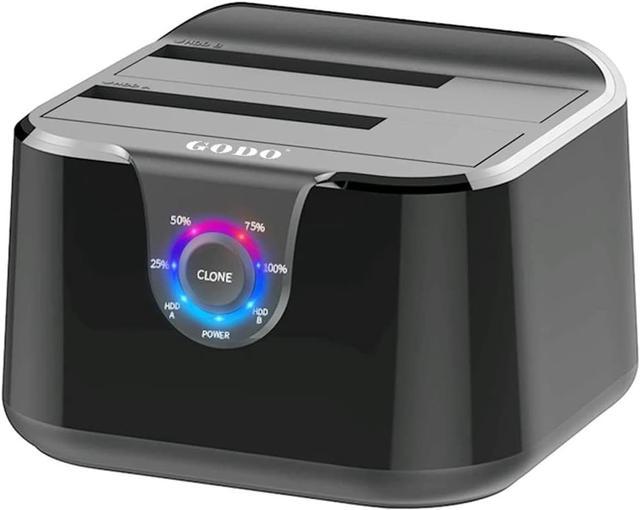
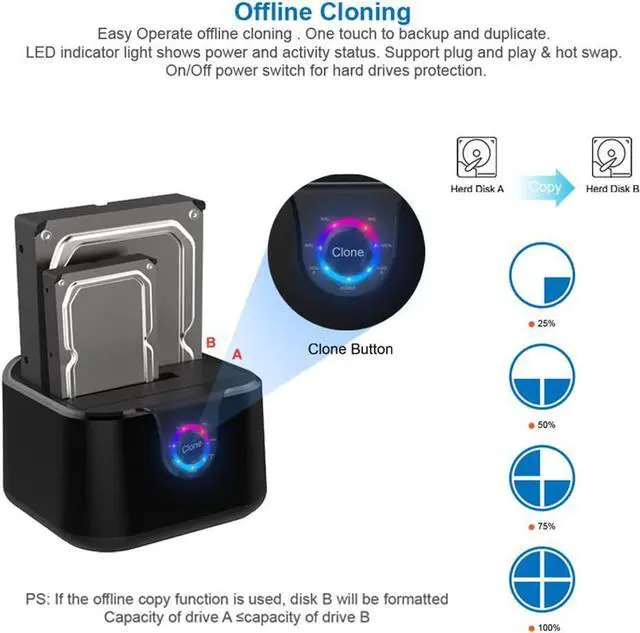
PS: Clone : 25% 50% 70% 100%(LED indicates the progress status)
Note: When other waiting LEDs flash back and forth, it indicates that cloning is in progress, not a fault.
LED Progress Indicators
Each grid LED light represents 25% of the completion progress, the completed progress light will be on for a long time, and other waiting lights will flash back and forth; When all LED progress indicators are remaining on Until the power is turned off , the Clone is completed.
Note: When other waiting LEDs flash back and forth, it indicates that cloning is in progress, not a fault.
Dual Bay Sata Docking Station
Dual drawer and dual socket, 2.5/3.5 inch hard disk universal
Non Slip Mat
Thick and good silica gel, more stable on the desktop
ODO USB 3.0 to SATA III Mini Dual Bay External Hard Drive Docking Station
Specifications:
* Support all 2.5 / 3.5 inch SATA I / II / III HDD & SSD. Support up to 2x12TB drives
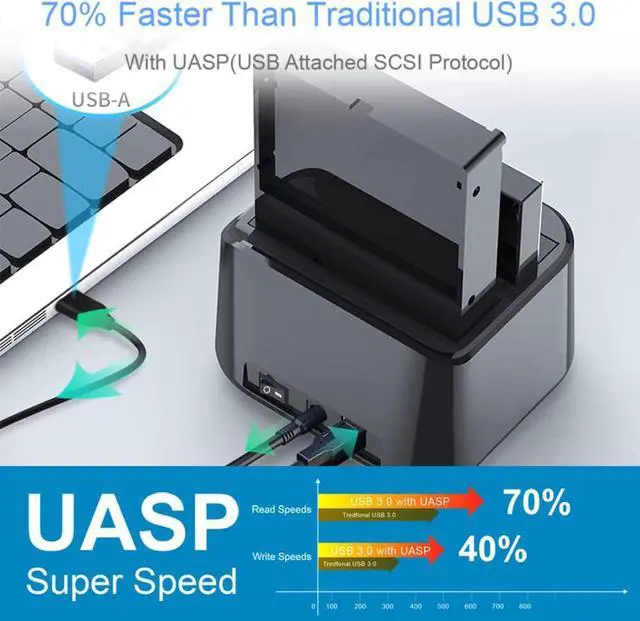
* Support USB 3.0 super-speed (5Gbps),Backwards complies with USB 2.0 hight speed (480Mbps), USB 1.1(12Mbps), USB 1.0 (1.5Mbps)
* Support UASP: 70% faster than traditional USB 3.0
* Support Offline Clone Function
* Support One Touch Backup or Duplicate
* Easy installation: Tool-free, no driver needed. Hot-swappable, plug and play !
What's in the box:
USB 3.0 Dual Bay Docking Station x 1
USB 3.0 Cable x 1
Power Adapter 12V/2.5A x 1
User Manua x 1
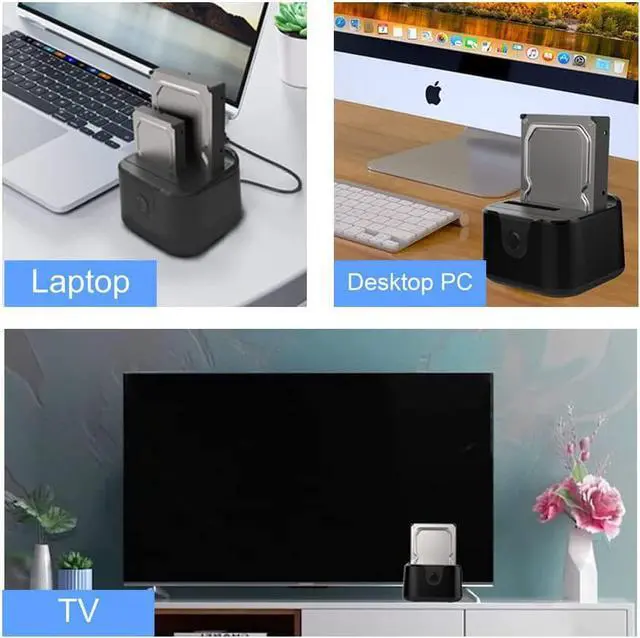
Connecting the PC/Laptop
Data can be stored and read at any time,the USB 3.0 hard drive enclosure will provide you greater convenience of use and versatility of digital data storage
Connecting the TV
Watch a large number of high-definition movies, collect and download favorite TV plays and movies.
Connecting the PS4/PS5
Play games freely, store more games, and don't worry about running out of computer memory
Connecting the Routers
By connecting the Routers,remote Access Seconds to NAS
Offline Clone without a computer:
Attention
- The target disk B must be larger than the source disk A.
- Please backup files in the target hard drive (HDD B) before cloning. Any files in target hard drive will be overwritten when offline cloning occurs.
- To avoid data transfer errors, overheating and damage to the device please make sure that there are no faulty driver cells.
- To avoid data loss, do not remove or insert drives when one drive is working in the docking station. Please power off the dock before removing.
Installation Steps of 2 Bay External Hard Drive Dock
1, Install the hard disk into the hard disk base .
2, Connect to the power adapter .
3, USB cable is connected to the computer .
4, Turn on the power switch and start working .
Offline Cloning is so simple:
Clone : 25% 50% 70% 100%(LED indicates the progress status)
01. Differentiate A/B disk: HDD A is the master disk, HDD B is the sub disk, and the capacity requirement of HDD A HDD B.
02. Prepare the target disk: The data of disk B will be cleared when Cloning.If there are important data, please use the computer to make a backup first.
03. Connection: Disconnect the computer from the hard disk, insert the hard disk into the corresponding drawer, and then connect the power; Press the power switch and wait for 10 seconds to let the hard disk run to increase the speed.
04. One key operation: long press CLONE key for 3-5 seconds to start automatic Cloning; Each grid LED light represents 25% of the completion progress, the completed progress light will be on for a long time, and other waiting lights will flash back and forth; When all LED progress indicators are remaining on Until the power is turned off , the Clone is completed.