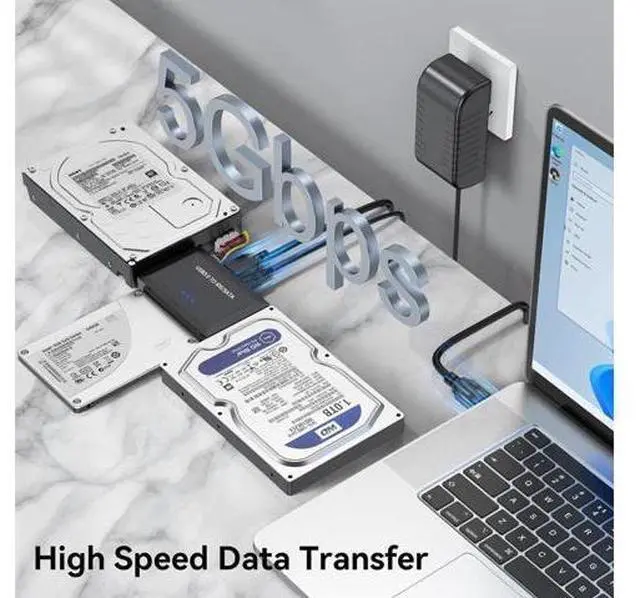
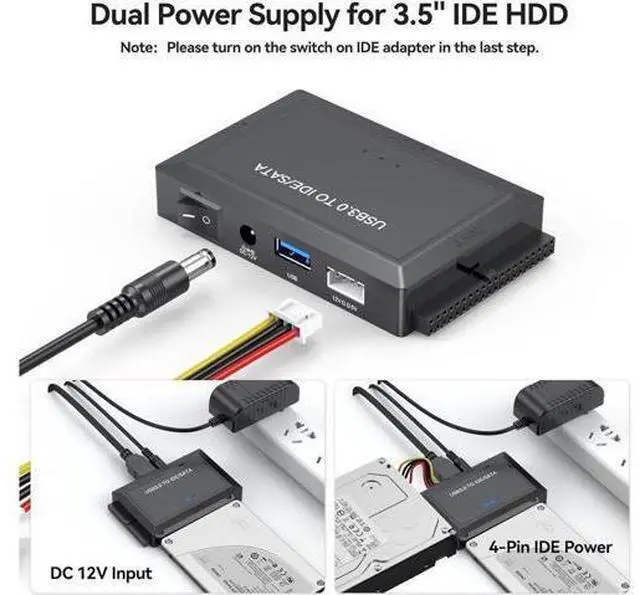
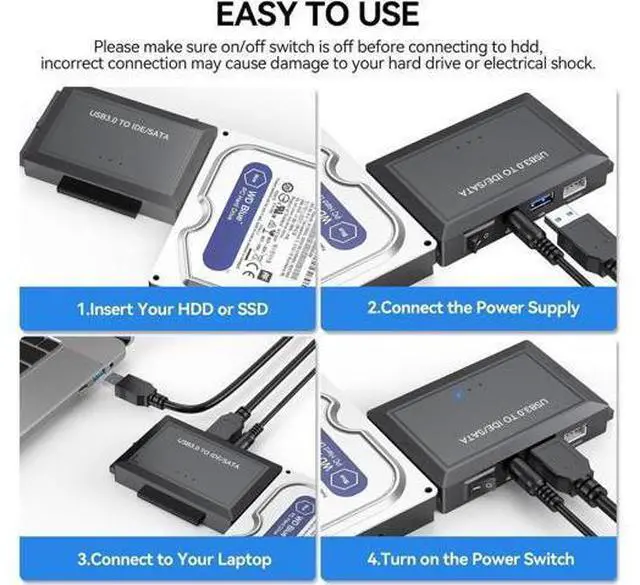
Tips for Use IDE/SATA to USB 3.0 Converter If the hard drive is spinning but not appearing in Disk Management, consider performing a format and repartitioning. It's possible that your current partitioning method may not be compatible with this adapter The disks should be partitioned before use if they are not already, as this will ensure that the computer recognizes them and they appear in Disk Management. Dual interface compatibility USB A and USB C are designed to meet the needs of different occasions and release yourself from the constraints of computer models The usb hard drive adapter connect SATA/IDE devices to your computer or laptop via a USB 3.0 adapters, helping you easily expand drive space, upgrade systems, store, create disk images, cloner back up files, and retrieve data from old hard drive to recover data.
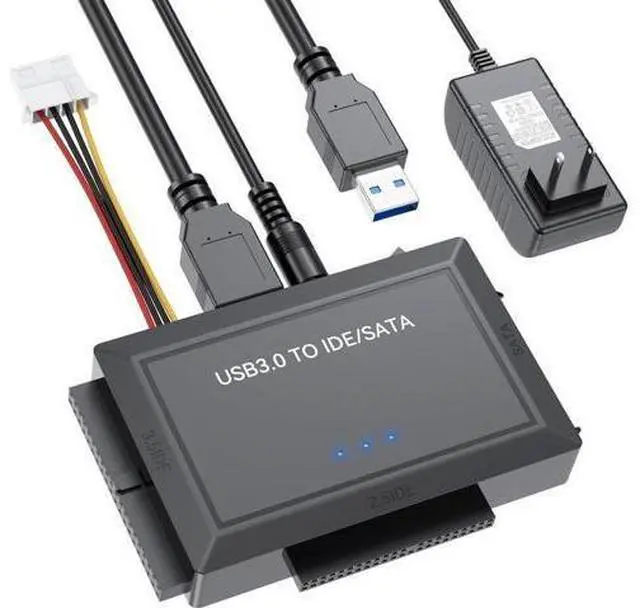
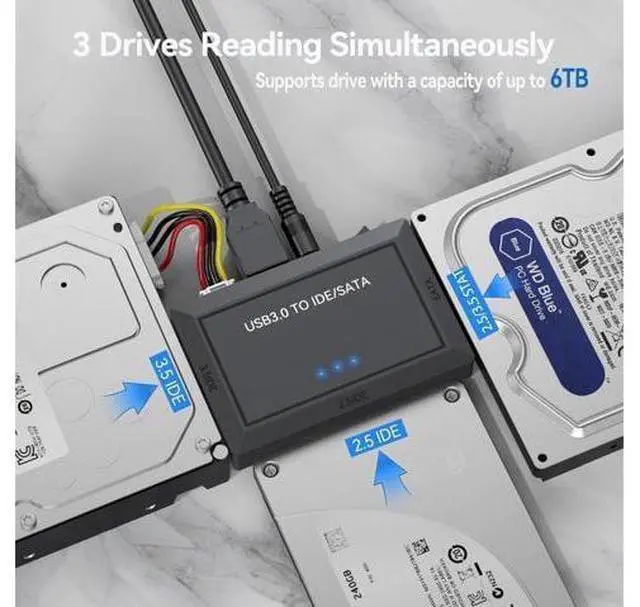
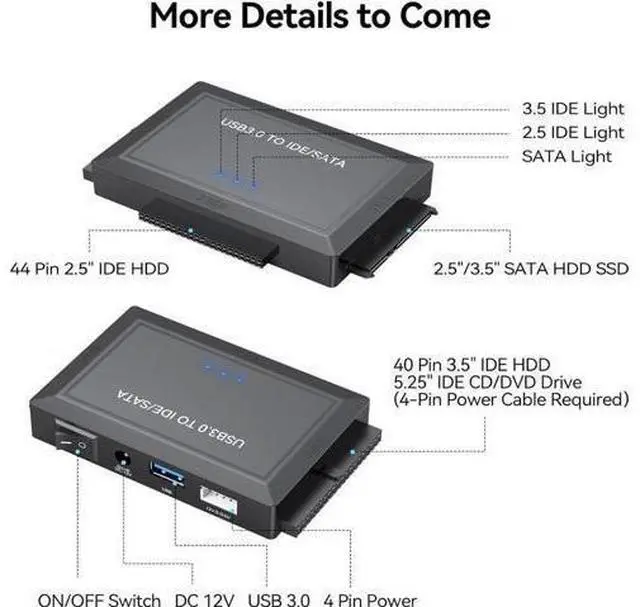
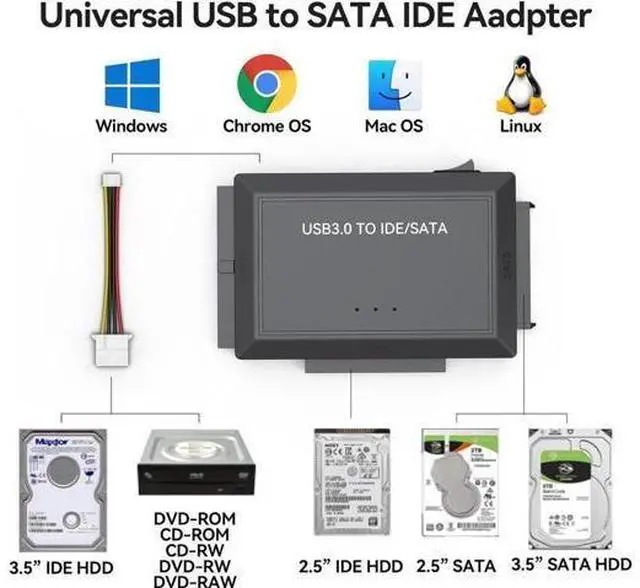
Compatible with 2.5" / 3.5" HDD/SSD, 2.5" / 3.5" IDE, 5.25" DVD-ROM, CD-ROM, CD-RW, DVD-RW, DVD+RW Optical Drive. It supports drvies with a capacity of maximum 6 TB. What's in the box Hard Drive Reader AC Adapter IDE Power Cable USB Cable