At lemorele, we believe there's an optimal combition of value and innovation.
Previous page
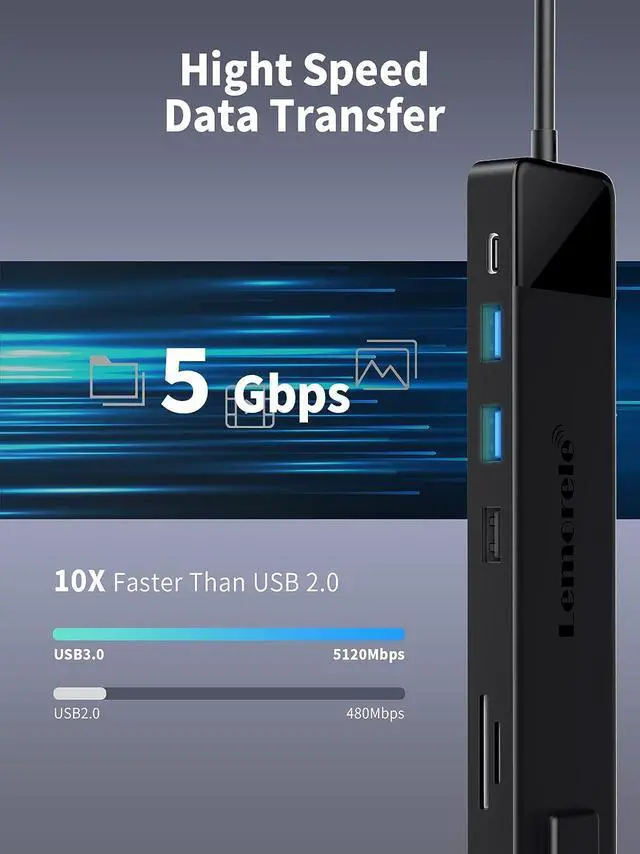
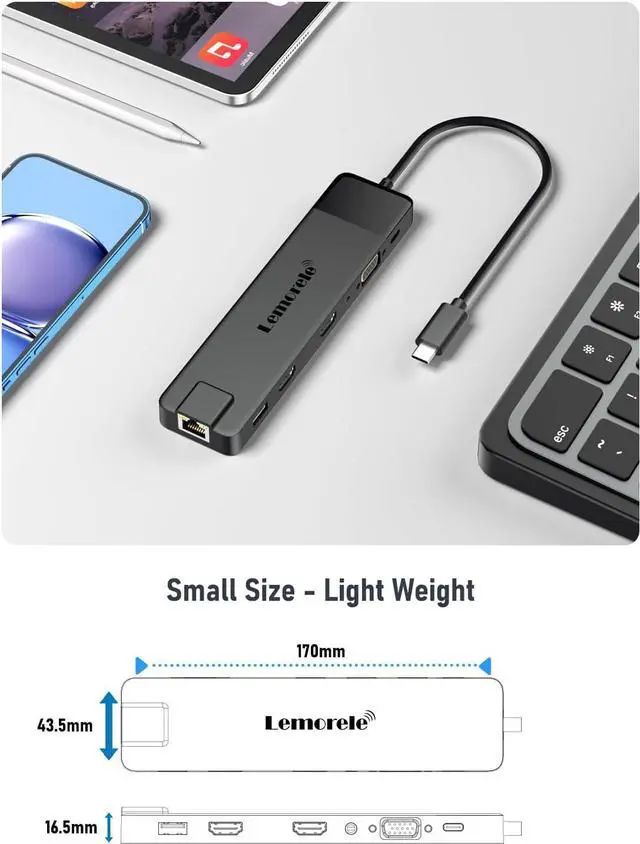
Next pageSold ByItem Dimensions6.69 x 1.69 x 0.65 inches2.56 x 5.31 x 0.59 inches6.5 x 3.54 x 0.71 inches5.31 x 1.57 x 0.47 inches5.5 x 2.17 x 0.59 inchesItem Weight3.71 ounces2.82 ounces2.47 ounces3.53 ounces1.13 ounces The USB 3.0 ports of this docking station max data transmission up to 5120Mbps.
USB 2.0 data transmission up to 480Mbps, transfer and backup your files in seconds.
We suggest connect Thumb Driver, Keyboard, Mouse by USB 2.0, and connect Phone, Hard Disk, Printer by USB 3.0.
1*HDMI 1: 4K@30Hz(3840x2160) (NOT SUPPORT 5120*1440)
1*HDMI 2: 4K@30Hz(3840x2160) (NOT SUPPORT 5120*1440)
1*VGA port: 1080@60Hz(1920×1080) (NOT SUPPORT 5120*1440)
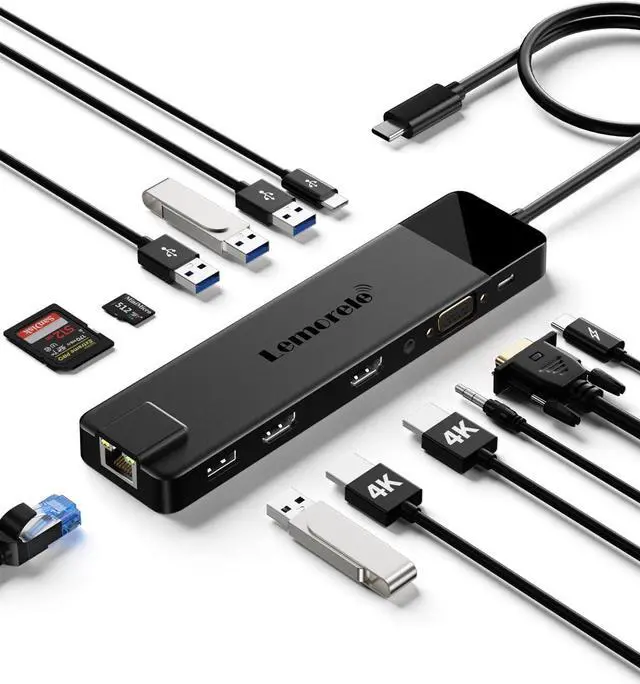
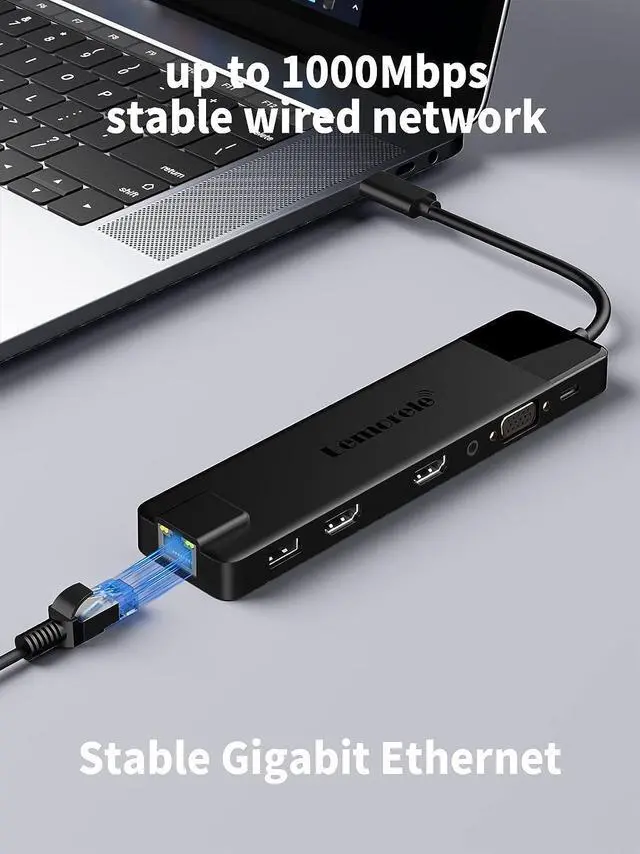
1* RJ45 port: Gigabit Ethernet ports 1000Mbps; downward compatibility: 10M/100M.
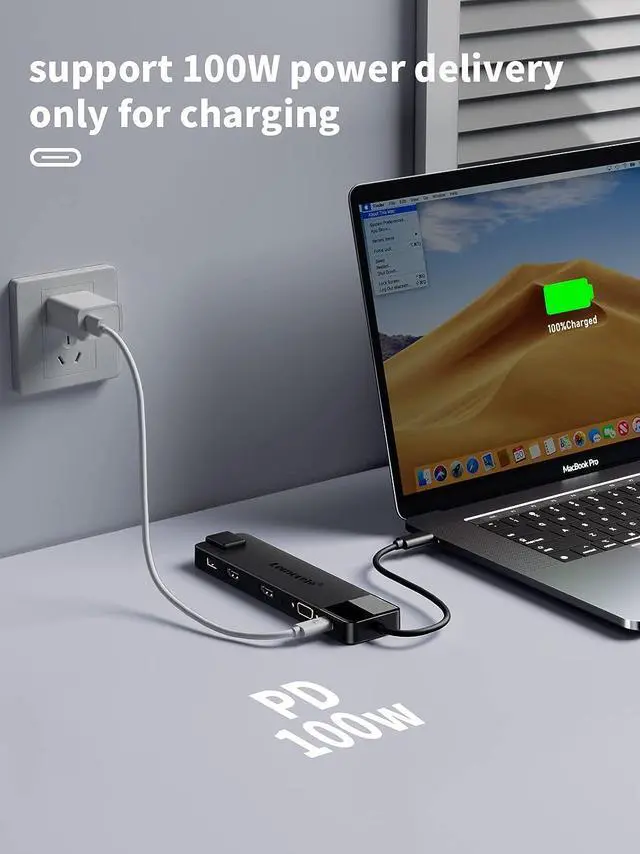
2* USB C Data Power Delivery Port: Max 100W PD input, backward with PD3.0. (Support 5Gb transfer data Transfer).
2* USB 3.0 ports: With 5Gbps superspeed data transfer rate output, backward compatible with USB2.0 and USB1.1.
2* USB 2.0: Up to 480Mbps data transfer. Design for the connection of 2.4 GHz wireless devices, such as wireless keyboard/mouse adapters.
1* 3.5mm Audio/Mic 2 in 1 jack: With mic and audio-out function. (If you cannot use the feature, please select the correct device on your computer.)
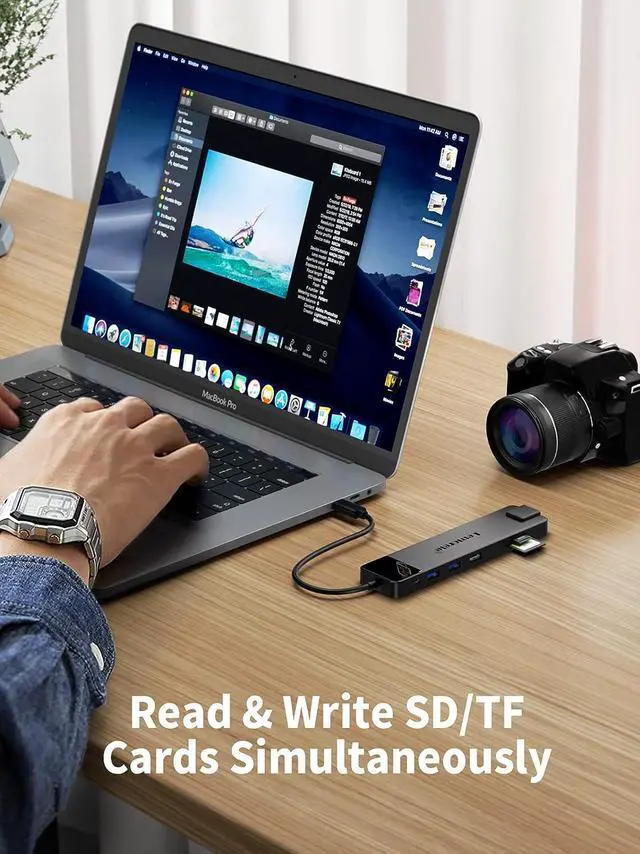
1* SD/TF Card Reader: Built-in SD and micro SD slots for easy access to files from universal SD and micro SD memory cards. Support SDHC (Capacity up to 32GB), SDXC (Capacity up to 2TB) and MMC.
Please note:
Please connect power to charge your laptop while connecting the external devices. (Please use a PD charger with more than 65W and the usb c port of the source laptop is support PD protocol. ). The Type C PD port both can data transfer and power charge. When the dual monitor USB C dock is used, it is normal to cause the rapid power consumption of the laptops, because the computer needs to provide a certain power to it work.
The USB C computer docking station can't be used with web cam because the output power is not enough.
Please note that the resolution of this docking station does not support 5120*1440 due to the limit of intel chip, the widest only can reach 3840, can't reach 5120.
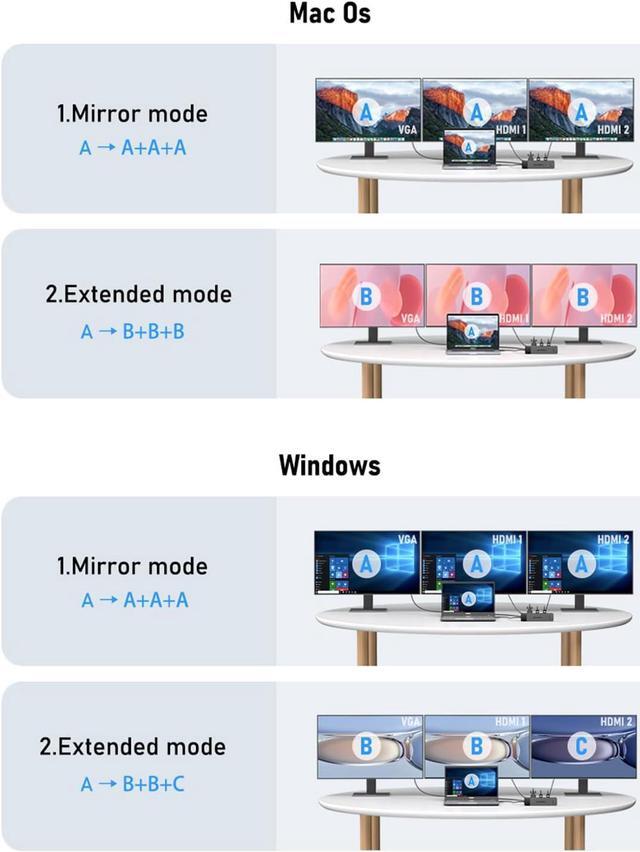
Mirror Mode (AAAA Mode):
Laptop shows same images with displays.
Extend Mode (ABBB Mode):
3 external screen display same images but different with laptop.
Note:
1. Macbook with M1/M2 chip only can extend one monitor. ON MacOS only SST supported due to MacOS limitation.
2. Comes with 2 HDMI and VGA ports - Allows you to connect up to 3 external monitors at the same time.
HDMI Port 1: Max resolution up to 4K @30Hz
HDMI Port 2: Max resolution up to 4K @30Hz
VGA Port : Max resolution up to 1080P@60Hz
How to extend monitor on Mac:
When the HUB is connected to the laptop and connected to the display with an HDMI cable, you can change the resolution, refresh rate, mirroring and extension mode of the secondary screen in System Preferences-Display Settings, and support ABBs extension mode and AAAs copy mode.
Mirror Mode (AAAA Mode):
Laptop shows same images with external triple displays.
Extend Mode (ABBB and ABBC Mode):
Laptop shows different images with external triple displays,and VGA follow HDM1 (near VGA port).
How to extend monitor on Windows:
When the HUB is connected to the laptop and connected to the display with an HDMI cable, you can use the shortcut key combination Win+P to select other modes such as expansion and copy, and support multiple expansion combinations such as ABC. In Windows Settings-System-Screen Settings, you can select the display order and resolution of the secondary screen through the settings, and you can change the refresh rate of the secondary screen in advanced display settings.
Max data transmission up to 5120Mbps. Only su