
Built for How Business Buys.



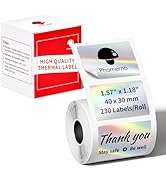
![[3x180 pcs] Circle Transparent Thermal Label, Phomemo M110/M220/M108/M250/M260/M120/M200/M221/M15...](http://c1.neweggimages.com/sellingpilot/modules/product/a-plus/f10b82960815e1bb06a94100360bd68a458c553ebc9c1420a26d04611afed1a8.jpg)
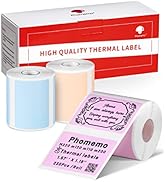
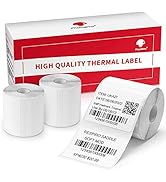
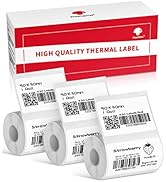
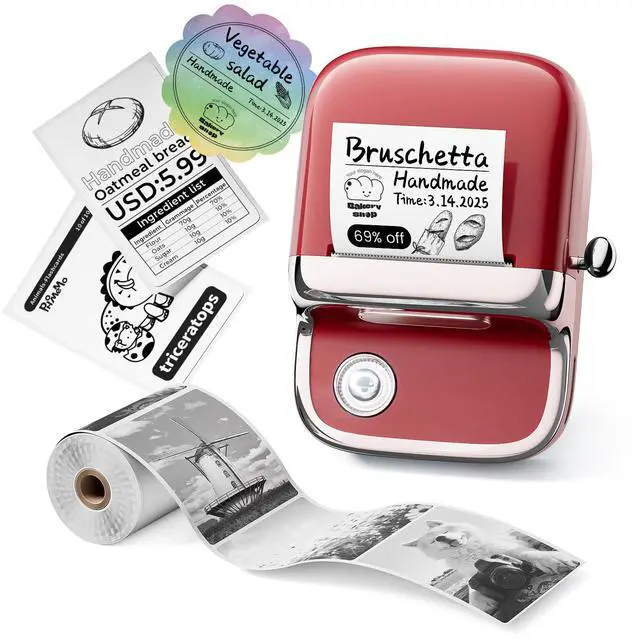
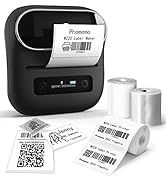
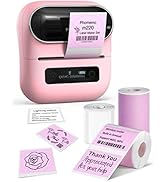
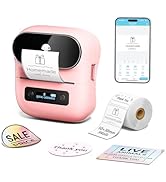
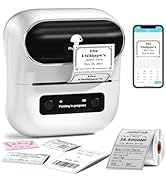
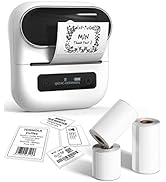
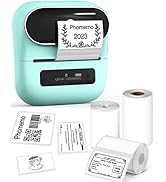
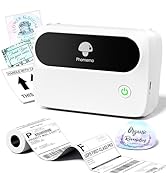
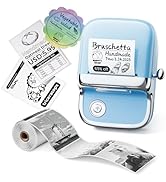
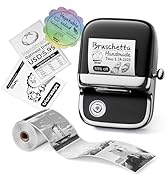
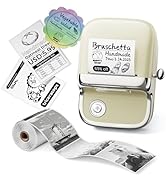
Phomemo Vintage Bluetooth Label Maker - M150
Phomemo M150 Label Maker Machine with Tape
Merchant VideoAttention: Phomemo M150 Bluetooth Label Maker CANNOT print 4" x 6" thermal labels.
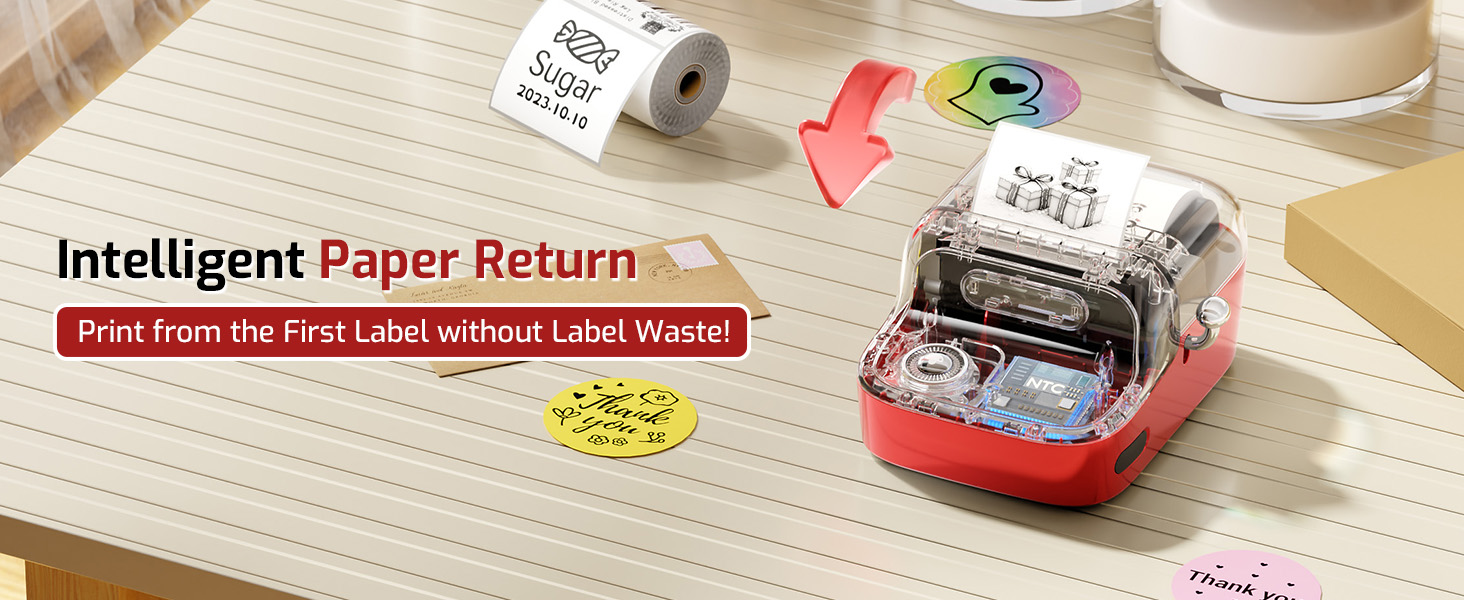
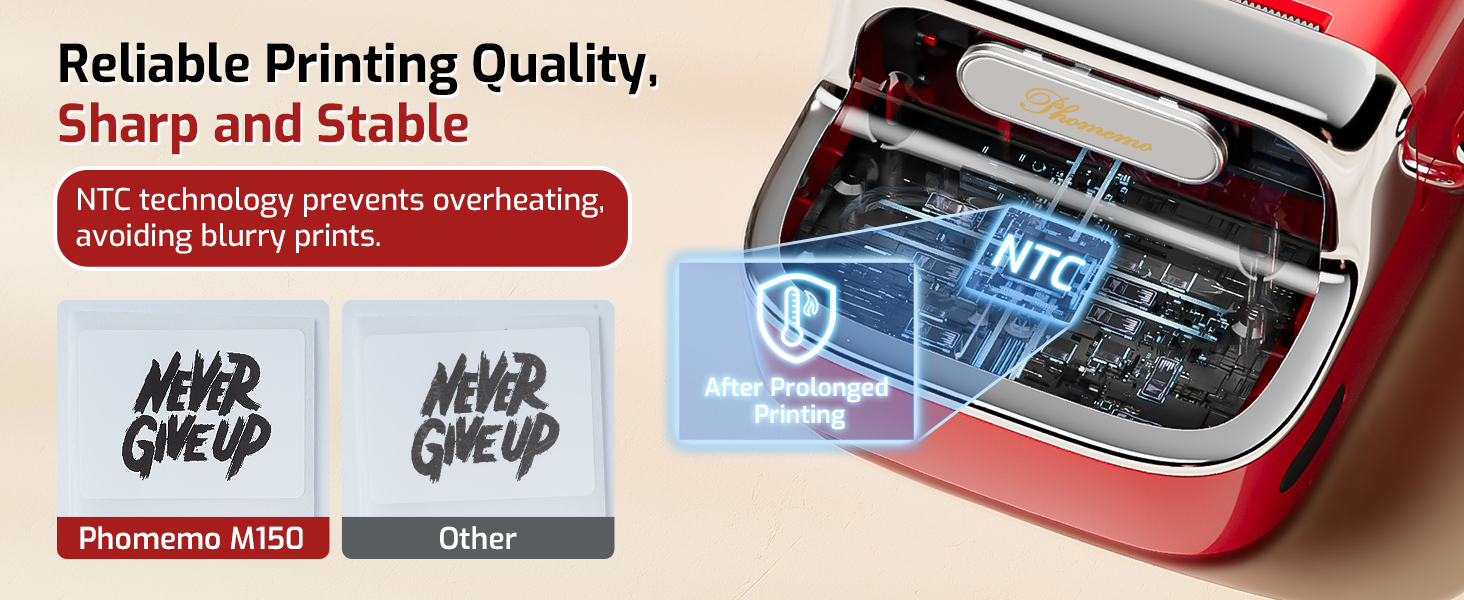
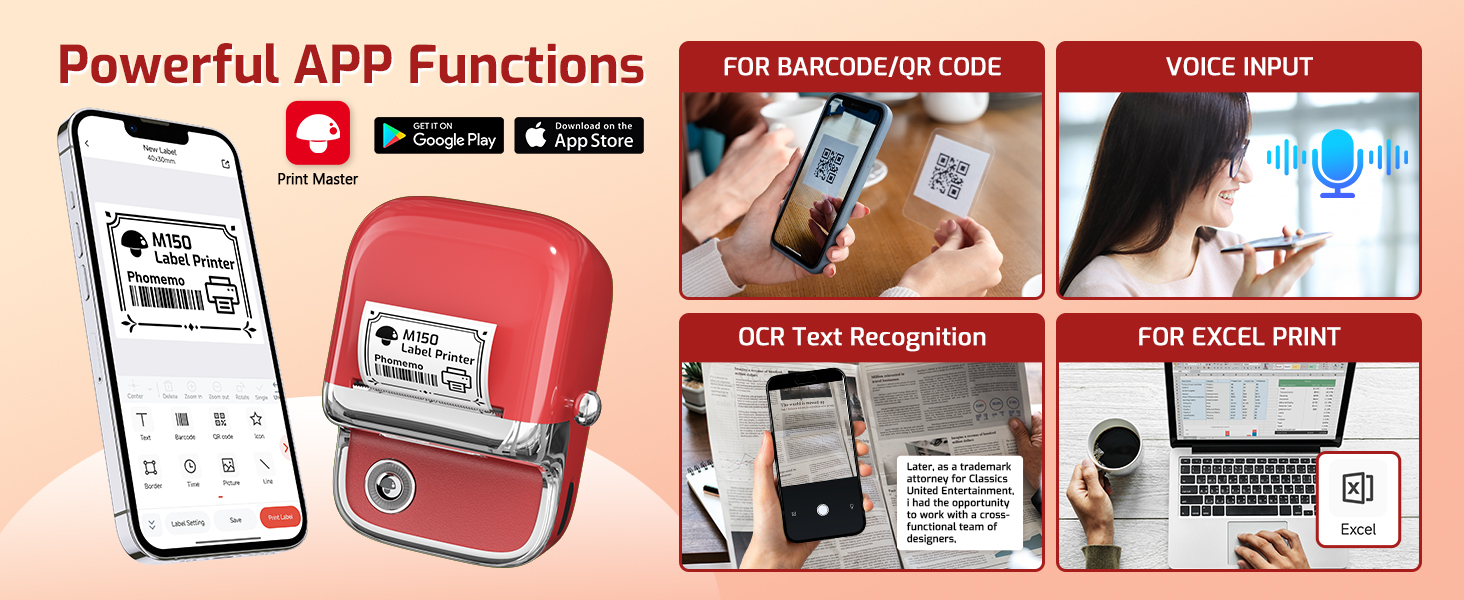
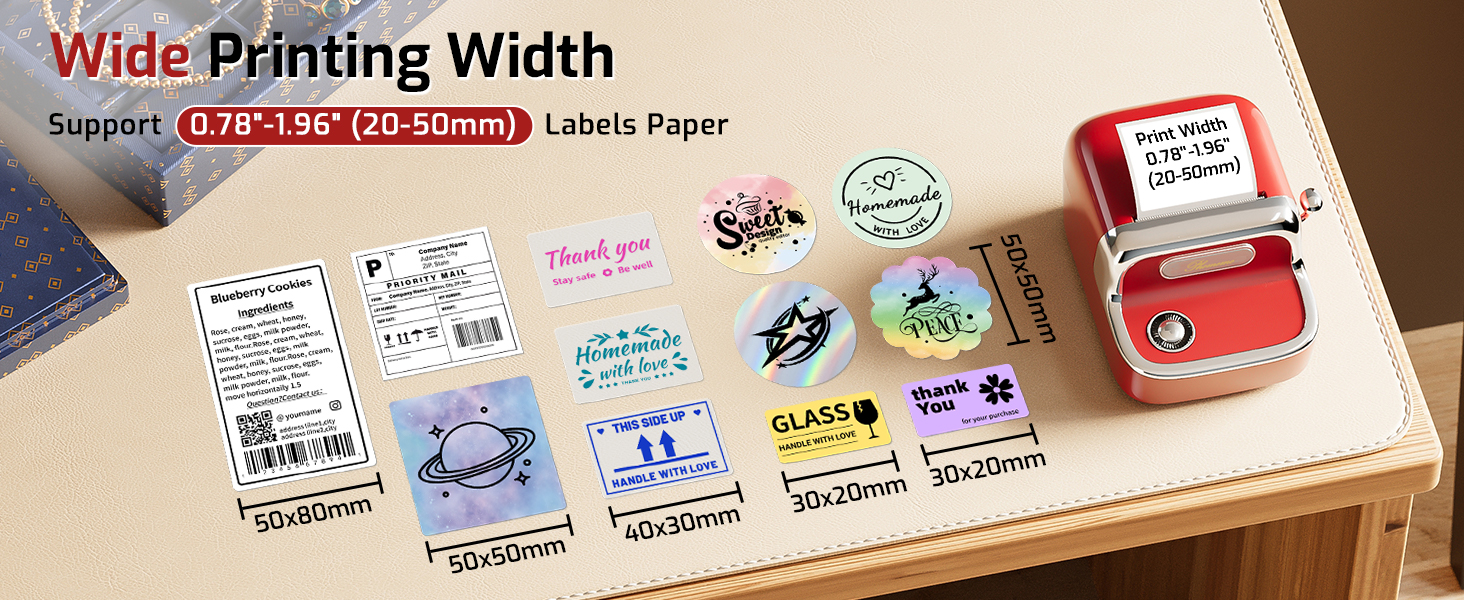
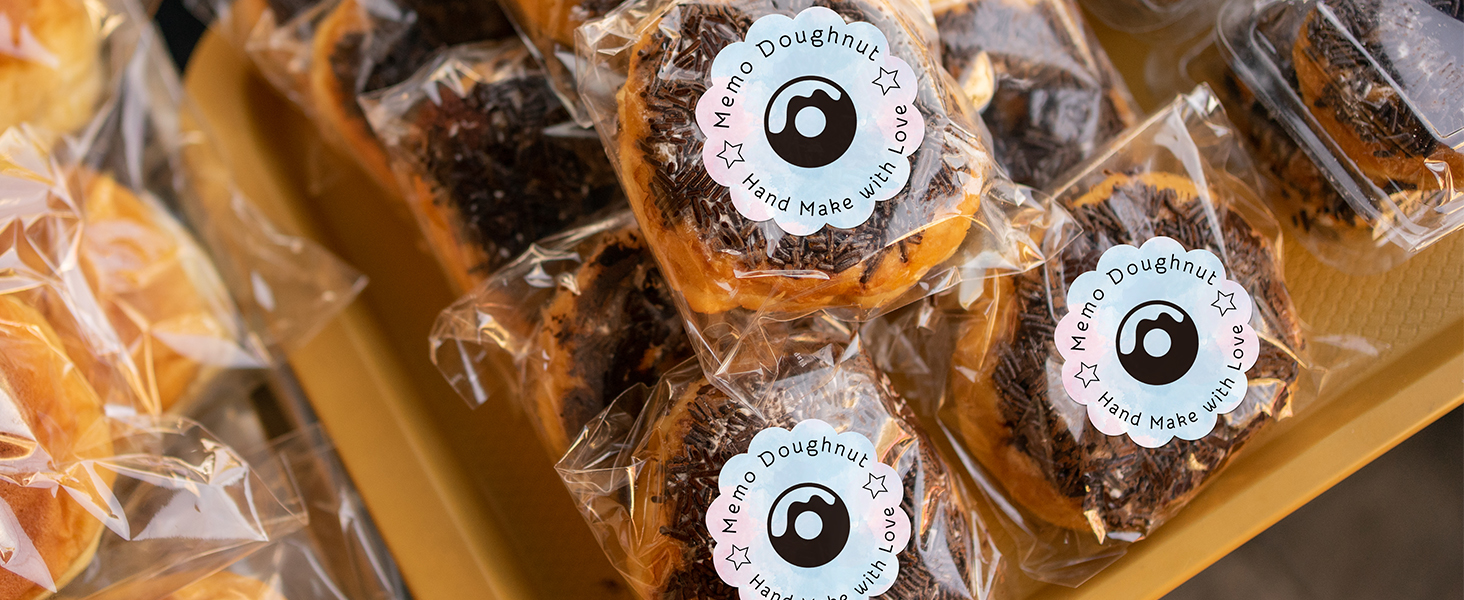
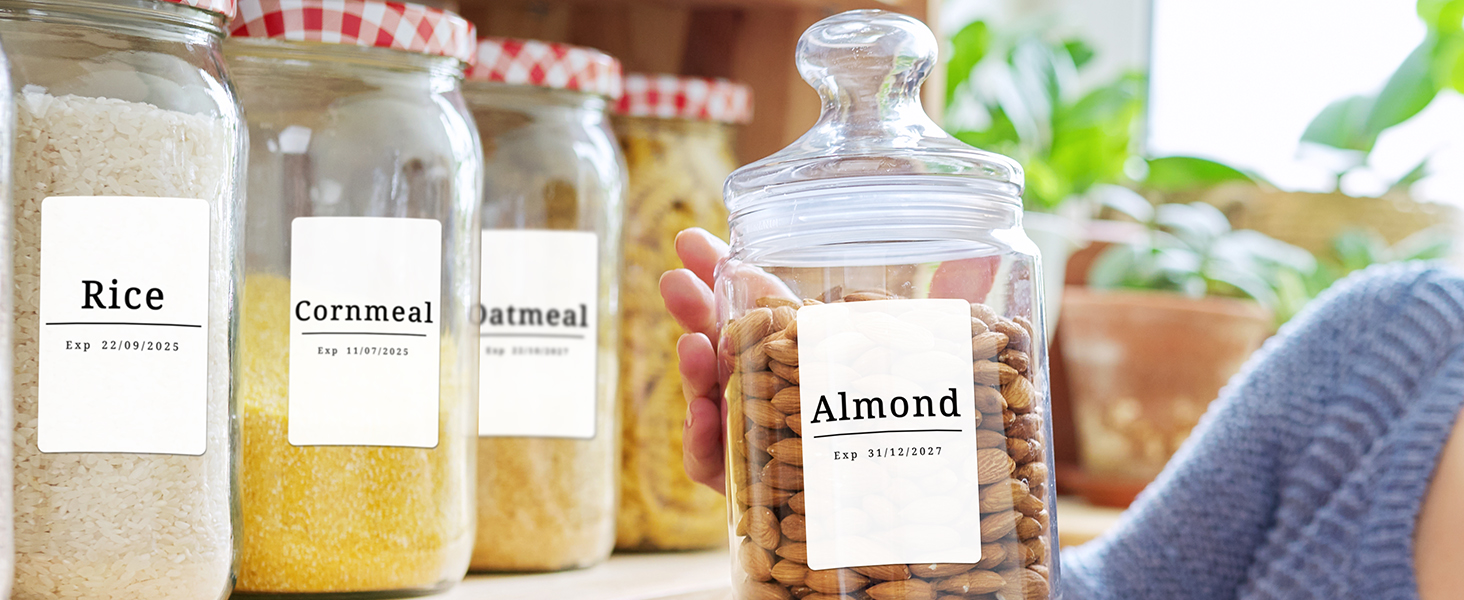
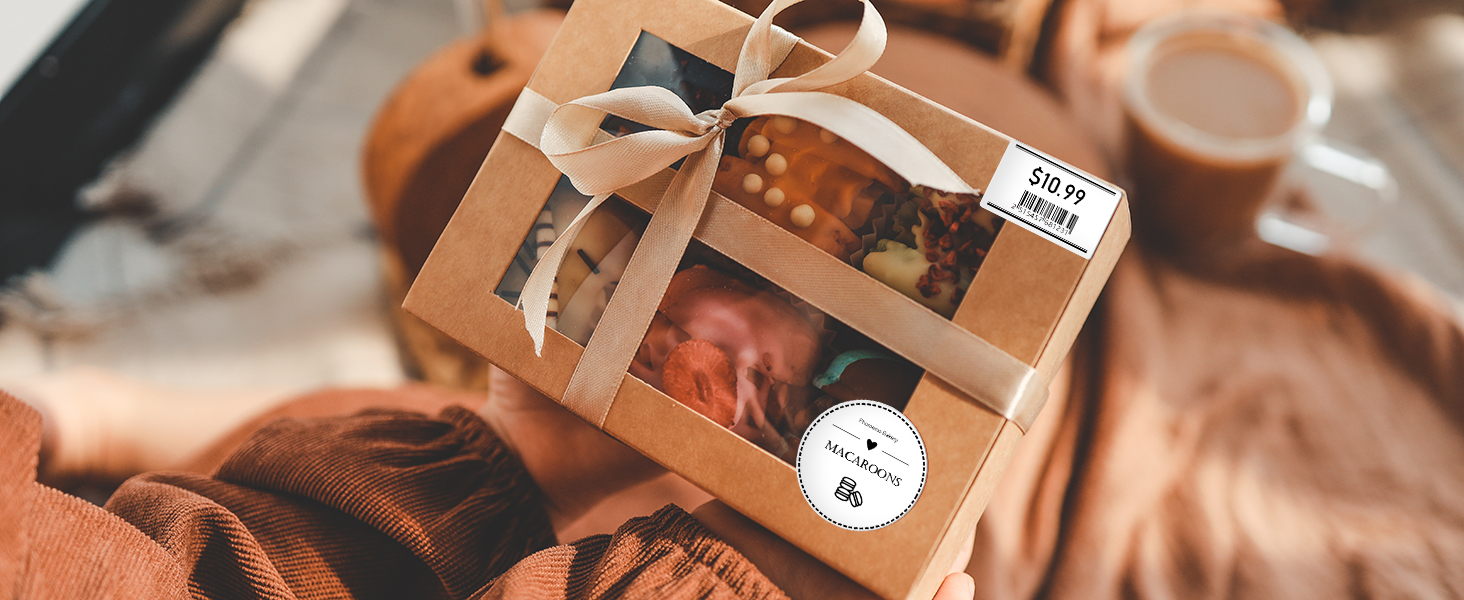
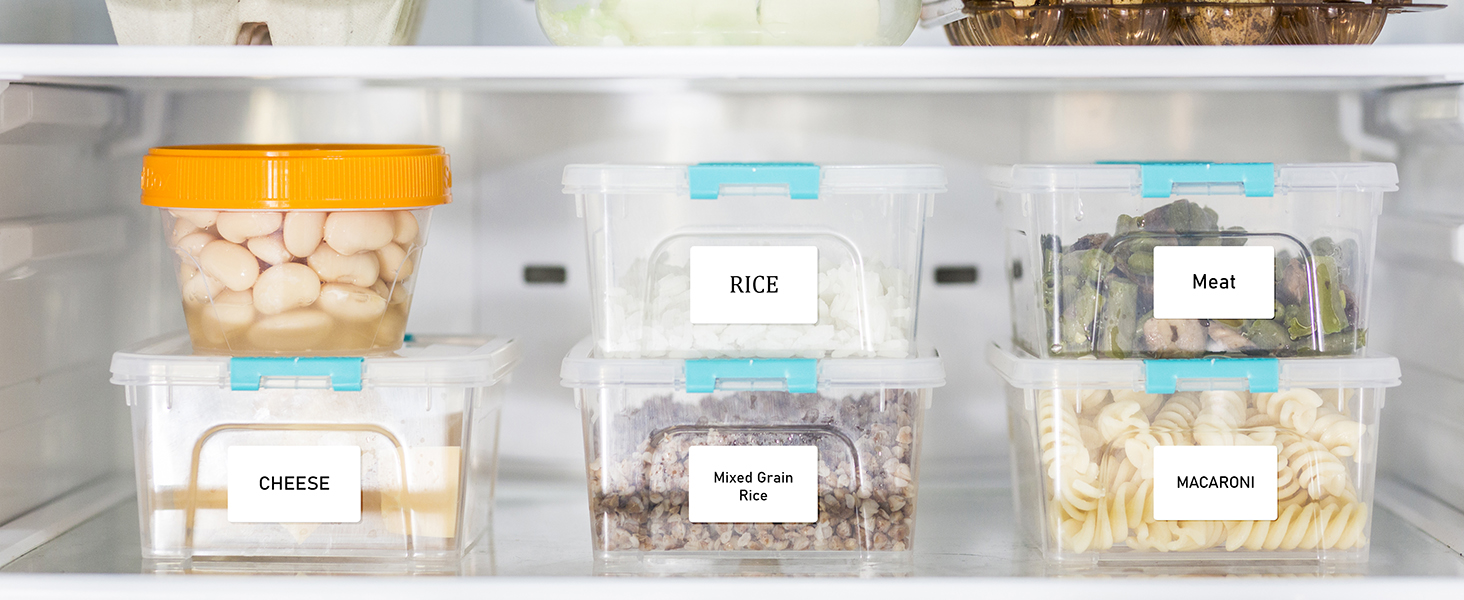
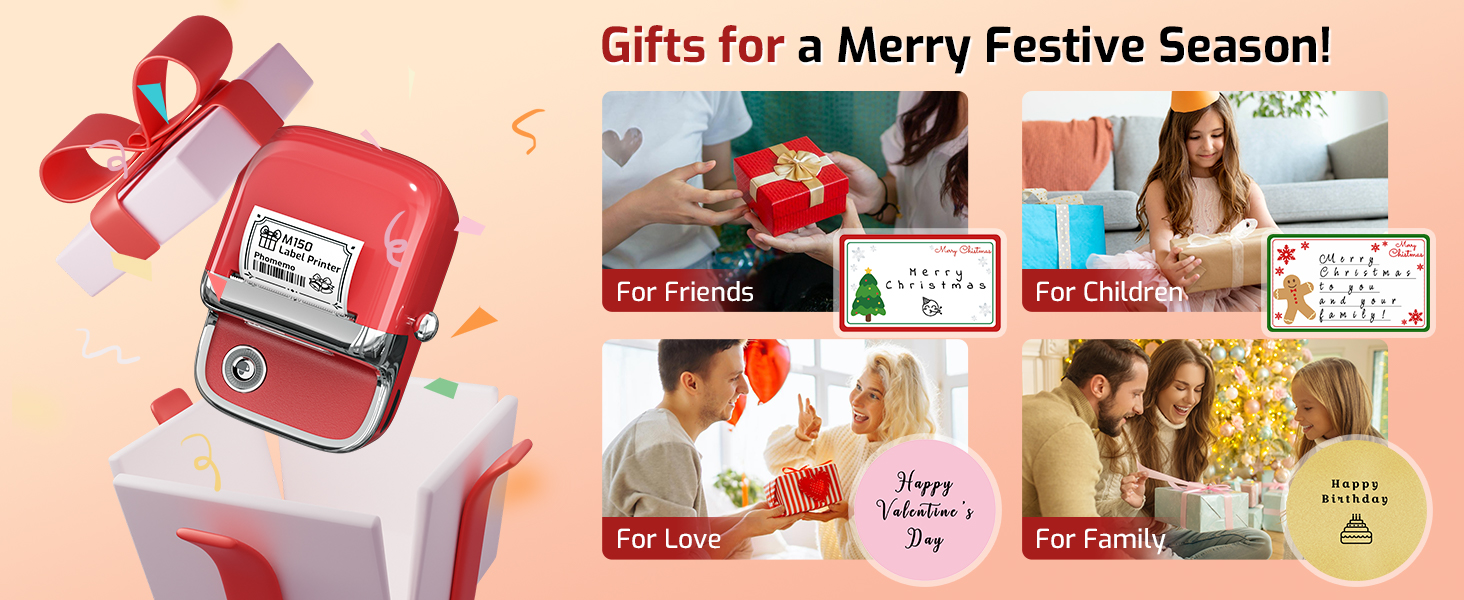
A Thoughtful Gift for Your Special Someone
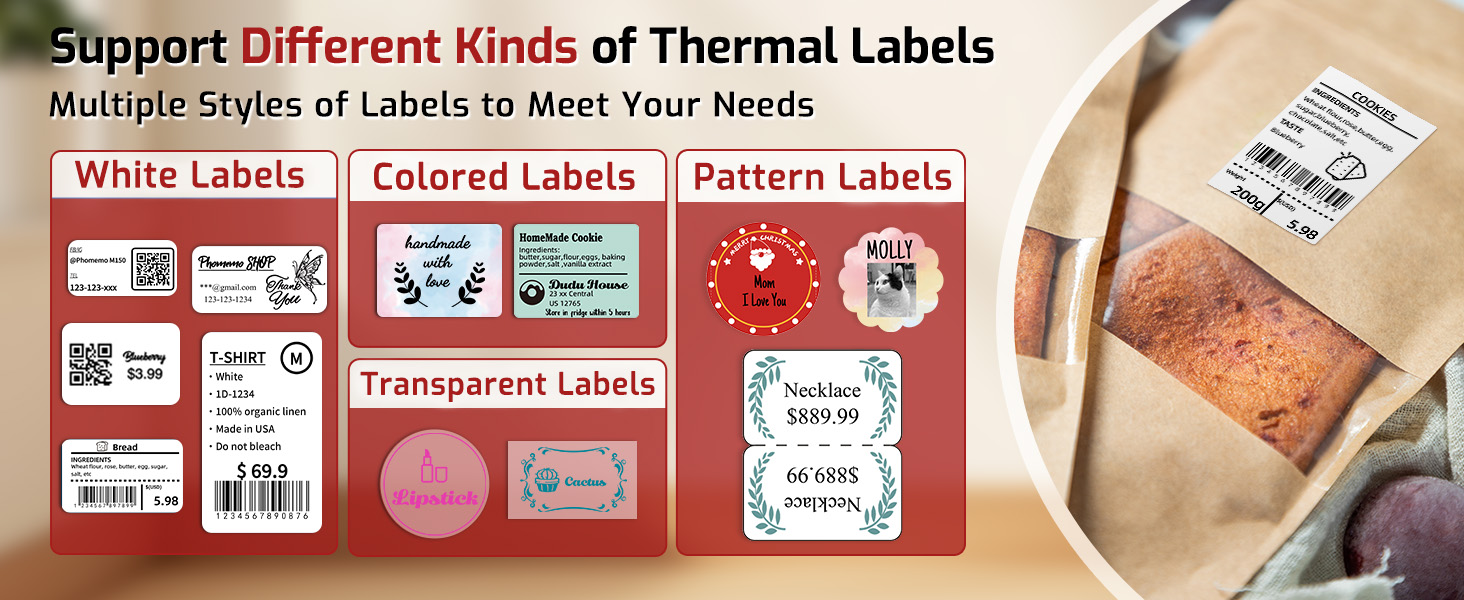
What size of thermal labels does M150 label maker supports?
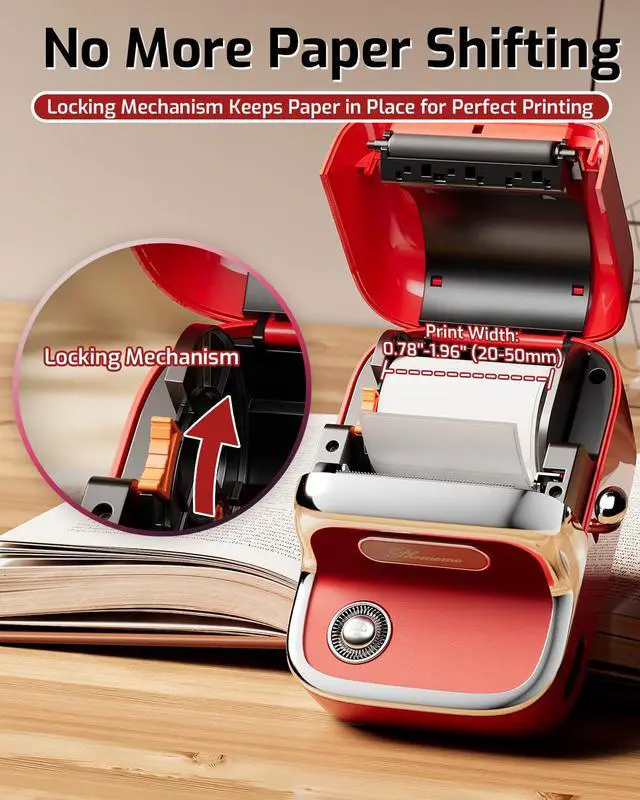
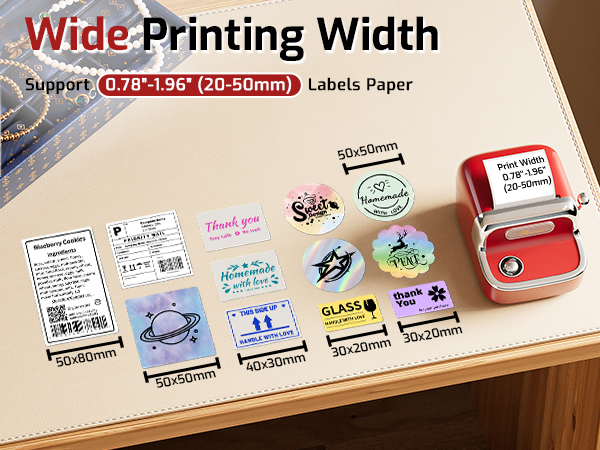
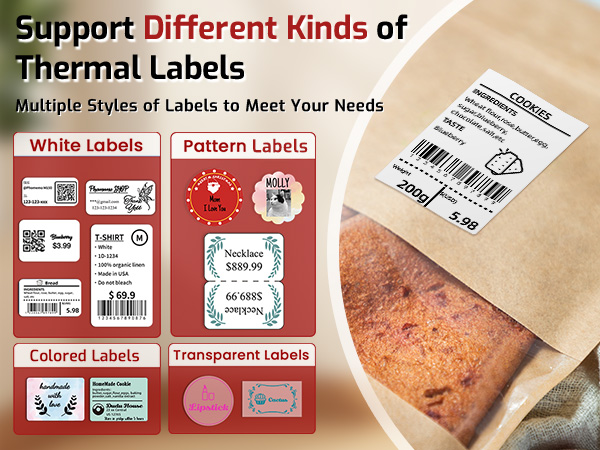
Phomemo M150 Bluetooth Label Maker Machine with Tape can print thermal labels with a width of 0.78"-1.96" (20-50mm). Attention: It CANNOT print 4" x 6" thermal labels.
Can M150 Label Printer Machine supports color printing?
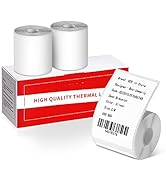
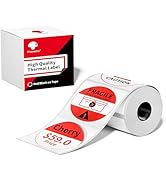
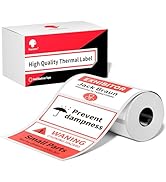
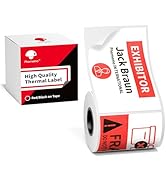
Phomemo M150 sticker printer can print colored labels, but it is important to find the corresponding labels to use with it.
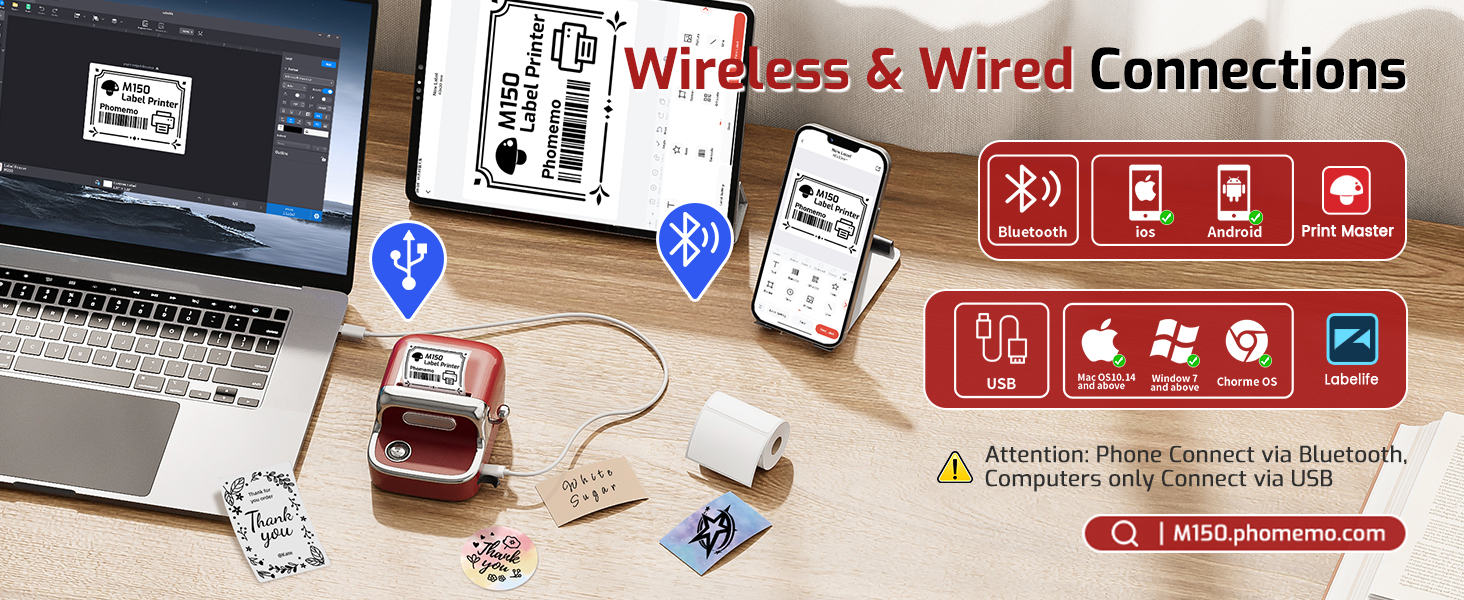
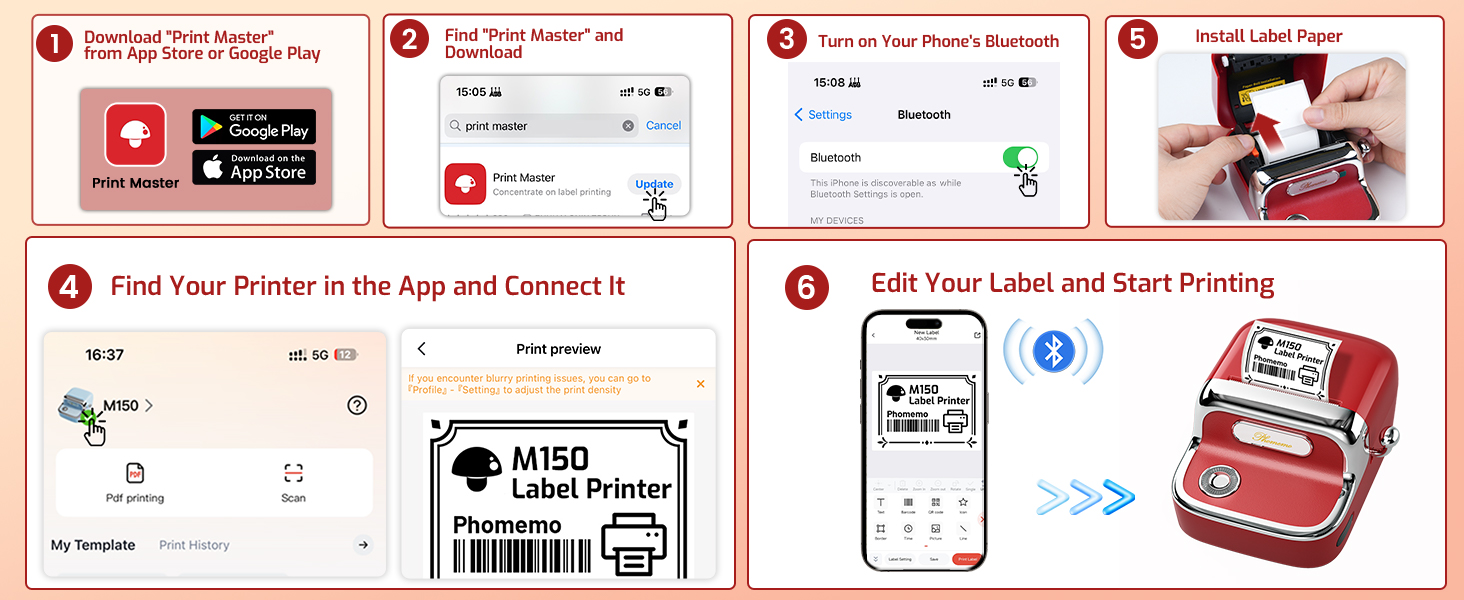
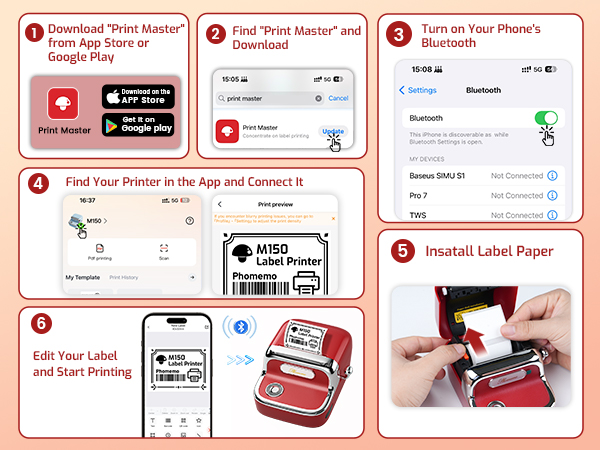
How to Connect M150 label maker on phone via Bluetooth?
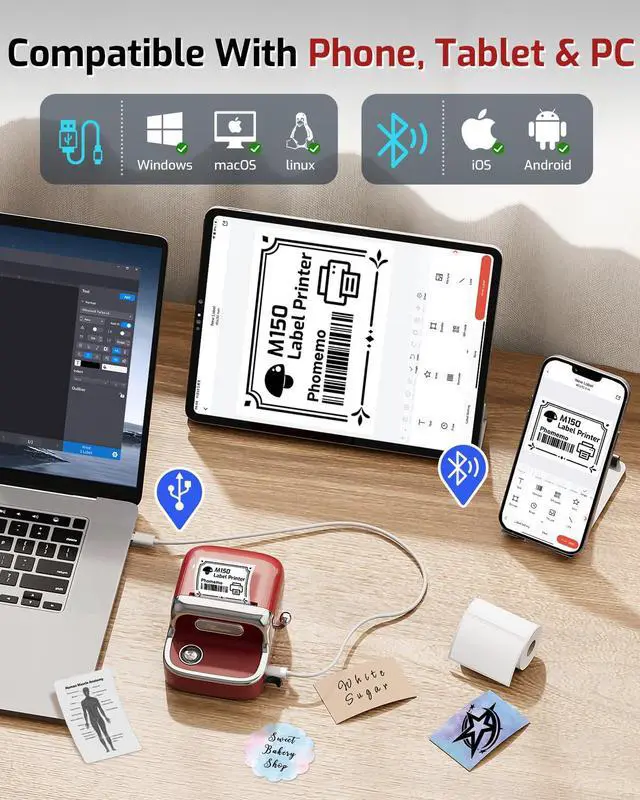
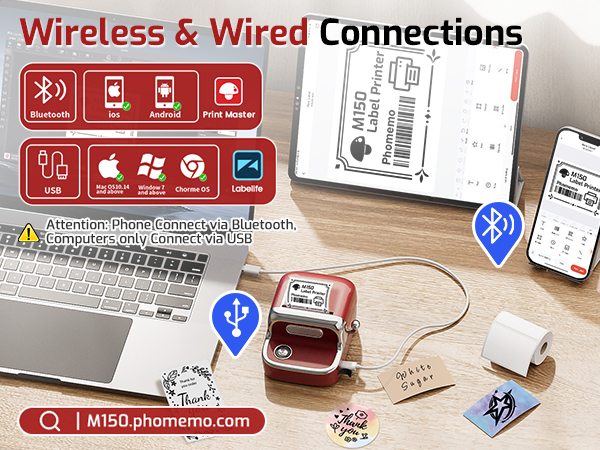
1. Turn on the Bluetooth function on your phone;
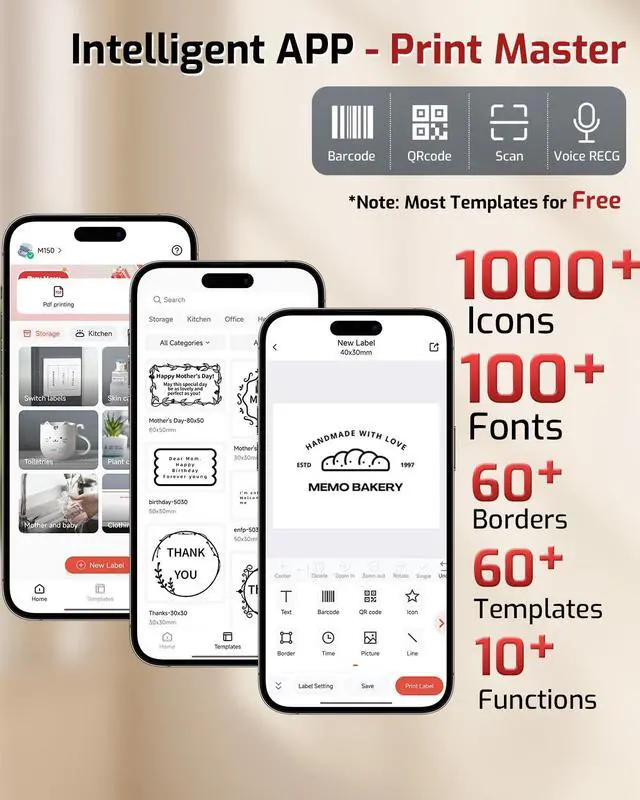
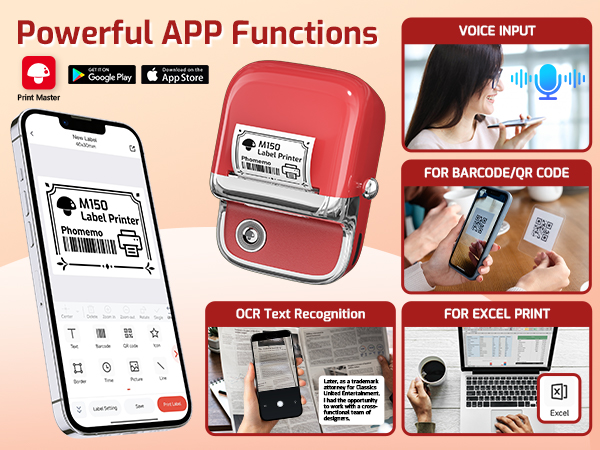
2. Download and open Print Master App;
3. Click the upper right printer button in APP, then locate M150 Label Printer. (Do not connect in the phone setting.)
What if the M150 thermal label maker won't charge?
1. Please try charging M150 printer for 1 hour with another charging cable and a 5V, 2A charger before turn it on;
2. While charging, use a thimble to press the reset hole next to the power port. Restart the printer after charging for half an hour.
What if the M150 sticker maker doesn't print clearly?
1. Boost print density and retry;
2. Clean print head with alcohol swab;
3. Use a new paper roll; current one might be damp;
4. If battery<30%, charge 3 hours and test print;
5. Check the original image quality.
Frequently Purchased Together
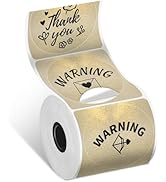
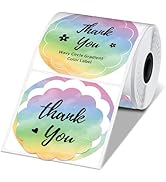
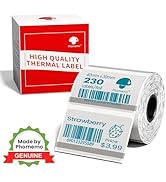
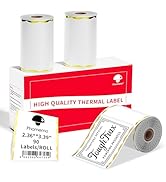
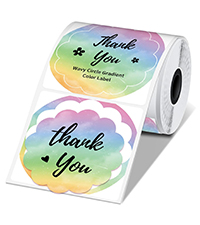 Bakery Label | 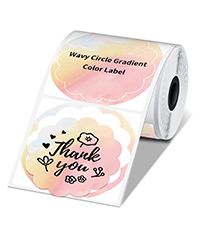 Decorative Label | 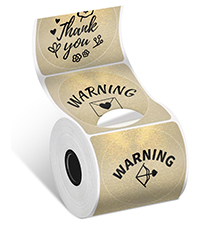 Gift Label | 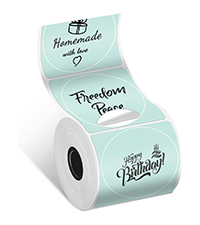 Food Label | 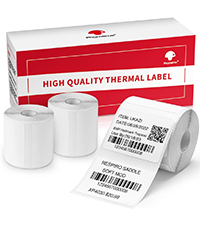 Category Label | 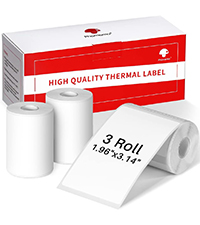 Address Label | 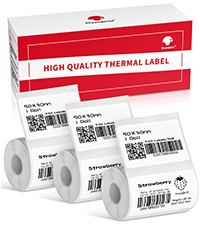 Barcode Label | |
|---|---|---|---|---|---|---|---|
Customer Reviews | — | — | — | — | — | — | — |
Price | — | — | — | — | — | — | — |
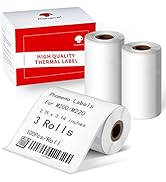
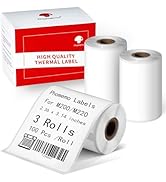
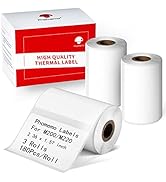
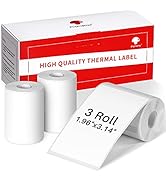
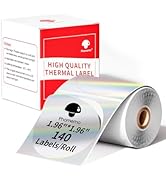
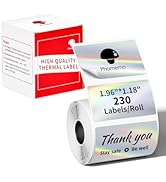
SIze | 1.96" x 1.96"(50x50 mm) | 1.96" x 1.96"(50x50 mm) | 1.96" x 1.96"(50x50 mm) | 1.96" x 1.96"(50x50 mm) | 1.57'' x 1.18''(40x30mm) | 1.96" x 3.14"(50*80mm) | 1.96'' x1.18'' (50x30mm) |
Quantity | 1 Rolls/140 Pcs (1 Roll) | 1 Rolls/140 Pcs (1 Roll) | 1 Rolls/140 Pcs (1 Roll) | 1 Rolls/140 Pcs (1 Roll) | 1 Roll/230 Pcs (3 Rolls) | 1 Roll/100 Pcs (3 Rolls) | 1 Roll/230 Pcs (3 Rolls) |
Compatible With | M150/M110/M200/M220/ Printer | M150/M110/M200/M220/ Printer | M150/M110/M200/M220/ Printer | M150/M110/M200/M220/ Printer | M150/M110/M200/M220/ Printer | M150/M110/M200/M220/ Printer | M150/M110/M200/M220/ Printer |
BPA&BPS FREE | ? | ? | ? | ? | ? | ? | ? |
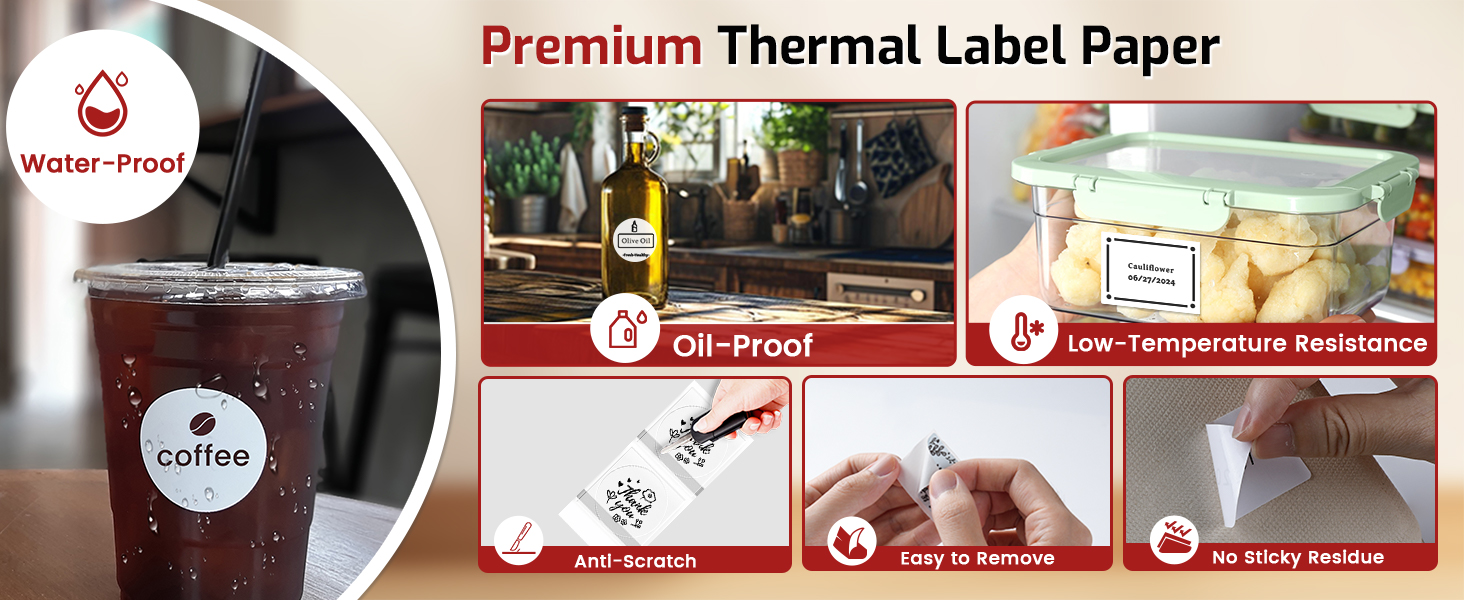
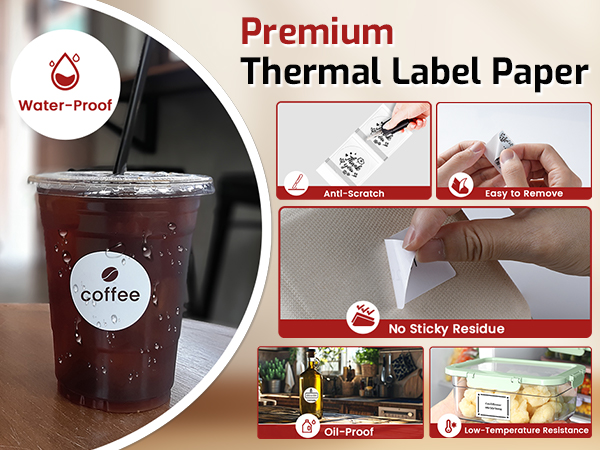
Waterproof & Tearproof | ? | ? | ? | ? | ? | ? | ? |
Phomemo Vintage Bluetooth Label Maker - M150
Phomemo M150 Label Maker Machine with Tape
Merchant VideoAttention: Phomemo M150 Bluetooth Label Maker CANNOT print 4" x 6" thermal labels.
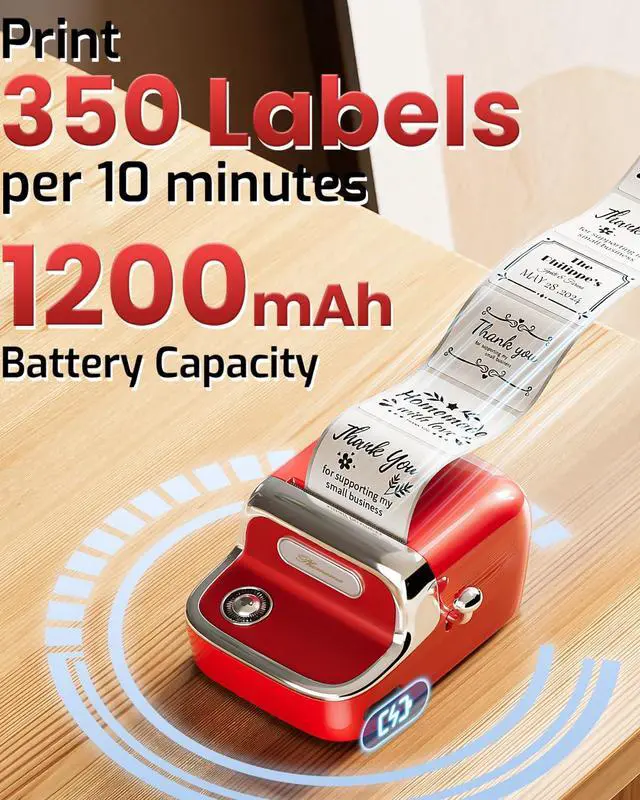
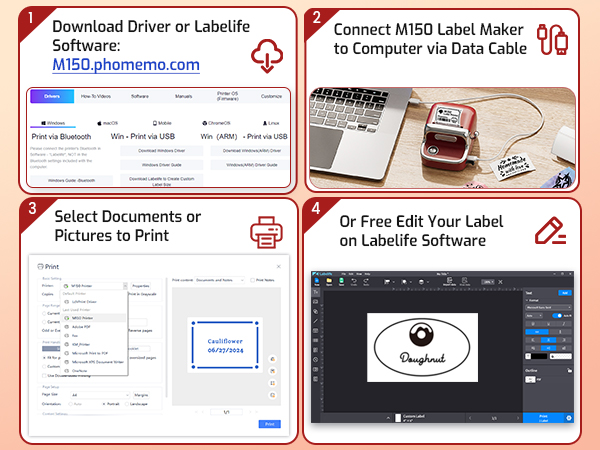
Explore More Details of Phomemo M150 Wireless Label Maker
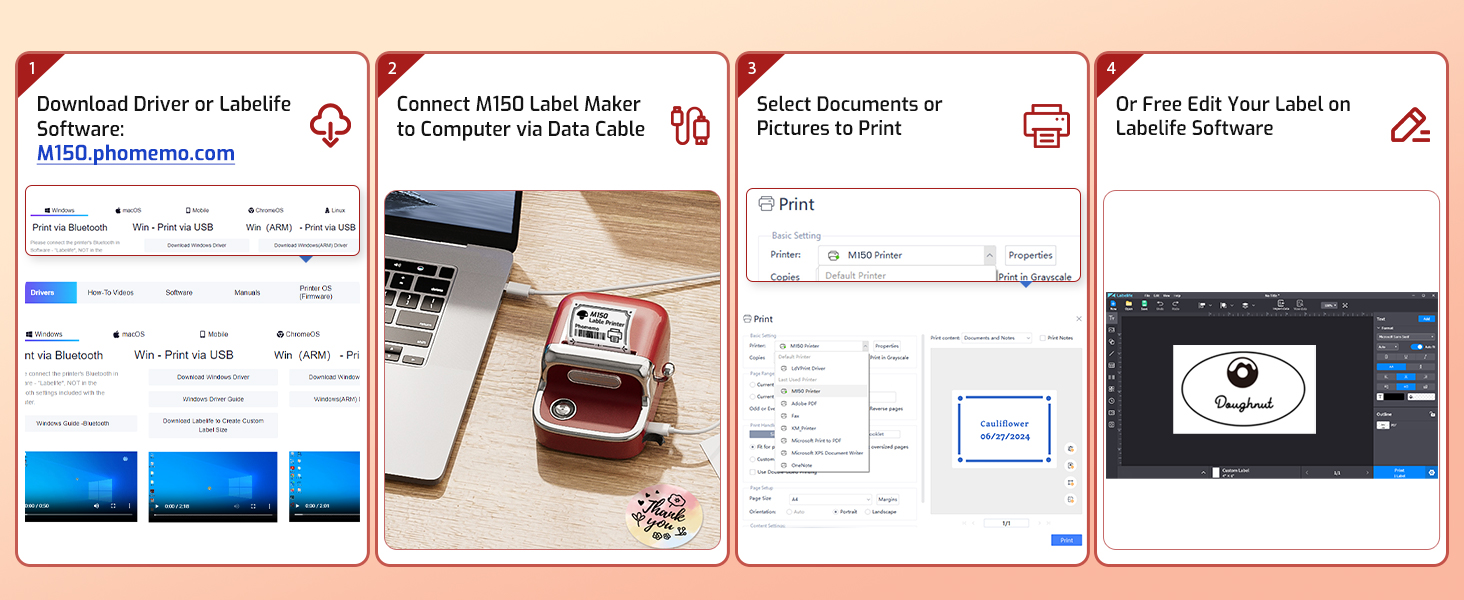
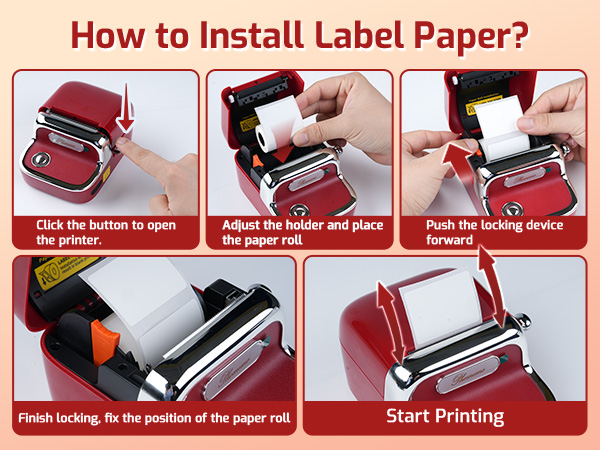
Guidelines for Phomemo M150 Portable Thermal Label Printer
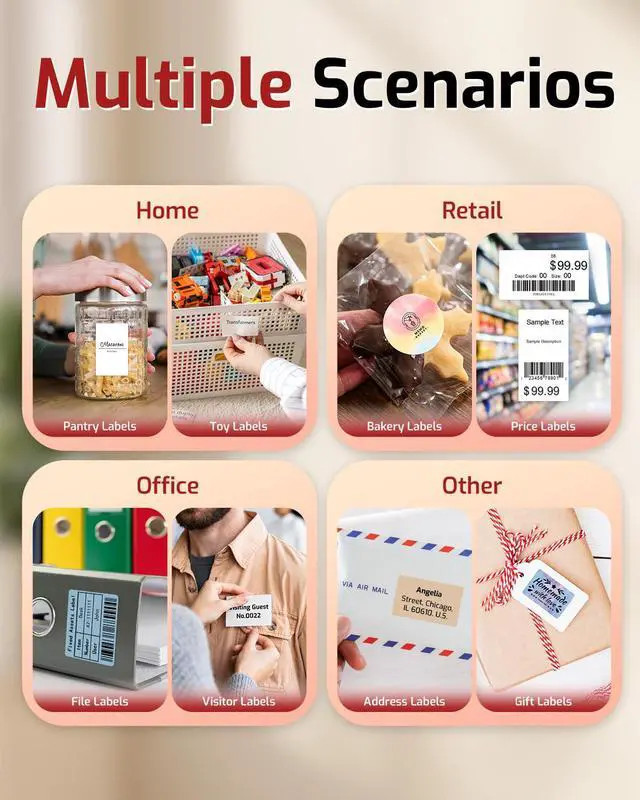
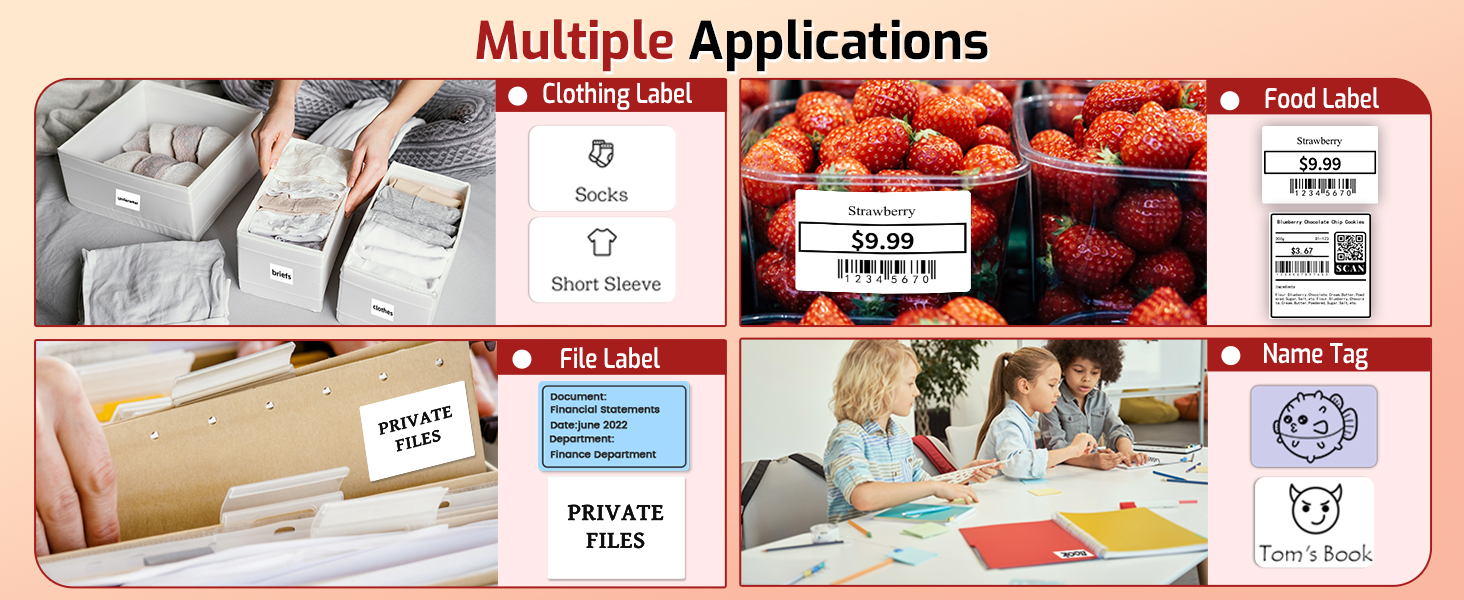
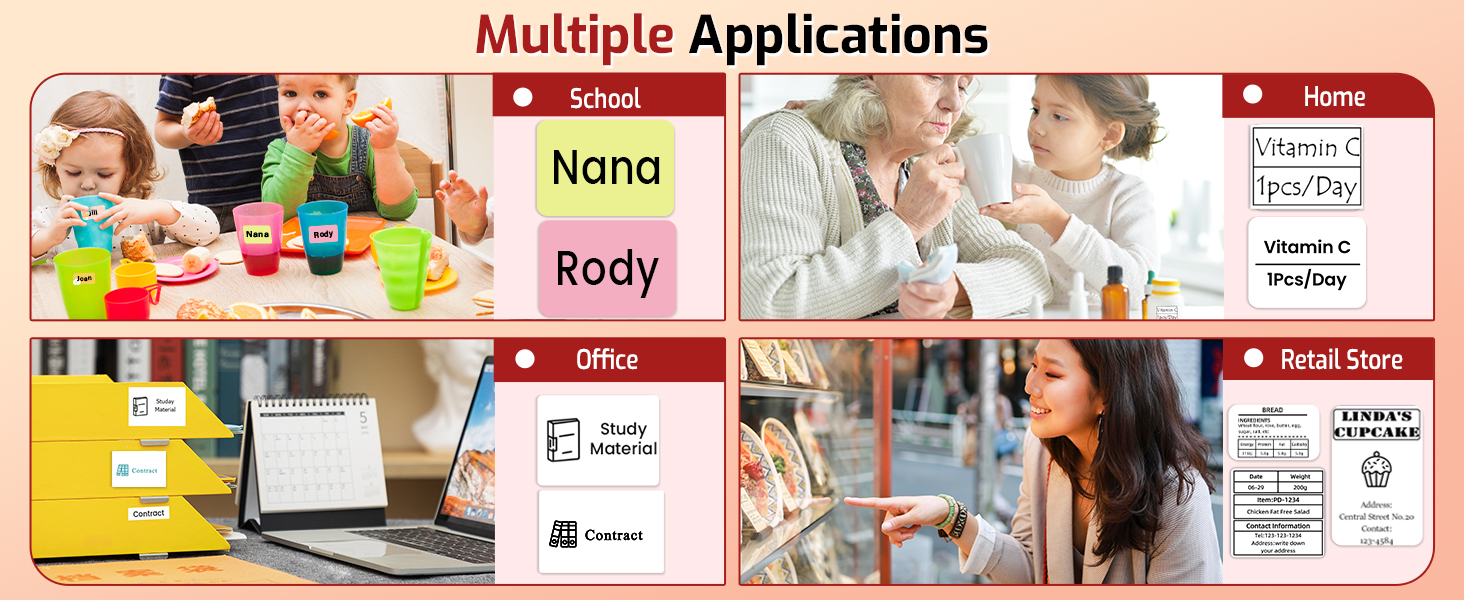
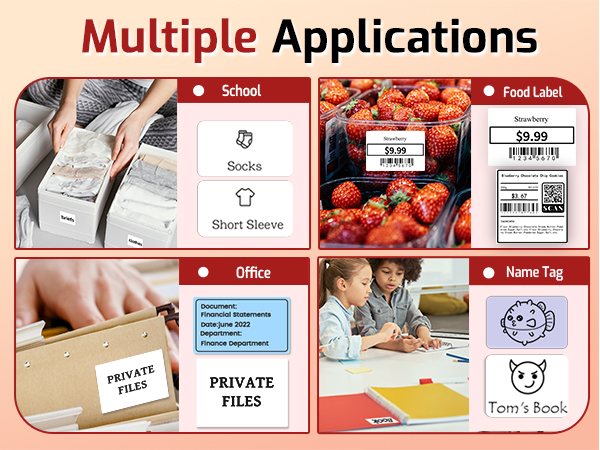
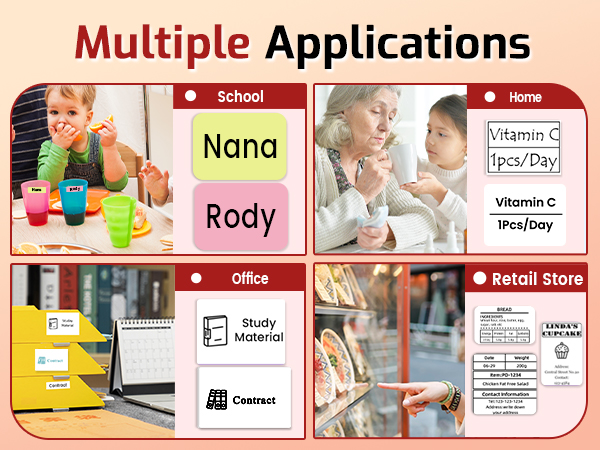
Suitable for a Wide Range of Applications
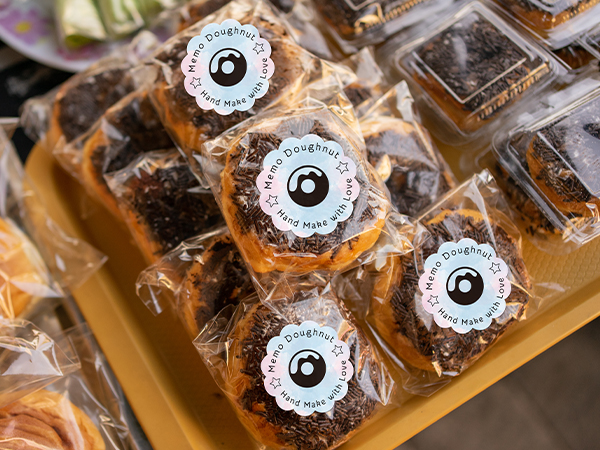
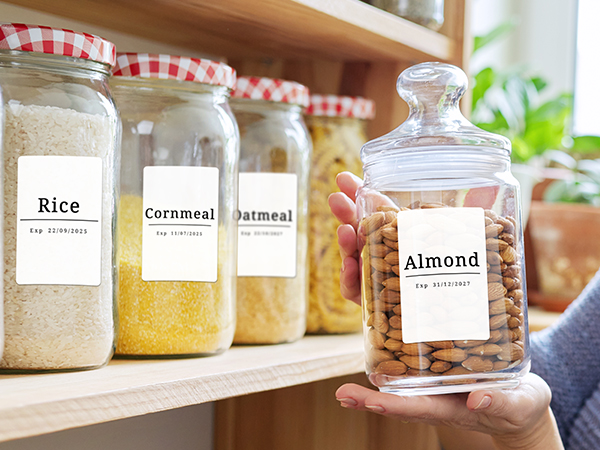
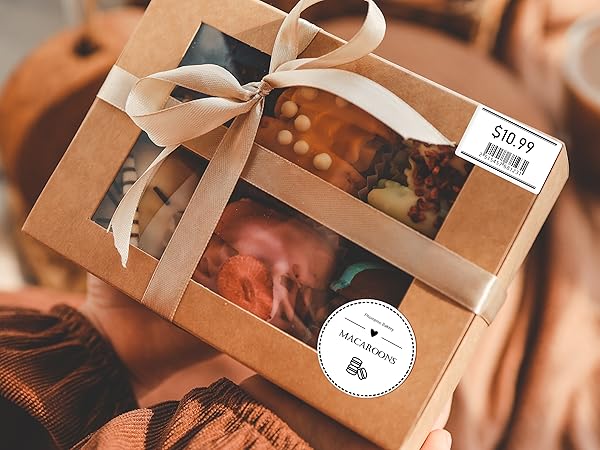
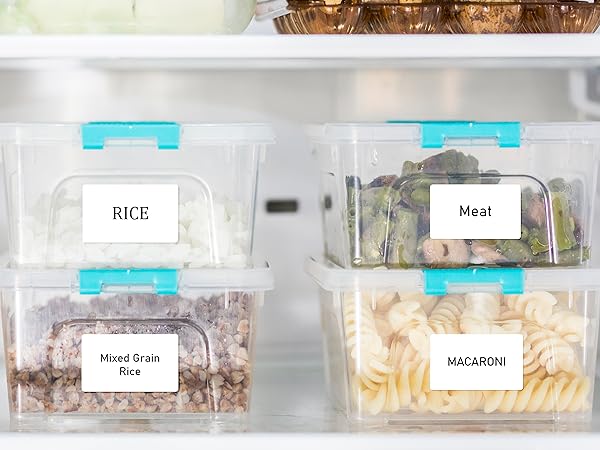
A Thoughtful Gift for Your Special Someone
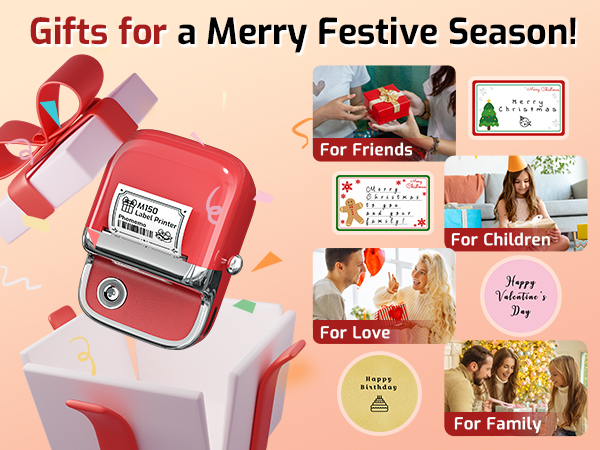
What size of thermal labels does M150 label maker supports?
Phomemo M150 Bluetooth Label Maker Machine with Tape can print thermal labels with a width of 0.78"-1.96" (20-50mm). Attention: It CANNOT print 4" x 6" thermal labels.
Can M150 Label Printer Machine supports color printing?
Phomemo M150 sticker printer can print colored labels, but it is important to find the corresponding labels to use with it.
How to Connect M150 label maker on phone via Bluetooth?
1. Turn on the Bluetooth function on your phone;
2. Download and open Print Master App;
3. Click the upper right printer button in APP, then locate M150 Label Printer. (Do not connect in the phone setting.)
What if the M150 thermal label maker won't charge?
1. Please try charging M150 printer for 1 hour with another charging cable and a 5V, 2A charger before turn it on;
2. While charging, use a thimble to press the reset hole next to the power port. Restart the printer after charging for half an hour.
What if the M150 sticker maker doesn't print clearly?
1. Boost print density and retry;
2. Clean print head with alcohol swab;
3. Use a new paper roll; current one might be damp;
4. If battery<30%, charge 3 hours and test print;
5. Check the original image quality.
Frequently Purchased Together
Bakery Label | Decorative Label | Gift Label | Food Label | Category Label | Address Label | Barcode Label |
|---|---|---|---|---|---|---|
| Customer Reviews | ||||||
| — | — | — | — | — | — | — |
| Price | ||||||
| — | — | — | — | — | — | — |
| SIze | ||||||
| 1.96" x 1.96"(50x50 mm) | 1.96" x 1.96"(50x50 mm) | 1.96" x 1.96"(50x50 mm) | 1.96" x 1.96"(50x50 mm) | 1.57'' x 1.18''(40x30mm) | 1.96" x 3.14"(50*80mm) | 1.96'' x1.18'' (50x30mm) |
| Quantity | ||||||
| 1 Rolls/140 Pcs (1 Roll) | 1 Rolls/140 Pcs (1 Roll) | 1 Rolls/140 Pcs (1 Roll) | 1 Rolls/140 Pcs (1 Roll) | 1 Roll/230 Pcs (3 Rolls) | 1 Roll/100 Pcs (3 Rolls) | 1 Roll/230 Pcs (3 Rolls) |
| Compatible With | ||||||
| M150/M110/M200/M220/ Printer | M150/M110/M200/M220/ Printer | M150/M110/M200/M220/ Printer | M150/M110/M200/M220/ Printer | M150/M110/M200/M220/ Printer | M150/M110/M200/M220/ Printer | M150/M110/M200/M220/ Printer |
| BPA&BPS FREE | ||||||
| ? | ? | ? | ? | ? | ? | ? |
| Waterproof & Tearproof | ||||||
| ? | ? | ? | ? | ? | ? | ? |
Most Popular Label Maker
Popular Thermal Label Printer
New Thermal Label Printer
Larger Thermal Labels
![[3x180 pcs] Circle Transparent Thermal Label, Phomemo M110/M220/M108/M250/M260/M120/M200/M221/M15...](//c1.neweggimages.com/sellingpilot/modules/product/a-plus/f10b82960815e1bb06a94100360bd68a458c553ebc9c1420a26d04611afed1a8.jpg)
Special Thermal Sticker
Small Thermal Labels
M421 Red &Black Labels
Color thermal labels