
Built for How Business Buys.



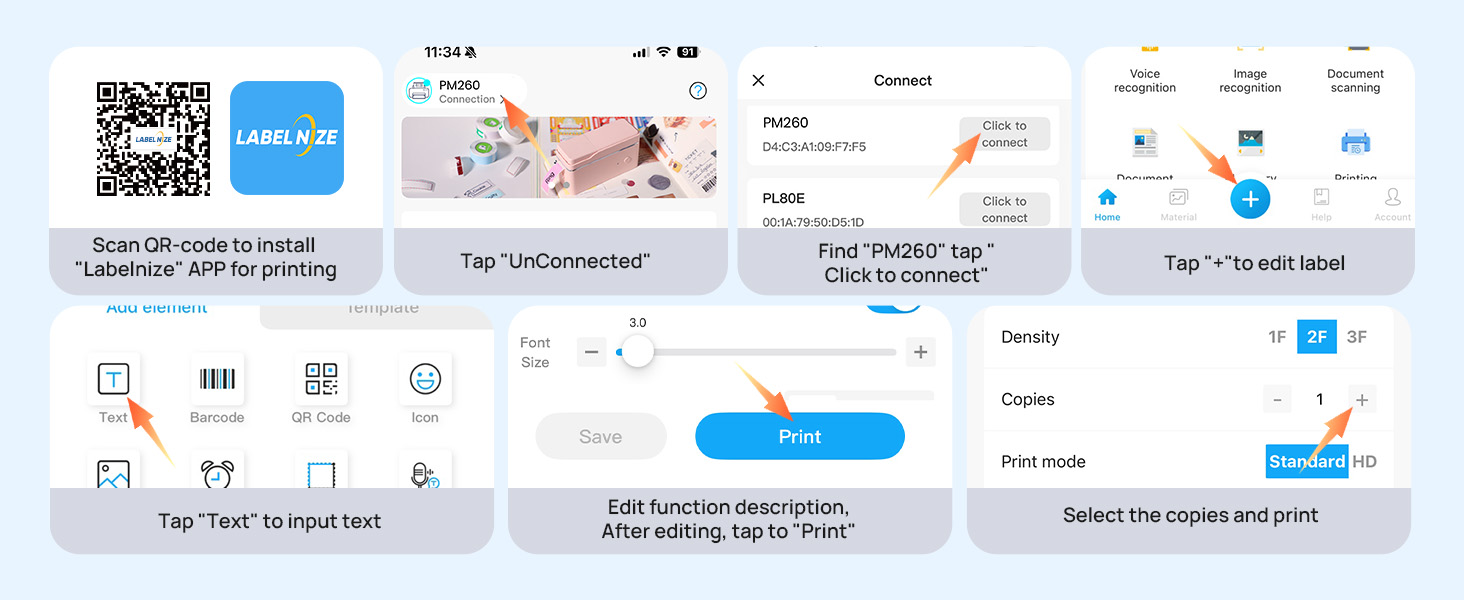


How to set up PM260 label maker to connect to a phone via Bluetooth?
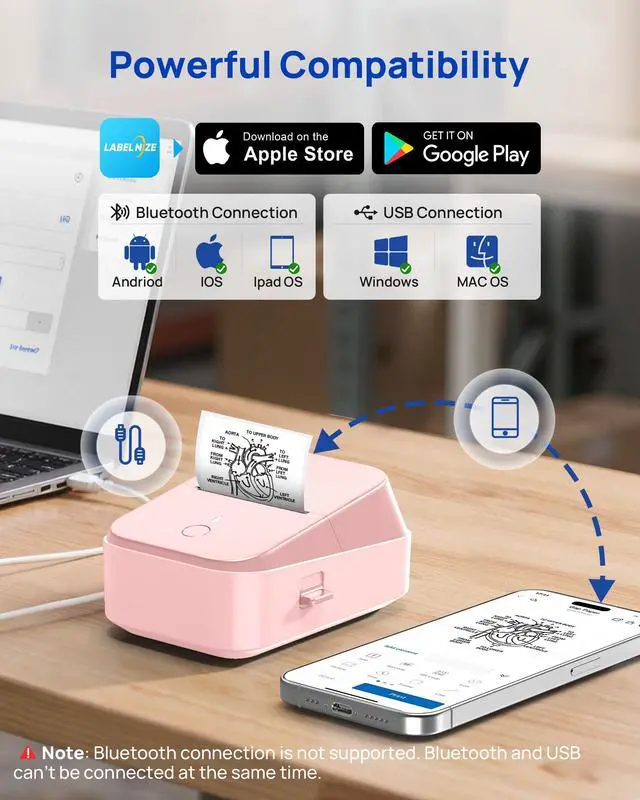
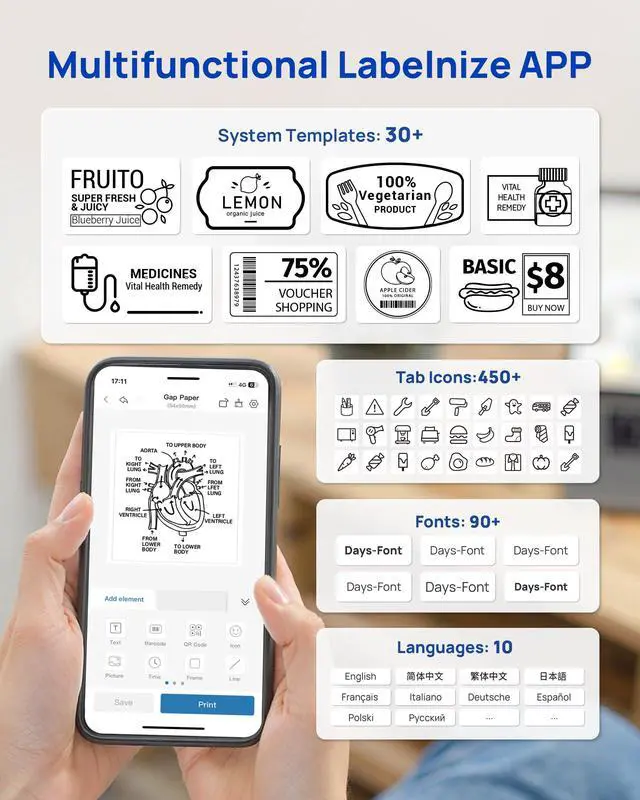
1. Connecting Bluetooth via "Labelnize" APP.
2. Download the App "Labelnize" from the Apple Store/Google Play.
3. Turn on Bluetooth on your phone, long press to turn on the PM220S label maker, and open the "Labelnize" app to link to Bluetooth.
How to set up PM260 label maker on computer via USB cable?
1. Before installation, power on printer and connect it to computer via USB cable.
2. Visit "Lablenize.com" Install the PM260 Driver and "Labelnize" APP. There is a detailed video on the product details page, please watch it.
How to calibrate labels and adjust print misalignment?
Press the right button to open the paper bin for calibration. When the printer is turned on, closing the paper bin will automatically complete label calibration.
For misalignment, open the paper bin, position the labels correctly, and reinsert them.
What system does PM260 label machine support?
This label maker compatible with both Phone (iOS & Android) and Computer (Windows & Mac OS). We recommend using our ETIKEZ thermal label paper for good printing quality.
Notice: What if the printing is not clear?
1. Connect PM260 through Bluethooth on APP "Labelnize".
2. Click on "Connection"- "Settings"-"Firmware version" -and update to V1.16 immediately.
3. The printer's yellow light is on, indicating that the firmware upgrade is successful.
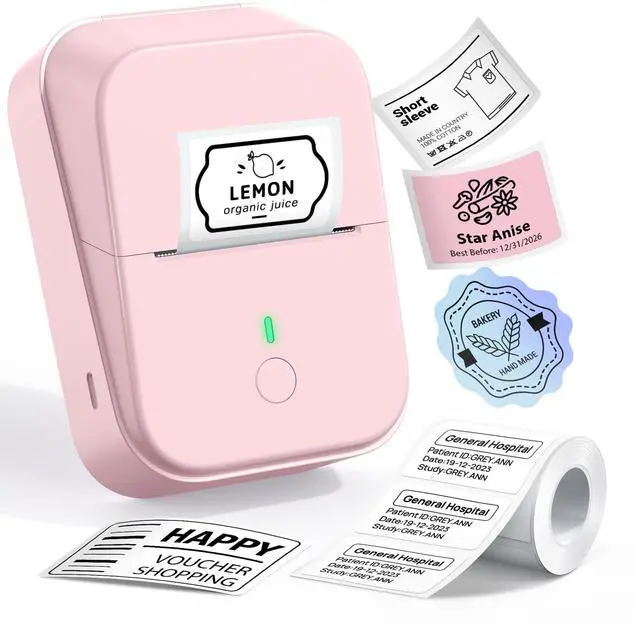
ETIKEZ PL50E Bluetooth Thermal Label Printer
 PM260 label maker | 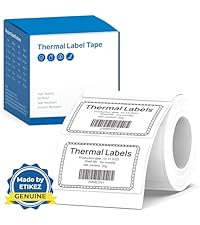 ETIKEZ 50x30mm Label | ETIKEZ 40x30mm Label | 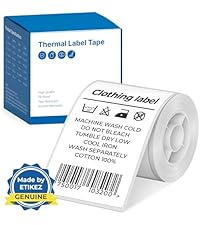 ETIKEZ 50x80mm Label |  ETIKEZ 50x50mm Label |  ETIKEZ 50x50mm Label |  ETIKEZ 50x50mm Label | |
|---|---|---|---|---|---|---|---|
Customer Reviews | — | — | — | — | — | — | — |
Price | — | — | — | — | — | — | — |
Pack | 1 | 230 Labels | 230 Labels | 100 Labels | 150 Labels | 150 Labels | 150 Labels |
Color | Black | White | White | White | Pink | Gradient Purple | Gradient Green |
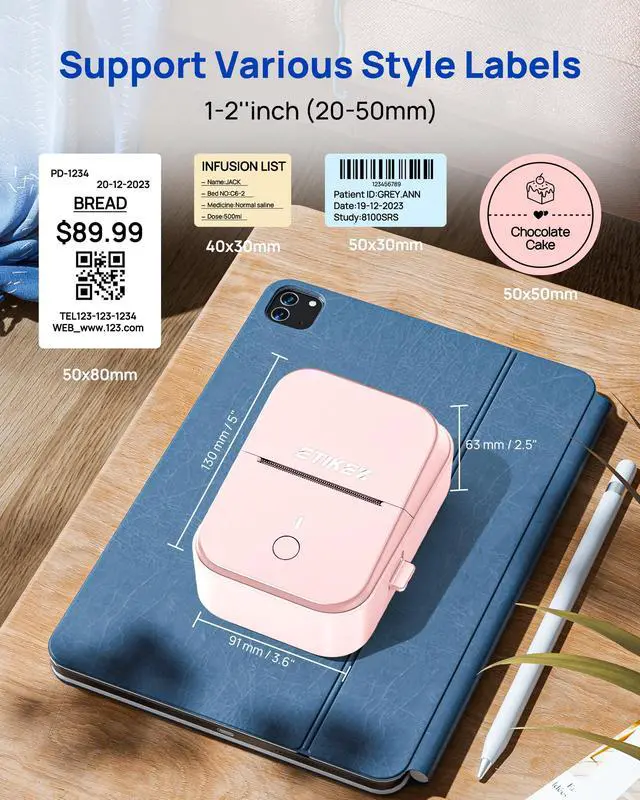
Size | 5.12"D x 3.94"W x 2.72"H | 2'' x1.18" (50x30mm) | 1.57"x1.18"(40x30mm) | 2'' x 3.15'' (50x80mm) | 2'' (50x50mm) | 2'' (50x50mm) | 2'' (50x50mm) |
Compatible with | Phone/Windows/Mac OS | ETIKEZ PM260 Label Maker | ETIKEZ PM260 Label Maker | ETIKEZ PM260 Label Maker | ETIKEZ PM260 Label Maker | ETIKEZ PM260 Label Maker | ETIKEZ PM260 Label Maker |
Hight Quality | ? | ? | ? | ? | ? | ? | ? |

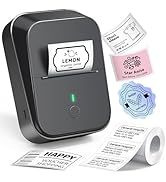
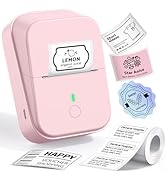
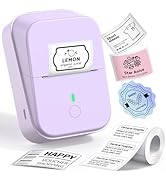
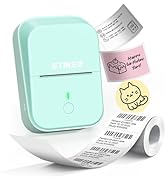
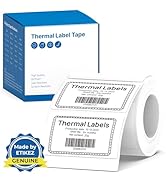
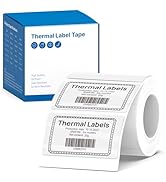
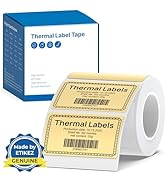
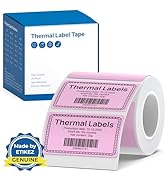
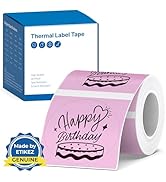
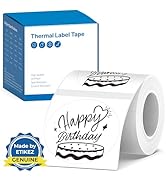
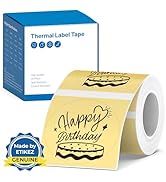
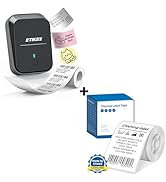
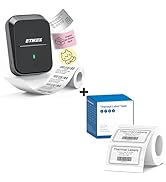
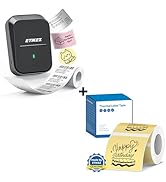
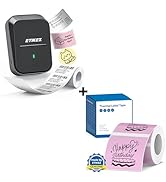
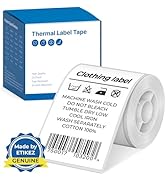
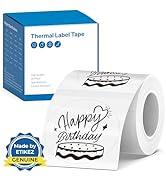
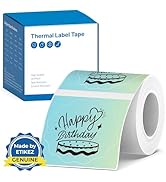
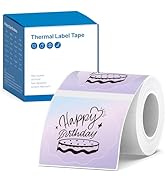


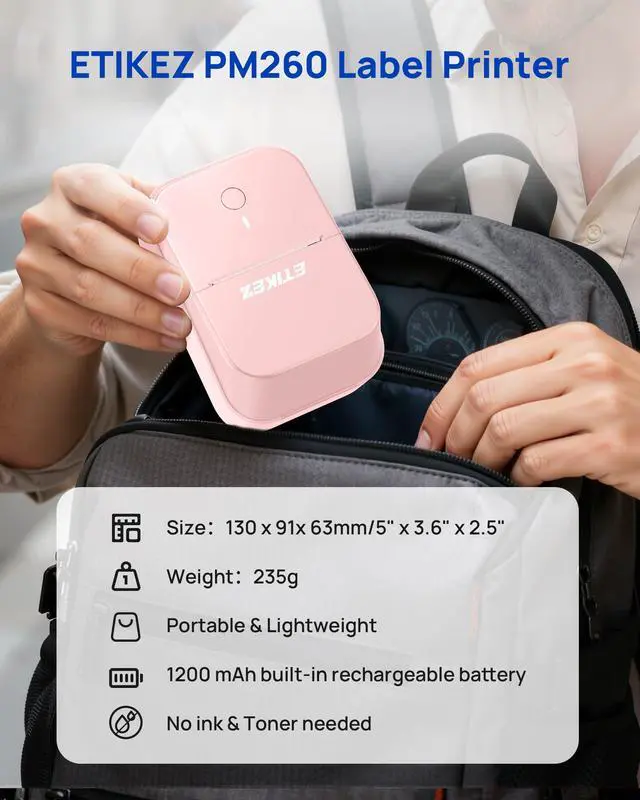
ETIKEZ PM260 Label Maker
ETIKEZ PM260 Label Maker
ETIKEZ PM260 Label Maker
ETIKEZ PM260 Label Maker
ETIKEZ PM260 Label Maker


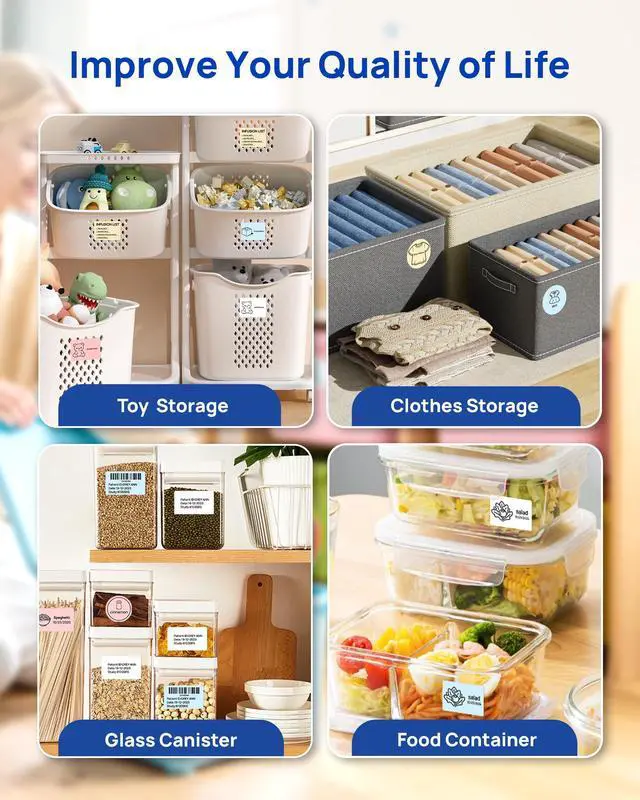
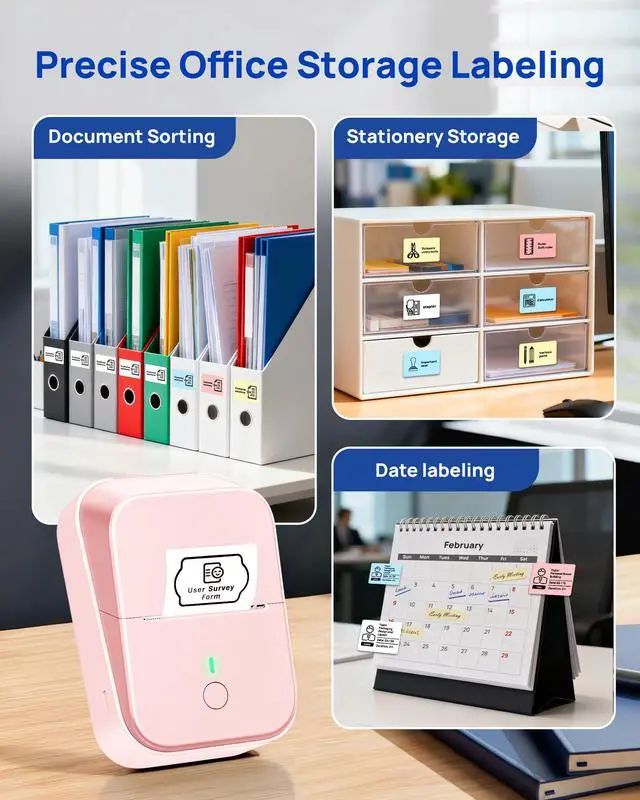
Print any label you need
Print any label you need
Print any label you need
Print any label you need
Print any label you need
How to set up PM260 label maker to connect to a phone via Bluetooth?
1. Connecting Bluetooth via "Labelnize" APP.
2. Download the App "Labelnize" from the Apple Store/Google Play.
3. Turn on Bluetooth on your phone, long press to turn on the PM220S label maker, and open the "Labelnize" app to link to Bluetooth.
How to set up PM260 label maker on computer via USB cable?
1. Before installation, power on printer and connect it to computer via USB cable.
2. Visit "Lablenize.com" Install the PM260 Driver and "Labelnize" APP. There is a detailed video on the product details page, please watch it.
How to calibrate labels and adjust print misalignment?
Press the right button to open the paper bin for calibration. When the printer is turned on, closing the paper bin will automatically complete label calibration.
For misalignment, open the paper bin, position the labels correctly, and reinsert them.
What system does PM260 label machine support?
This label maker compatible with both Phone (iOS & Android) and Computer (Windows & Mac OS). We recommend using our ETIKEZ thermal label paper for good printing quality.
Notice: What if the printing is not clear?
1. Connect PM260 through Bluethooth on APP "Labelnize".
2. Click on "Connection"- "Settings"-"Firmware version" -and update to V1.16 immediately.
3. The printer's yellow light is on, indicating that the firmware upgrade is successful.
ETIKEZ PL50E Bluetooth Thermal Label Printer
PM260 label maker | ETIKEZ 50x30mm Label | ETIKEZ 40x30mm Label | ETIKEZ 50x80mm Label | ETIKEZ 50x50mm Label | ETIKEZ 50x50mm Label | ETIKEZ 50x50mm Label |
|---|---|---|---|---|---|---|
| Customer Reviews | ||||||
| — | — | — | — | — | — | — |
| Price | ||||||
| — | — | — | — | — | — | — |
| Pack | ||||||
| 1 | 230 Labels | 230 Labels | 100 Labels | 150 Labels | 150 Labels | 150 Labels |
| Color | ||||||
| Black | White | White | White | Pink | Gradient Purple | Gradient Green |
| Size | ||||||
| 5.12"D x 3.94"W x 2.72"H | 2'' x1.18" (50x30mm) | 1.57"x1.18"(40x30mm) | 2'' x 3.15'' (50x80mm) | 2'' (50x50mm) | 2'' (50x50mm) | 2'' (50x50mm) |
| Compatible with | ||||||
| Phone/Windows/Mac OS | ETIKEZ PM260 Label Maker | ETIKEZ PM260 Label Maker | ETIKEZ PM260 Label Maker | ETIKEZ PM260 Label Maker | ETIKEZ PM260 Label Maker | ETIKEZ PM260 Label Maker |
| Hight Quality | ||||||
| ? | ? | ? | ? | ? | ? | ? |
PM260 Label Maker
PM260 Label Tape
PM260 Label Tape
PM260 Label Maker with Tape
PM260 Label Tape