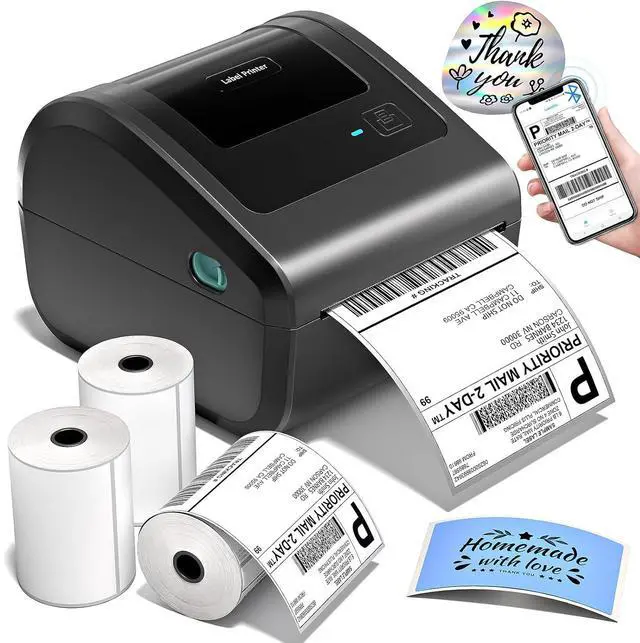
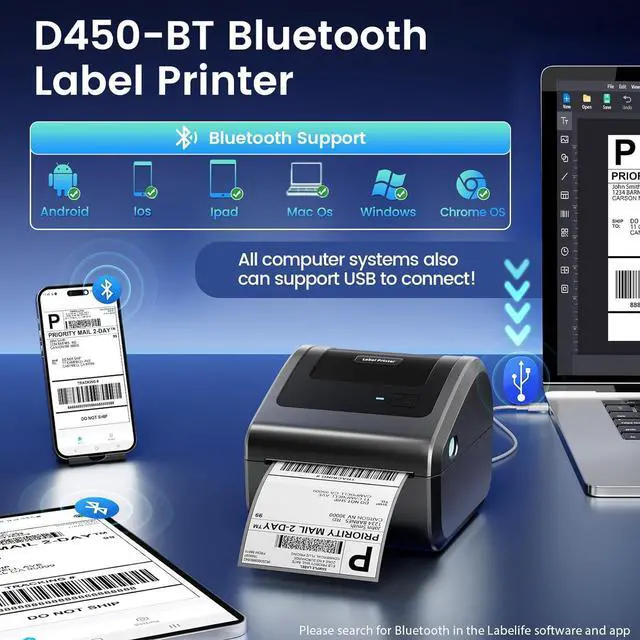
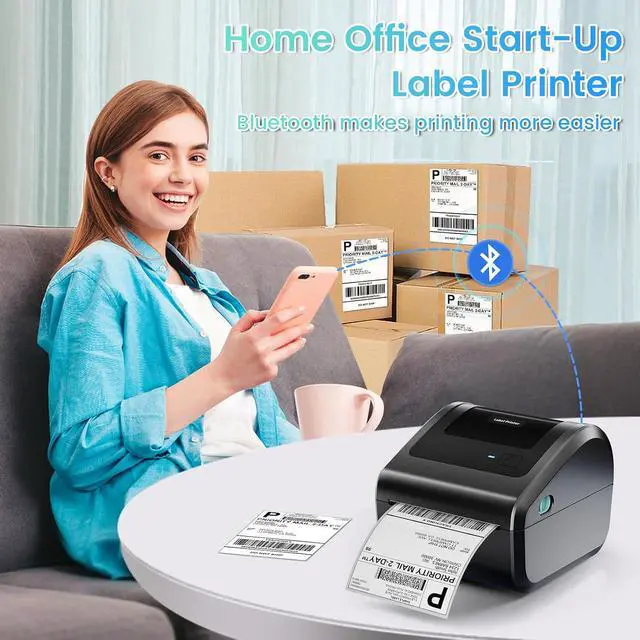
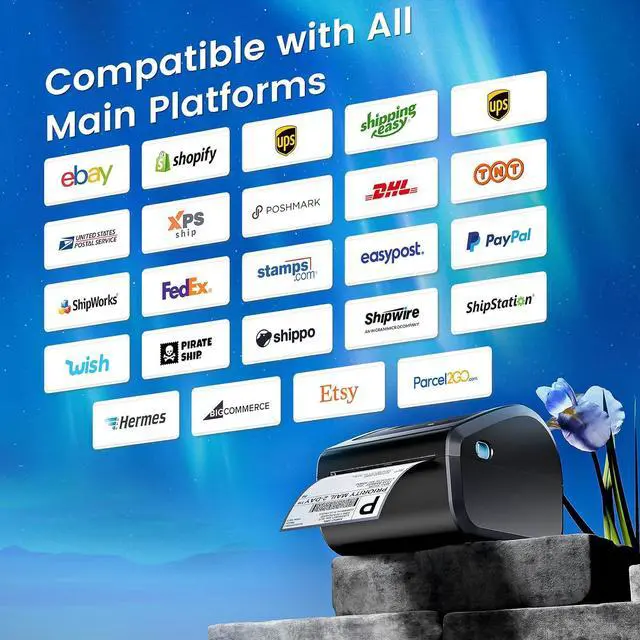
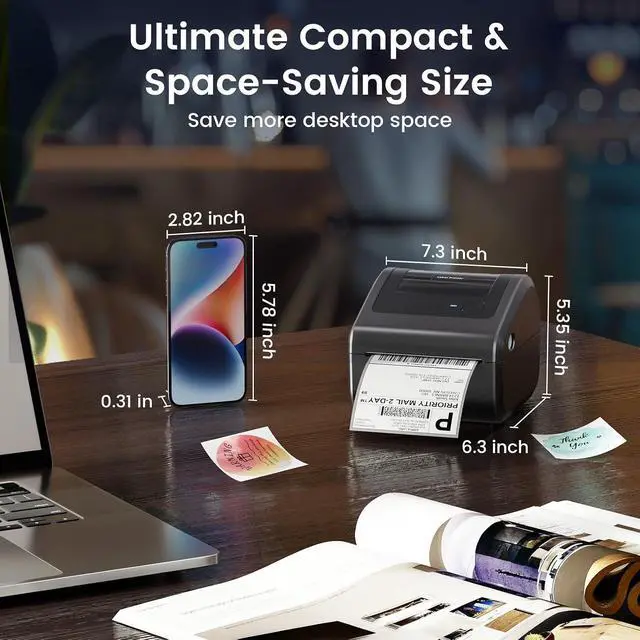
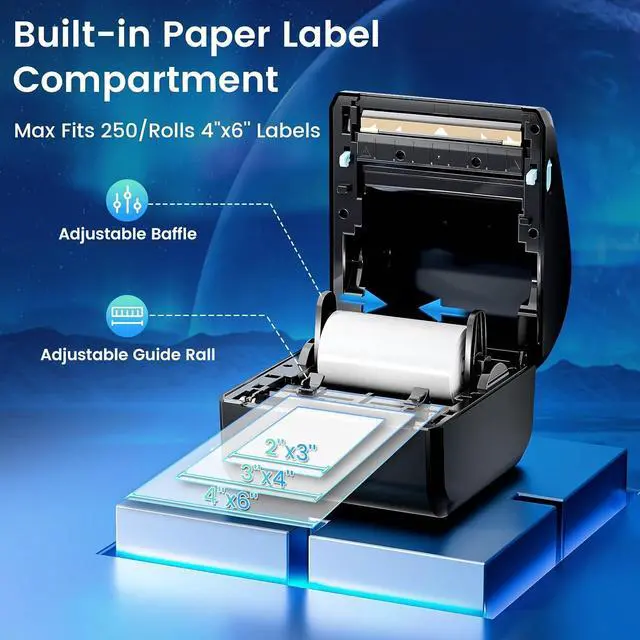
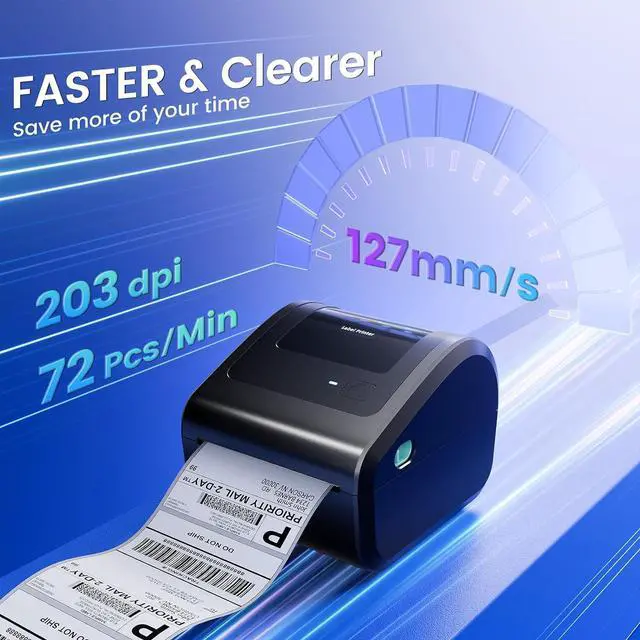
Product description Omezizy D450-BT Label Printer Strong Helper for Your Business Truely Bluetooth Connection, Make Work more Wireless and Simple Click to play video Support both Bluetooth and USB connection, use our APP to print with Bluetooth to make running a business only with a smartphone or tablet possible. Now, Windows & Mac also support printing via Bluetooth More Powerful Features to Help to Simplifies Your Work 1 Easy Connection 2 Keep Office Tidy 3 Save Desktop Space 4 Not Only Roll Labels 5 The Package Contains How to Connect the D450-BT Label Printer with Your Phone or Computer? Connecting Your Phone to the D450-BT via
Bluetooth Step 1: Download the app mentioned in the guide from Google Play or the
App Store Step 2: Turn on your smartphone's Bluetooth and search for the printer in the app
Step 3: Import the printed PDF into the app and start your printing
Please Note: Do not connect via your phone's Bluetooth settings, must connect directly in the app Click to play video ''Labelife'' Bluetooth Connection for
Computer Step 1: Download the software mentioned in the guide from the
Official Website Step 2: Go to "Wireless Connections" in the software, select your printer, and click "Connect"
Step 3: Edit labels in the software & start printing Click to play video D450-BT USB Connection for
Windows Step 1: Download the driver and run the driver installerSelect the printer model -
D450-BT Step 2: Select USB Connection, Complete the installation of the driver
Step 3: Enjoy your printing journey! Click to play video D450-BT USB Connection for macOS
Step 1: Download the driver and run the driver installerSelect the printer model -
D450-BT Step 2: Select USB Connection, Complete the installation of the driver
Step 3: Enjoy your printing journey! Click to play video D450-BT Pre-Operation Guide for Paper
Loading Step1: Adjust paper guide
Step2: Insert label, ensure it is straight and smooth
Step3: The label printer will move the label back and forth to learn the gap size and other properties of your label Click to play video D450-BT Pre-Operation Guide for
Feed Button Automatic Label Recognition: D450BT label printer can automatically detect and identify the type and dimensions of the label as soon as it is inserted into the thermal printer
Restore Factory Setting: Turn off the printer, press and hold the Feed Button, and turn on the printer at the same time. Then the red light flashes 5 times, release the Feed Button Pause & Resume Printing: When the printer is printing, press the Feed Button once. After stopping, click the button again to resume printing Click to play video More Options for D450BT Shipping Label Printer D520BT Label Printer Add to Cart D550Pro Label Printer Add to Cart Transparent Label Holder Buying Options 2x2 Roll Thermal Labels Add to Cart 4x6 Roll Thermal Labels Buying Options 4x6 Fold Thermal Labels Add to Cart 4x6 Thermal Label 2500pcs Add to Cart Customer Reviews 4.4 out of 5 stars 1, 068 4.3 out of 5 stars 74 5.0 out of 5 stars 2 5.0 out of 5 stars 3 4.8 out of 5 stars 524 4.8 out of 5 stars 524 4.8 out of 5 stars 524 Price $ 74.98 $74. 98 $ 89.99 $89. 99 $ 12.69 $12. 69 $ 14.39 $14. 39 $ 17.99 $17. 99 $ 49.99 $49. 99 Color Grey Grey Transparent Transparent White White White Support Bluetooth & USB Connection Ethernet & Bluetooth & USB Thermal Label Printers Thermal Label Printers Thermal Label Printers Thermal Label Printers Thermal Label Printers Features Compact & Built-in Label Bin Compact & Built-in Label Bin Transparent &Steady Small Businesses & Home Use Small Businesses & Home Use Small Businesses & Home Use Small Businesses & Home Use Pack 1 1 1 300 Labels 250 Labels 500 Labels 2500 Labels High Quality