Color: Black/White
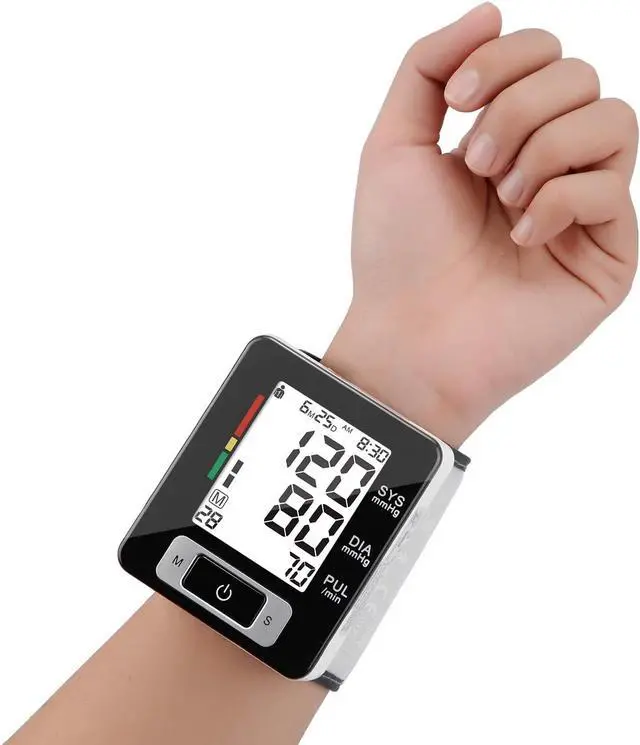
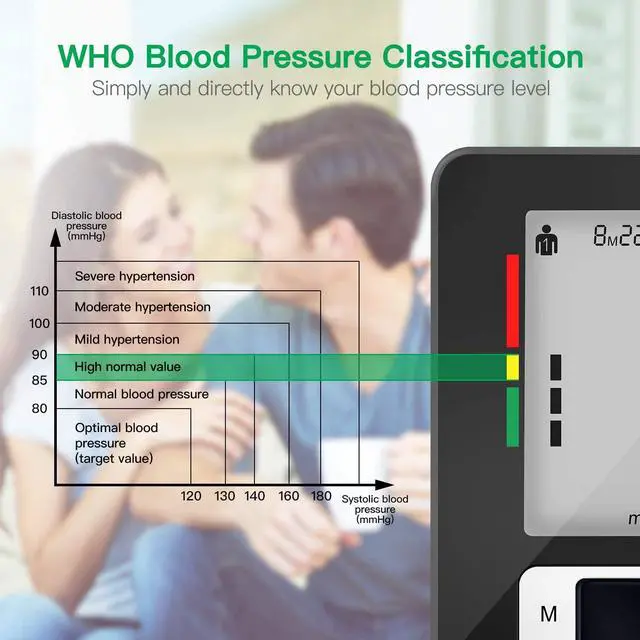
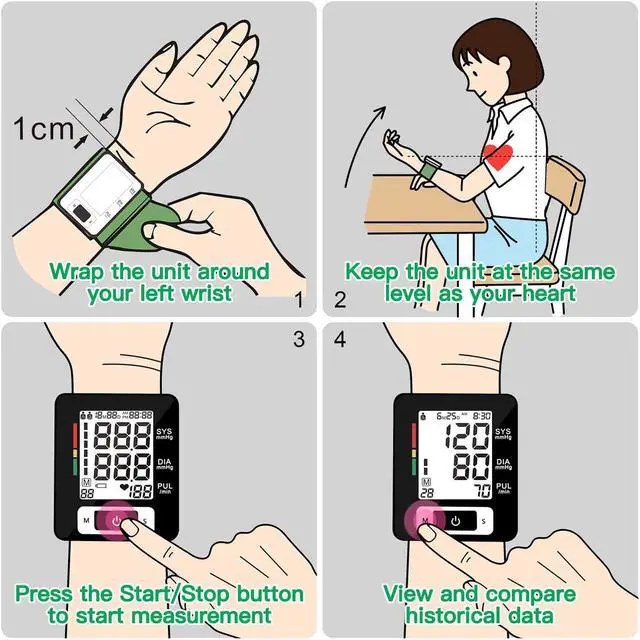
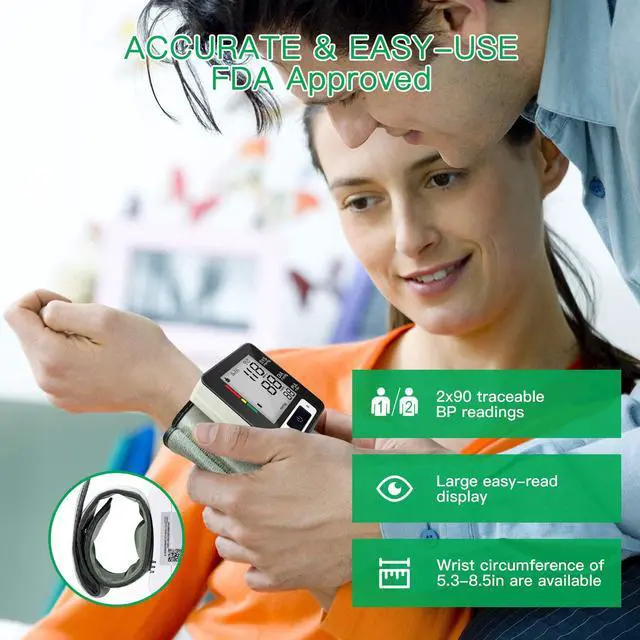
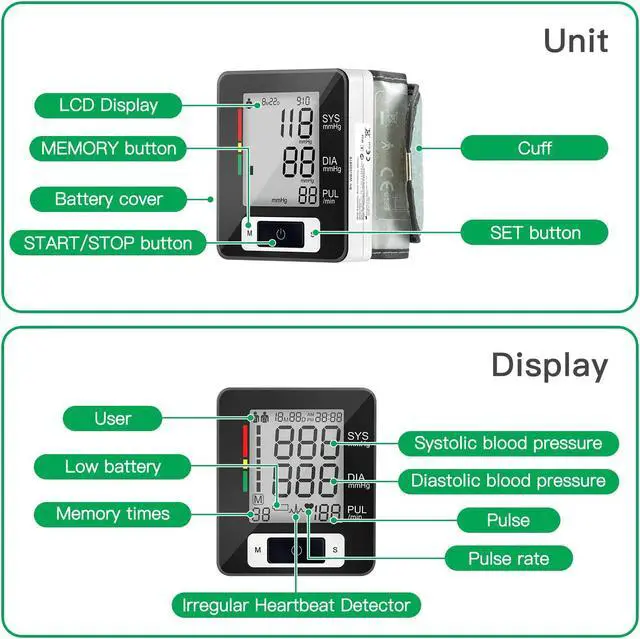
NOTE: This blood pressure monitor is suitable for people 12-60 years old, wrist circumference of 13.5 - 21.5 cm. User Tips For accurate measurements, please follow below steps to use the blood pressure monitor: 1. Relax for about 5-10 minutes before measuring. Avoid eating, drinking alcohol, smoking, and bathing for 30 minutes before taking measurements (because all this factors will affect the accuracy of the measurements); 2. Roll up your sleeve and make sure your sleeve is not rolled up too tight, remove watch or other ornaments from the measured wrist; 3. Wrap the wrist blood pressure monitor inside your left wrist, make sure the led screen up and towards your face; 4. Please sit in a chair and take an erect body posture, keep the device on the same level with your heart then start measuring. Please don't bend over or cross your legs, or talking until measuring is complete; 5. Read the measured readings and check your blood pressure by referring the WHO classification indicator; How to set the users? Press S button when power off, the screen will display user 1/user 2, press M button to switch from user1 to user2 or user2 to user1, then press S button to confirm the user; How to set the year, month, date and time? Continue to above step, it will enter into year setting and the screen will flash 20xx.
Press M button to adjust the number from 2001 to 2099, then press S button to confirm and enter into the next setting. The other settings are operated like year setting.



 All Categories