• $39.99
  • Free 30-day Returns
  • Ships from China.

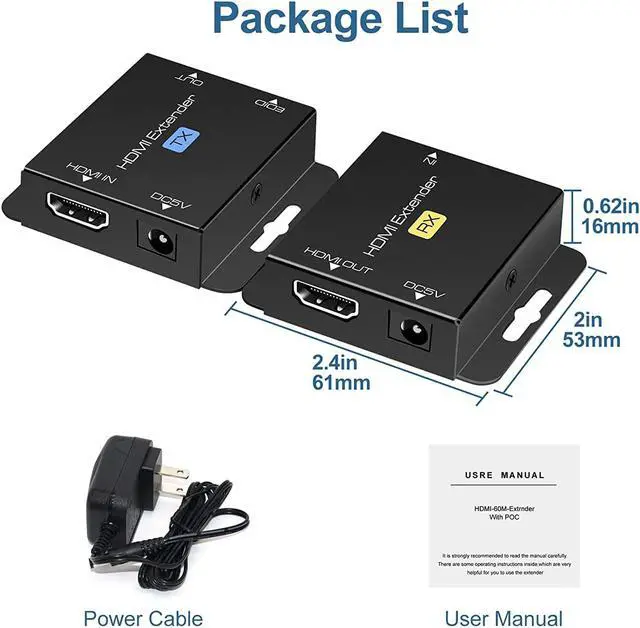
    HDMI Extender Over Single Cat5e/6 HDMI Over Ethernet Up to 200Ft Repeater Balun Transmitter Receiver Power On Cat Support Full 1080p 3D HDCP EDID Copy from Displays

    • Item #: 9SIV36AKE36576
    • Mfr. Part #: HA-TVGHBG7091
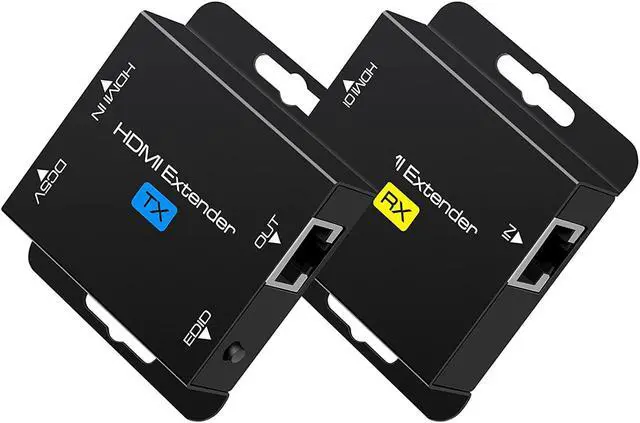
    • HDMI extender over cat5e/6:The HDMI extender can simultaneously transmit high resolution video and audio through an oxygen-free copper CAT6 cable, up to 200 feet, no delay, audio and video synchronization,outdoor or indoor, Good choice for projects and video conferences.
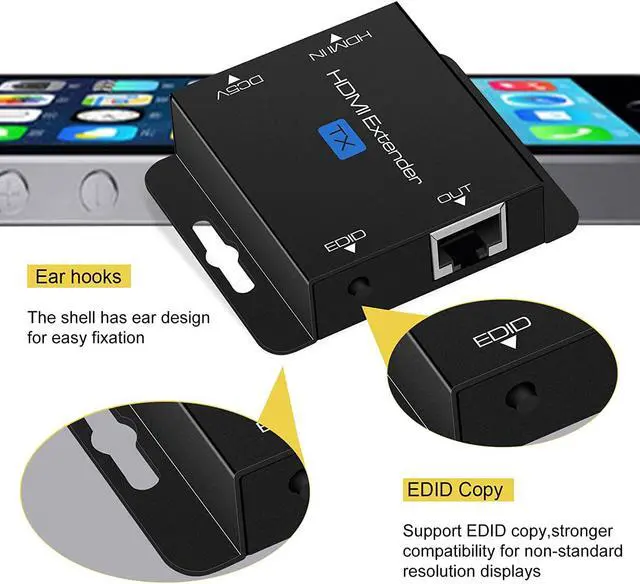
    • EDID management:The 200ft HDMI Extender support EDID management,can copy the EDID content of the monitor and store it on the sender side to enhance compatibility and perfection.
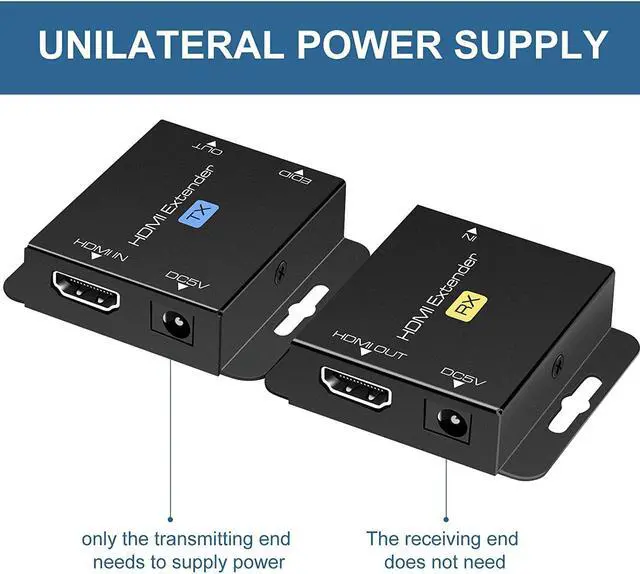
    • POC technology:Plug and play, the HDMI over ethernet no need to install drivers and software,One power supply for normal operation,just need to use the power adapter on TX , and Rx can work through the cat6 transmission power supply. Low to 5V voltage transmission, safe and reliable. Note: only one power supply is required
    +
    +
    Overview
    Specs
    Reviews
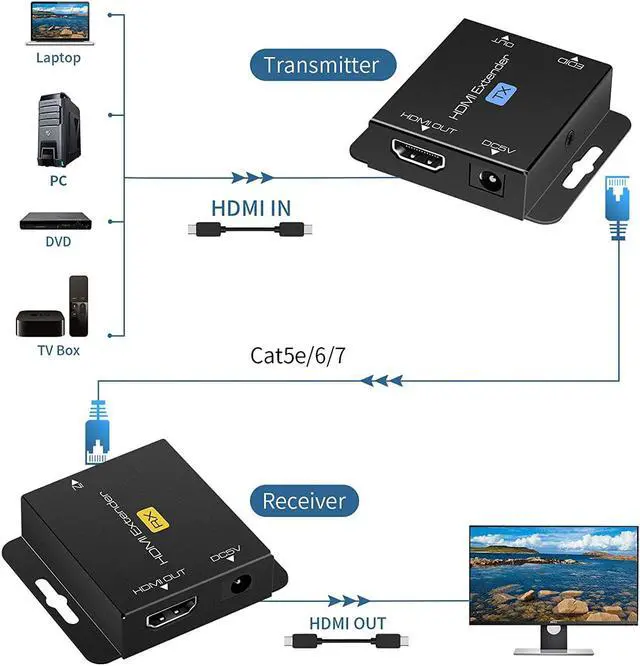
    1.Connect one HDMI cable(AWG 26) up to 16ft between source device and TX Extender

    2.Connect one HDMI cable(AWG 26) up to 16ft between display device and RX Extender

    3.Connect single Cat6 cables up to 200ft instead of HDMI cable between TX and RX Extender

    4.Connect 5V power supply, Using POC technology, only need to use the power supply at TX , and Rx can work through the network cable transmission power supply. Low to 5V voltage transmission, safe and reliable.


    Long distance

    The HDMI extender can use a CAT6 cable to transmit the HDMI signal to a display up to 200ft.

    Notes:

    The HDMI extender must use oxygen free copper CAT5e/6/7

    The extender transmits 1920x1200@60Hz HDMI signal, the longest distance can only reach 200ft.


    EDID copy

    Copying the EDID operation to the HDMI extender will transmit the best video and audio signals.
    Steps:

    1. Connect the TX and the monitor with an HDMI cable.

    2. Connect the power and press the EDID button.

    3. The indicator will flash 3 times.

    4. After 3 seconds, the operation is completed and will be permanently remembered, unless the TX is EDID again set operation.


    Power on CAT

    Using POC technology, we only need to use the power supply at TX , and Rx can work through the network cable transmission power supply. Low to 5V voltage transmission, safe and reliable

    Warranty & Returns

    Warranty, Returns, And Additional Information

    Warranty

    • Please contact the Seller directly for warranty information. Warranty information may also be found on the Manufacturer's website.
    • CONTACT

    Return Policies

    Manufacturer Contact Info

    LOADING...