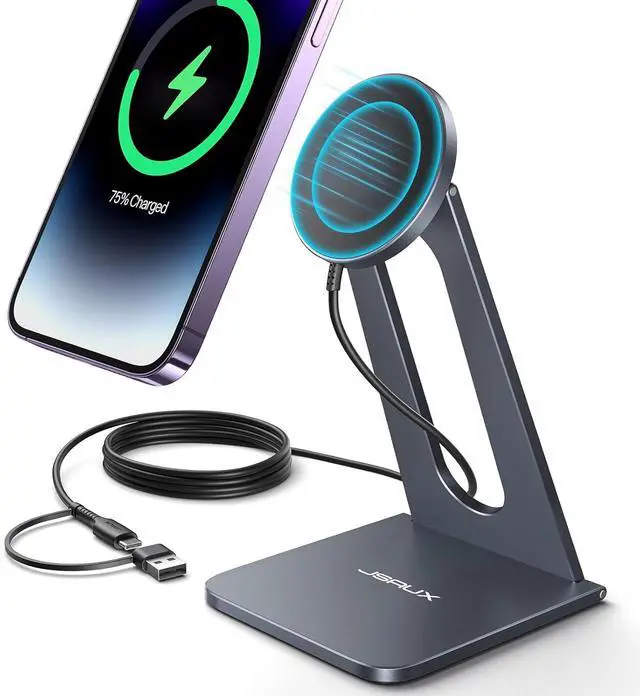
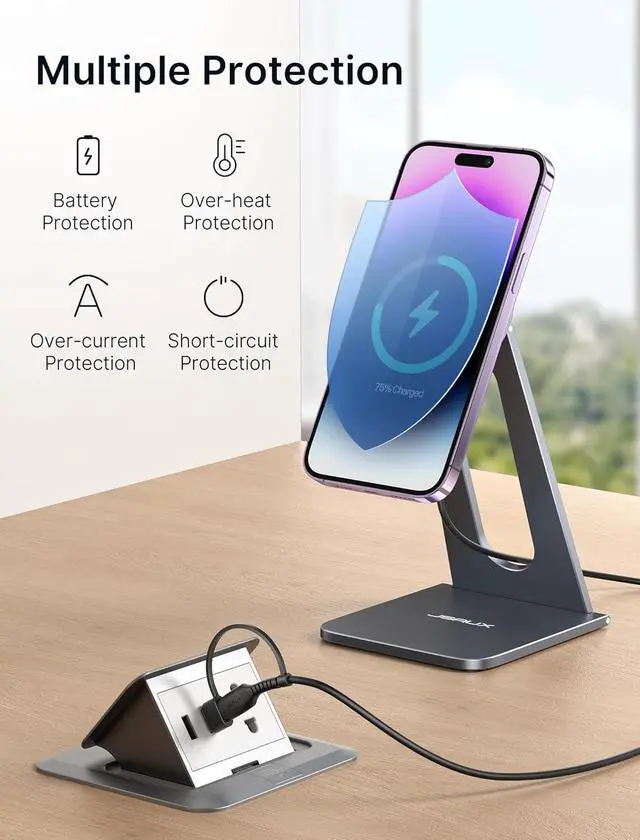
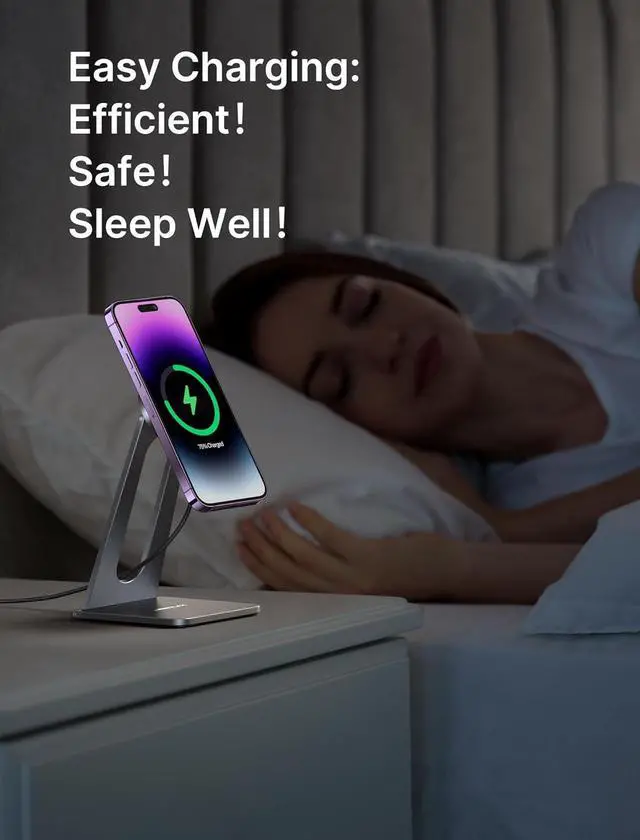
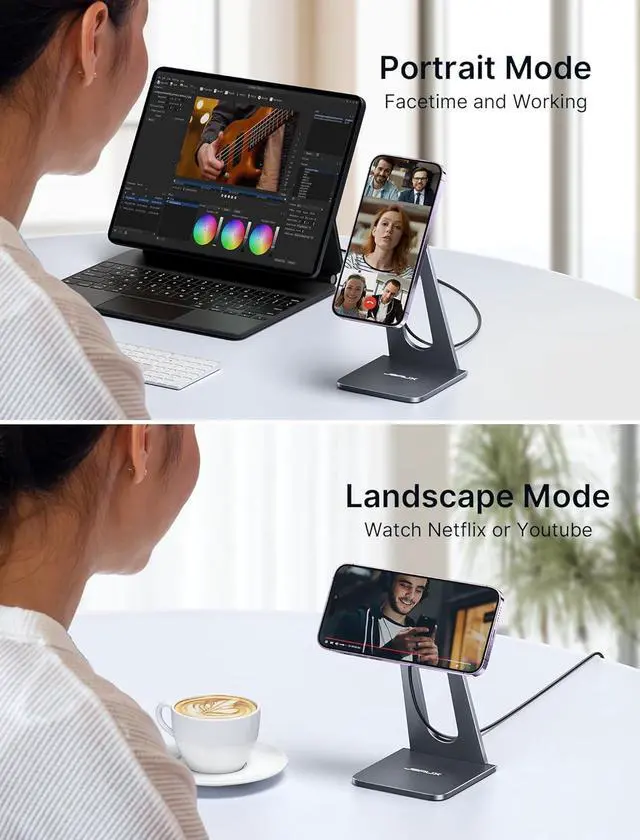
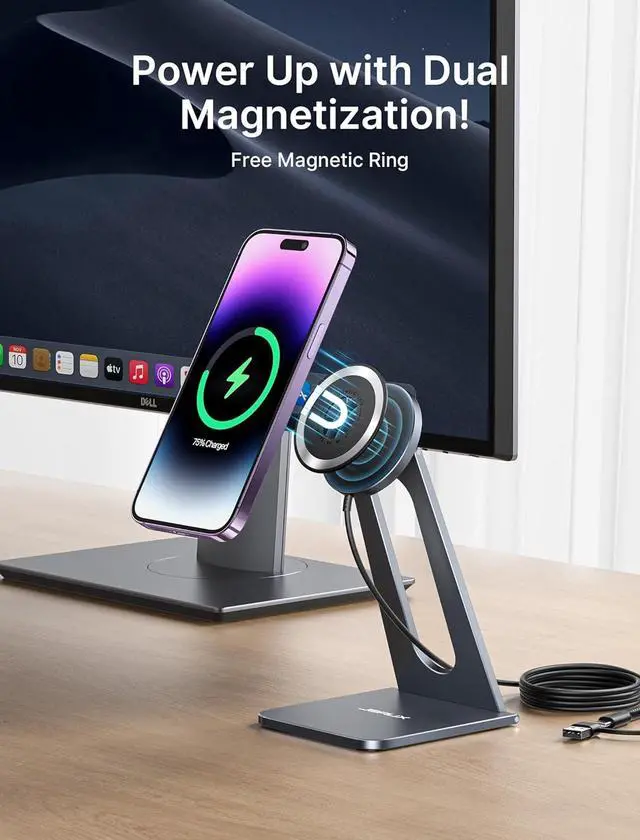
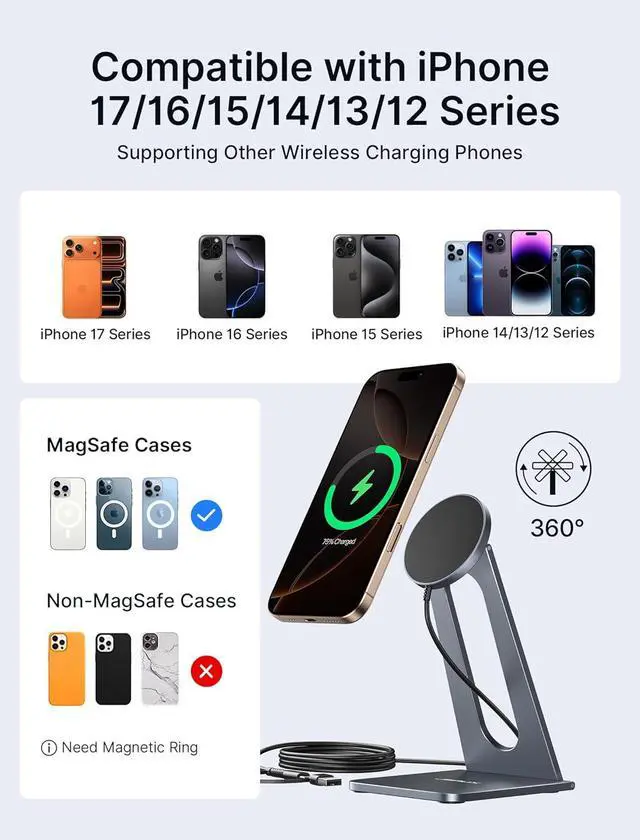
Product description For Day For Night Professional Tips for Wireless Charging Overheat Safety Proper Alignment: For optimal charging efficiency, please make sure your phone is properly aligned with the chargers center. Misalignment can lead to slower charging and potential overheating. Smart Temperature Control Choose chargers with intelligent thermal sensors. They automatically slow down or pause charging if heat levels get too high, preventing dangerous overheating. Proper Ventilation Matters Always place the charger on a hard, flat, and heat-resistant surface like wood, metal, or glass. Never use on soft surfaces (e. g., beds, sofas) that trap heat and raise device temperature. Minimize Case and Object Obstruction Thick, rugged, or metal-backed phone cases can trap heat. Use slim, MagSafe-compatible, or heat-dissipating cases to allow better airflow during charging. Use Certified Power Accessories Only use trusted, certified adapters and cables (e. g., 20W QC 3.0 or PDPD certified chargers). Inferior accessories may cause inefficient charging and excess heat generation. Safe Charging Habits Avoid heavy app usage (gaming, video streaming, video calls) while charging wirelessly. If you notice excessive heat, burning smell, or any charging interruptions, immediately stop use.
Tip: A slightly warm charger is normal. However, if it becomes hot to the touch, disconnect it promptly to avoid damage or hazards.