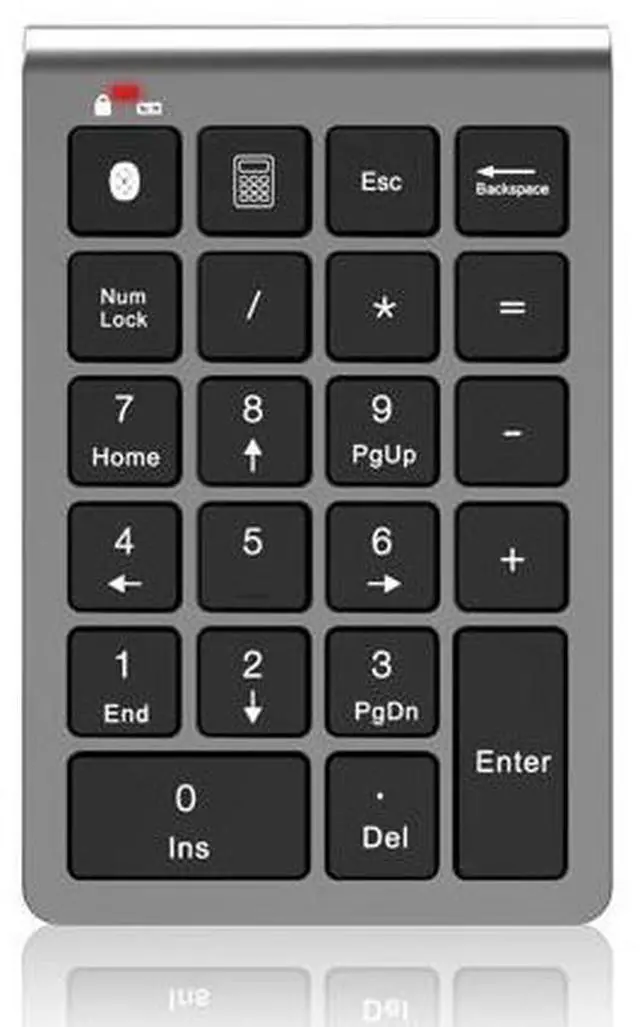
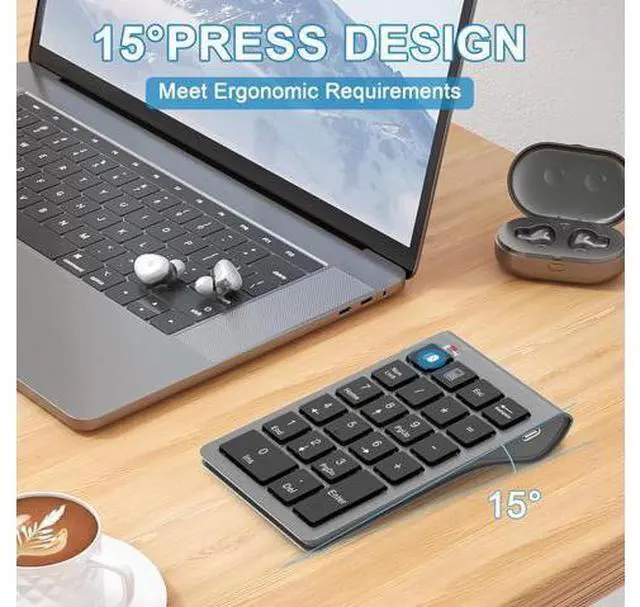
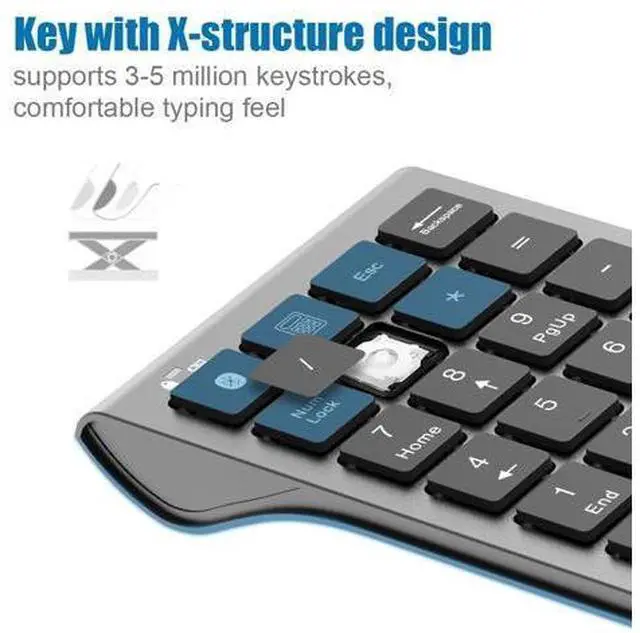
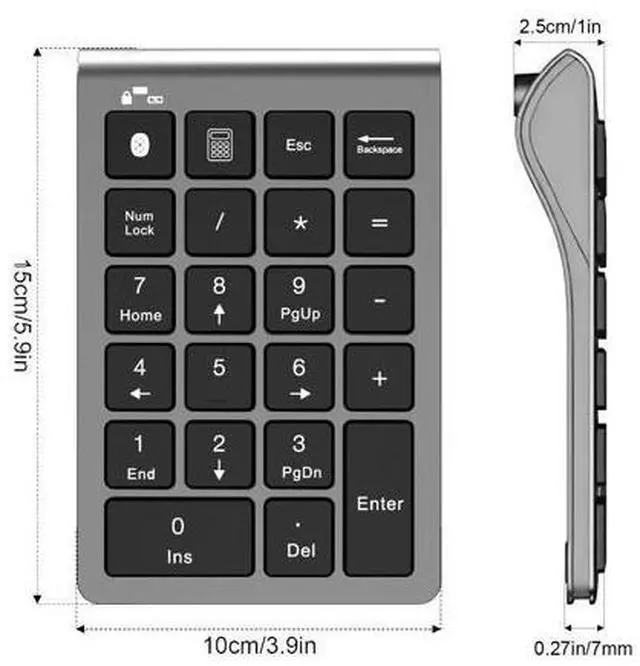
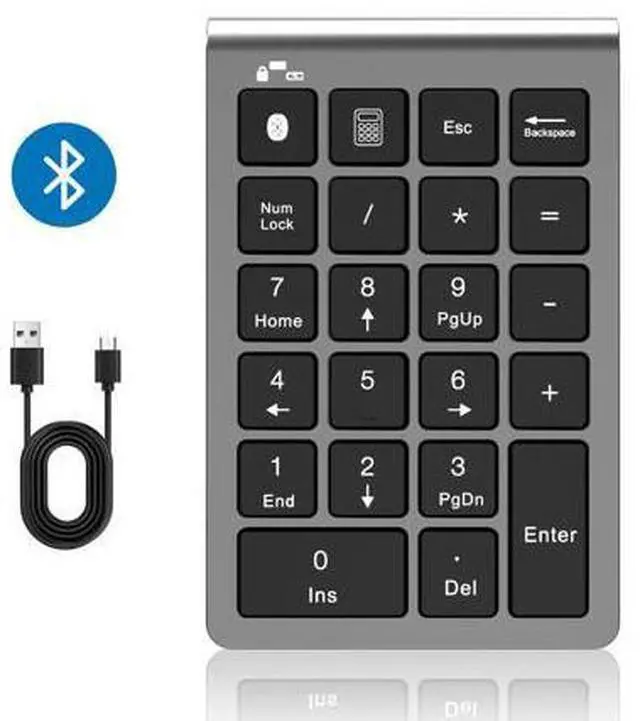
Introducing the revolutionary Bluetooth + Wired Dual-Mode Numeric Keypad, crafted for the needs of high-efficiency workers. Whether you're a finance professional, a data analyst, or anyone who frequently inputs numbers, this numeric keypad offers unmatched convenience and efficiency. COMPATIBLE DEVICES (NOT LIMITE TO THE FOLLOWING LIST) This wired and wireless number pad fits almost all computer PC, laptops, desktops, ipads, IOS and android cellphones,. The numeric keypad is compatible with MacBook Pro 13 14 15 16, MacBook Air 13 14 15, ASUS Zenbook, Zephyrus, Dell XPS, Lenovo Idealpad, Thinkpad, ChromeBook, GalaxyBook, Vivobook, EliteBook, Inspiron, Surface, iPad 10-14, iPad Mini, Air, Pro, iPhone, other android mobile phones and etc.
If your laptop does not support Bluetooth, you can still use a charging cable to connect to the computer and use this numeric keypad. Which is the advantage of this dual-mode numeric keypad over other Bluetooth numeric keypads. The Bluetooth number keyboard is a perfect gift for people using Excel, teachers entering grades, office workers entering data, and more. HOW TO CONNECT BLUETOOTH KEYPAD TO YOUR DEVICE
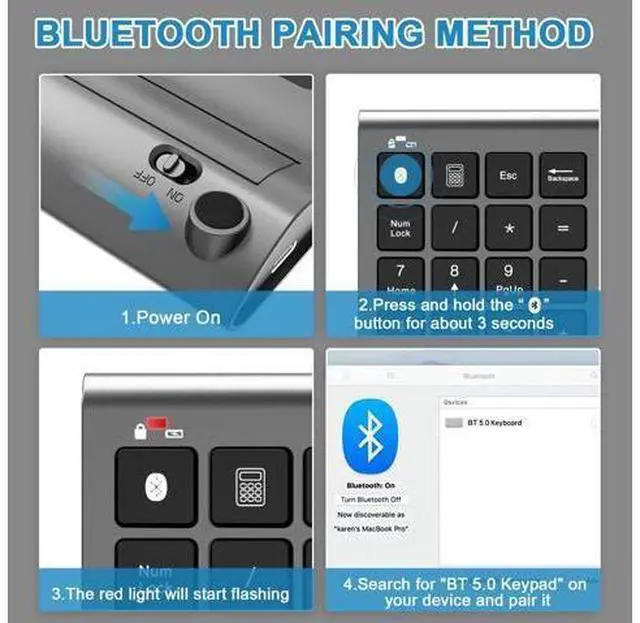
Power On: Locate the power switch on the keyboard and slide it to the "ON" position to turn on the keyboard.
Enter Pairing Mode: Press and hold the Bluetooth symbol button for about 3 seconds to put the keyboard into pairing mode.
Wait for Pairing Signal: Once the keyboard is in pairing mode, a red light will start flashing to indicate



 All Categories