


 All Categories
Built for How Business Buys.
All Categories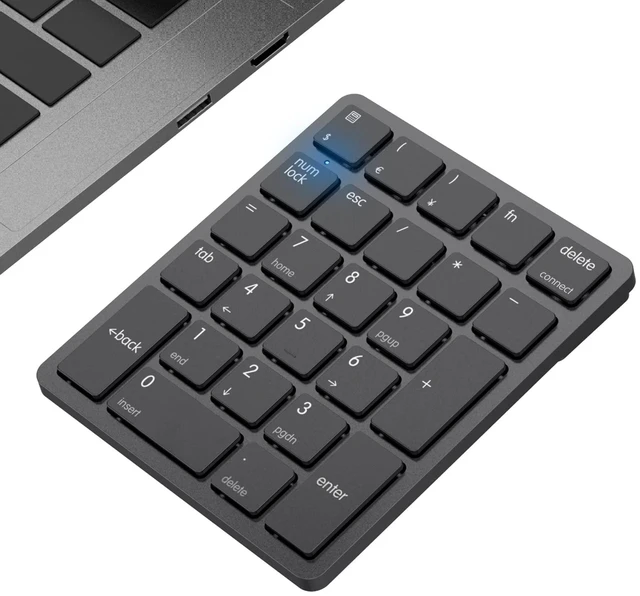


Product Description:
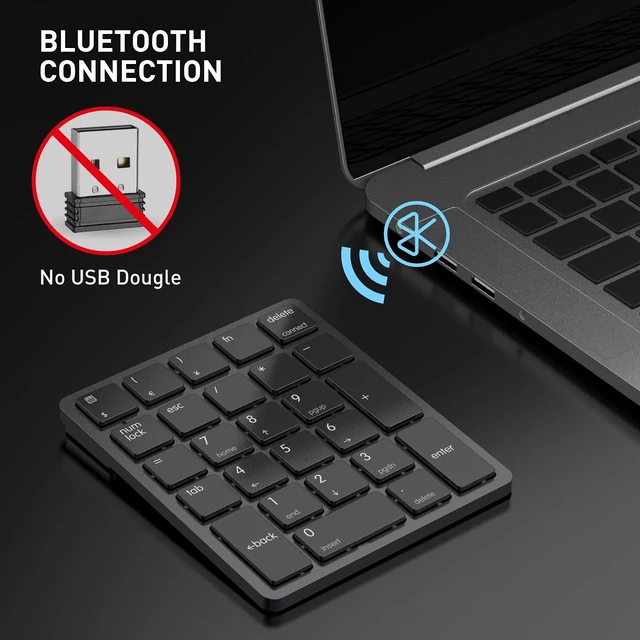
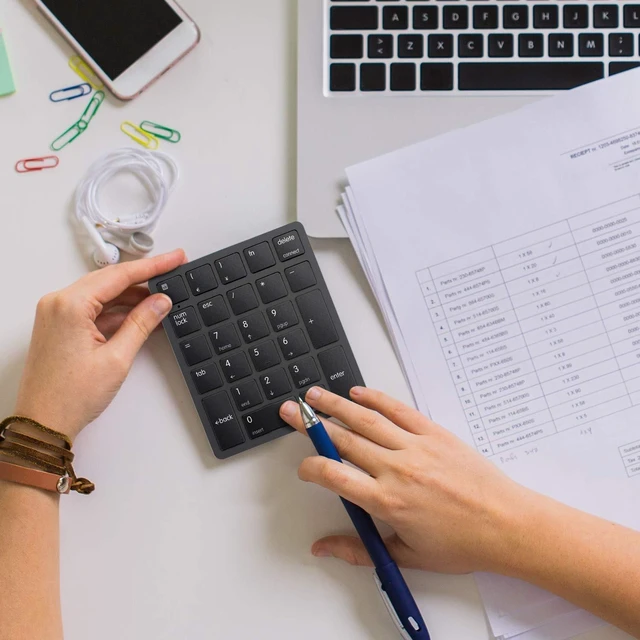
Portable Bluetooth wireless numeric keypad designed for financial accounting, spreadsheets, education, office tasks, and everyday use with Windows laptops, desktops, PCs, and compatible computers. The 26-key keypad provides dedicated numeric input in a compact format.
Core Selling Points:
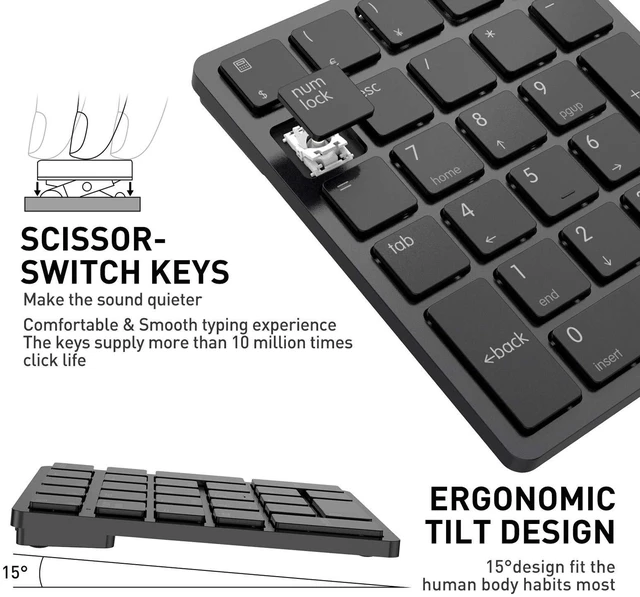
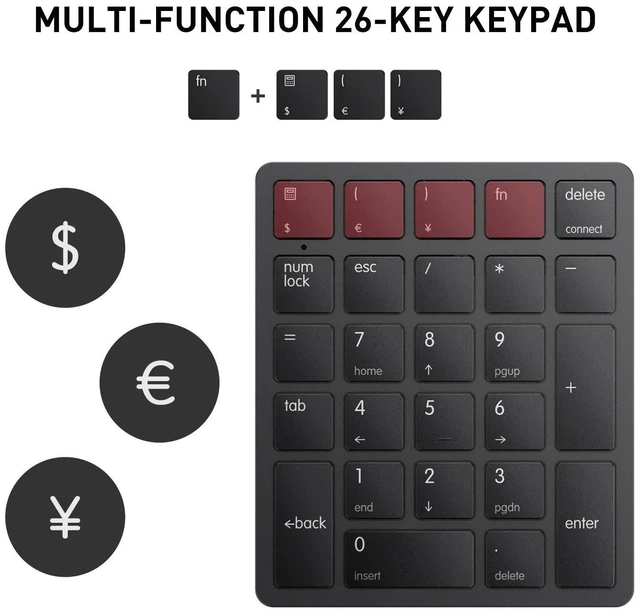
ABS construction offers a comfortable touch, precise control, quick response, resilience, and reduced pressing sound. Scissor-switch keys provide smooth, quiet typing with tactile rebound. The 15° tilt design supports comfortable use, while four non-slip pads help keep the keypad stable. Num Lock, ESC, Delete, calculator shortcut, and currency-symbol functions support efficient data entry. The rechargeable design helps reduce frequent battery replacement, and the keypad enters sleep mode after 1 hour of inactivity and wakes when any key is pressed.
Technical Specifications:
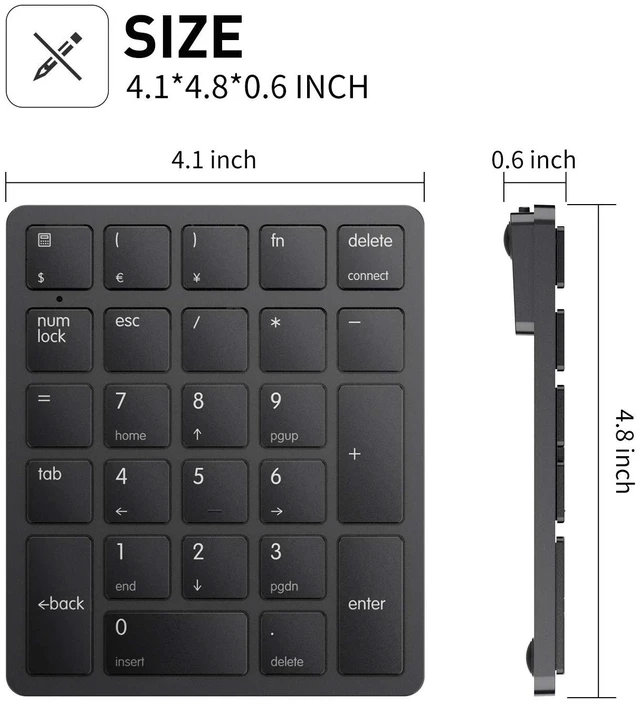
Model: smart26. Key count: 26 keys. Connectivity: Bluetooth 3.0 wireless connection. Material: ABS. Color: Black. Product dimensions: 4.1 in L x 4.8 in W x 0.6 in H. Item weight: 5.6 oz. Battery: rechargeable lithium battery. Charging interface: USB-C via the provided USB-A to USB-C cable. Rated charging voltage: 5V. Wireless working range: up to 33 ft. Backlighting: single color. Function key behavior: when Num Lock is on, the blue indicator light is on and function keys such as HOME and PgUp are available; when Num Lock is off, number keys are available.
Package Contents:
Rechargeable lithium battery and USB-A to USB-C charging cable.
Before Purchase:
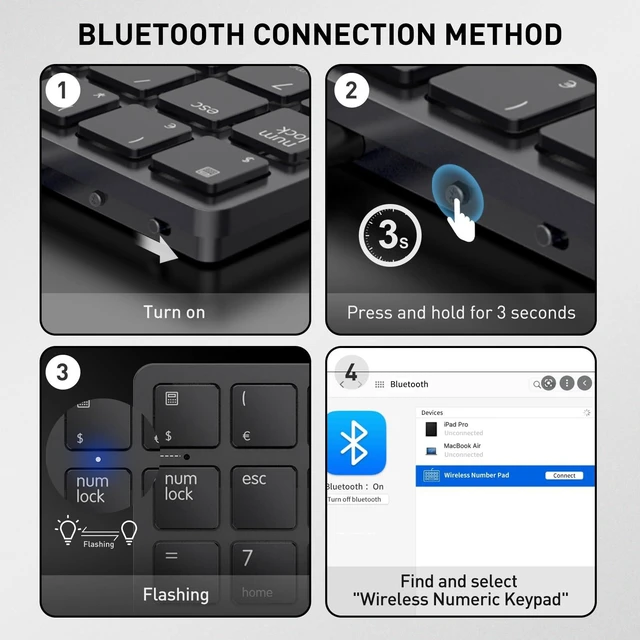
Compatible with computers running Windows systems, including laptops, desktops, and PCs. Not compatible with Mac OS systems. Turn on the switch near the charging port before use. For charging, use a computer USB port and the rated 5V charging voltage; other chargers or non-computer USB ports are not recommended. To pair, power on the keypad, press and hold the Bluetooth Pairing Button for 3 seconds until the indicator flashes, then select Wireless Numeric KeyPad from the device's Bluetooth list.
