


 All Categories
Built for How Business Buys.
All Categories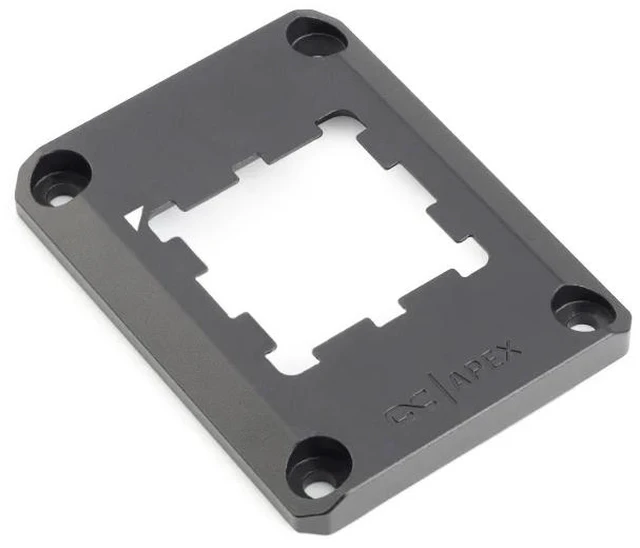
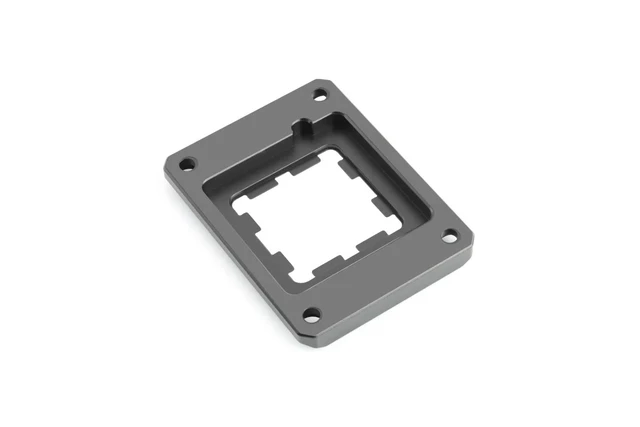
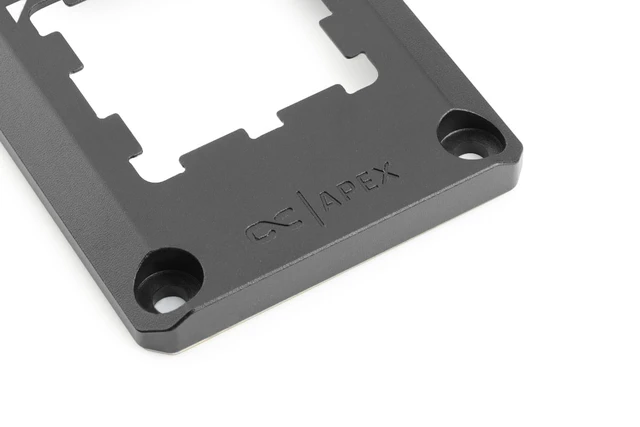
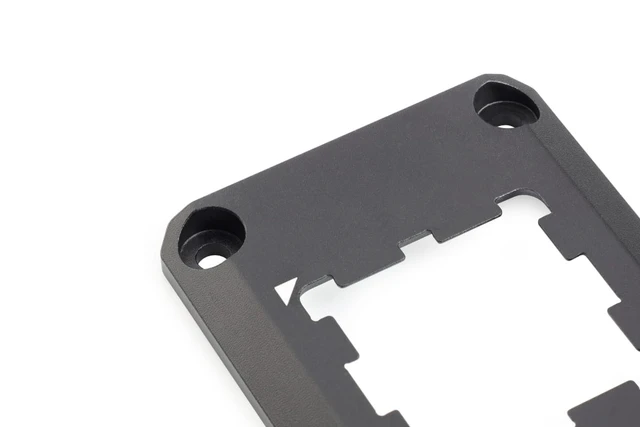
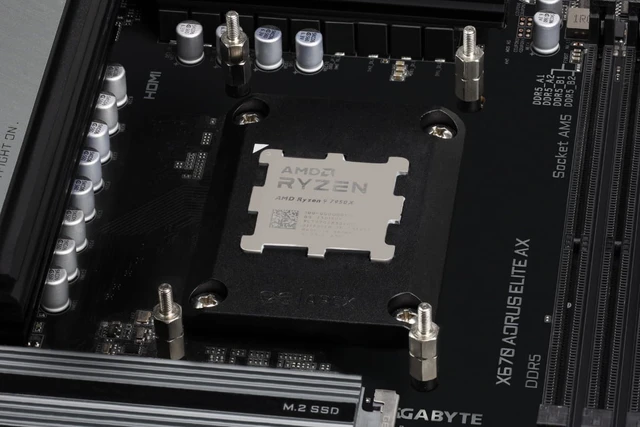
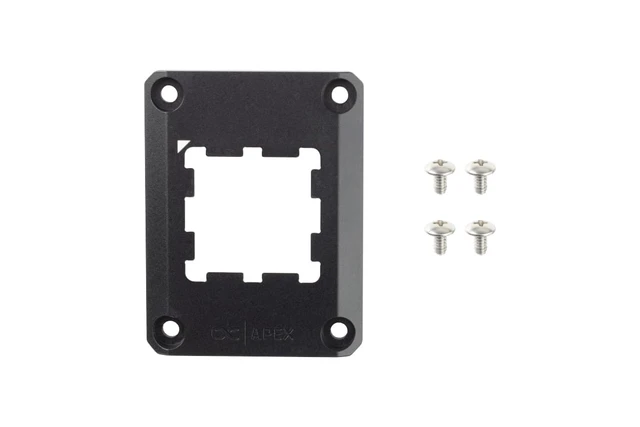


This CPU contact frame for AMD AM5 processors takes the place of the original AM5 bracket, helps seal the exposed capacitors surrounding the processor and spreads the mounting pressure evenly across the CPU. It is manufactured from an aluminum alloy, comes with four stainless steel screws and works with all Alphacool CPU coolers that support the AM5 socket.
Alphacool developed the Apex Contact Frame AM5 specifically for AMD processors using that socket and designed it as a precision-engineered, functional upgrade for high-performance systems. Its first job is to protect the exposed capacitors that sit around the chip, which Alphacool says it seals reliably, while its second is promoting consistent mounting pressure, distributing it evenly over the whole CPU.
Even pressure helps establish optimal contact between the cooler and the processor, in Alphacool's words. That contact provides the foundation for reliable heat transfer from the CPU into the cooling system, so the cooler can do efficient work. Among the frame's features Alphacool names that it promotes this contact and supports consistent, efficient heat transfer.
The frame's construction is a durable aluminum alloy, AlMg1SiCu, making for a precise and rigid mounting structure. Its mounting screws are stainless steel, X10CrNi18-8, to provide secure installation and long-term durability.
For compatibility, Alphacool lists the frame for AMD AM5 sockets, and it can be used with every Alphacool CPU cooler supporting AM5. It integrates easily into existing AM5 systems as well as new builds, so it is a straightforward addition wherever Alphacool cooling hardware is already in use. Alphacool says this makes it an ideal addition for performance-focused gaming PCs, workstations and custom liquid cooling builds, and particularly well suited to them.
Installation integrates directly into a compatible system in three steps from the manual. First release the retaining clip. Then loosen the screws on the original AM5 bracket and carefully remove the bracket by lifting it upward. Last, position the contact frame so the triangle at its top left matches the triangle on the CPU, and screw it tight.
