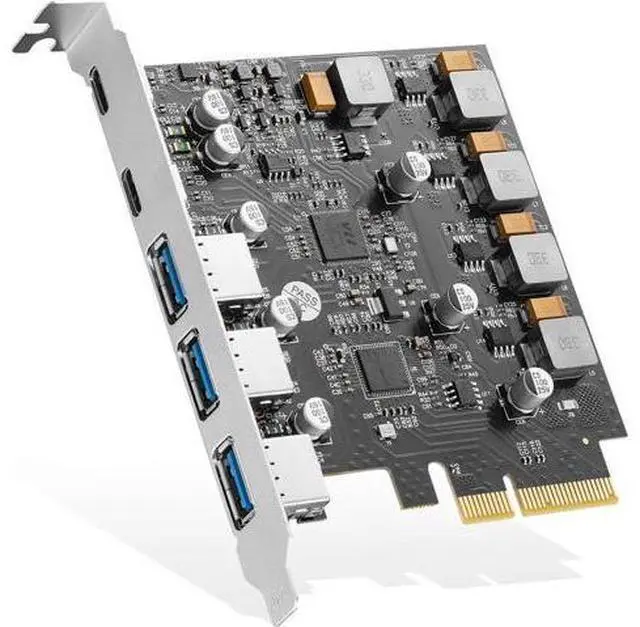
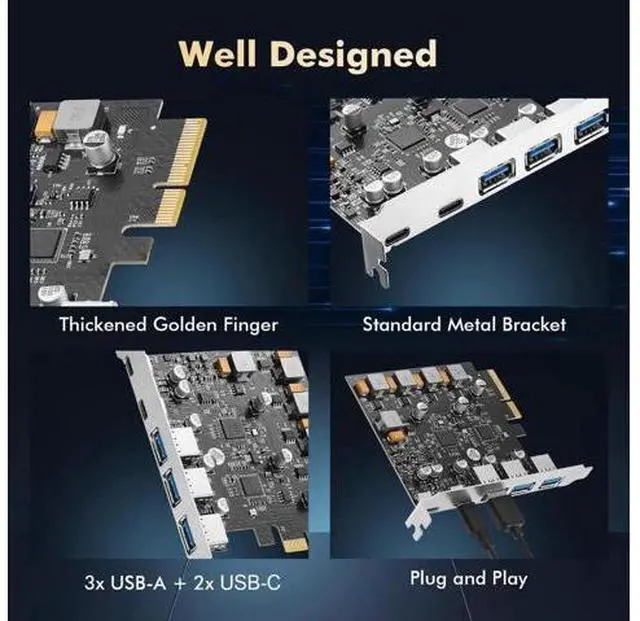
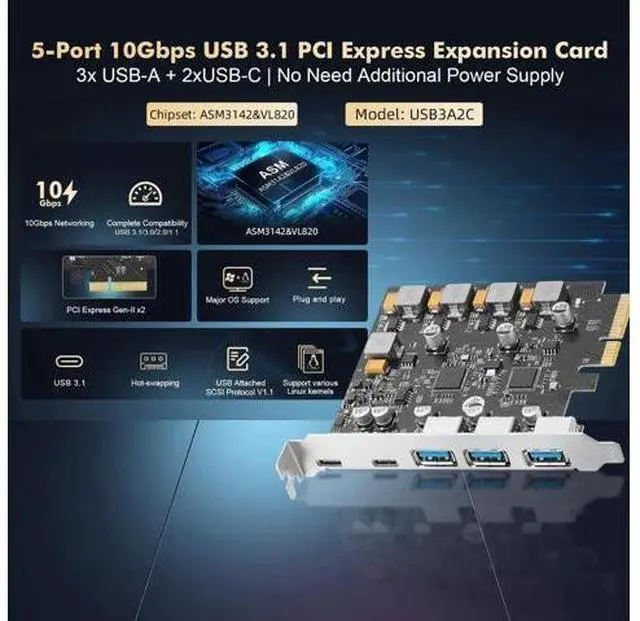
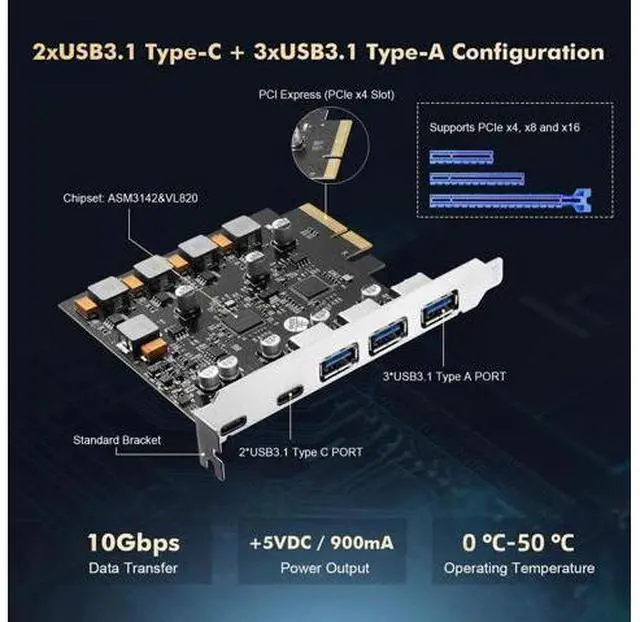
The PCIe ASM3142 3A2C USB 3.1 10Gbps Card is provides three USB-A and two USB-C ports by ASM3142&VL820 combination chips, bridging PCI Express to USB 3.1 Gen-II, compliant with USB 3.1 Specification Revision 1.0 and Intel eXtensible Host Controller Interface Specification revision 1.1, it supports the new feature of USB 3.1 Gen2, named multiple INs to achieve fully utilization rate of 10Gbps data rate, taking advantage of the available bandwidth of USB 3.1 Gen2 bus. The USB 3.1 Card application of Desktop PC, Workstations, Servers, etc.
Key Features: Support PCI Express Gen-II x2 Compliant with PCI Express Base 3.0 Specification Compliant with PCI Express card Electromechanical 2.0 specification Compliant with Universal Serial Bus 3.1 Specification Revision 1.0 Compliant with eXtensible Host Controller Interface specification Revision 1.1 Compliant with USB Attached SCSI Protocol Revision 1.0 Compliant to USB Type-C Specification Rev 1.3
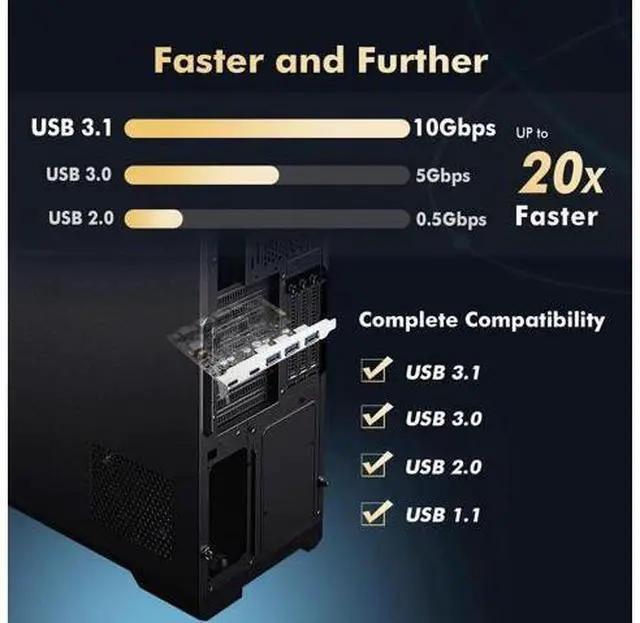
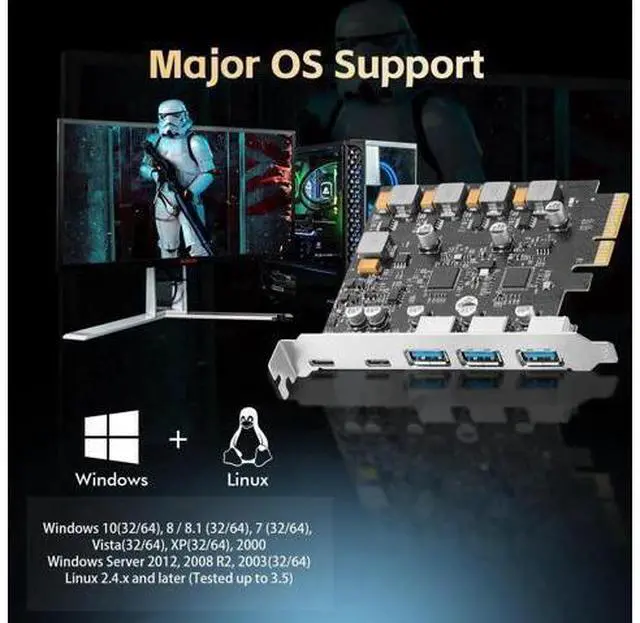
PCI Express interface: X4 Support high bandwidth performance with low latency Support PCI Express Link power management Support 3x USB 3.1 Type-A and 2x USB 3.1 Type-C Each port transmission speeds up to USB 3.1 Gen-II 10Gbps Maximum current 1A each USB 3.1 Type-A Maximum current 3A each USB 3.1 Type-C Supports USB battery charging Specification v 1.2 Support for Vendor specific charging modes eg, Apple 2.4A, Samsung, etc Support USB SuperSpeed+ (10Gbps), SuperSpeed (5Gbps), HighSpeed (480Mbps), FullSpeed (12Mbps), and LowSpeed( 1.5M bps) transmission Support proprietary driver for Windows 7, and in box driver for Windows8, Window 8.1, Server2012 and Windows 10 Support various Linux kernels
Chipset: ASM3142+VL820 Hardware Installation 1. Turn Off the power to your computer. 2. Unplug the power cord and remove your computers cover. 3. Remove the slot bracket from an available PCIe X16 slot. 4. To install the card, carefully align the cards bus connector with the selected PCIe slot on the motherboard. Push the board down firmly. 5. Replace the slot brackets holding screw to secure the card. 6. Replace the computer cover and reconnect the power cord. Complete PackageIncludes all you need for a perfect solution: 1 x PCI-E to 5 USB-ports, 1 x CD Driver. Provide full life-cycle support.