Dual Monitor HDMI KVM Switch for 2
Computers Features: Share one set of keyboard, mouse and dual monitors between 2 computers or laptops; Dual monitors output support up to 4K@60Hz for extended, mirrored or spliced display; No complicated installation is required, and non-professionals can easily operate it; Cross support major operation systems including Windows, Linux, Mac and more;
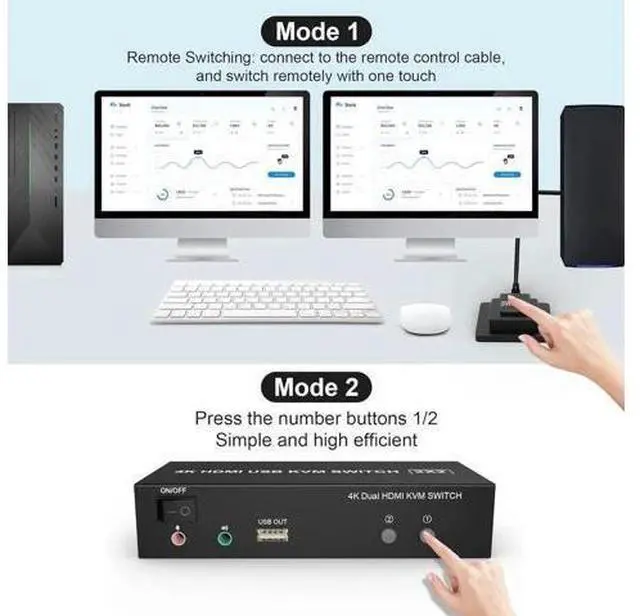
Switching modes: Buttons on the front panel and wired remote; The ports that need to plug in HDMI/USB cables are all hidden behind the KVM, so the desktop doesn't get cluttered; With extra 3 USB 2.0 and Audio Microphone output.
installation steps: 1. Insert the adapter into the KVM; 2. Plug the HDMI cable into the KVM and monitor; (Output) 3. Plug the HDMI cable and USB cable into the KVM and your computer/laptop (HDMI cables are not included) (Input) HD IN1 A + HD IN1 B + USB IN1=PC1 HD IN2 A + HD IN2 B + USB IN2=PC2 4. Insert the mouse and keyboard into the KVM switch 5. If needed, you can connect a microphone and audio port



 All Categories