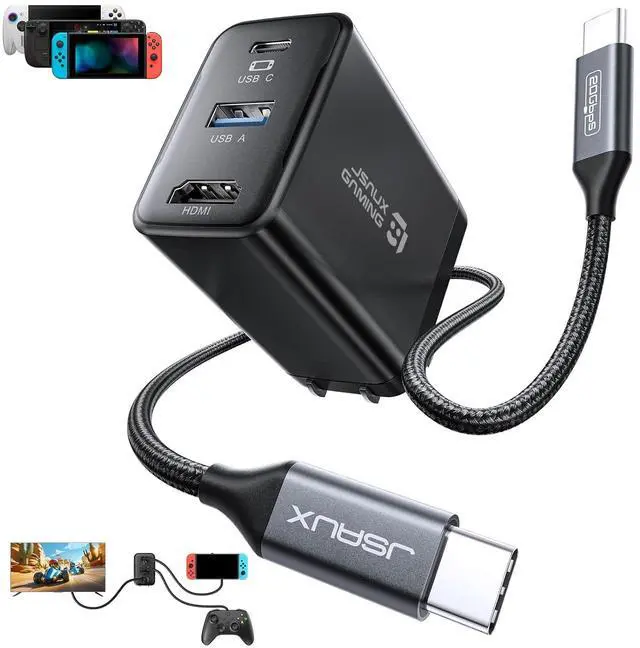
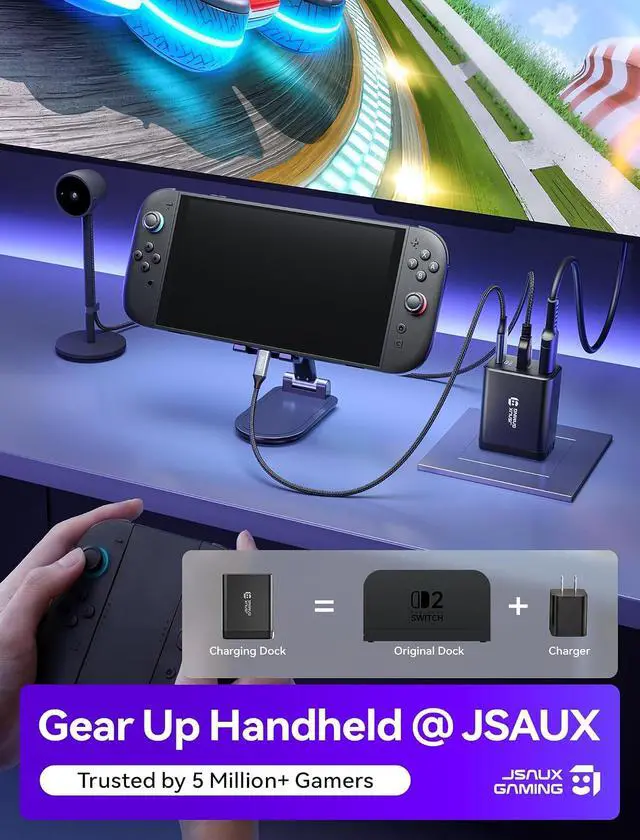
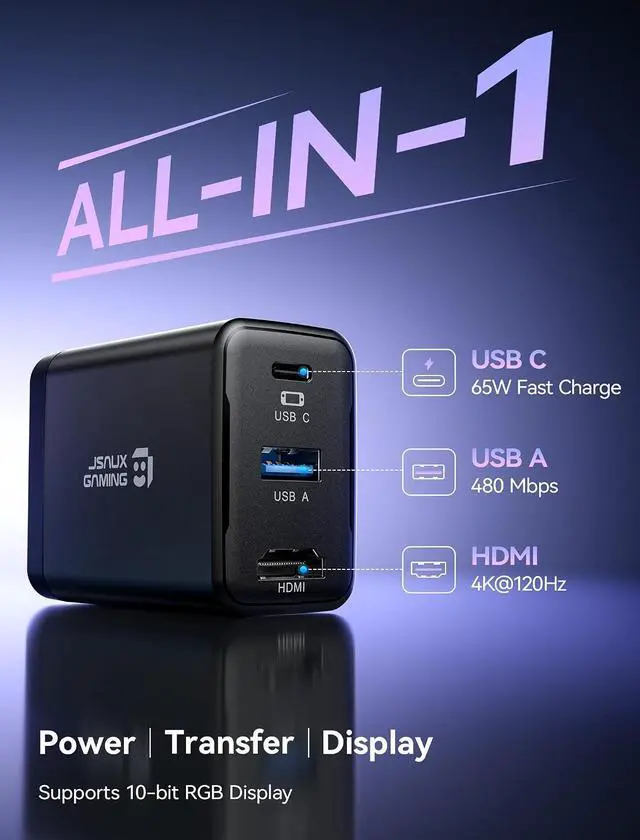
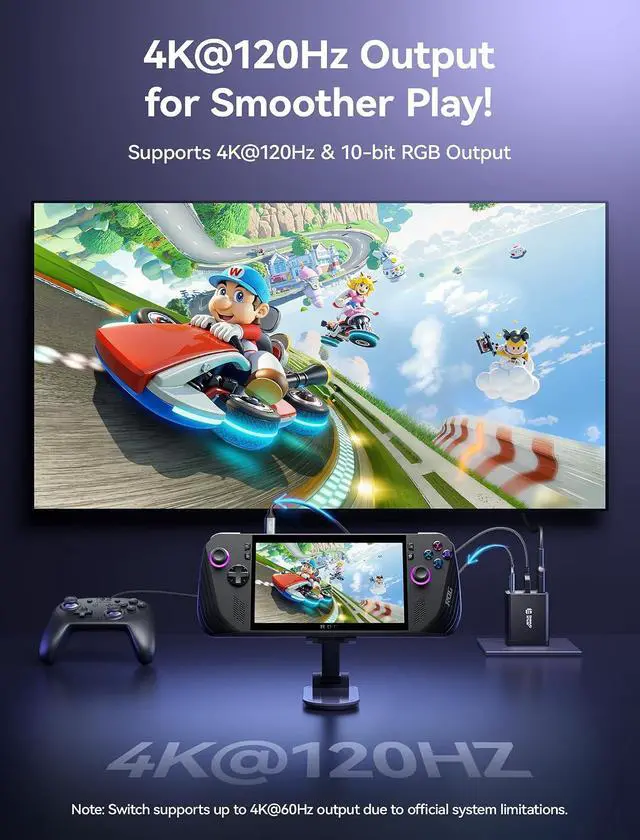
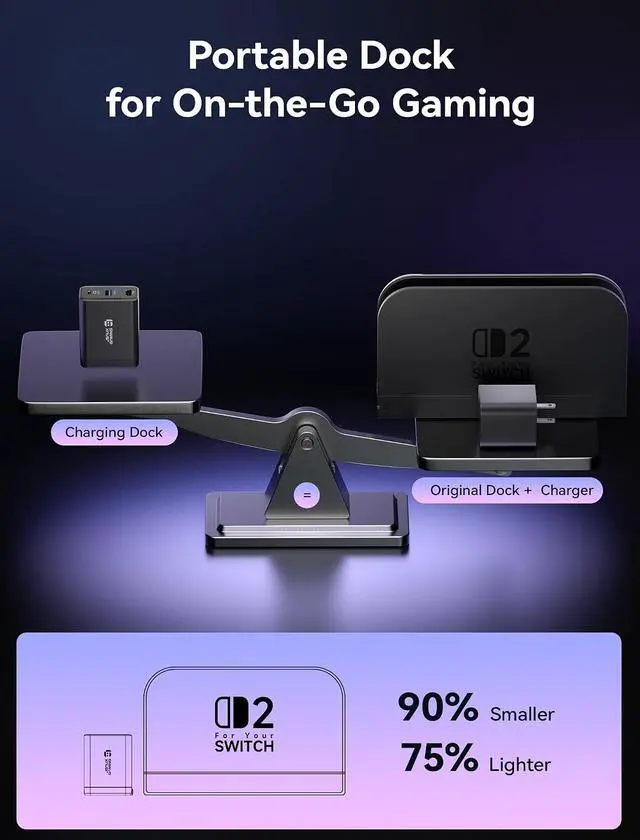
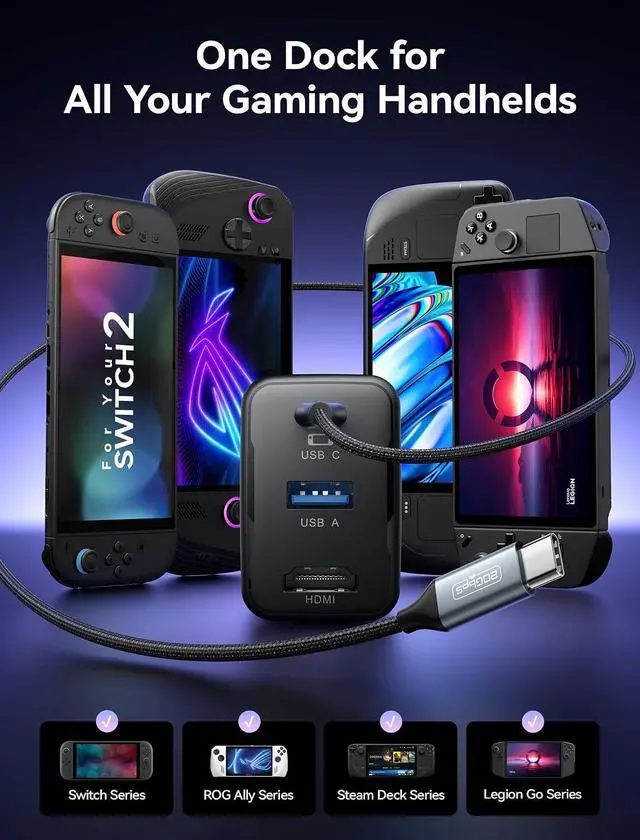
Product description OmniCentro Charger Dock for Switch Click to play video Multi Protection Foldable & Compact USB C | 65W Fast Charge HDMI | 4K@120Hz USB A | 480 Mbps Laptop Gaming Console iPad Phone Correct Connection Setup Compatibility For Switch / ROG Ally X / ROG Ally / ROG Xbox Ally X / ROG Xbox Ally / Steam Deck OLED / Steam Deck LCD / Legion Go / Legion Go S / Legion Go 2 USB C Port Supports PD fast charging up to 65W and functional expansion for all USB C devices HDMI Output Supports up to 4K@120Hz output with 18Gbps bandwidth via HDMI 2.0.
Backward compatible with HDMI 2.0 b / 1.4 / 1.3 / 1.2 / 1.1.
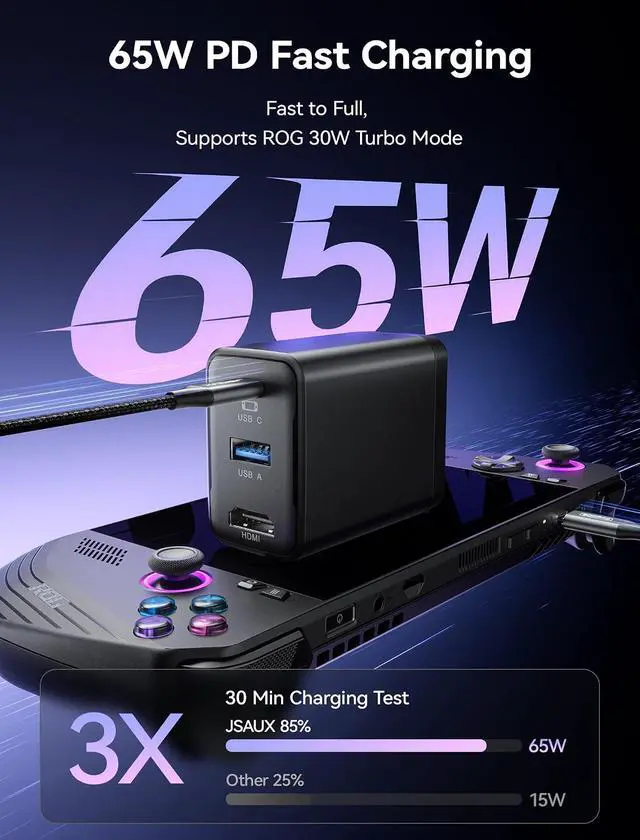
Note: Due to official system limitations, Switch supports up to 4K@60Hz output in TV mode USB A Output Supports data transfer up to 480Mbps and power output 5V/1A Power Output (USB C) Supports PD fast charging up to 65W for compatible devices Power Output (USB A) Provides up to 3W power output for peripherals Power Output (Simultaneous) USB C up to 62W and USB A up to 3W, total up to 65W Video Output 4K@120Hz / 4K@60Hz / 2K@120Hz Turbo Mode Support ROG Ally up to 25W Turbo Mode, ROG Ally X up to 30W Turbo Mode, ROG Xbox Ally up to 20W Turbo Mode, ROG Xbox Ally X up to 30W Turbo Mode Note Charging is limited to 30W - the same as the official dock. ( For Switch 2 TV mode requires a 65W charger to enable HDMI display - OmniCentro Charger Dock delivers 65W PD ) Note For Switch 2 the video output is limited to 4K@60Hz due to the official system limitations Note Please use a USB C to USB C PD charging cable. ( USB A to USB C cables may not provide sufficient power, which can prevent the device from charging or disable video output )
Note We recommend using a Bluetooth wireless controller for a stable connection. ( For Switch third party wired controllers are not supported ) Note To enable Turbo Mode on ROG Ally, connect the dock to the handheld first, then plug in HDMI and USB peripherals. ( If peripherals are connected first, they may draw power and prevent the handheld from entering Turbo Mode ) Note For the best performance, we recommend using the included USB C to USB C cable. If a longer cable is needed, please use a full featured USB C to USB C cable that supports USB4 and video output. Note Please connect the cable to the bottom USB C port. On Switch, video output is supported only through the bottom port