


 All Categories
Built for How Business Buys.
All Categories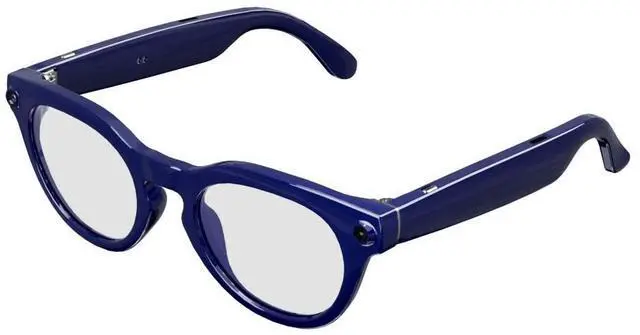
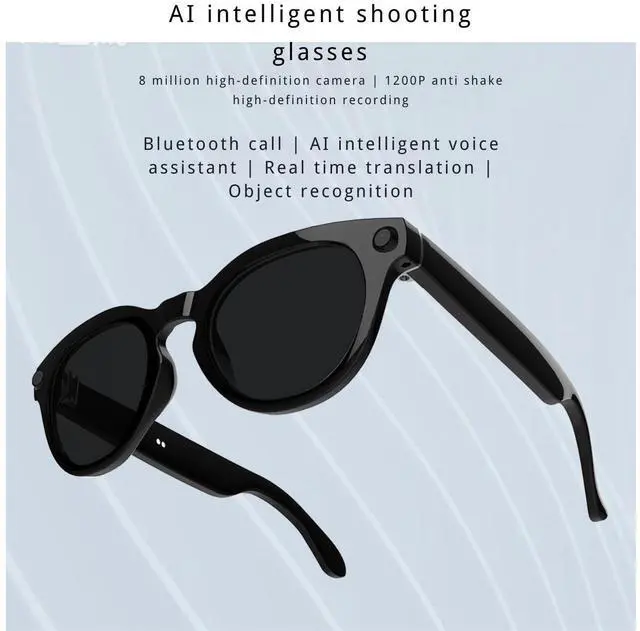

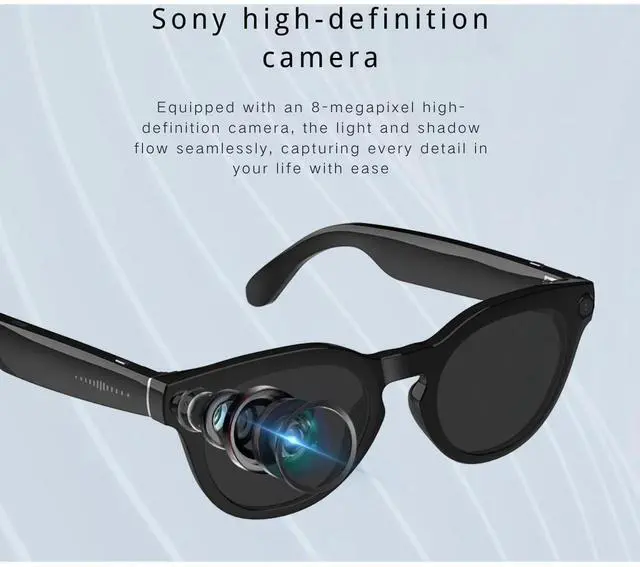




Model: V03-T6
Specifications:
Temple: PC (spray-painted)
Frame: TR
Lens: PC + UV400
Sunglasses / Blue light blocking (compatible with prescription lenses)
V03 Chipset: JL701 + V821
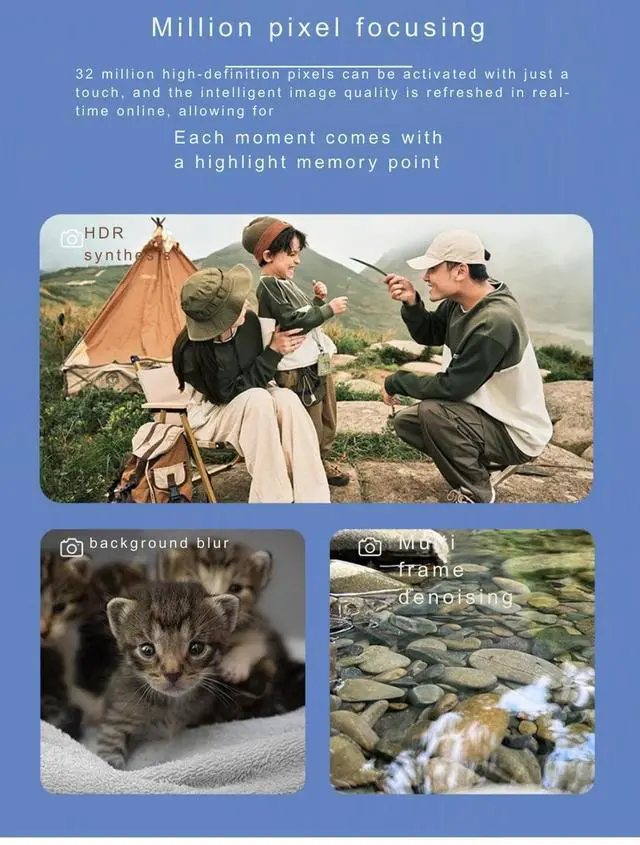
Photo Resolution: 8MP
Receiving Distance: 12 meters (Bluetooth 5.4)
Operating Frequency: 2.402GHz ~ 2.480GHz
Transmit Power: Class 2, MAX 4dBm
Signal-to-Noise Ratio: -85dBV, Distortion <1%
Working Frequency: 20Hz 20kHz
Speaker Specifications: AAC dual speakers 1609 / independent amplifier
Speaker Power: 0.8W, Maximum Short-term Power: 1W
Charging Input Voltage: DC 5±0.25V
Battery Specification: 3.8V / 220mAh
Operating Voltage: 3.7V (3.34.2V)
Charging Time: 2 hours
Standby Current: 5A
Sensor: 6-axis G-sensor with anti-shake algorithm
Continuous Music Playback Time: Approximately 10 hours (at 80% volume)
Working Current: 30mA (current increases with higher volume)
Unit Weight: 49g
Packed Unit Weight: 230g
Packed Unit Dimensions: 20×8×7cm
Carton Weight: 7.5kg
Carton Quantity: 30 units per box
Outer Carton Dimensions: 50.5×37.5×22.5cm
Functions:
1. Power On/Off:
- Power On: Press and hold the right physical button for 2 seconds
- Power Off: Press and hold the right physical button for 5 seconds
(Note: Auto-power off after 5 minutes if no connection; if unable to connect, restart recommended)
2. Music Control:
- Double-tap touch area to play/pause
- Long press touch area for 2 seconds to skip to next track
- Triple-tap touch area to go back to previous track
3. Phone Call:
- Single tap left/right physical button to answer or end call
- Press and hold left/right physical button for 2 seconds to reject incoming call
4. Photo Capture:
- Single tap right physical button
Video recording: Press the right physical button twice (not during a call or playback)
Stop recording: Press the right physical button once during recording
Voice recording: Press the left physical button twice (not during a call or playback)
Stop recording: Press the left physical button once during recording
5. Volume adjustment: Slide the right slider forward to increase volume; slide backward to decrease volume
6. Voice assistant: Press the left physical button once
| Connectivity Technology / 0 | Bluetooth |
| Connectivity Technology / 1 | Wi-Fi |
| Connectivity Technology / 2 | USB |
| Version for Country | US |
| Built-In Media | User Manual |
| GPS Geotagging Functionality | No GPS |
| Resolution | 4K |
| Compatible Phone Models / 0 | iOS Devices |
| Compatible Phone Models / 1 | Android Devices |
| Brand | QOPOYU |
| Target Audience / 0 | Unisex Adults |
| Target Audience / 1 | Men |
| Target Audience / 2 | Women |
| Target Audience / 3 | Girls |
| Target Audience / 4 | Boys |
| Item Form | Nylon |
