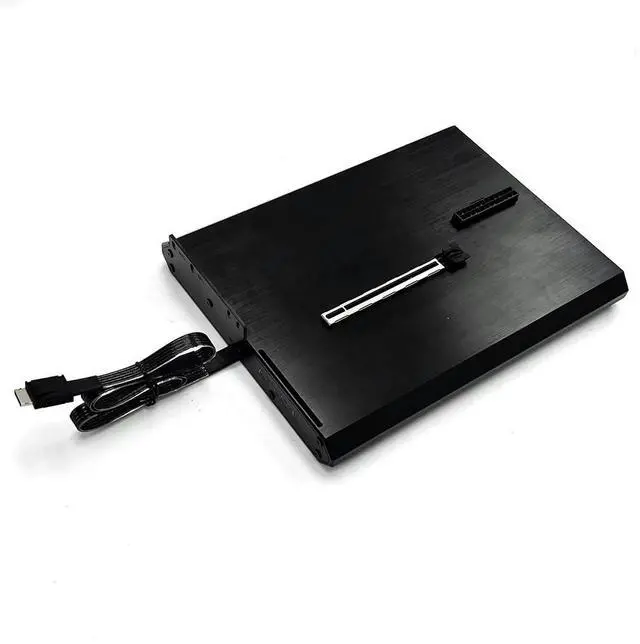
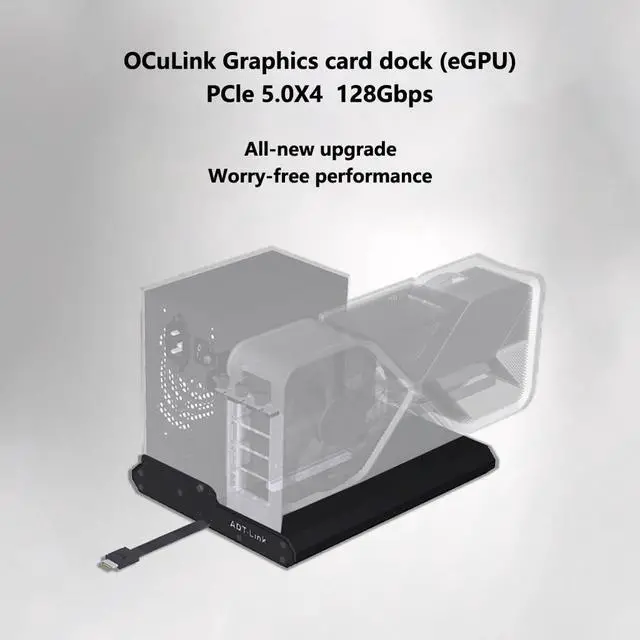
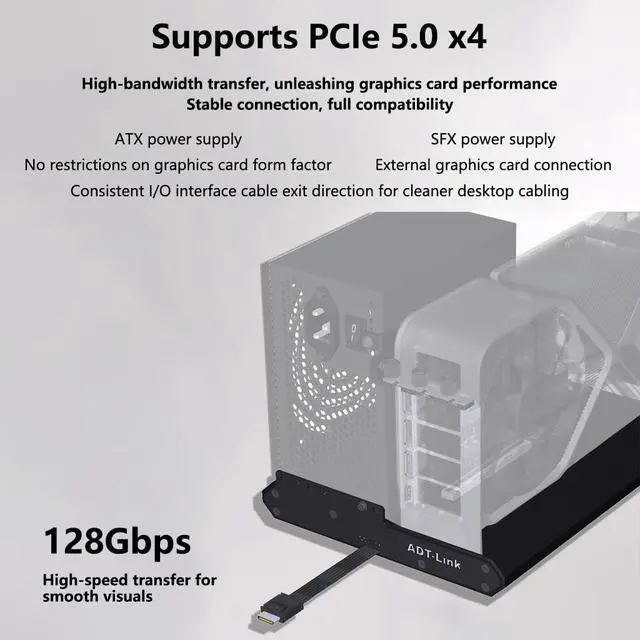
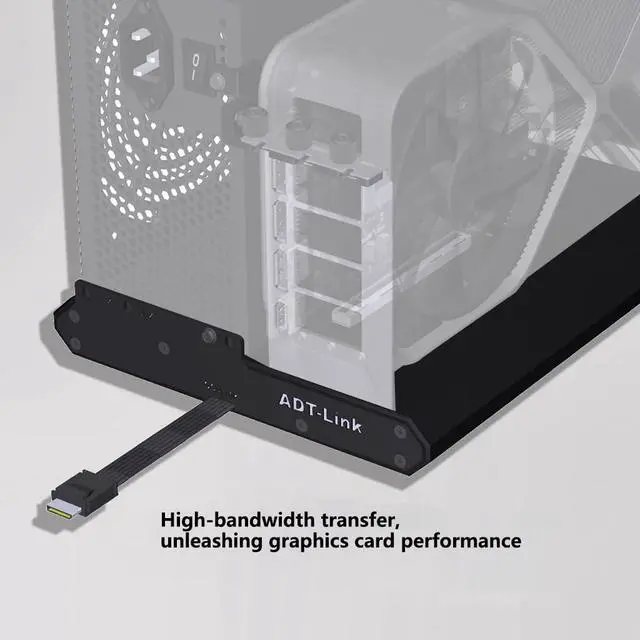
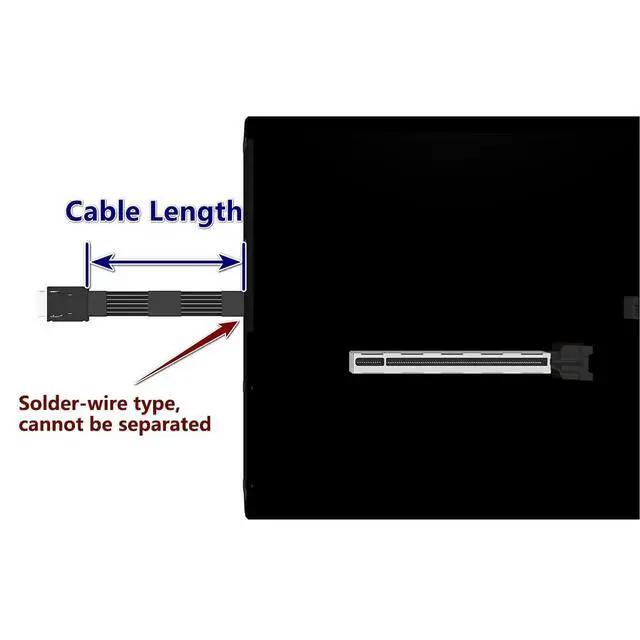
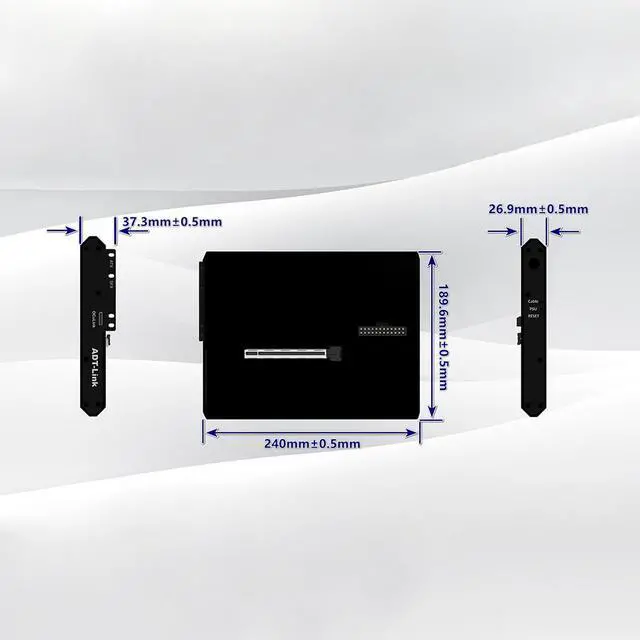
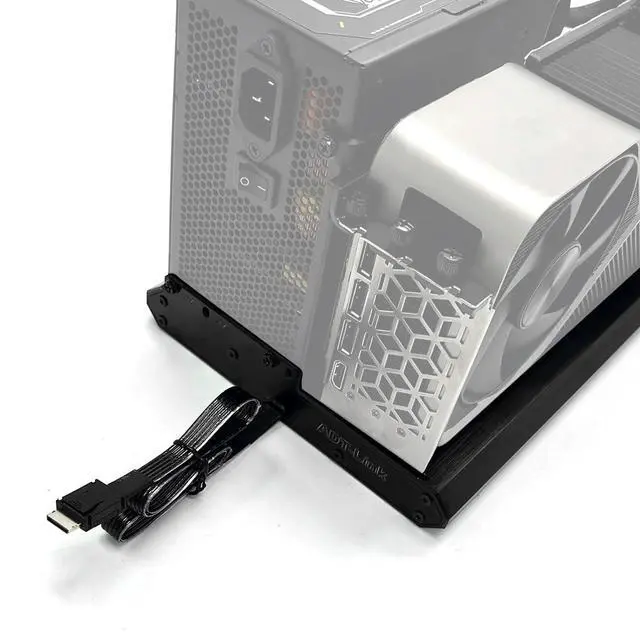
ADT-K993H OCuLink SFF-8612 Female to PCIe 5.0 x16 External Graphics Card Docking Station 128Gbps High-Speed eGPU
Enclosure Product Detail: Product
Model: K993H-BK10
Product Name: OCuLink External Graphics Card Dock Transfer Speed: PCIe 5.0 x4, effective bandwidth 128 Gbps
Product Purpose: For external graphics cards or other
PCIe devices K993H-BK10: OCuLink SFF-8612 Female-to-PCIe x16 Graphics Card Dock, Bandwidth PCIe 5.0 x4. The K993H-BK10 requires pairing with the R29Q/F4Q/K49SQ to achieve full PCIe 5.0 speeds. (The motherboard must also support PCIe 5.0. ) Indicator Lights on the
Graphics Card Dock: The Cable indicator light indicates cable detection; some non-OcuLink cables may cause this light to remain off. The PSU indicator light indicates the power supplys operational status; if the light is on, the power supply is functioning normally. If it is off, please check whether the power switch is turned on or the cables are properly connected. Additionally, the PSU light may remain on after turning off the power switch; this is normal, as there are capacitors inside the power supply, and the light will turn off once the capacitors have fully discharged. Under normal conditions, the RESET light will flash once when the computer is turned on or off. If it remains constantly lit, it indicates that the graphics card dock has not booted up properly. Please check whether the connectors are securely plugged in or review the relevant settings in the motherboard BIOS. During operation, it is normal for the power switch to be pressed, the PSU light to be on, and the RESET light to be off. When these three indicator lights are on, the Cable light being off does not affect normal use.