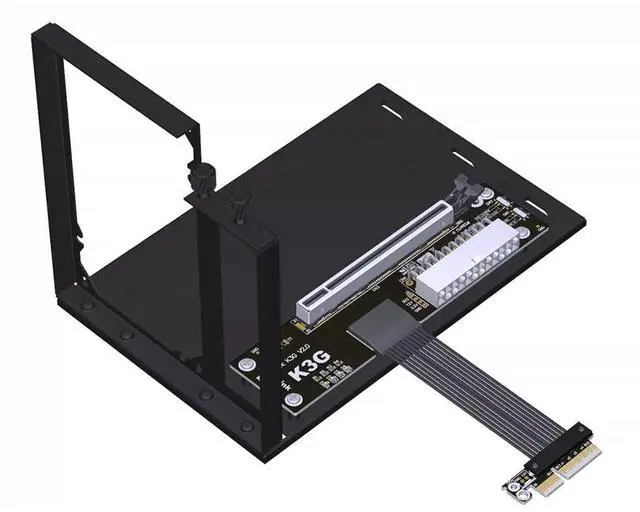
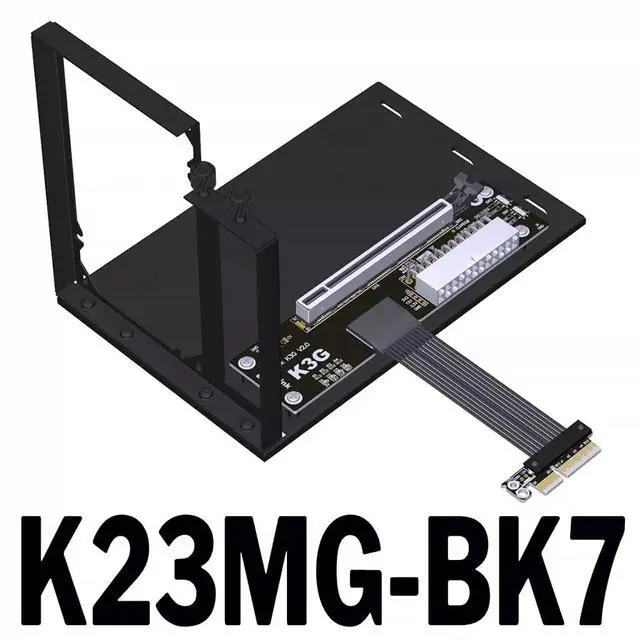
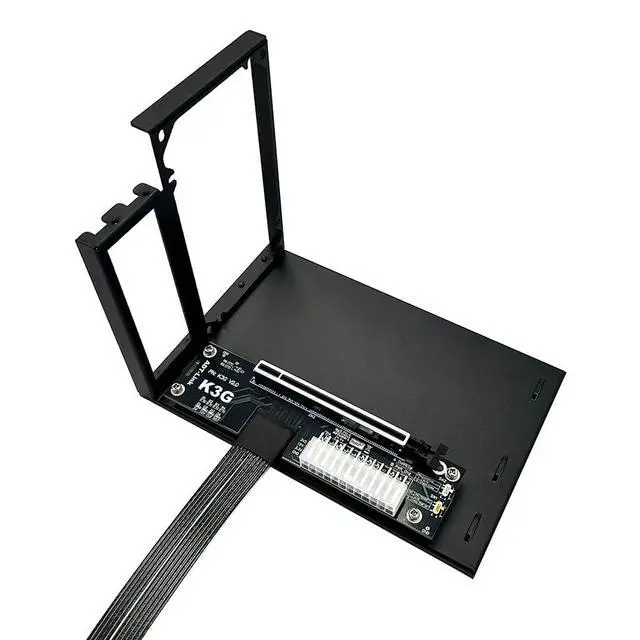
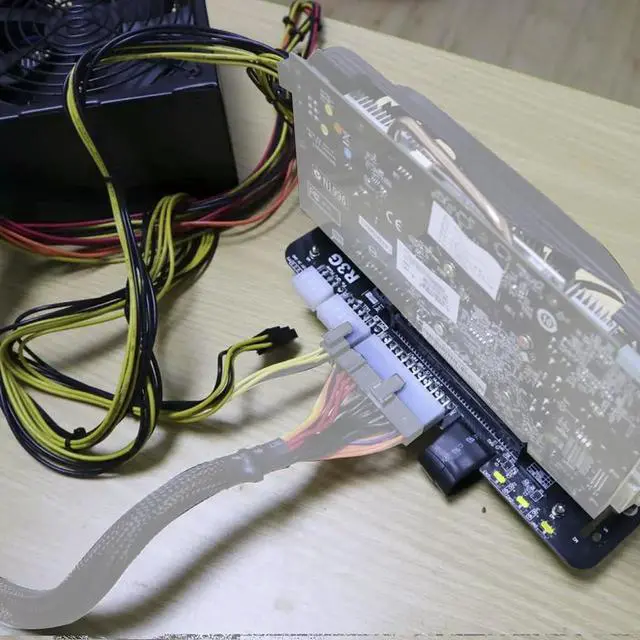
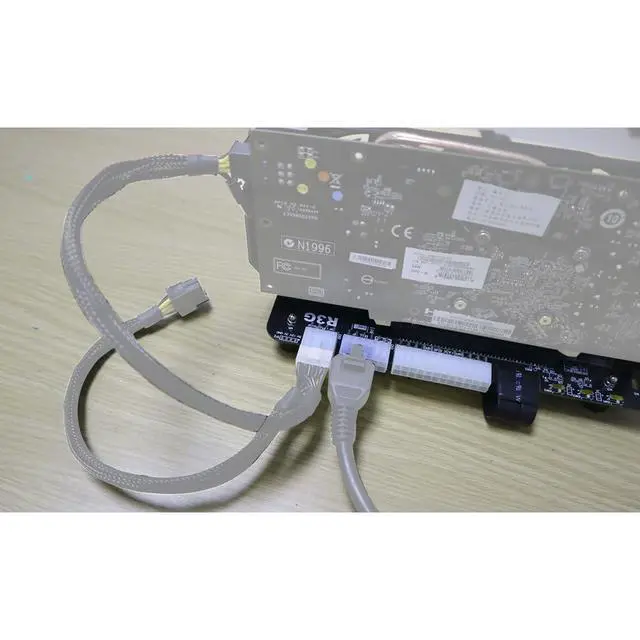
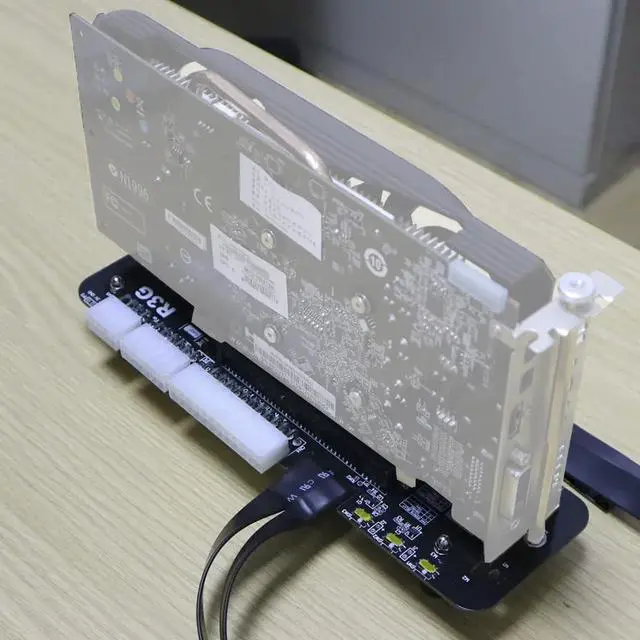
ADT-K23MG-BK7 PCIe 5.0 x4 to X16 GPU External Adapter Card Support Notebook ITX/STX NUC and GPU After 2015 with PCIe x4
Interface Model Description: K23MG-BK7 PCIe x4 to x16 5.0 Extension CableSupports External Graphics Cards for LaptopsSlim-ProfileBandwidth PCIe 5.0 x4
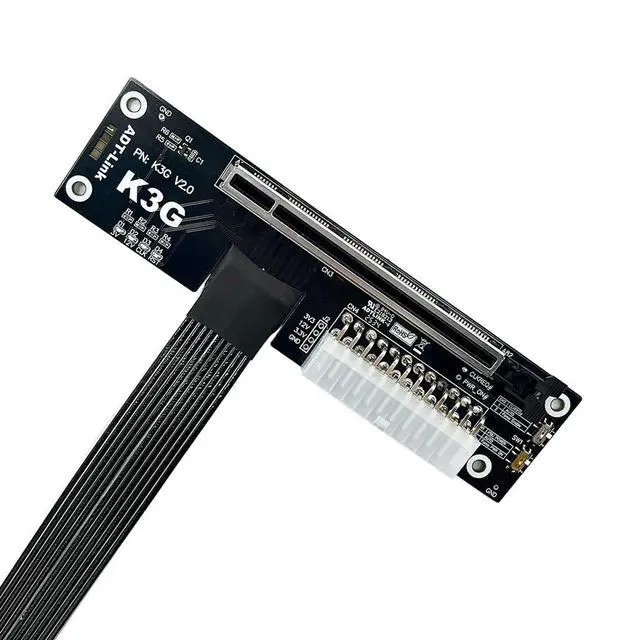
Included Accessories: Graphics card power cable. Switch Instructions SW1, Power-On
Force Switch: 1 = Auto-Start, 2 = Force Start. Please set to 1 for auto-start. SW2, PERST#
Signal Delay Switch: 1 = 2.2 -second delay, 2 = 4.5 -second delay. Used in conjunction with eGPU software to optimize graphics card compatibility. Currently unsupported by software; please set to 1.
SW3: CLKRUN# Signal Delay Switch. 1 = Off; 2 = 9-second delay. Used with eGPU software for GPU compatibility optimization. Currently unsupported by software; please set to 1.
J1: PERST# Signal Delay Switch. OPEN enables delay; SHORT disables delay. Currently unsupported by software; please SHORT by inserting a jumper cap. J2, CLKRUN#
Capacitor Delay: Currently not supported by the software; intended solely for R&D engineers to insert capacitors for delay testing. Inserting a 1uF capacitor results in approximately 2.2 seconds of delay; inserting a 2.2 uF capacitor results in approximately 5 seconds of delay, and so on. What should I do if the CLKREQ indicator light is not lit? This is due to a hardware design issue with the graphics card. A small number of graphics cards from 5 years ago do not support the CLKREQ signal. If you encounter a situation where the CLKREQ indicator light is not lit, you can disable the PCIe power-saving feature in the system or BIOS.



 All Categories