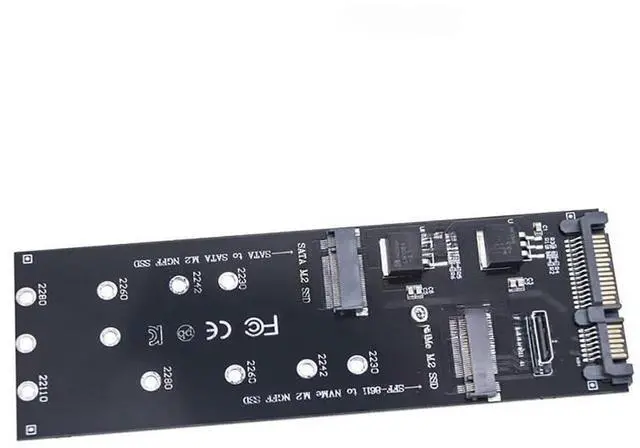
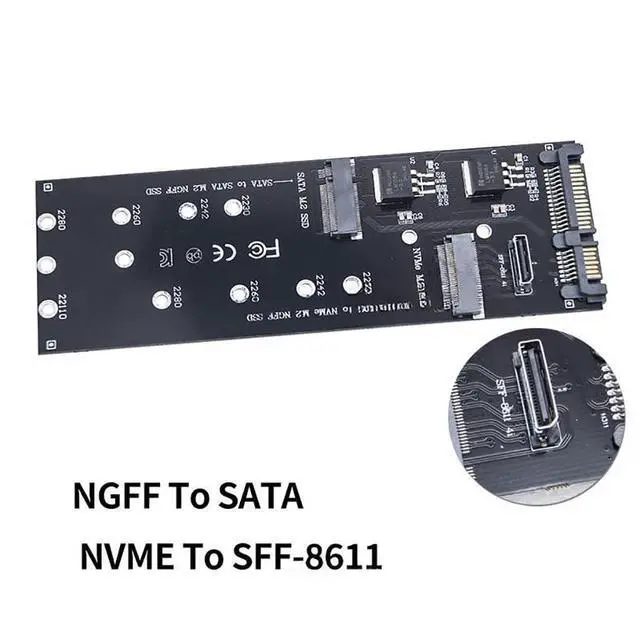
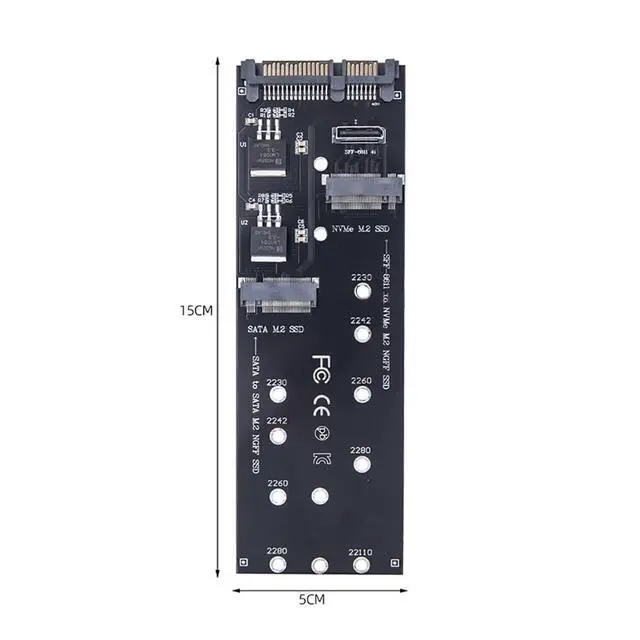
M. 2 SSD to SATA Expansion Card NVM-e M. 2 NGFF SSD to SFF-8611 PCIe Adapter for M. 2 2230 2242 2260 2280 SSD Compatible with
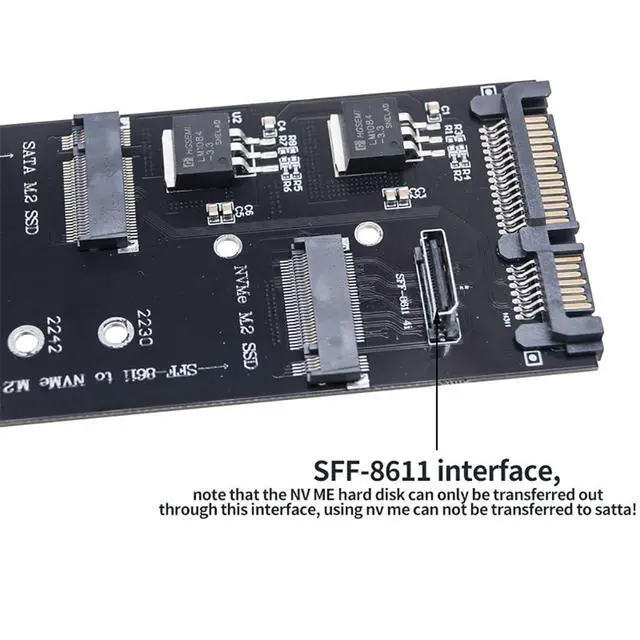
Oculink Description Pls N ote: If you want to pull out the Ocu¡¤link SFF-8611 interface cable after inserting it into the SFF-8611 interface of the adapter card, be sure to press down the inverted switch at the interface of the cable to pull it out! If the cable is pulled out forcefully, the adapter will be damaged! About the speed of the adapter The adapter only change the interface shape, from your original hard drive interface to transfer the signal line - into another interface shape, such a conversion does not need to go through the integrated circuit chip. Since it doesn't go through the IC chip, it doesn't have any effect on your hard drive's speed performance, etc., and it doesn't need any driver (the operating system only needs to load your hard drive's driver, and the adapter doesn't need a driver because it doesn't have a chip). The overall speed depends on how fast your hard drive is, and how fast your computer can support it (many computers can increase speed by upgrading the BIOS).
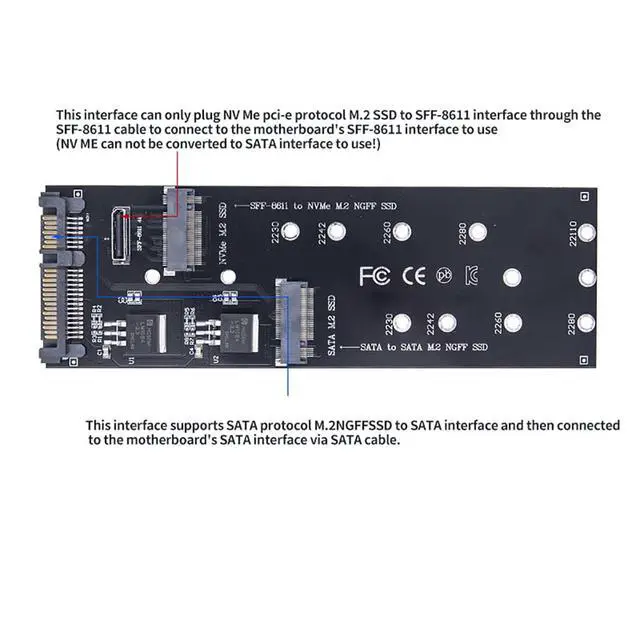
Using Tips: M. 2 NGFF SATA protocol can only transfer to SATA interface. M. 2 NVM-e PCIe protocol can only transfer to SFF-8611 interface. The two interfaces transferring to their own, can not be mixed or it can`t read the disk. The two channels (SATA M. 2 SSD to SATA interface and NVM-e M. 2 SSD to SFF-8611) can be used individually or simultaneously without interfering each other!



 All Categories