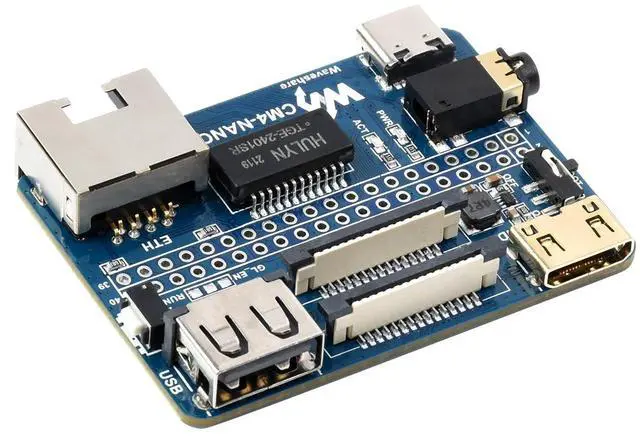
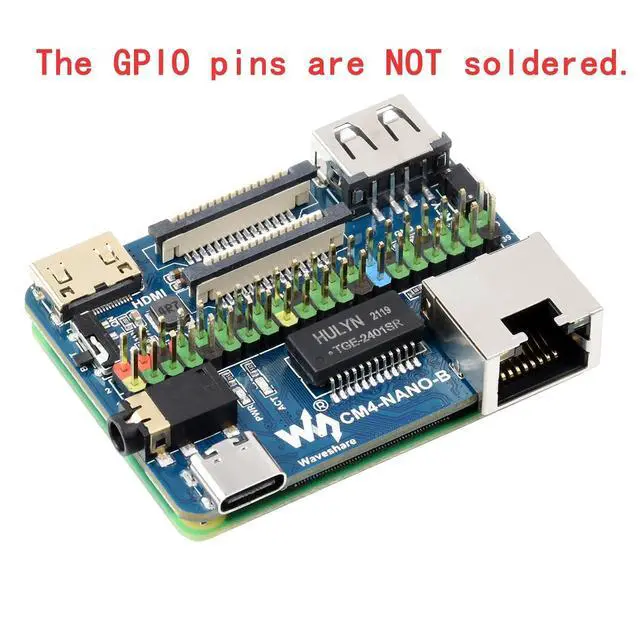
How to Use Do not plug or unplug any devices other than USB and HDMI while the power is on. The module has no protection function, so do not short-circuit the power supply. The USB Type-C port can be used to supply power and also as a USB slave port for burning images. To ensure proper power supply to the CM4, do not connect any other devices when burning images using the USB Type-C interface. During normal use, the CM4 must be powered by 5V 2A. Failure to do so may result in problems such as automatic shutdown and frequency reduction.
The USB 2.0, CSI, DSI, and audio interfaces are disabled by default and must be enabled by the user (click here to jump to the corresponding instructions). The user button is connected to GPIO21 and pulled up to GPIO_VREF via resistor R16 (10K). When the button is not pressed, GPIO21 is high by default. When the button is pressed, the GPIO21 level is low.