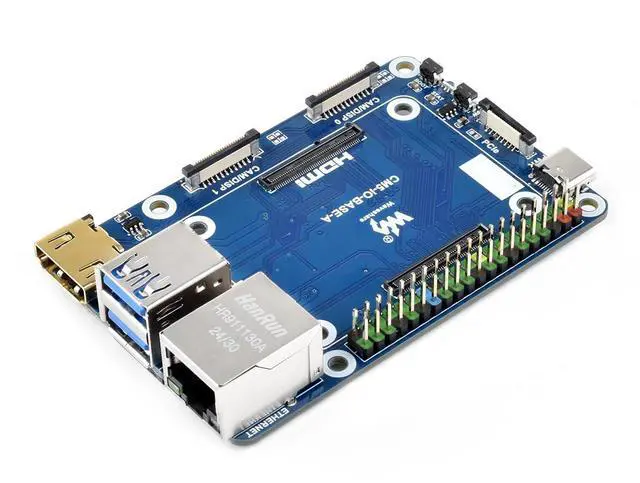
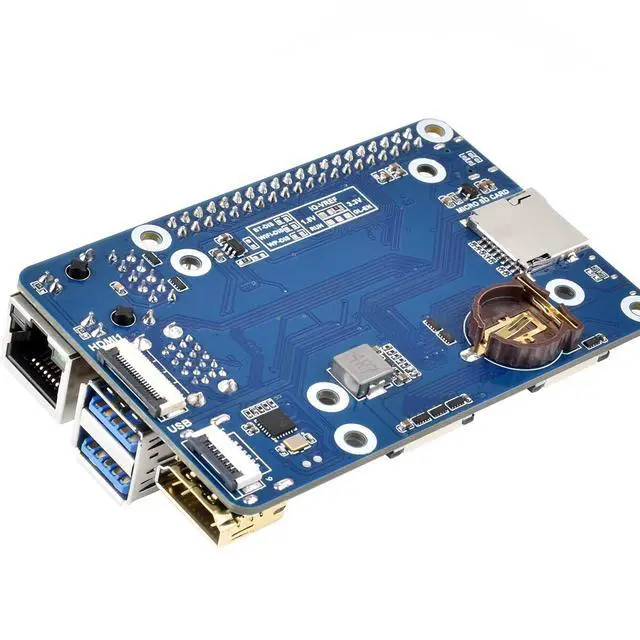
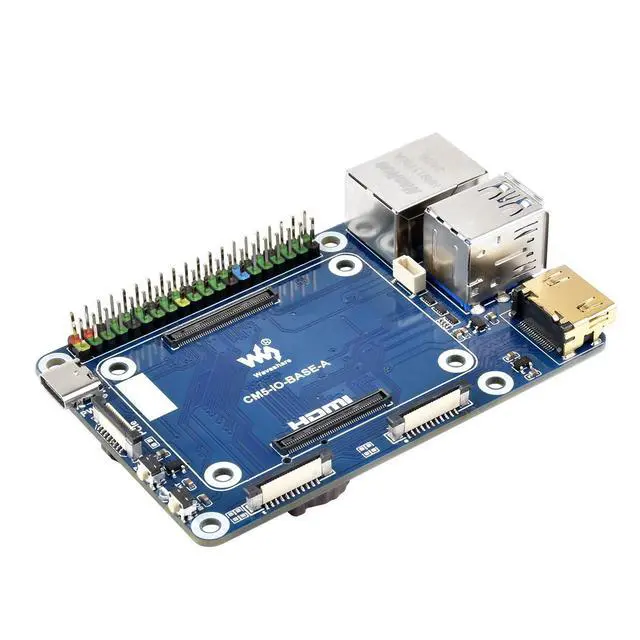
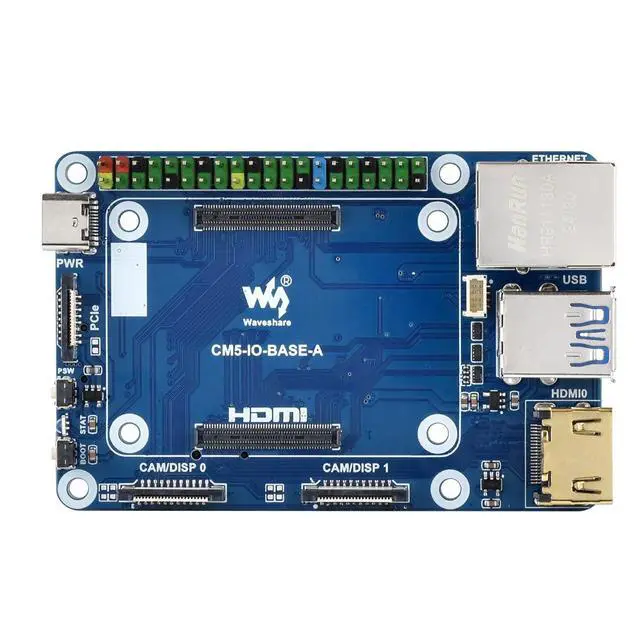
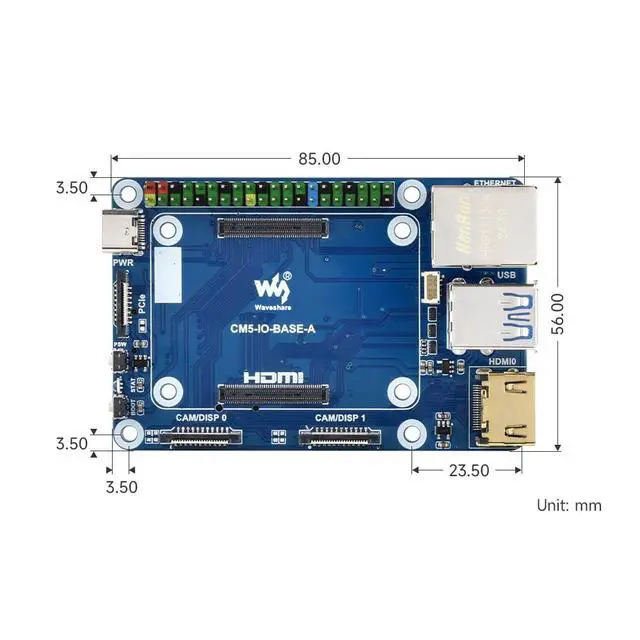
Features and precautions 1: Do not unplug or plug any device except USB and HDMI when powered.
2: Type C is used as USB SLAVE interface to burn the image.
3: The board has 2 default USB 3.2 Gen1 interfaces.
4: When POE is needed, connect the POE jumper cap to the EN position.
5: Support 4 screens, add MIPI DSI driver, regardless of whether the screen is connected, the system will default to connecting, and the screen will be displayed in split screen (related to the system version) 6: Onboard BOOT, you can press the BOOT button before powering on, connect the computer via Type C, and put the device into burning mode 7: Do not connect other devices when using Type C to burn, insufficient power supply will cause the device to be unrecognizable.
8: The maximum power output of the USB interface is 2A.



 All Categories