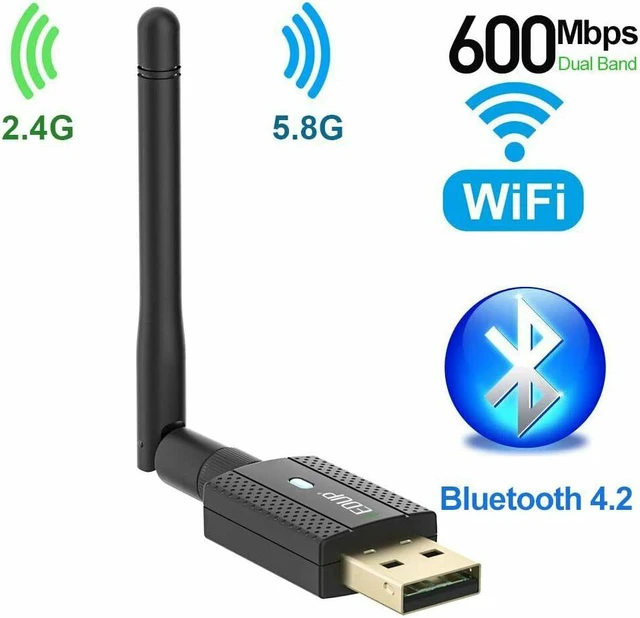
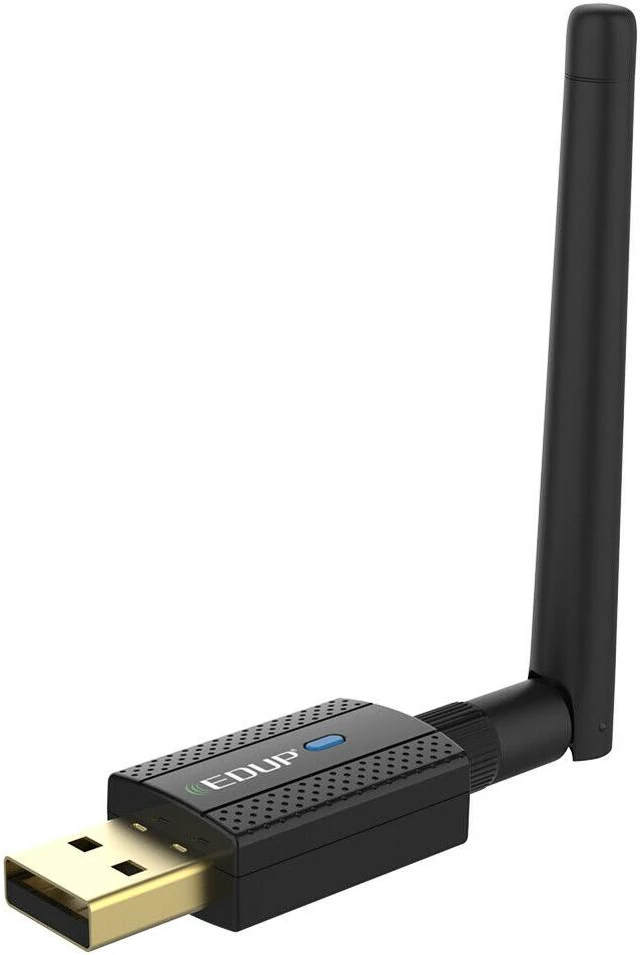
EDUP USB WiFi Dongle Adapter & Bluetooth Adapter Receiver Transmitter
Warm Tips:
1. This device can Plug and Play for Windows 10
2. Install the drivers for PC ( WiFi Driver & Bluetooth Driver )
3. When using wifi adapter for your laptop, please turn off the built-in Wi-Fi if your laptop has built-in Wi-Fi.
4. The PC back USB port’s compatibility and connection stability are better than the front USB port. So we suggest you insert it on back USB port of your PC.
5. This WiFi adapter will not boost the speed of original router, it just transmit the wifi signal.
- Bluetooth function not work with Windows XP, Linux and Mac OS
- Need install WiFi Driver & Bluetooth Driver for PC ; Plug and Play for Windows 10
- Compatible with Windows 10 / 8.1 / 7 / XP / Vista / Mac OS 10.6 – 10.15.3
Advanced Chip
- The Realtek RTL8821CU-CG is a highly integrated single-chip that supports 1-stream 802.11ac solutions with Multi-user MIMO, which ensures more devices process data simultaneously, no more delay in sequence
- MU - MIMO technology
- Realtek RTL8821CU-CG Chip
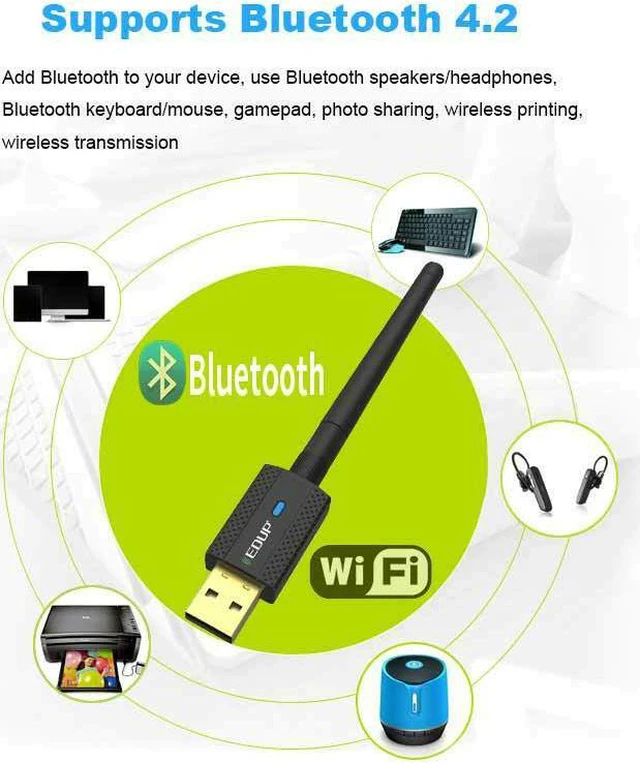
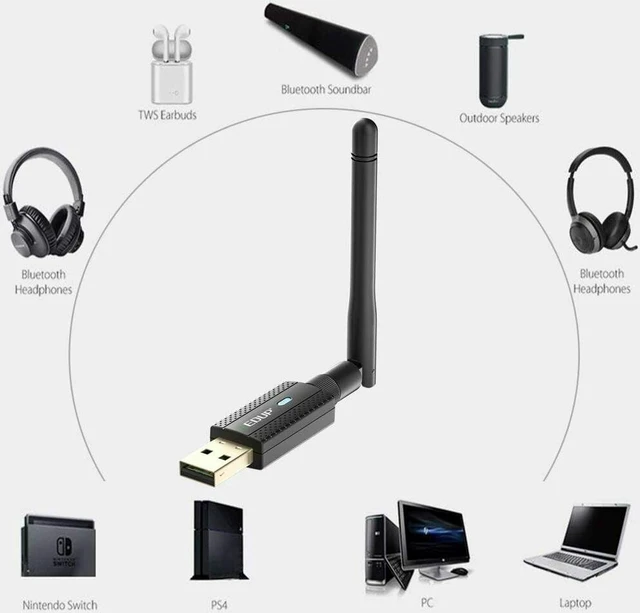
Bluetooth Technology
Bluetooth 4.2 whose signal is almost 66ft can be backward compatible with all Bluetooth version & devices.
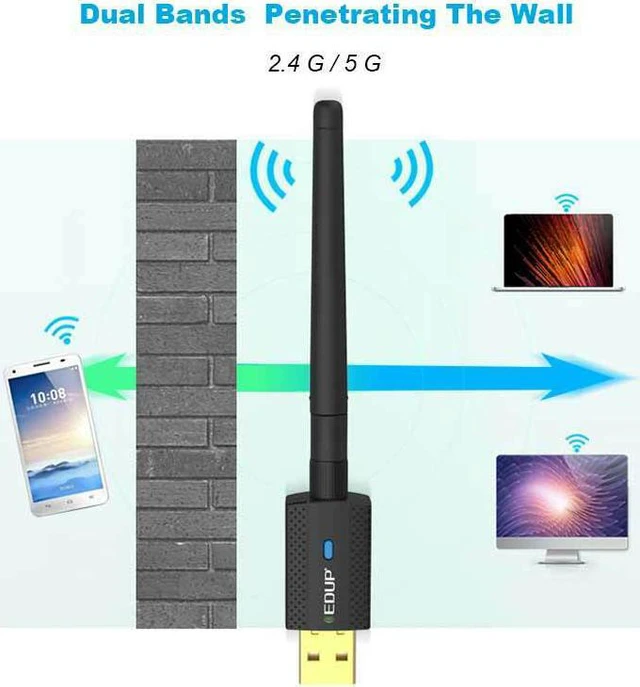
Greater Coverage with Beamforming
Beamforming technology smartly focuses Wi-Fi signals towards connected devices for stable connections and a boosted range.
MU - MIMO technology
Supports 1-stream 802.11ac solutions with Multi-user MIMO, which ensures more devices process data simultaneously, no more delay in sequence.
Get Faster AC WiFi for your Desktop PC
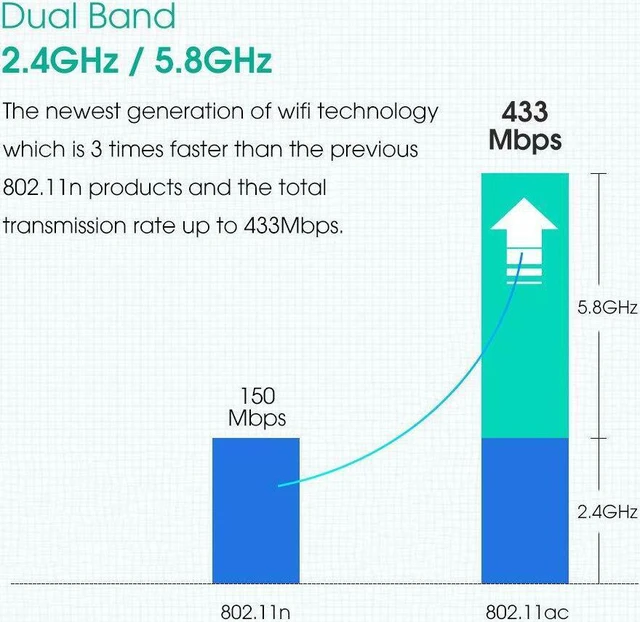
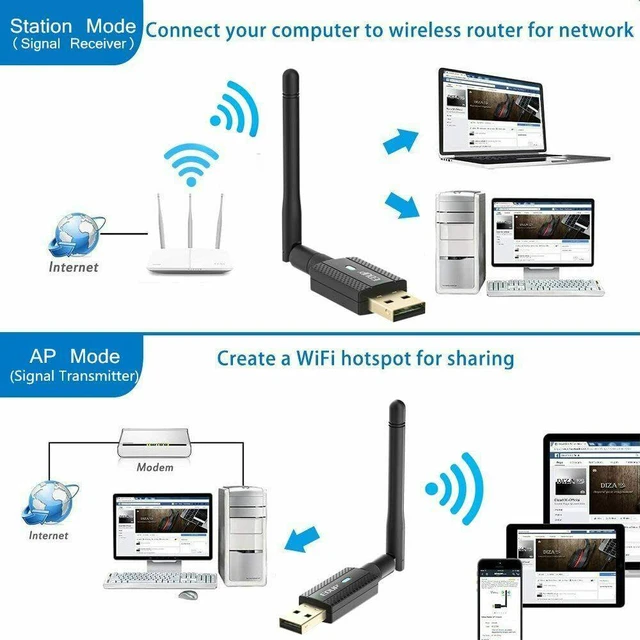
This wifi card provides high-speed Wi-Fi of up to 433Mops over 5GHz ,150Mbps over 2.4GHz for HD video streaming, lag-free online gaming and web surfing.
Soft - AP Mode
- You can create a Wi-Fi Hot spot with the Soft AP Function for more WiFi devices
Advanced Security
- Supports 64/ 128bit WEP, WPA/ WPA2 transmitting encryption standards ensure your data is safe from intruders
System Compatibility
- Work with Windows 10 / 8.1 / 7 / XP / Vista / Mac OS 10.6 – 10.15.3
- ( Note: Bluetooth Function not work with Linux, Windows XP and Mac OS )
Easy Setup
- First plug the USB Bluetooth Wi-Fi Adapter into your PC
- Then install the drivers from CD disk or our website
Package Items:
1* EDUP USB Bluetooth Wi-Fi Adapter
1* CD disk ( Wi-Fi & Bluetooth Driver )
1 * User Manual
1* 2dBi Antenna
Knowing the following will give you a better product experience.
1. The specification of this wireless USB adapter is 600Mbps (2.4G: 150Mbps, 5G: 433Mbps). A router with 600Mbps or above can maximize the performance of our USB wifi adapter.
2. It has nothing to do with the quality of this adapter when you can't get the maximum speed. The network environment, router, barriers, laptop and PC 's internal memory…the interference of many factors can affect the speed.
3. Please plug the Wi-Fi dongle into the USB ports behind the computer host if you have a desktop. This way will let the Wi-Fi dongle get enough power.
4. This Wi-Fi dongle will not boost the speed of original router, which only helps your computer to receive the router's signal and speed better.
5. Please turn off the built-in Wi-Fi when using on a laptop.( If there is built-in Wi-Fi function in your laptop ).
6. If your wifi adapter is unavailable suddenly, please open your computer“Device Manager” to check if the driver is disabled.
EDUP USB WiFi Dongle Adapter & Bluetooth Adapter Receiver Transmitter Warm Tips:
1. This device can Plug and Play for Windows 10
2. Install the drivers for PC ( WiFi Driver & Bluetooth Driver )
3. When using wifi adapter for your laptop, please turn off the built-in Wi-Fi if your laptop has built-in Wi-Fi.
4. The PC back USB port’s compatibility and connection stability are better than the front USB port. So we suggest you insert it on back USB port of your PC.
5. This WiFi adapter will not boost the speed of original router, it just transmit the wifi signal.
Note: Bluetooth function not work with Windows XP, Linux and Mac OS Need install WiFi Driver & Bluetooth Driver for PC; Plug and Play for Windows 10 Compatible with Windows 10 / 8.1 / 7 / XP / Vista / Mac OS 10.6 – 10.15. 3 Bluetooth Technology Bluetooth 4.2 whose signal is almost 66ft can be backward compatible with all Bluetooth version & devices. Greater Coverage with Beamforming Beamforming technology smartly focuses Wi-Fi signals towards connected devices for stable connections and a boosted range. MU - MIMO technology Supports 1-stream 802.11 ac solutions with Multi-user MIMO, which ensures more devices process data simultaneously, no more delay in sequence. Get Faster AC WiFi for your Desktop PC This wifi card provides high-speed Wi-Fi of up to 433Mops over 5GHz, 150Mbps over 2.4GH z for HD video streaming, lag-free online gaming and web surfing Soft - AP Mode You can create a Wi-Fi Hot spot with the Soft AP Function for more WiFi devices Advanced Security Supports 64/ 128bit WEP, WPA/ WPA2 transmitting encryption standards ensure your data is safe from intruders
System Compatibility: Work with Windows 10 / 8.1 / 7 / XP / Vista / Mac OS 10.6 – 10.15.
3 ( Note: Bluetooth Function not work with Linux, Windows XP and Mac OS ) Easy Setup First plug the USB Bluetooth Wi-Fi Adapter into your PC Then install the drivers from CD disk or our website.
Package Items: 1* EDUP USB Bluetooth Wi-Fi Adapter 1* CD disk ( Wi-Fi & Bluetooth Driver ) 1 * User Manual 1* 2dBi Antenna Knowing the following will give you a better product experience.
1. The specification of this wireless USB adapter is 600Mbps ( 2.4G: 150Mbps, 5G: 433Mbps). A router with 600Mbps or above can maximize the performance of our USB wifi adapter.
2. It has nothing to do with the quality of this adapter when you can't get the maximum speed. The network environment, router, barriers, laptop and PC 's internal memory…the interference of many factors can affect the speed.
3. Please plug the Wi-Fi dongle into the USB ports behind the computer host if you have a desktop. This way will let the Wi-Fi dongle get enough power.
4. This Wi-Fi dongle will not boost the speed of original router, which only helps your computer to receive the router's signal and speed better.
5. Please turn off the built-in Wi-Fi when using on a laptop. ( If there is built-in Wi-Fi function in your laptop ). 6. If your wifi adapter is unavailable suddenly, please open your computer“Device Manager” to check if the driver is disabled.



 All Categories