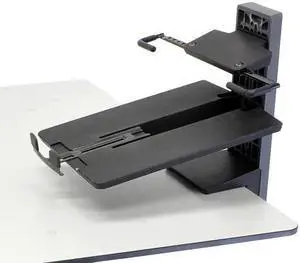
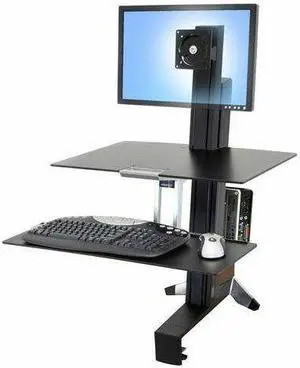
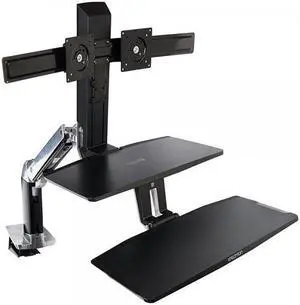
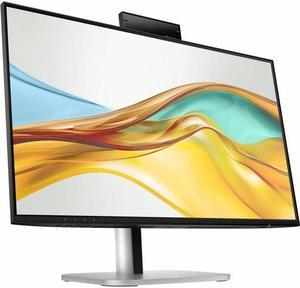
Specifications: Description: Worksurface for WorkFit-S Sit-Stand Workstations (black)
Includes worksurface, mounting brackets with integrated handle, and mounting hardware
Worksurface Dimensions: 0.25" H x 23" W x 15 "D (6 x 585 x 380 mm)
Cannot be added to system where Tablet/Document Holder accessory 97-558-200 is installed
Installation of the worksurface will not impact normal 20" (51 cm) range of sit-stand height adjustment, but may impact the relative vertical adjustment of larger displays when in portrait orientation
When this accessory is added to the WorkFit-S, total weight capacity of the workstation is reduced by 6 lbs (2.7 kg)
Features: Large seamless surface provides ample space for tablets, phones or even a 3-ring binder
Includes handle for ease of moving the entire WorkFit-S from a...
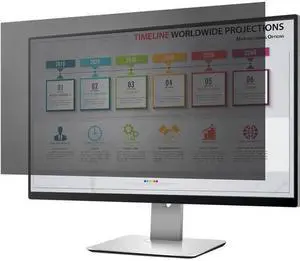
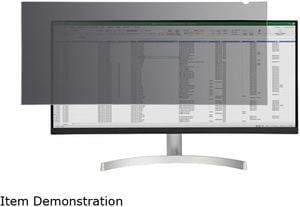
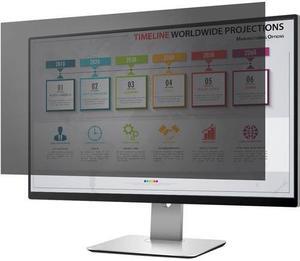
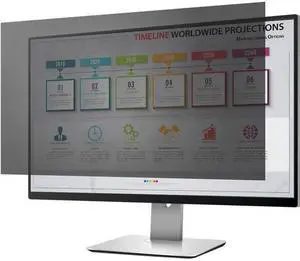
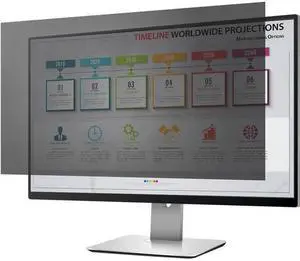
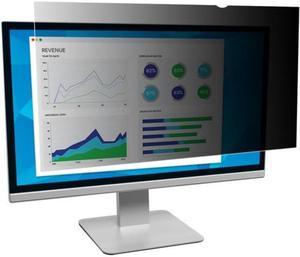
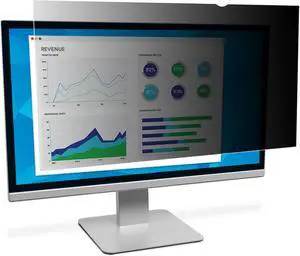
Features: PROTECT SENSITIVE DATA: This 34" monitor privacy screen provides privacy / security outside +/-30° viewing angle from the center of your 21:9 34" ultra widescreen display, keeping data on your desktop screen confidential
EASY APPLICATION: Apply monitor privacy filter using adhesive strips that won't leave permanent residue, apply the removable privacy filter cover to monitor bezel w/ the side mount tabs or directly to the screen for extended use
BLUE LIGHT REDUCTION: In addition to protecting your data, this PC monitor privacy screen minimizes digital eye strain when working for extended periods of time by reducing blue light by 30% to 40%; ideal for extended use like when working from home
Features: For Computer Users
- Improve your energy and productivity by standing or sitting as you work, and then switch positions whenever you choose. This work style encourages healthy movement throughout the day
- Counterbalanced adjustment points allow instantaneous, tool-free re-positioning while you work!
- Promote fitness and comfort as you compute, reducing potential back and neck pain by adding movement into your work routine in a truly ergonomic workstation
- Easily and simultaneously lift keyboard and LCD screen to proper height for unsurpassed ergonomic comfort
- Patented Constant Force lift technology provides fluid, one-touch adjustments of the keyboard and monitor positions for person...
Specifications: Maximum Operating Temperature: 50°C
Minimum Operating Temperature: 32°C
Maximum Relative Humidity (%): 90%
Minimum Relative Humidity (%): 10%
Docks Supported:
ThinkPad USB3.0 Ultra Dock
ThinkPad USB3.0 Pro Dock
ThinkPad USB-C Dock
ThinkPad Hybrid Dock
ThinkPad Thunderbolt 3 Dock Gen1
ThinkPad Thunderbolt 3 Dock Gen2 (laptop location may be limited due to Dock cable length)
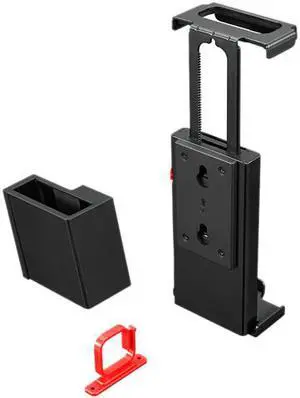
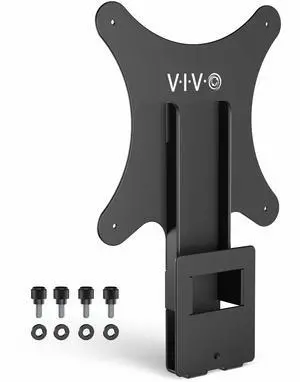
Features: Easy to setup, mount your dock in 3 steps.
One solution, two scenarios, mount your Dock to back of Monitor or under your woody desk.
Universal design, one bracket to support all ThinkPad cable Docks and specified Thinkvisual T/P monitors.
Three parts in box:Docking bracket, Monitor-stand bracket and cable management clip.