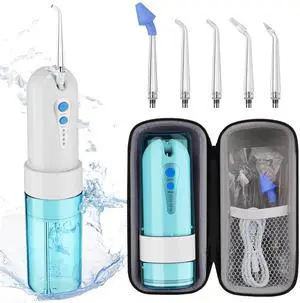
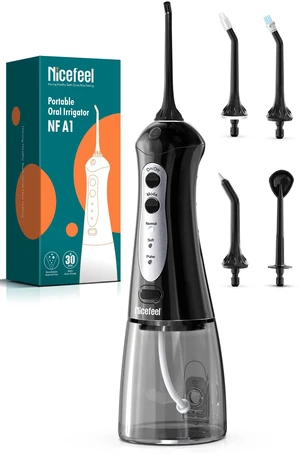
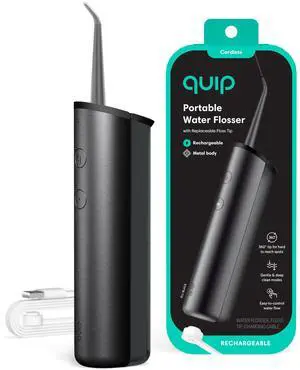
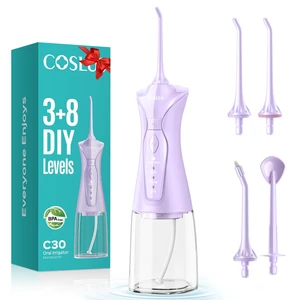
Type: Precision Pulse water stream technology 150% More Precisly Clean with Guidance Tip Nozzle 360° Nozzle for Hard-to-Reach Areas 4 Customizable Modes Portable and 95-Day Long Lasting Runtime
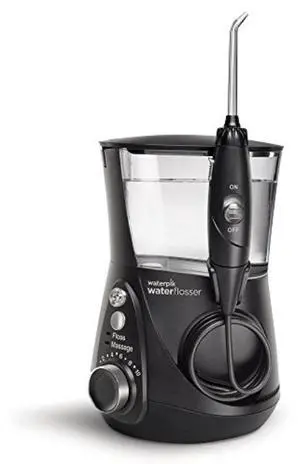
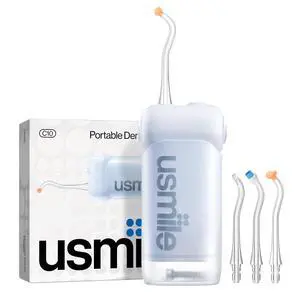
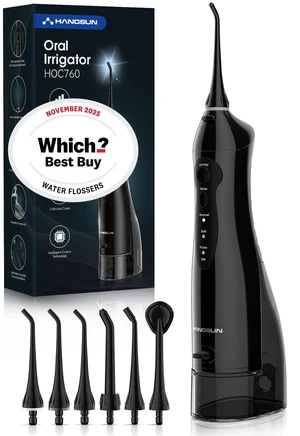
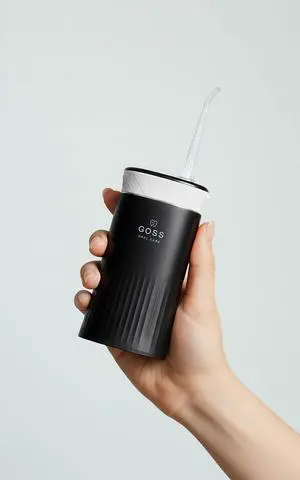
Bristle Texture: Water Flosser For Teeth & Gums, 1. Charge the quip Water Flosser using the magnetic USB charging. 2. Fill the top-fill reservoir with water. 3. Attach the 360° floss tip and ensure it is secure. 4. Press the power button to turn on the device. 5. Select the desired pressure mode (gentle or deep clean). 6. Use the easy-to-control water flow for on-demand or continuous stream. 7. Direct the floss tip to the areas you wish to clean, including hard-to-reach spots.
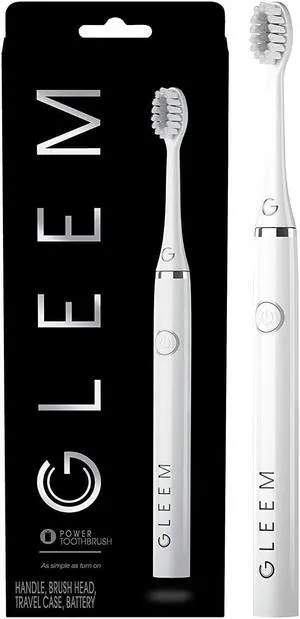
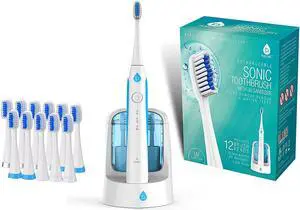
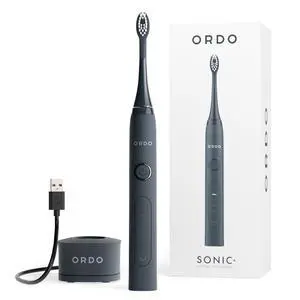
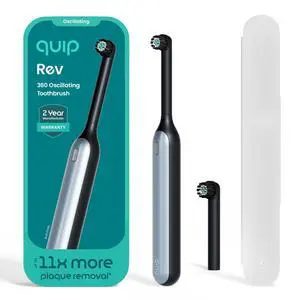
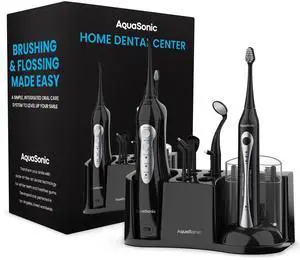
Bristle Texture: Dental, 1. Assemble the Home Dental Center by attaching the power toothbrush and smart water flosser to the base. 2. Charge the power toothbrush and smart water flosser using the provided charger. 3. To use the power toothbrush, wet the brush head, apply toothpaste, and choose a cleaning mode. 4. To use the smart water flosser, fill the water reservoir, select a flossing mode, and choose a tip. 5. Follow the manufacturer's instructions for recommended usage times and frequency for both the power toothbrush and smart water flosser.