


 All Categories
Built for How Business Buys.
All CategoriesShipped by NeweggBusiness
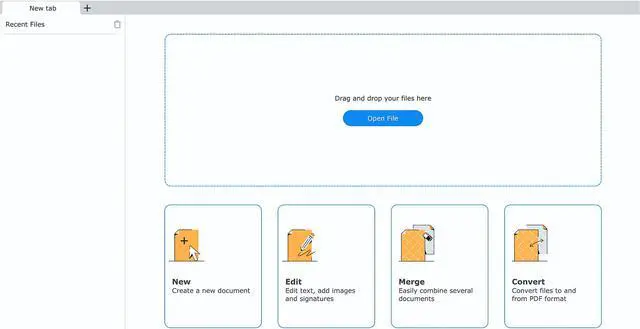


PDFChef by Movavi 2021 offers a big update, including new name, new fonts, optimized interface, and support for multiple pdf files opening. All the tools you need to work effectively are at your fingertips to help you to fulfill your potential. It lets you take care of routine PDF-related tasks without risking the security of your device.
It is a new approach to working with PDFs.

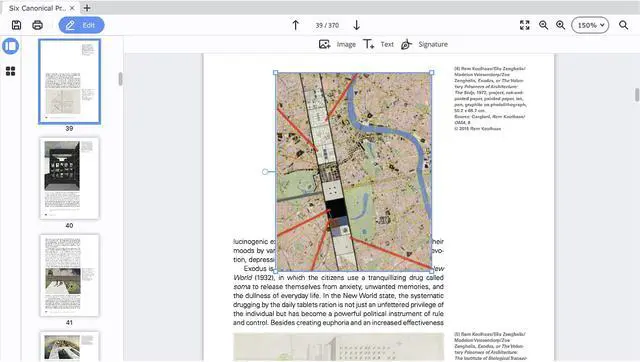
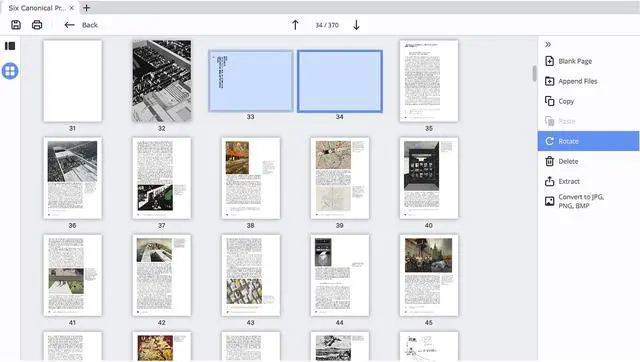
PDFChef by Movavi is a multifunctional program to edit PDFs. You can add and edit text, insert, crop, and resize images. Our PDF editor for Mac OS also allows you to rearrange, delete, and rotate pages. Modify your PDFs in any way you want with PDFChef.

Combine files exported from different applications: Word, Excel, AutoCAD, Corel, and more. PDFChef will help you bring all the elements of your project together. Convert PDFs to and from HTML, EPUB, JPEG, TXT, and other file formats.

Do you ever find you need to finalize a contract with a third party as soon as possible and you’re nowhere near the office? Just add an image of your signature in PDFChef to seal the deal.

Get our safe professional PDF editor for Mac and work securely. This compact and reliable PDF-editing tool is free of any malware. Be sure that no potentially harmful software may be transferred to your device while loading.


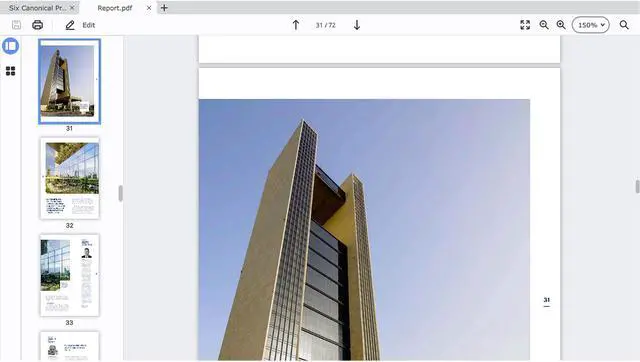
Review books and articles, open and view contracts, invoices, and other documents. Change display settings for more comfortable reading. Work with multiple documents simultaneously in separate tabs.

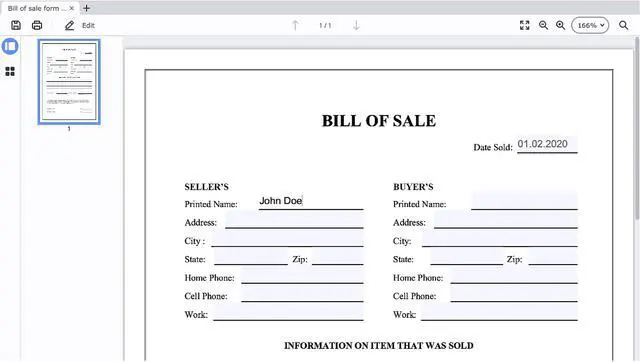
Create a PDF document from scratch. Merge files in different formats (exported from Word, Corel, Photoshop, or AutoCAD) into a single PDF document. Create, fill out, and sign common legal forms without the need for a notary with our PDF-creator for Mac.

Make corrections to your PDFs in different program modes. Add, remove, reorder, or rotate pages in PDF documents. Add, edit, and format text. Insert, rotate, and scale images directly on the page. Save your changes in just a few clicks.

Convert one or more PDFs to different file formats, including Microsoft Word DOC, TXT, HTML, and EPUB formats. Export individual pages from PDFs as JPG, PNG, or BMP image files. Convert multiple files in other formats to PDF simultaneously.

I can make corrections to a lease or rental agreement

I merge files exported from different software into one detailed project report

I use PDFChef to insert stamps and electronic signatures into PDFs

I add floor plans and other graphics to my presentations with this app

I use the program to read research articles for the coursework


