Built for How Business Buys.





Gear Up
Complete your setup with the full lineup for the ultimate gaming experience from the #1 Best-Selling Gaming Peripherals Manufacturer in the US via NPD Group Inc, 2017-2021.
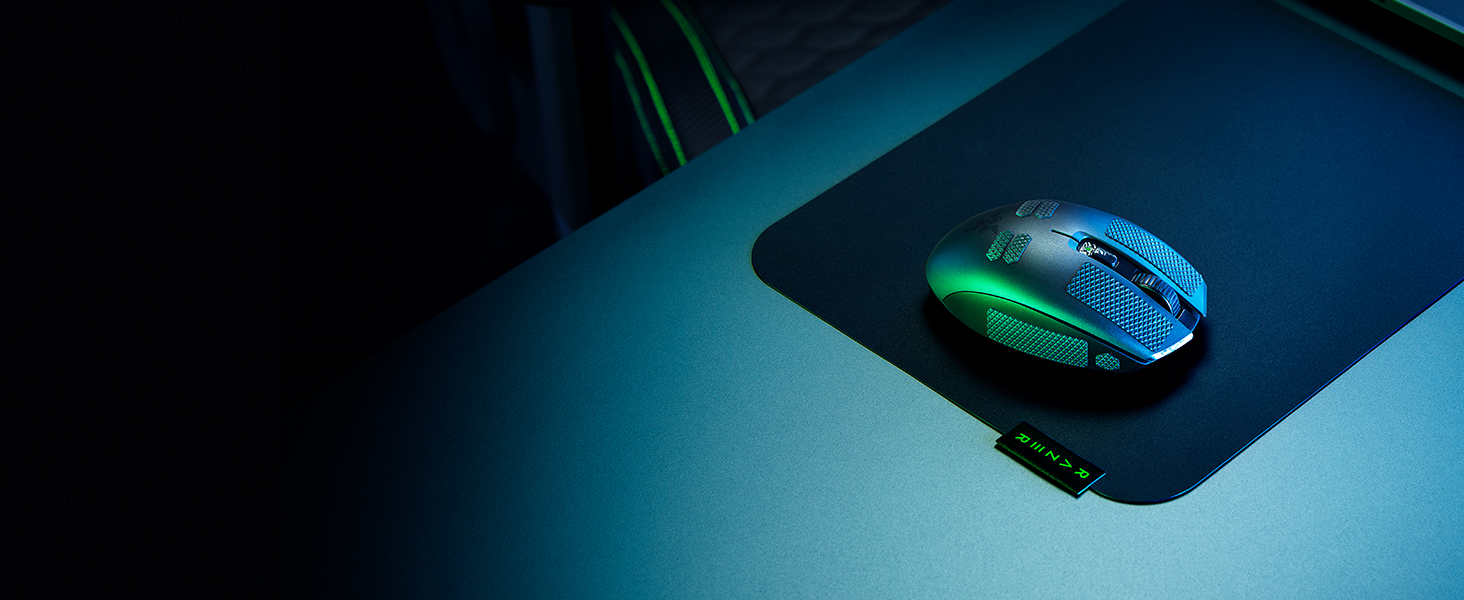
Razer Universal Grip Tape
Improve your PC, console, and mobile gaming, as you apply it to key buttons, keycaps and more for better control. Available in 4 pre-cut shapes with self-adhesive design for ease of use.
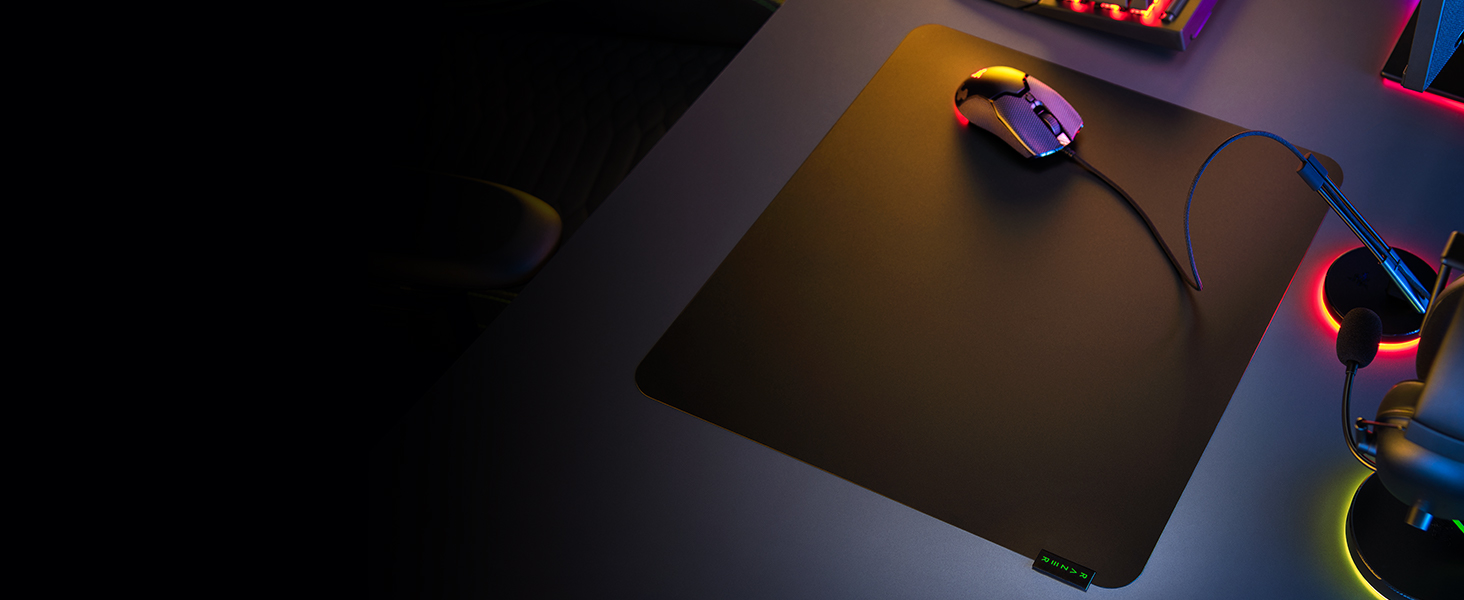
Razer Sphex V3
Now 20% thinner and available in a larger size, our thinnest hard gaming mouse mat is improved with a smoother surface that’s anchored by an adhesive base for stable control.
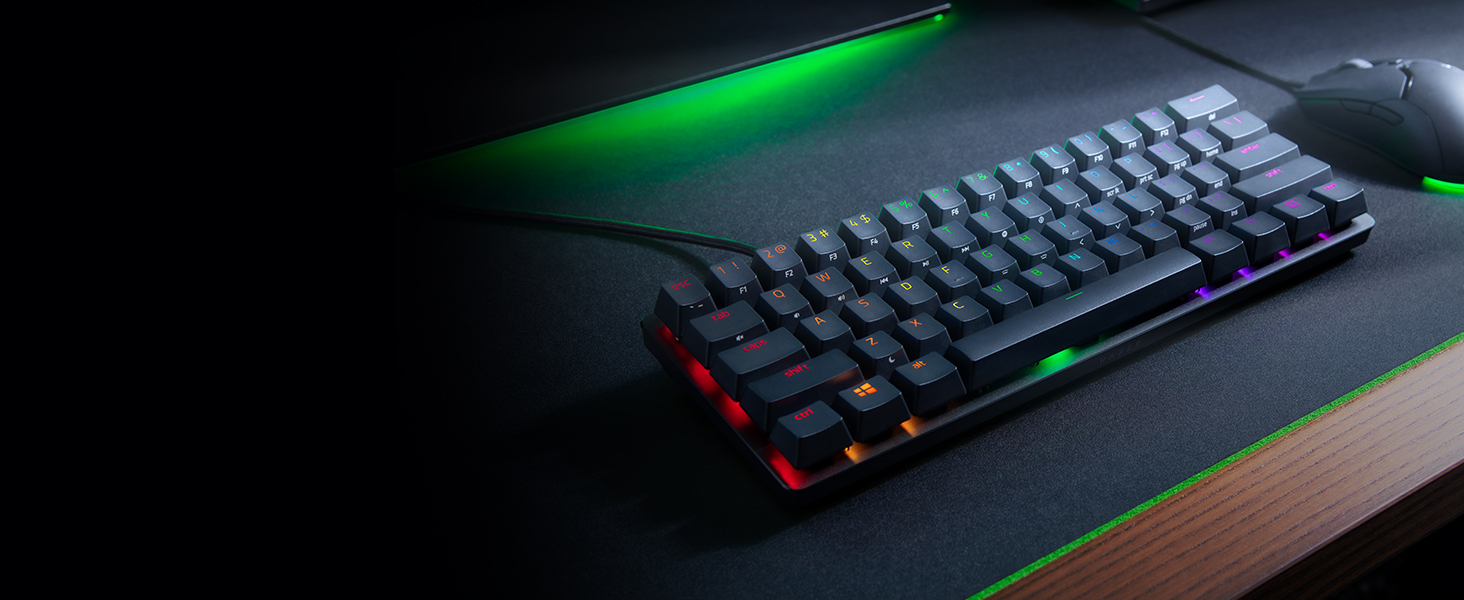
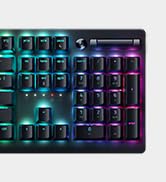
Razer Huntsman Mini
A 60% gaming keyboard with cutting-edge Razer Optical Switches. Highly portable and ideal for streamlined setups, it’s time to experience lightning-fast actuation in our most compact form factor yet.
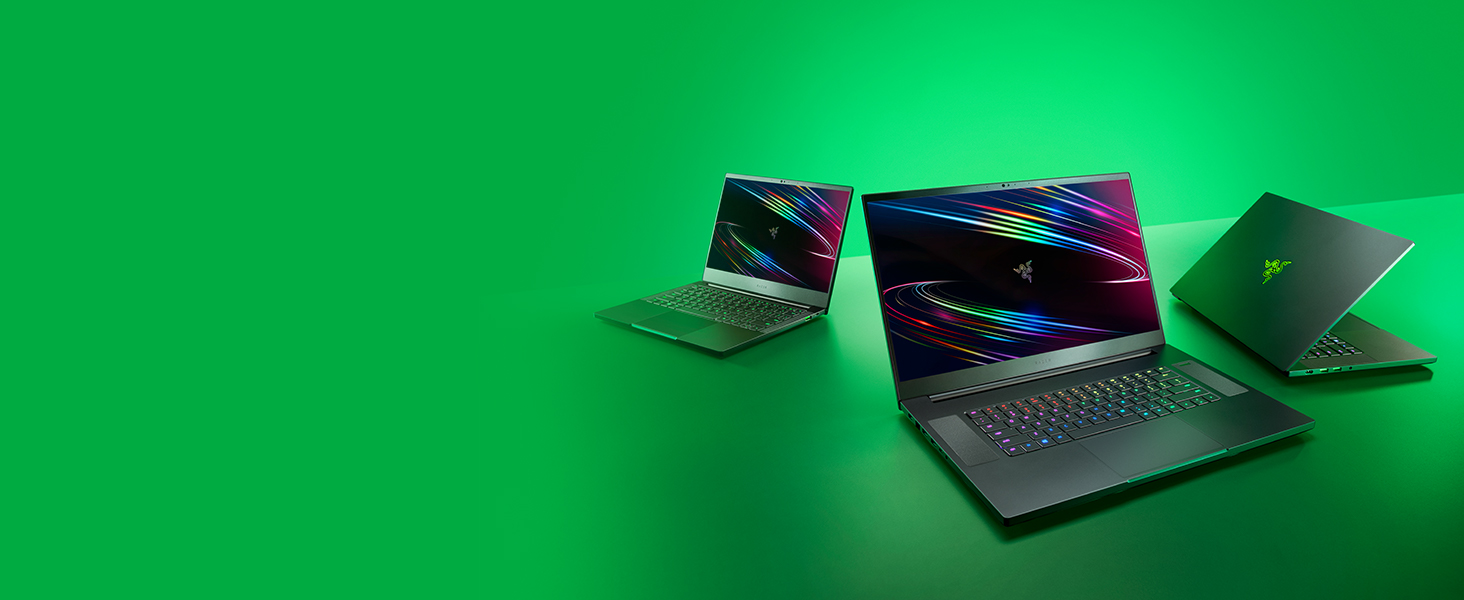
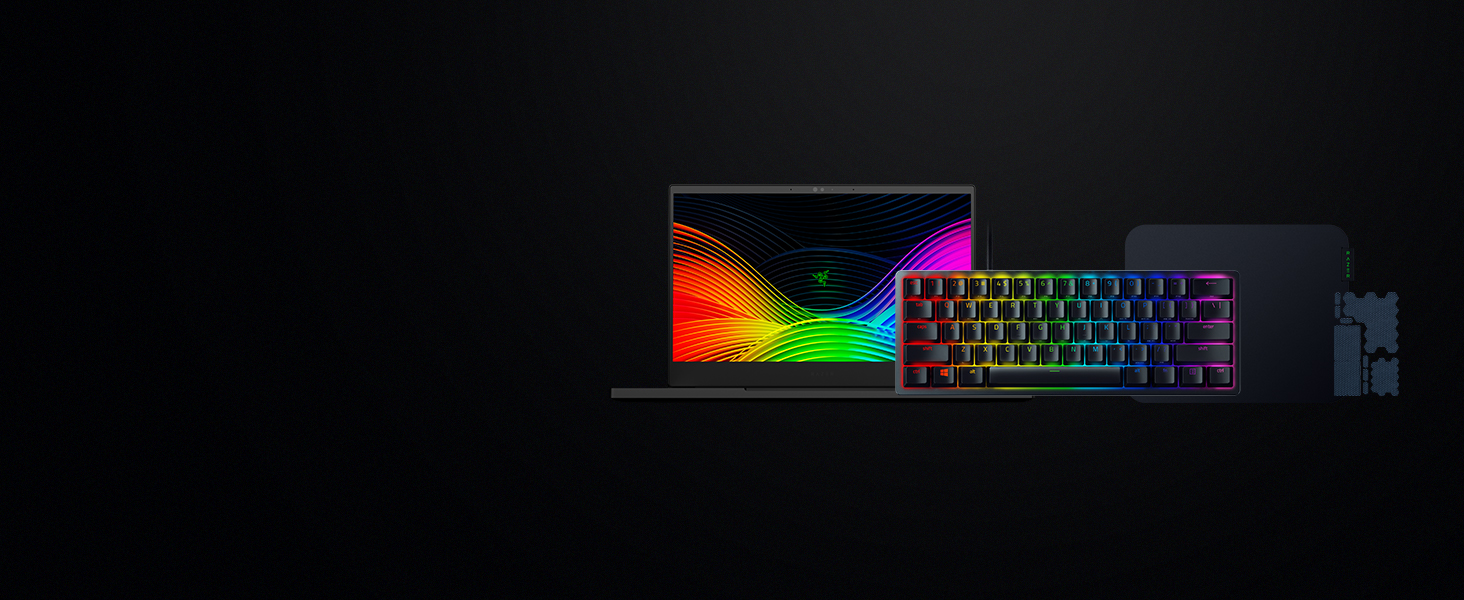
Best paired with the Razer Blades
While the Razer Orochi V2 works great with most popular laptops, they’re the perfect add-on to any of our Razer Blades—high-performance laptops made to max out your work and play.
Will I be able to fit both AA and AAA batteries within the Orochi V2 to extend battery life?
The Razer Orochi V2 is designed to work with only 1 battery at a time. Do not attempt to fit 2 batteries into the Razer Orochi V2 as it can compromise the structural integrity of the mouse.
Where can I find the USB Wireless dongle for the Razer Orochi V2?
The USB wireless dongle is stored in a compartment underneath the top cover of the mouse. Simply remove the cover to store or remove your USB dongle.
Why is the top button blinking red on the Razer Orochi V2? (Low Power Indicator)
The Razer Orochi V2’s status indicator will blink red twice in repeated intervals to indicate that the battery level is less than 5%. Once you receive this notification, it is time to replace the battery.
Does the Razer Orochi V2 have Razer Chroma RGB lighting?
No, to maximize the battery life of the Razer Orochi V2, it does not have the Chroma lighting feature.
How do I remap buttons and customize settings for the Razer Orochi V2?
In order to configure button mappings, macros, lighting effects and more, you’ll have to first download and install Razer Synapse 3. The Razer Orochi V2 also has a single onboard memory profile to save your preferred settings for quick access
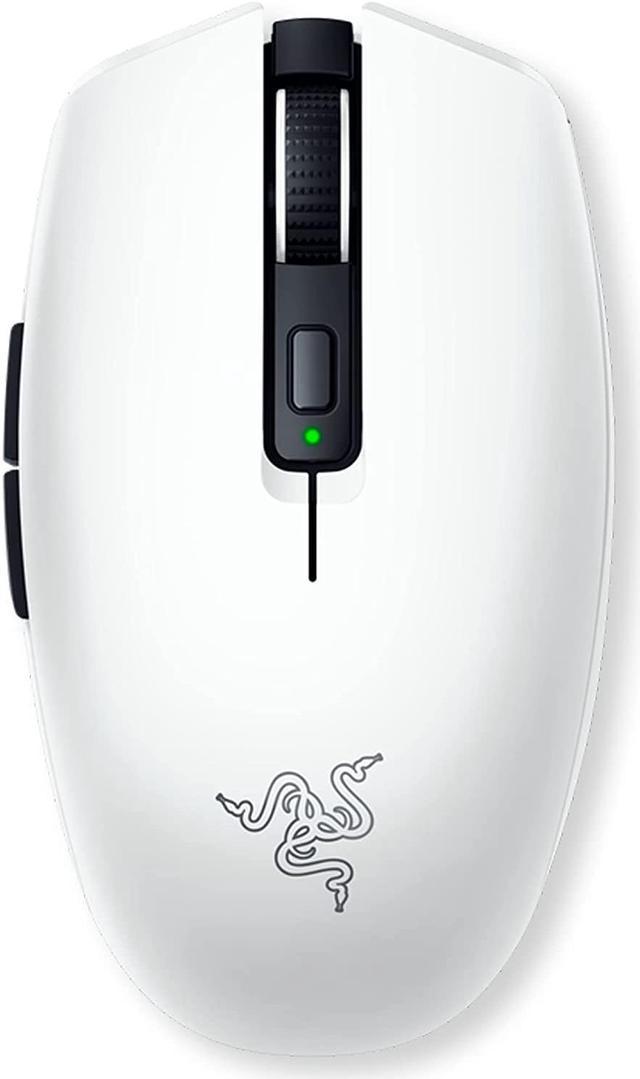
Take Your A-Game Anywhere
Small Compact Form Factor
Fast, Precise Flick Shots
<60g Ultra-Light Design
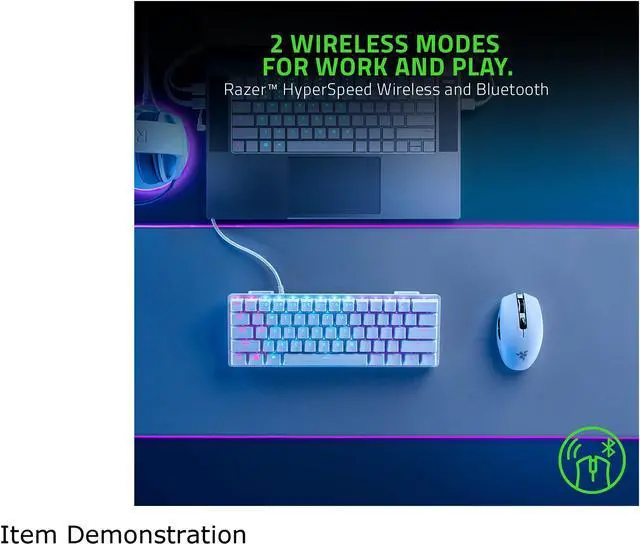
HyperSpeed and Bluetooth
2 Wireless Modes
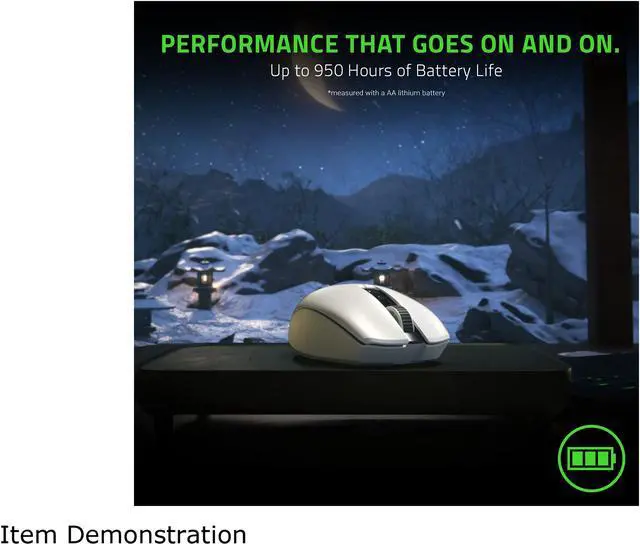
Long-Lasting Performance
Game for up to 950* Hours
*measured with a AA lithium battery
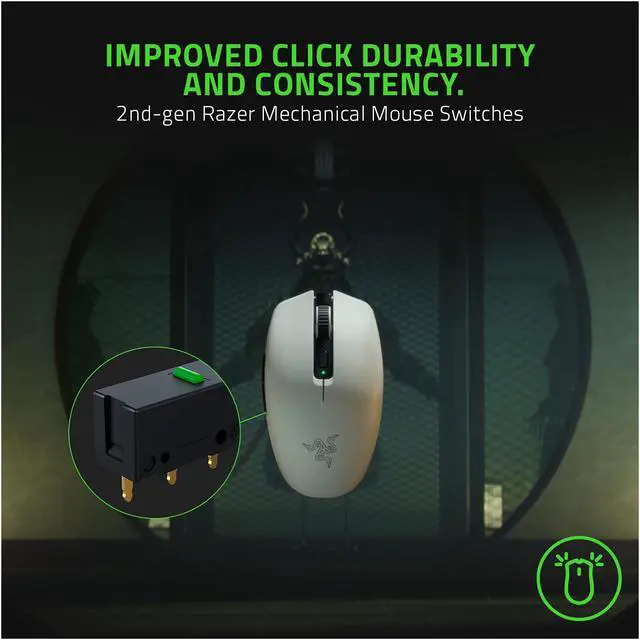
60M Click Durability
2nd-Gen Mechanical Switch


Lowered Left and Right Mouse Buttons
For better index and middle finger grip
Thumb Groove Contour
For Stronger Thumb Grip
Optimized Side Button Placements
For Easier Access
Raised Back Arch with Tapered Ends
For closer palm contact
Gear Up
Razer Universal Grip Tape
Razer Sphex V3
Razer Huntsman Mini
Best paired with the Razer Blades


Complete your setup with the full lineup for the ultimate gaming experience from the #1 Best-Selling Gaming Peripherals Manufacturer in the US via NPD Group Inc, 2017-2021.
Improve your PC, console, and mobile gaming, as you apply it to key buttons, keycaps and more for better control. Available in 4 pre-cut shapes with self-adhesive design for ease of use.
Now 20% thinner and available in a larger size, our thinnest hard gaming mouse mat is improved with a smoother surface that’s anchored by an adhesive base for stable control.
A 60% gaming keyboard with cutting-edge Razer Optical Switches. Highly portable and ideal for streamlined setups, it’s time to experience lightning-fast actuation in our most compact form factor yet.
While the Razer Orochi V2 works great with most popular laptops, they’re the perfect add-on to any of our Razer Blades—high-performance laptops made to max out your work and play.
Will I be able to fit both AA and AAA batteries within the Orochi V2 to extend battery life?
The Razer Orochi V2 is designed to work with only 1 battery at a time. Do not attempt to fit 2 batteries into the Razer Orochi V2 as it can compromise the structural integrity of the mouse.
Where can I find the USB Wireless dongle for the Razer Orochi V2?
The USB wireless dongle is stored in a compartment underneath the top cover of the mouse. Simply remove the cover to store or remove your USB dongle.
Why is the top button blinking red on the Razer Orochi V2? (Low Power Indicator)
The Razer Orochi V2’s status indicator will blink red twice in repeated intervals to indicate that the battery level is less than 5%. Once you receive this notification, it is time to replace the battery.
Does the Razer Orochi V2 have Razer Chroma RGB lighting?
No, to maximize the battery life of the Razer Orochi V2, it does not have the Chroma lighting feature.
How do I remap buttons and customize settings for the Razer Orochi V2?
In order to configure button mappings, macros, lighting effects and more, you’ll have to first download and install Razer Synapse 3. The Razer Orochi V2 also has a single onboard memory profile to save your preferred settings for quick access

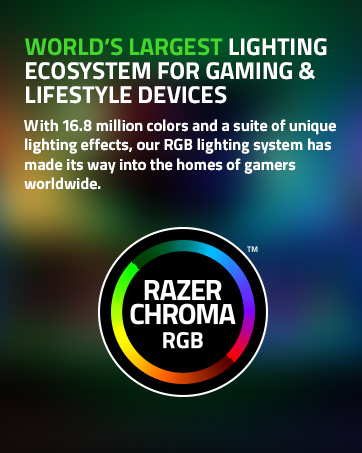
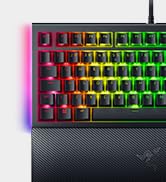
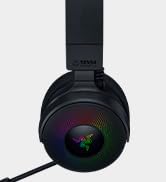
Powered by Razer Chroma
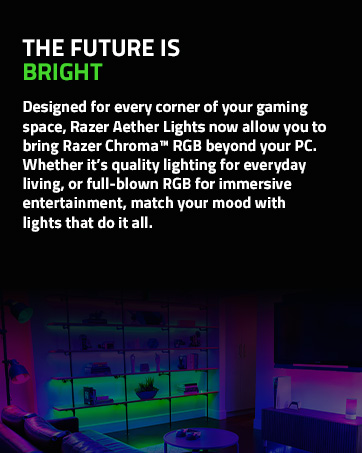

Gamer Room

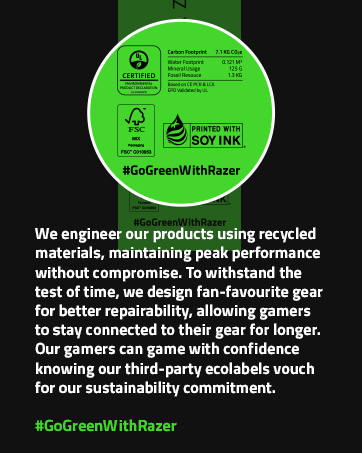
Sustainability